
owo
I don't know my version or loader
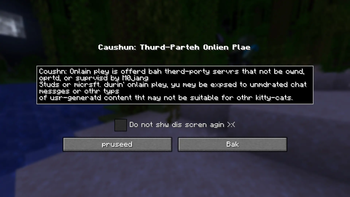
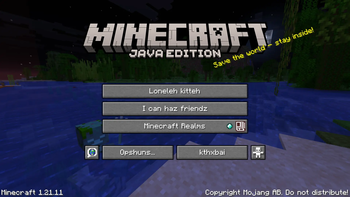
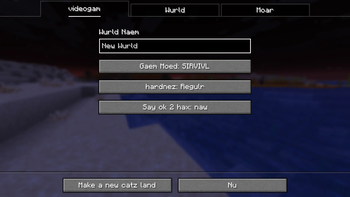
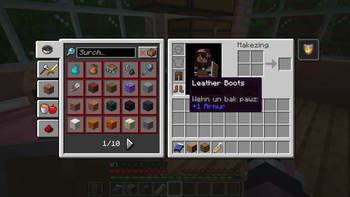
One of the many languages supported by Minecraft is called "LOLCAT (Kingdom of Cats)". The language is meant to be a joke, and is written in catspeak, but some people may want to use the language without having to adjust to nonsensical block and item names.
This resource pack solves that issue, setting the "English (United States)" language to use the LOLCAT menu text but the English block names, item names, and subtitles.
Installation Guide
After choosing a version from this project page, you should be left with a .zip file. Do not unzip it. Navigate to your resource packs folder which can be found in the settings with:
[ESC] -> "Options..." -> "Resource Packs..." -> "Open Pack Folder..."
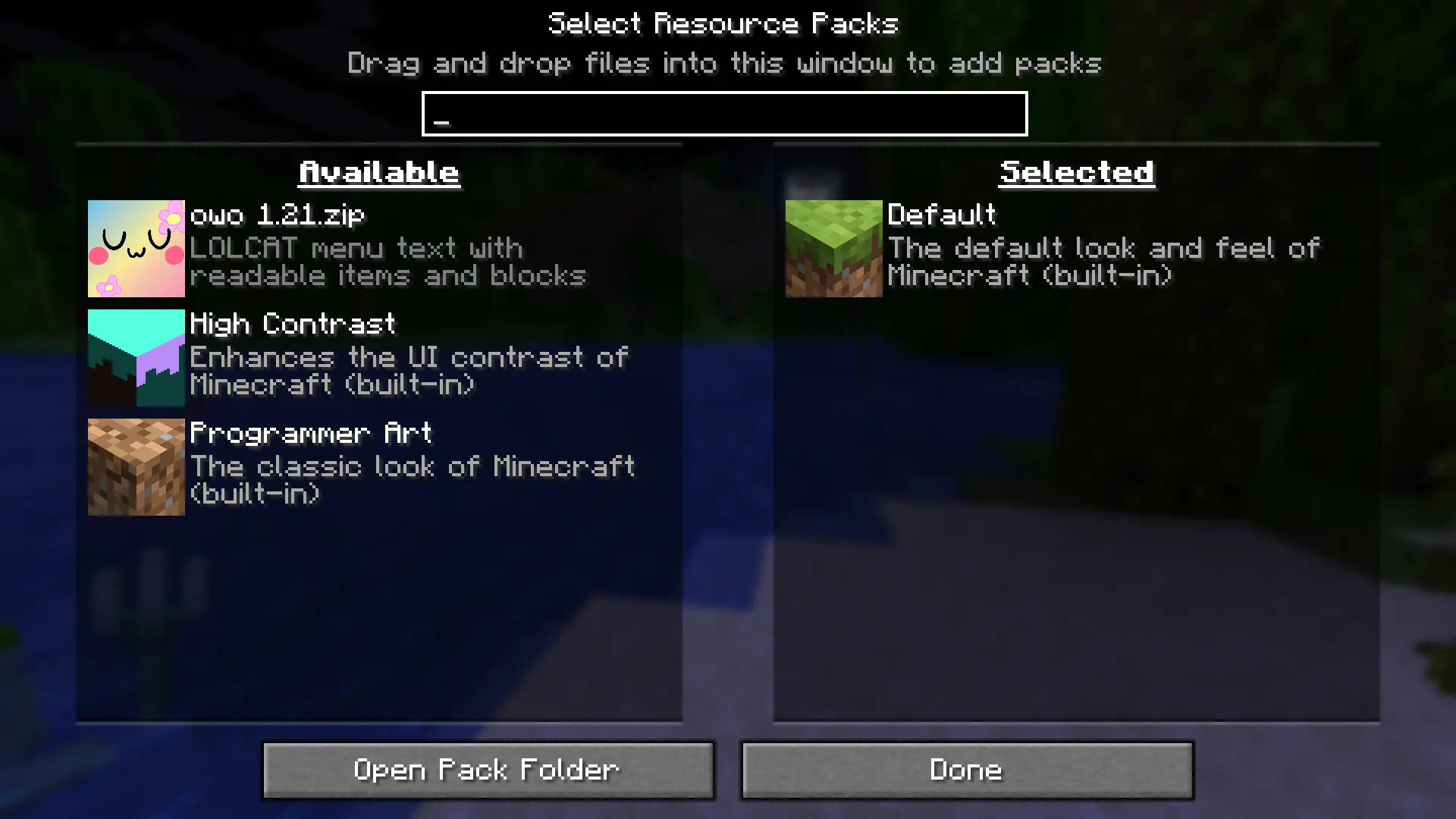
Hover your mouse on the pack icon and click on the arrow, and click "Done" to enable the language pack.
- Edition: Minecraft Java
- File type: .zip (resource pack)
- Minecraft versions listed: 1.20, 1.20.1, 23w31a
- How to install: Download the .zip resource pack — do not unzip it. → Put it in .minecraft/resourcepacks. → Enable it in Options → Resource Packs.
- Where to get it: Opens on Modrinth — not every file is mirrored on our own servers.
Install steps are the general flow for this file type — How to install Minecraft Java resource packs walks through it step by step.
- Downloads as owo 1.20.zip
- Download size: 268 KB
- Download link checked 12 Sept 2026 — working
These come from our own check of the pack file, not from the source page.