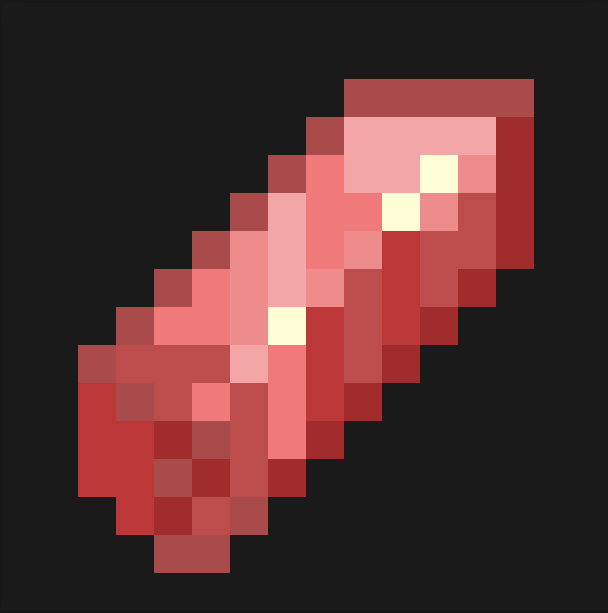
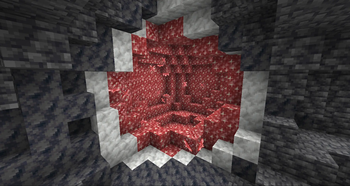
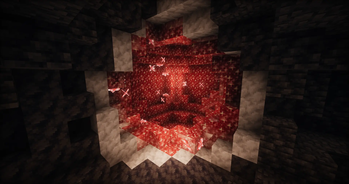

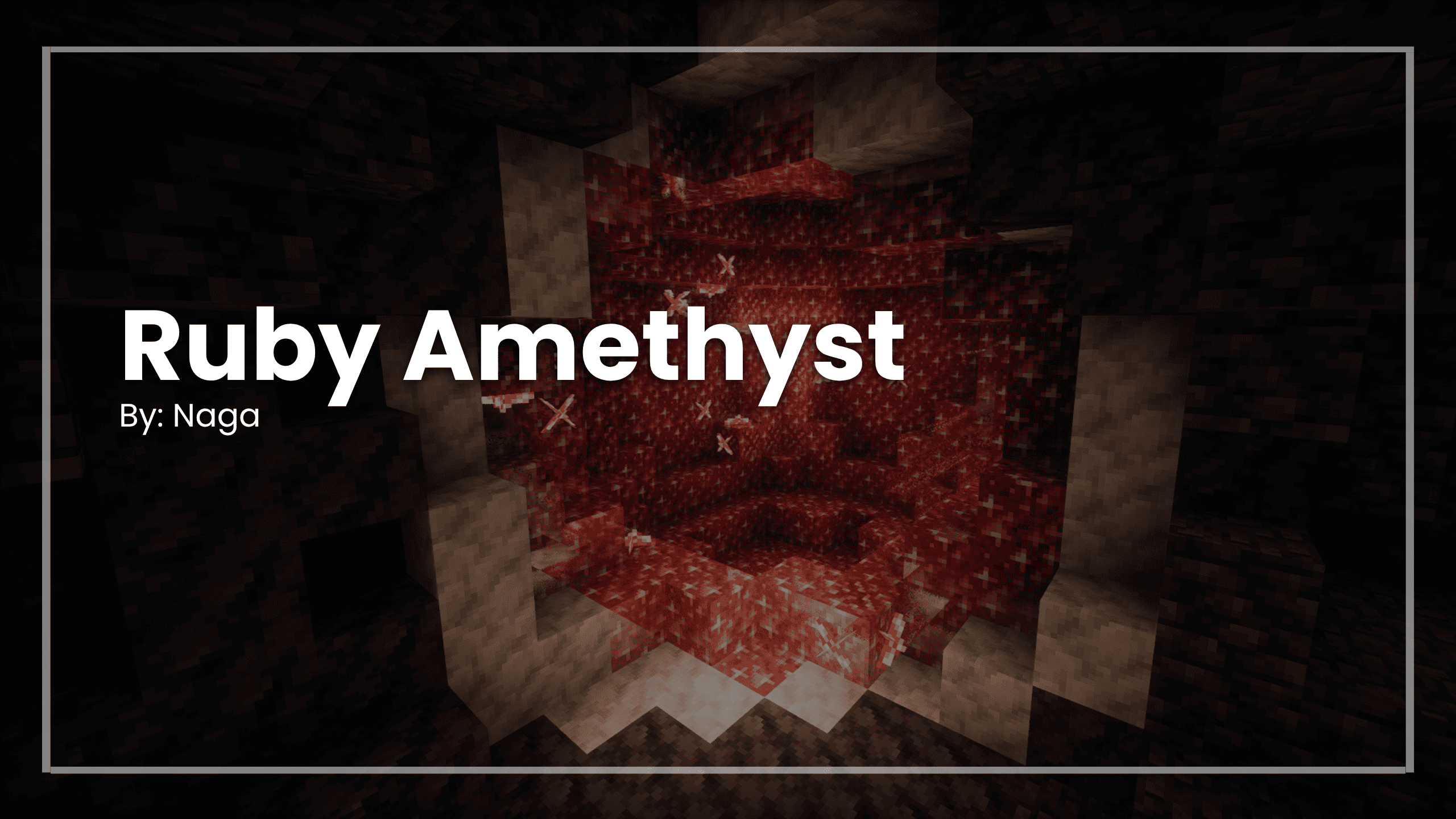
Ruby Amethyst
Features
- Change the Color of All Amethyst Blocks/Items
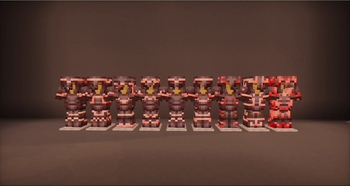
- Includes Custom Armor Design Colors
If you enjoy this texture pack, the best way to help is by subscribing to my YouTube channel NagaMods, checking my Modrinth profile for more content, joining my Discord, and following my social media!
Your support keeps this project alive. Thank you for downloading.
InstallTo install this resource pack, select your Minecraft version in the download menu, and copy the downloaded file into Minecraft's resourcepacks folder. Alternatively, if you are using the Modrinth App, you can easily add this resource pack to an instance by selecting "Install with Modrinth App" in the download menu.


- Edition: Minecraft Java
- File type: .zip (resource pack)
- Minecraft versions listed: 1.21, 1.21.1, 1.21.2
- How to install: Download the .zip resource pack — do not unzip it. → Put it in .minecraft/resourcepacks. → Enable it in Options → Resource Packs.
- Where to get it: Opens on Modrinth — not every file is mirrored on our own servers.
Install steps are the general flow for this file type — How to install Minecraft Java resource packs walks through it step by step.
- Downloads as Ruby Amethyst v3.1 (1).zip
- Download size: 12 KB
- Download link checked 21 Aug 2026 — working
These come from our own check of the pack file, not from the source page.