
TRUCE
Where Grit Meets Gradient.
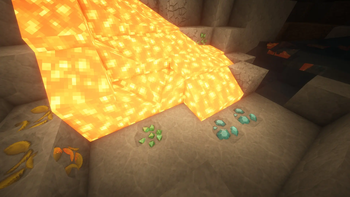
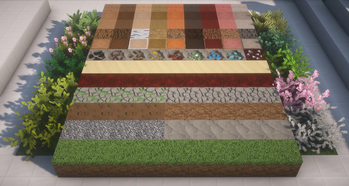
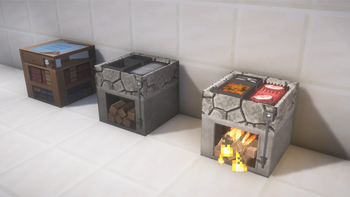
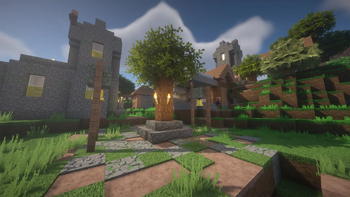
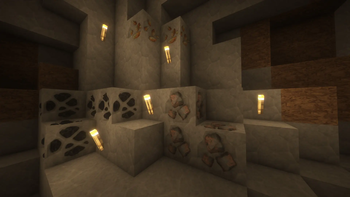
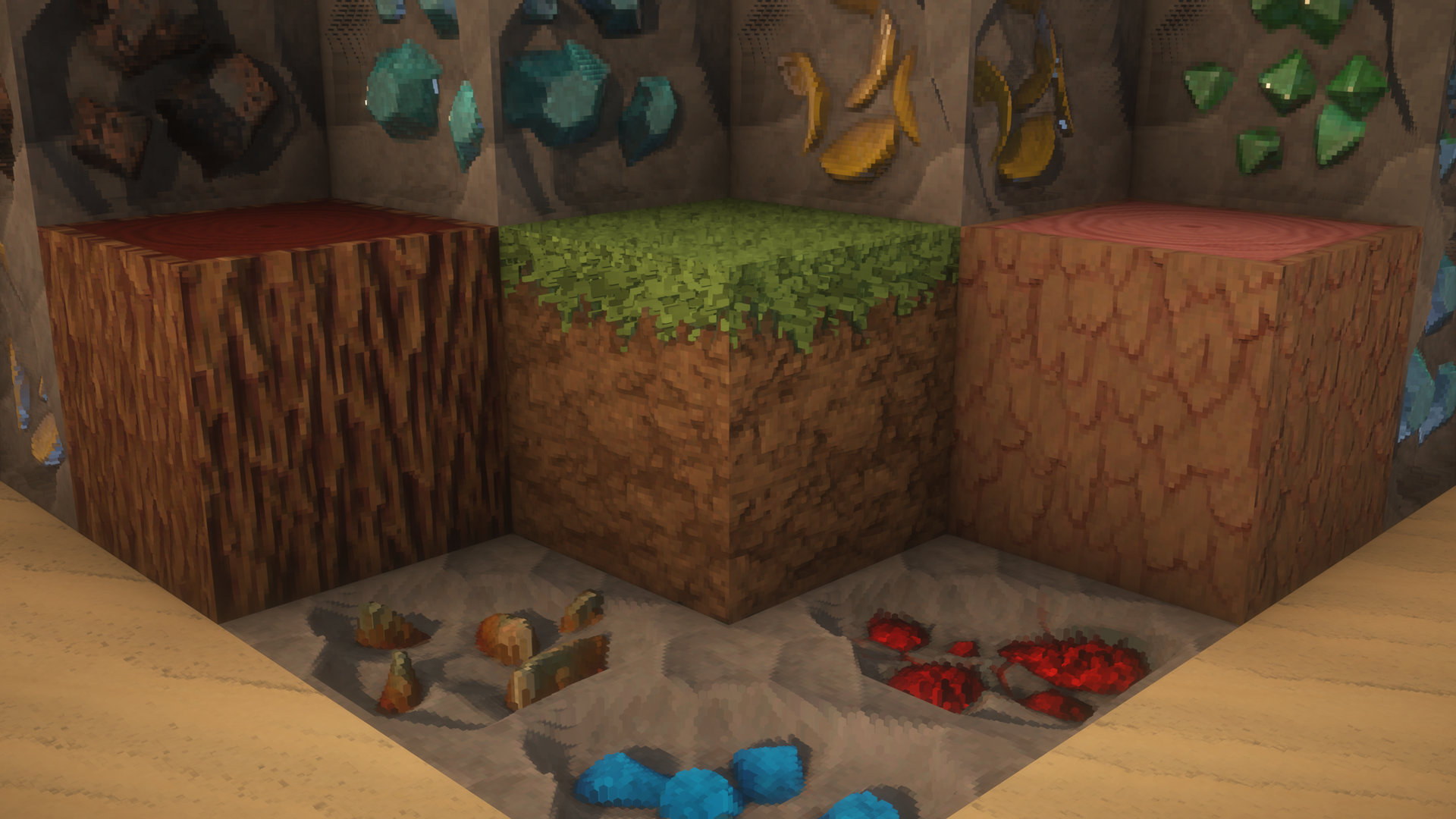
Truce is the definitive resolution to the oldest conflict in Minecraft resorcepacks: the battle between hyper-realism and stylized art. Instead of choosing a side, Truce creates a world where they coexist.
Experience a landscape where materials have the tactile weight of reality, but the vibrant soul of an illustration. This isn't just a resource pack; it’s a balanced ecosystem of design.
Stop choosing between "Real" and "Cartoon." Sign the treaty. Install Truce.
TRUCE | Development & Setup
Truce is built on two core points:
Make it the best: Build the pack I’ve always wanted to play. So your feedback is important to make it the best it can be.
Performance: My goal is to deliver high-fidelity visuals through smart optimization, ensuring my creative vision doesn't cost you your frame rate.
Resolution Tiers
Standard (Free): x32 | x64 Discord
Premium (Patreon Exclusive): x128 | x256 | x512 | x1024 Patreon link
Important Configuration
To experience the 3D effect, this pack requires a shader that supports LabPBR textures. Ensure Parallax Occlusion Mapping (POM) is enabled in your shader settings.
Quick Setup Guide:
BSL -- Material > Enable Advanced Materials > Set format to LabPBR. Then, under Normals and Parallax, enable Parallax Occlusion Mapping.
Complementary -- RP Support > Select LabPBR. Then go to Materials > LabPBR Materials and enable Parallax Occlusion Mapping.
Kappa -- Terrain > Ensure Parallax Occlusion Mapping is enabled.
SuperDuperVanilla -- PBR > Set mode to LabPBR. Then open Parallax Occlusion Settings and enable.
Using another shader? Look for "Parallax," "PBR," or "Advanced Materials" under the Texture or Material settings tabs to enable the 3D effect.
- Edition: Minecraft Java
- File type: .zip (resource pack)
- Minecraft version listed: 1.21.11
- How to install: Download the .zip resource pack — do not unzip it. → Put it in .minecraft/resourcepacks. → Enable it in Options → Resource Packs.
- Where to get it: Opens on Modrinth — not every file is mirrored on our own servers.
Install steps are the general flow for this file type — How to install Minecraft Java resource packs walks through it step by step.
- Downloads as Truce x64.zip
- Download size: 1008 KB
- Download link checked 6 Sept 2026 — working
These come from our own check of the pack file, not from the source page.