

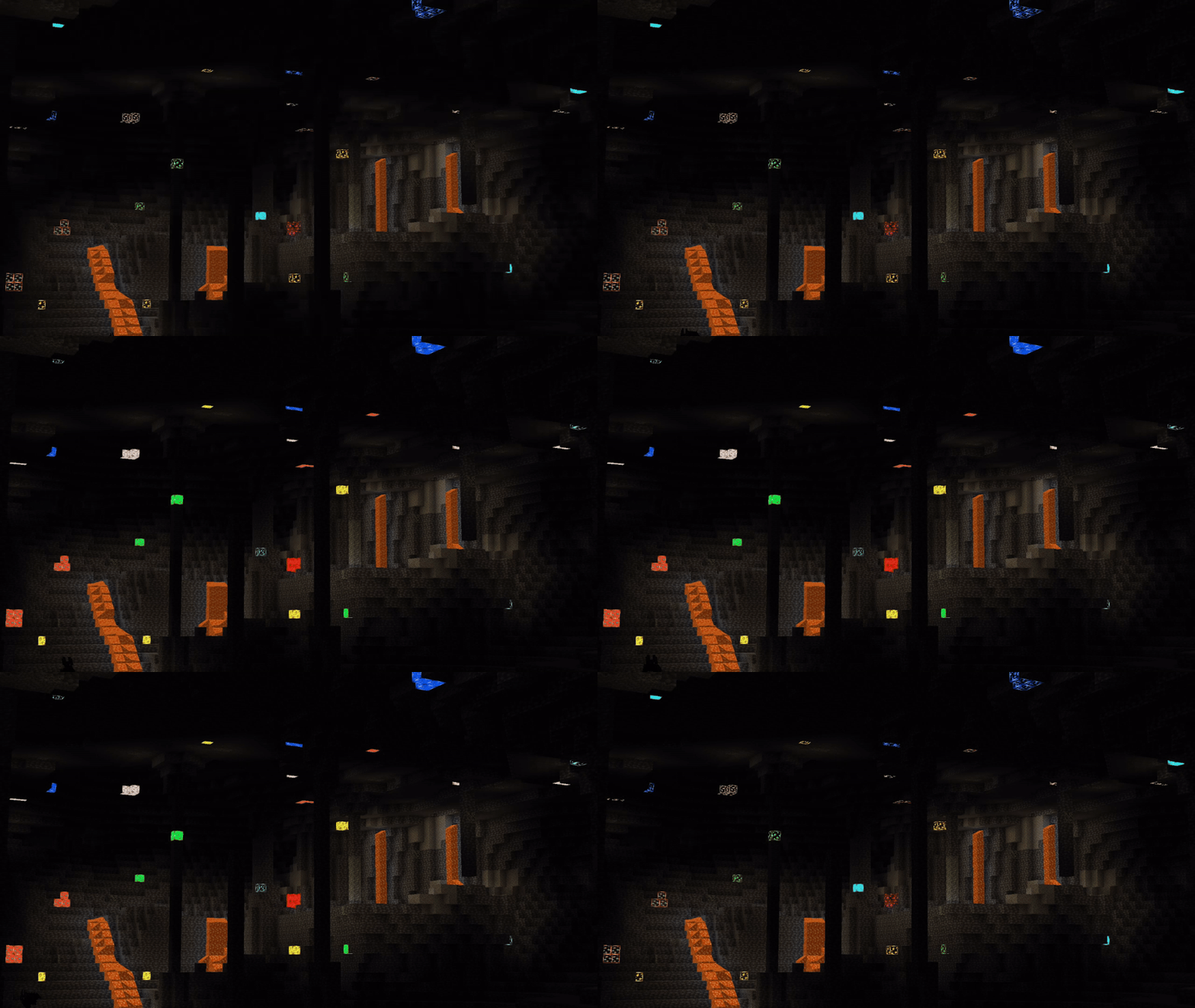
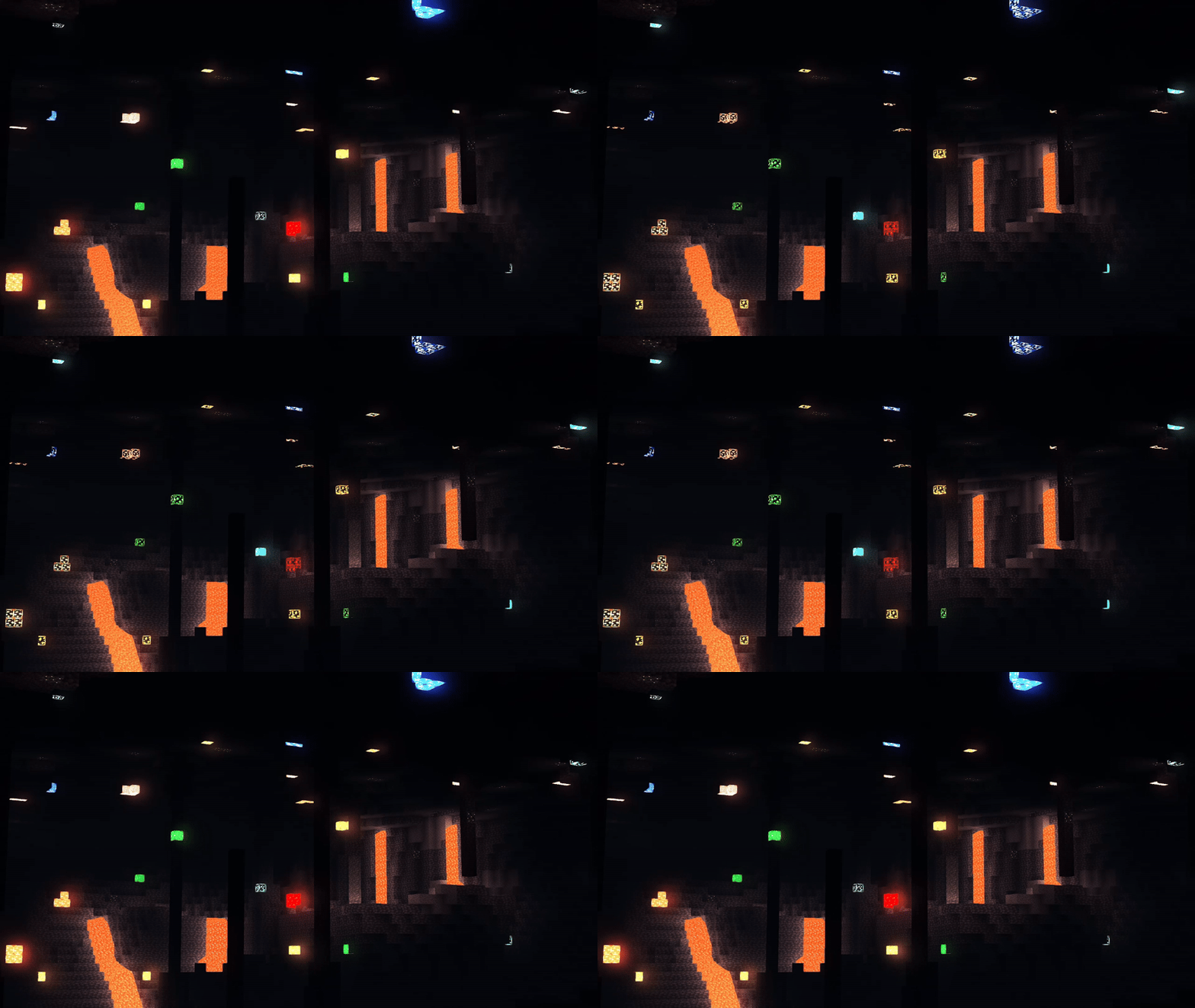
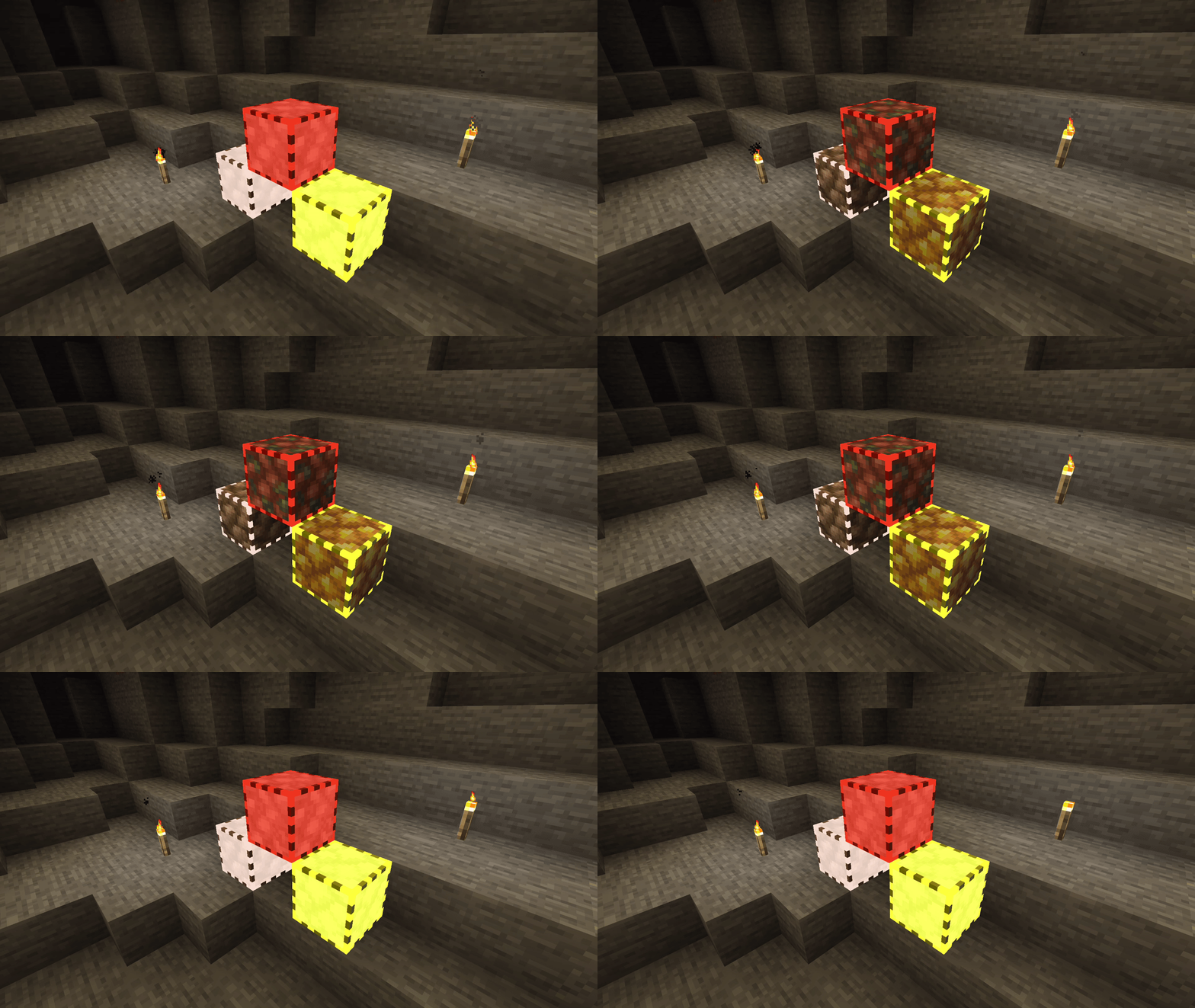
⚠️ EPILEPSY WARNING: This page and texture pack contains flashing images!
Are you having trouble finding the ores you want despite having ore border pack enabled? This pack might be the solution to your problem!
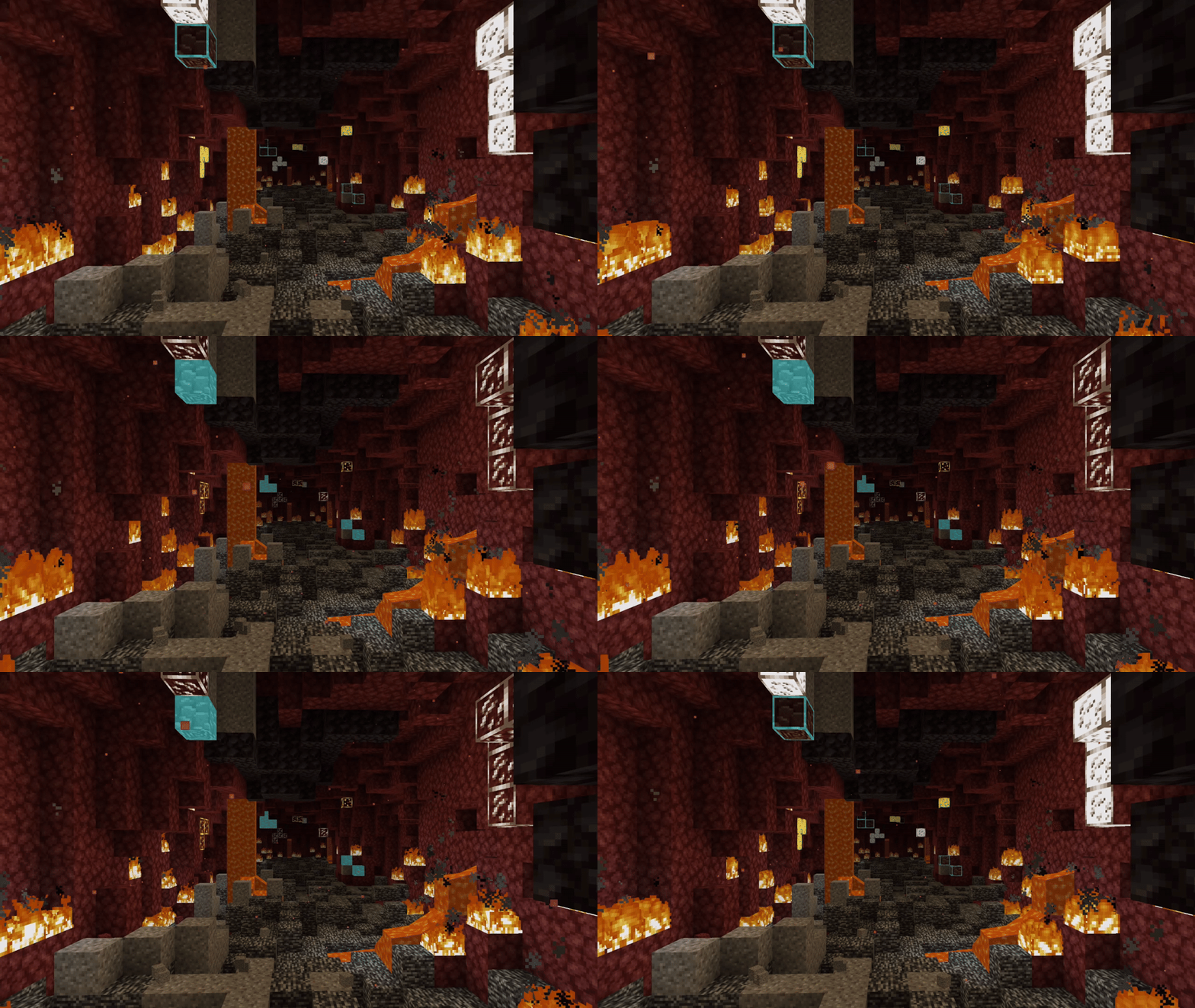
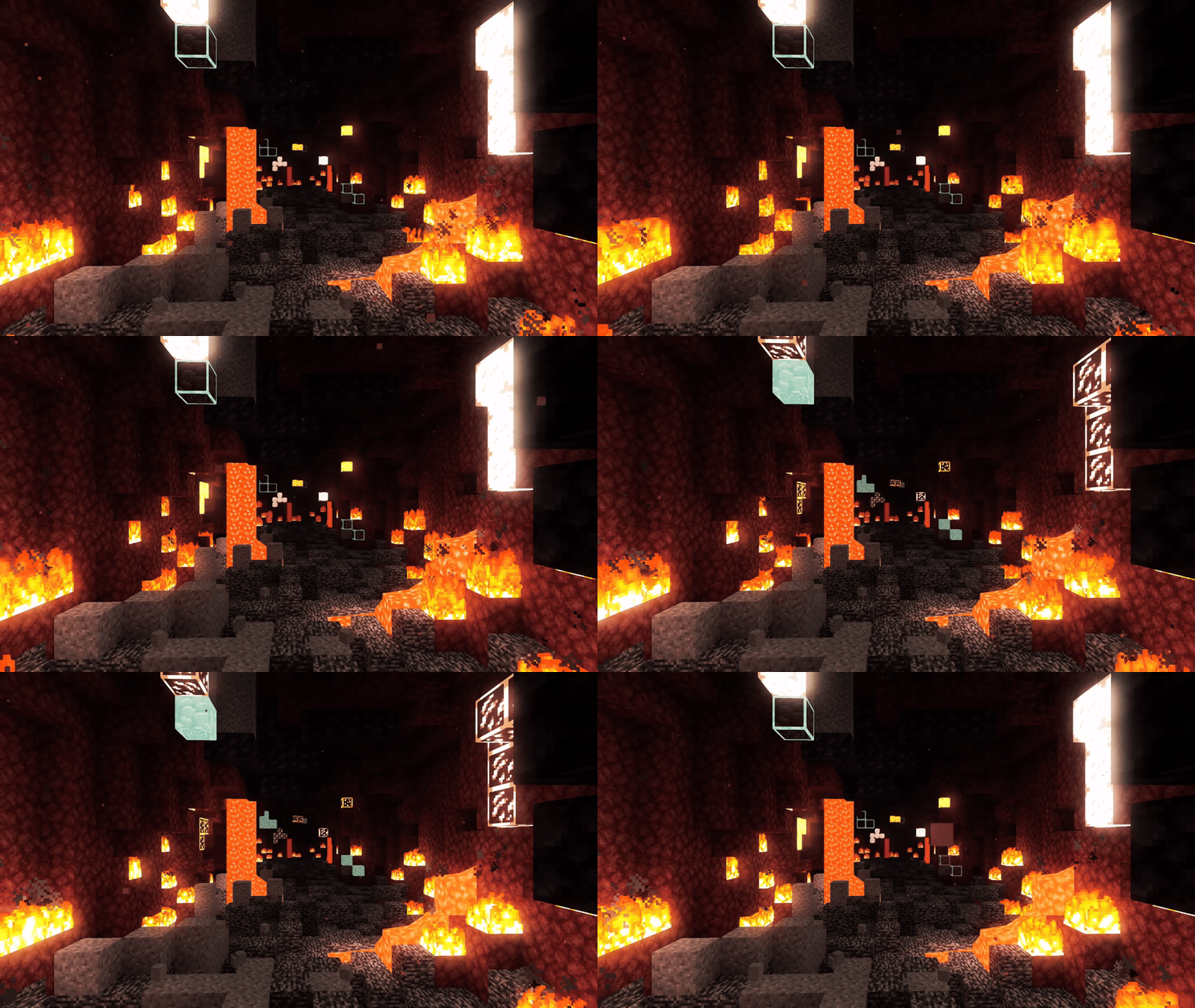
Flashing Ores is a lightweight texture pack focusing on maximizing the visibility of all ores by adding a flashing animation on its textures. With this pack, you will not miss a single ore when mining!
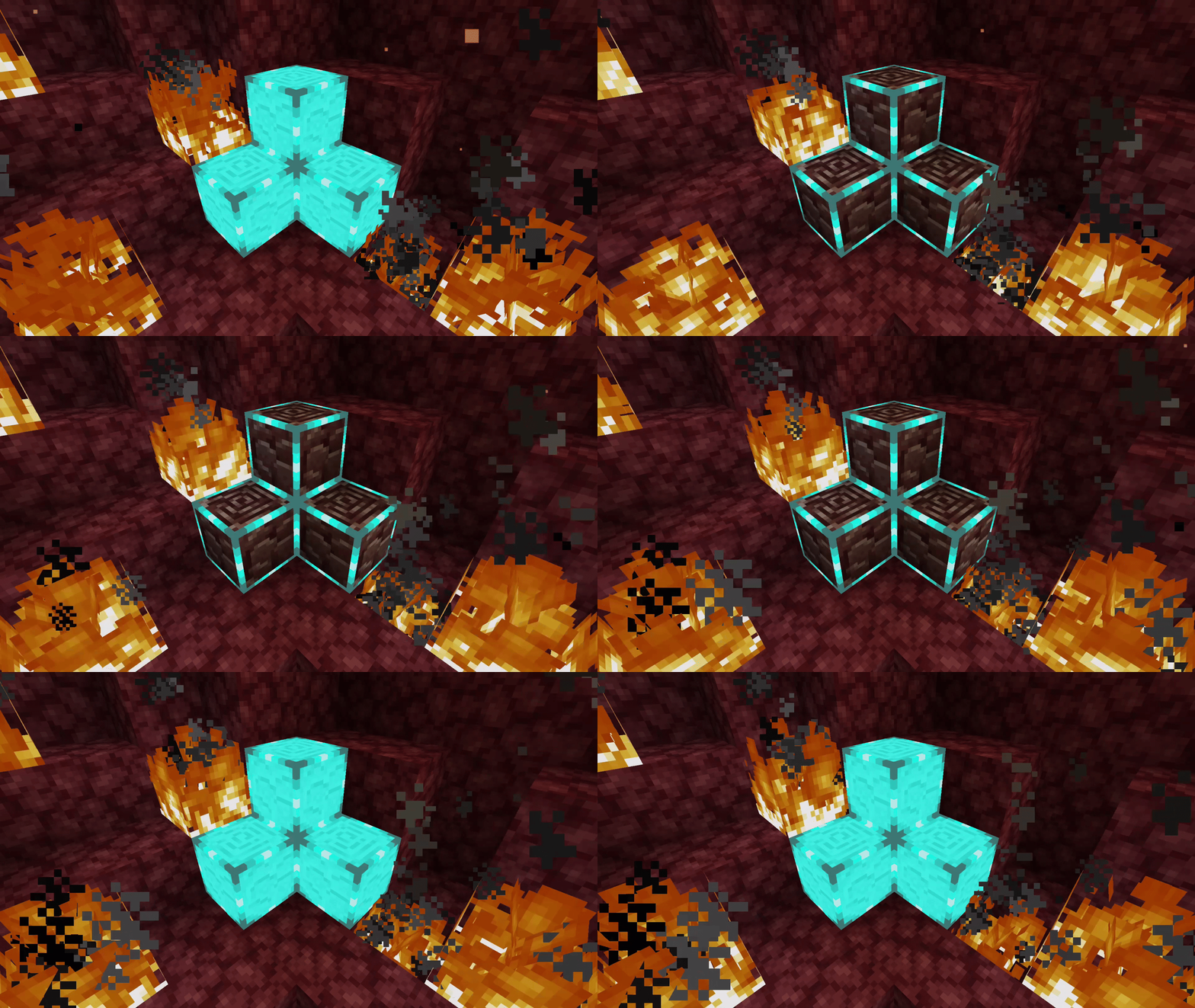
Features- Block border
- Flashing animation
- Glowing texture (requires Optifine/Continuity)
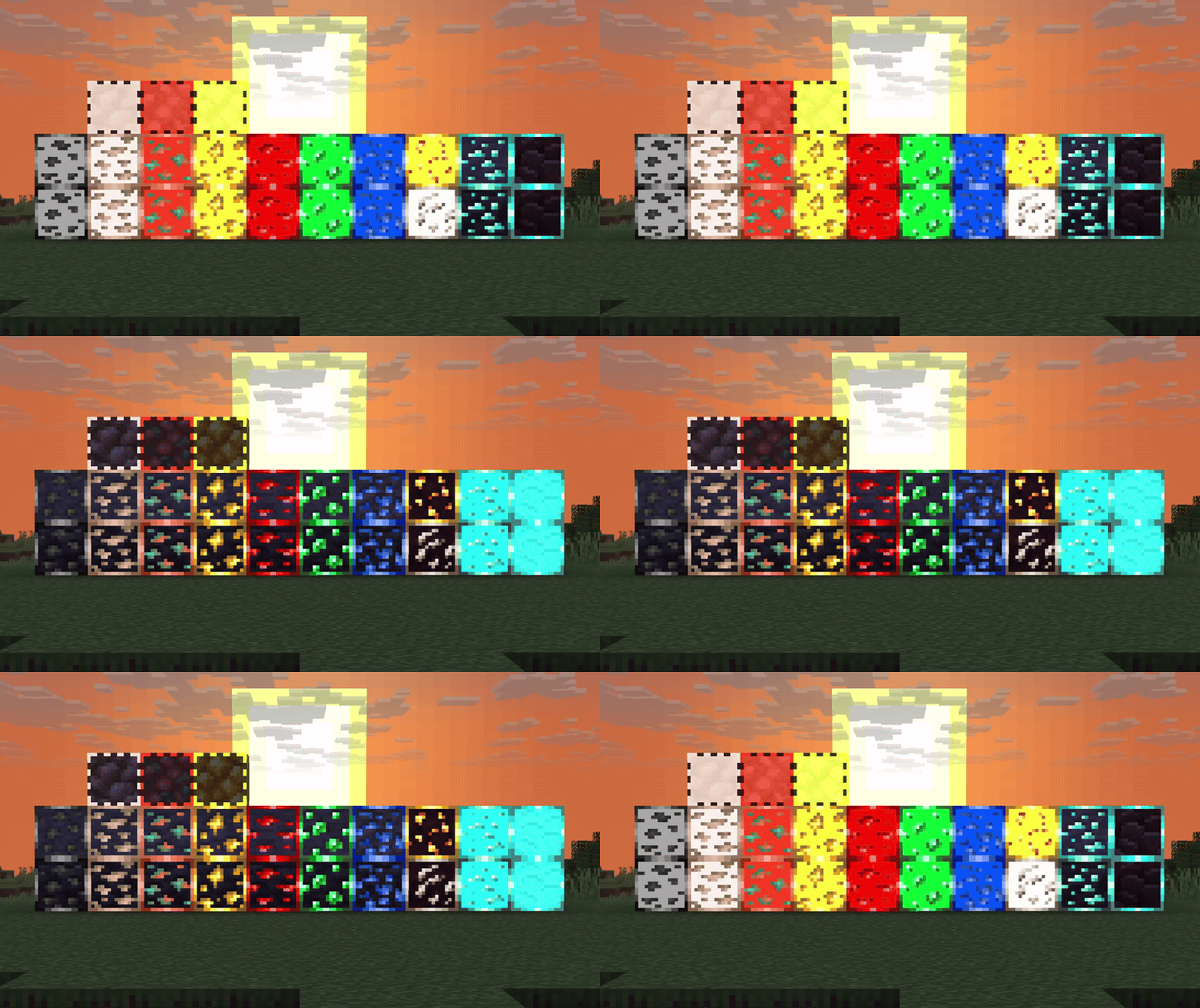
- All Overworld ores, including its deepslate variant (Coal, Copper, Iron, Gold, Redstone, Lapis Lazuli, Emerald, Diamond)
- All Nether ores (Gold, Quartz, Ancient Debris)
- All raw ore blocks (Iron, Copper, Gold)
- Amethyst Cluster
- All alternative packs can be downloaded here. (the one marked as beta)
- These packs only contains a specific type of ore.
FAQ
- Q: The ores doesn't flash/stop flashing when far away!!!
- A: Make sure turn off any option that might disables texture animation. (For Sodium, disable "Animate Only Visible Textures". For Optifine, enable "Terrain Animated".)
- Q: The ores are not glowing!!!
- A: Make sure to turn on "Emissive Textures" on Optifine/Continuity settings.
Quick facts
- Edition: Minecraft Java
- File type: .zip (resource pack)
- Minecraft versions listed: 1.17, 1.17.1, 1.18
- How to install: Download the .zip resource pack — do not unzip it. → Put it in .minecraft/resourcepacks. → Enable it in Options → Resource Packs.
- Where to get it: Opens on Modrinth — not every file is mirrored on our own servers.
Install steps are the general flow for this file type — How to install Minecraft Java resource packs walks through it step by step.
Verified by MCModsHub
- Downloads as Flashing Ores.zip
- Download size: 67 KB
- Download link checked 10 Sept 2026 — working
These come from our own check of the pack file, not from the source page.