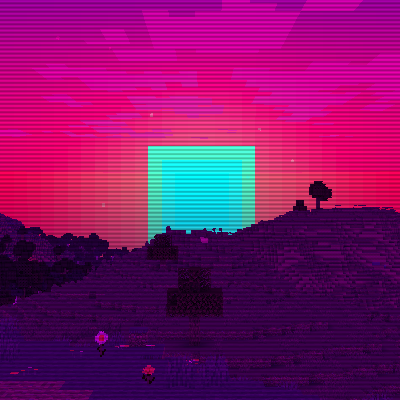
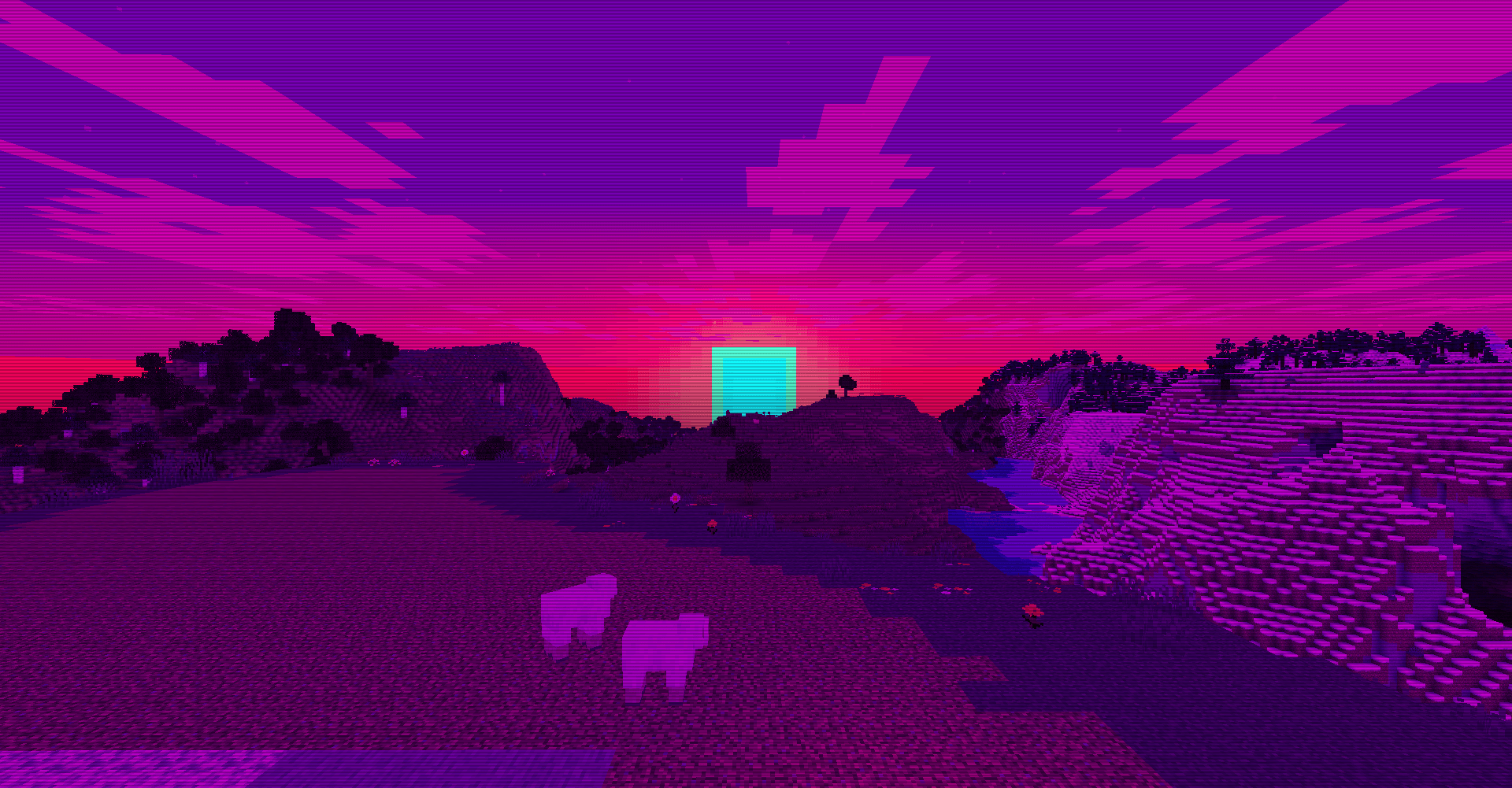
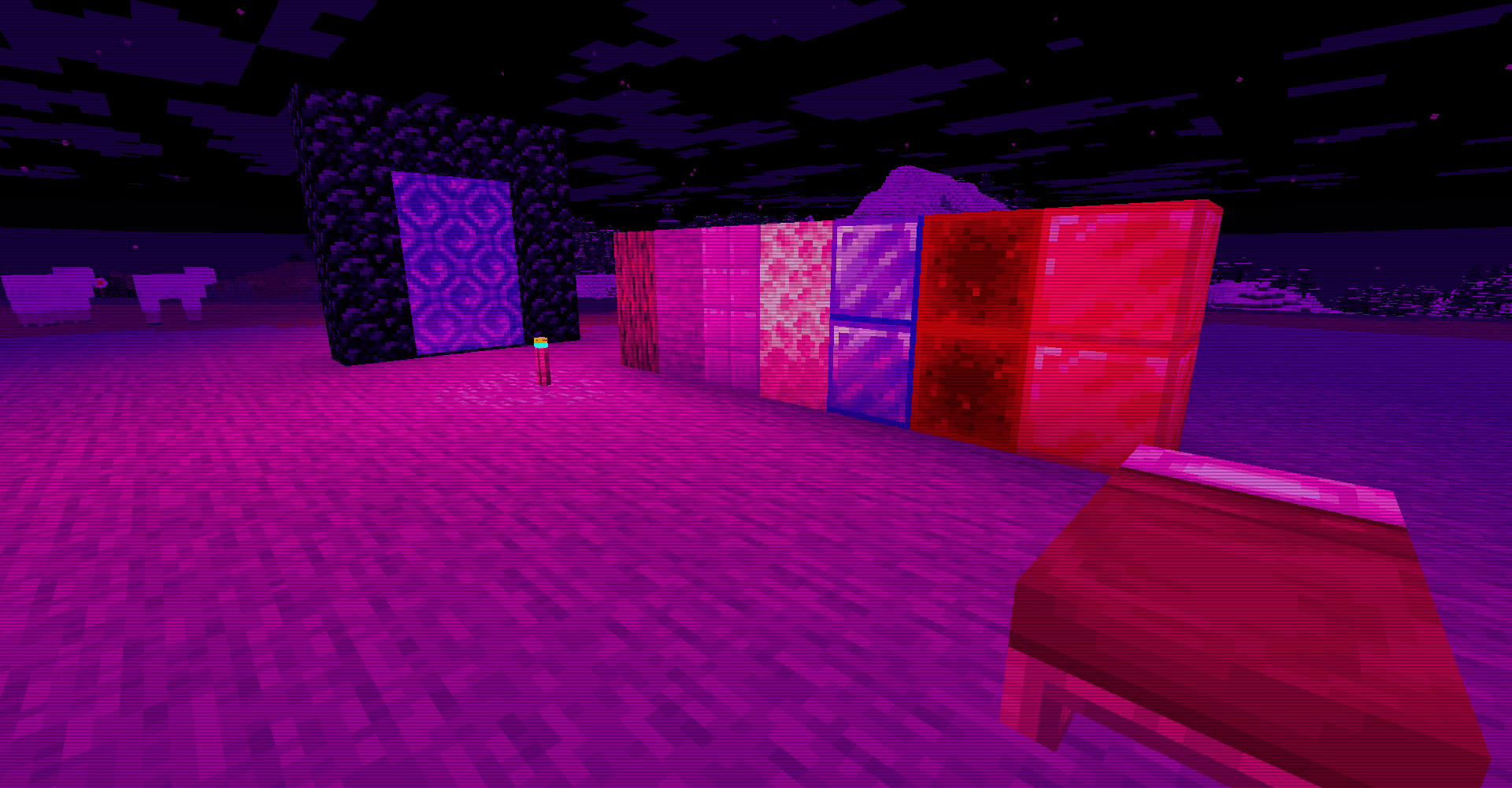
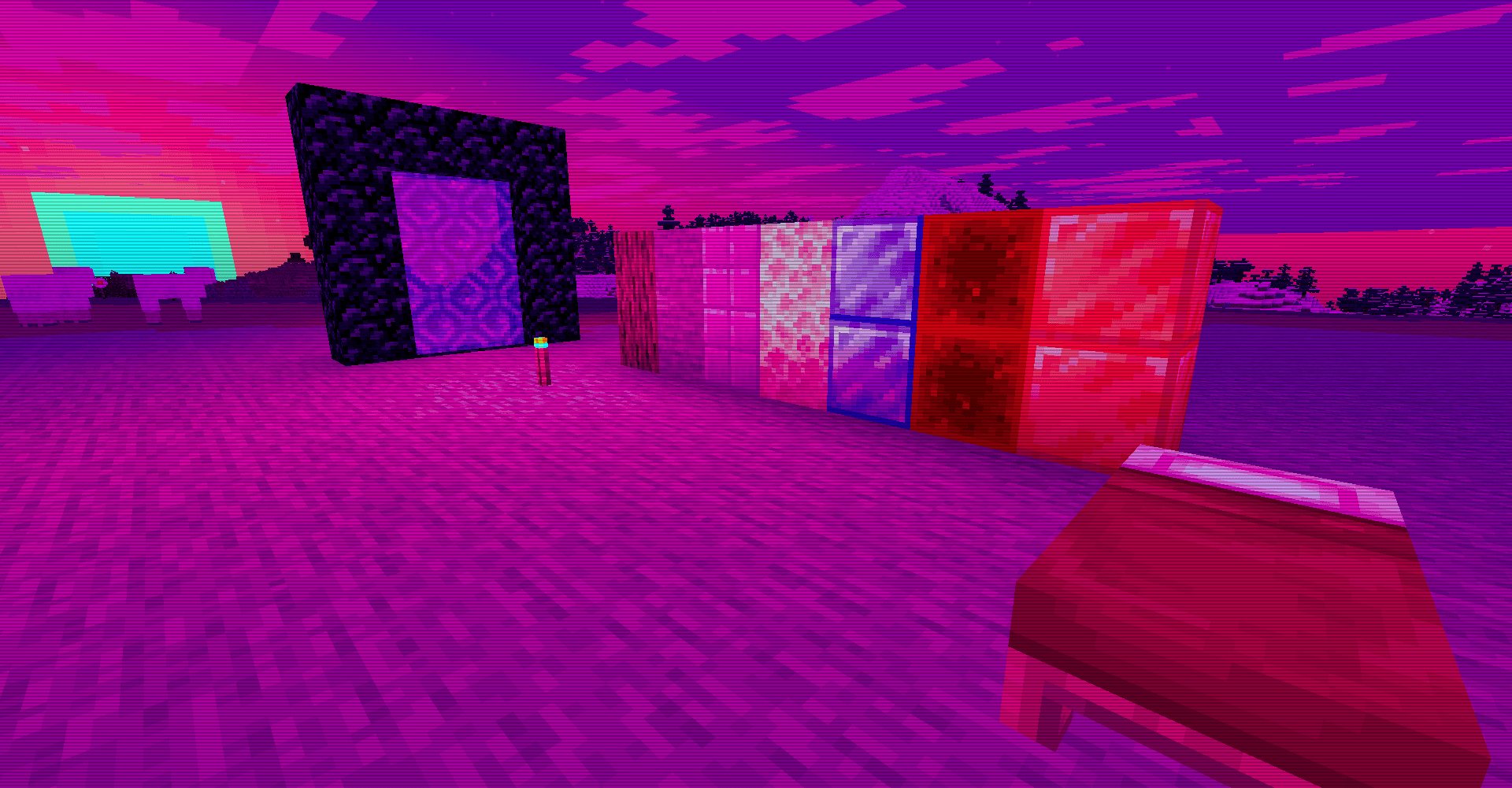
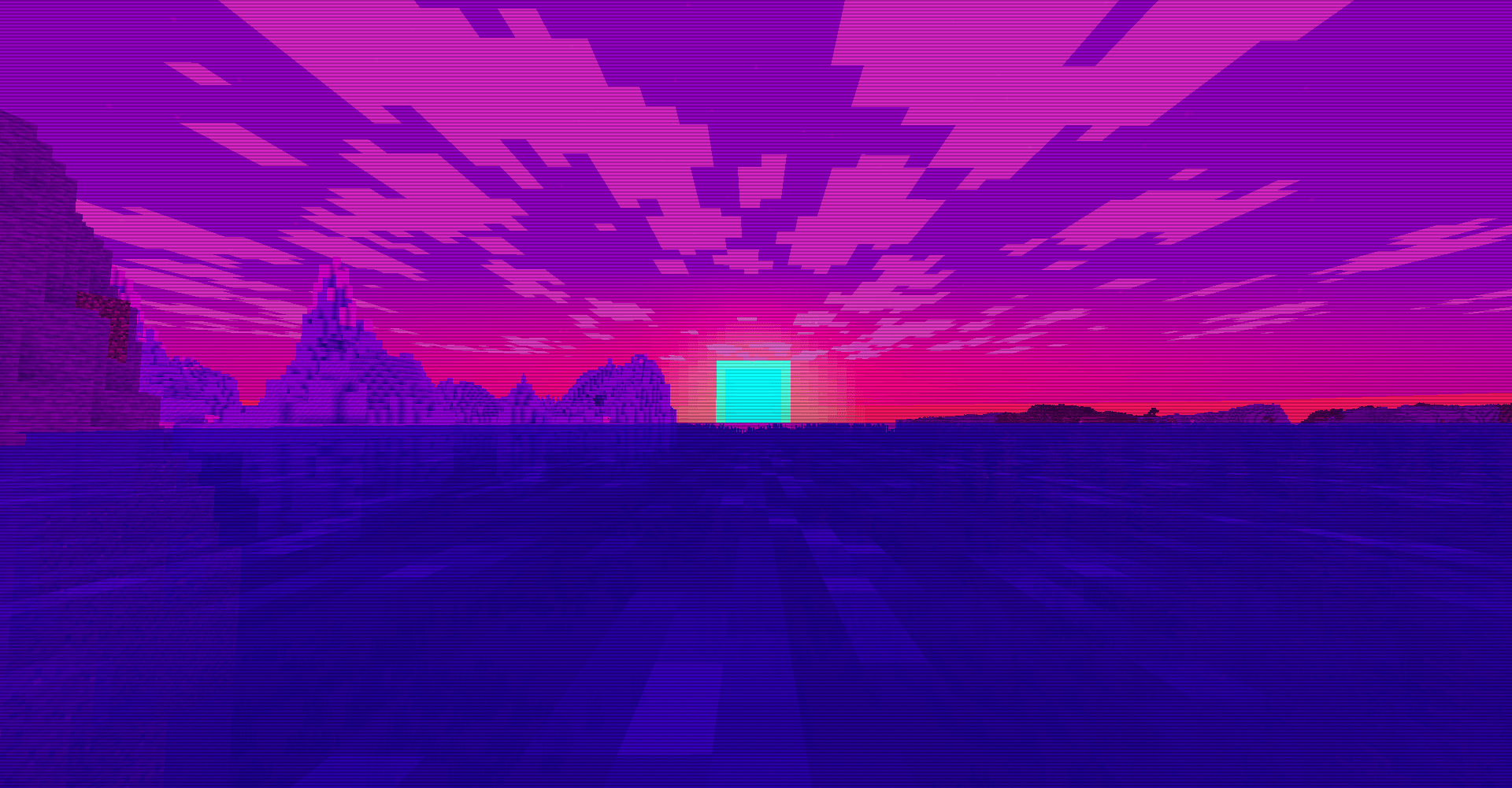
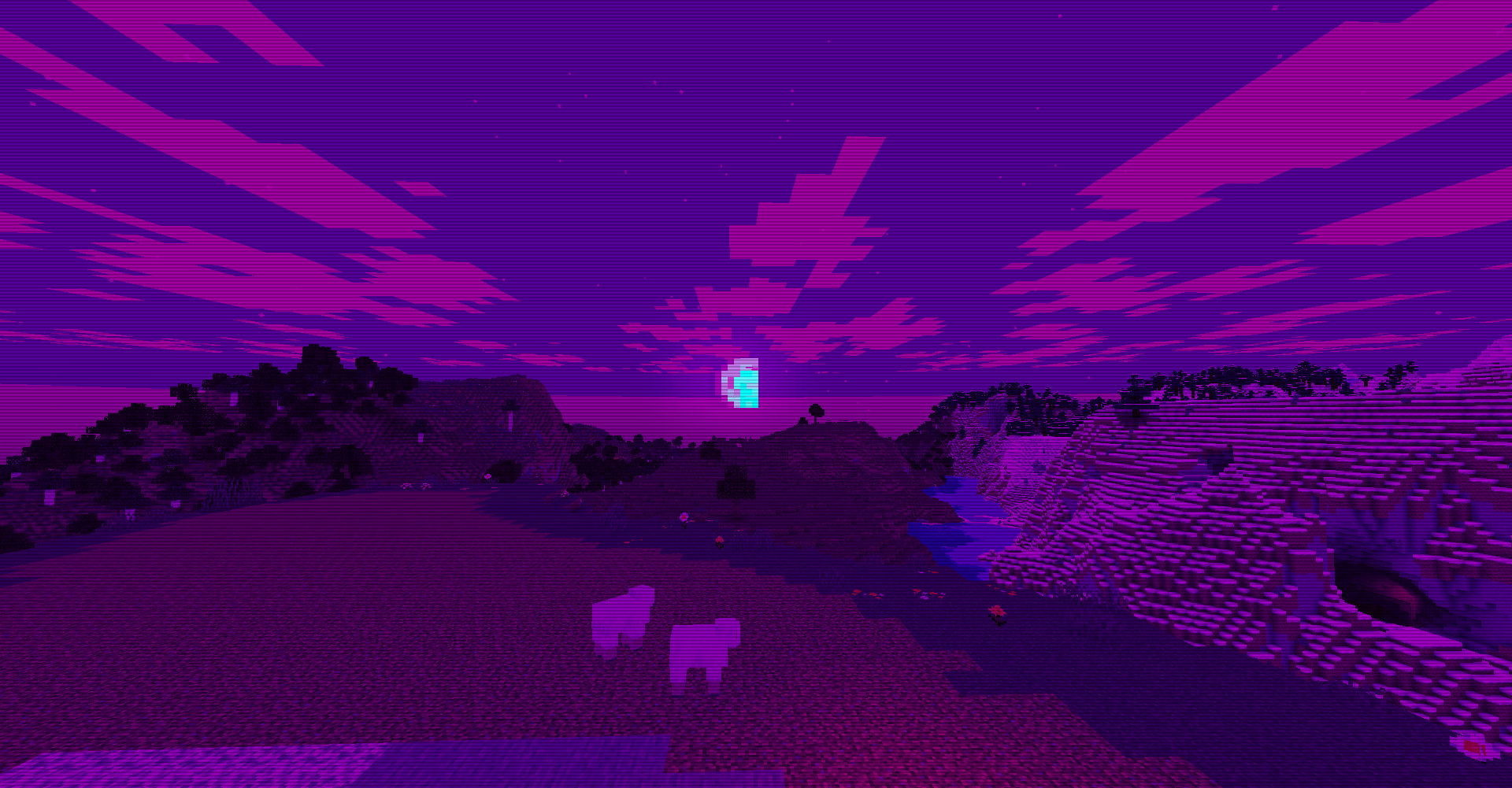
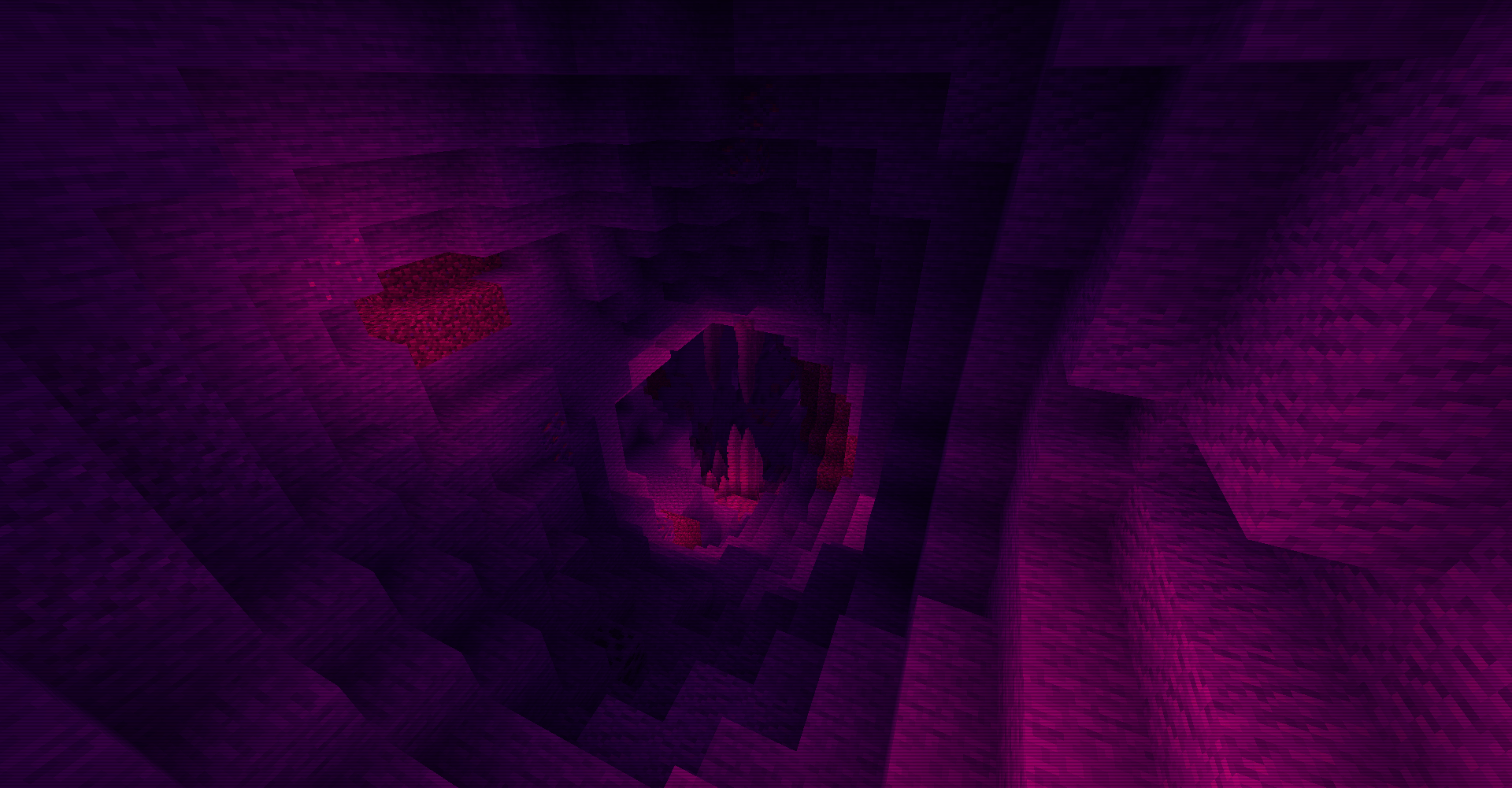
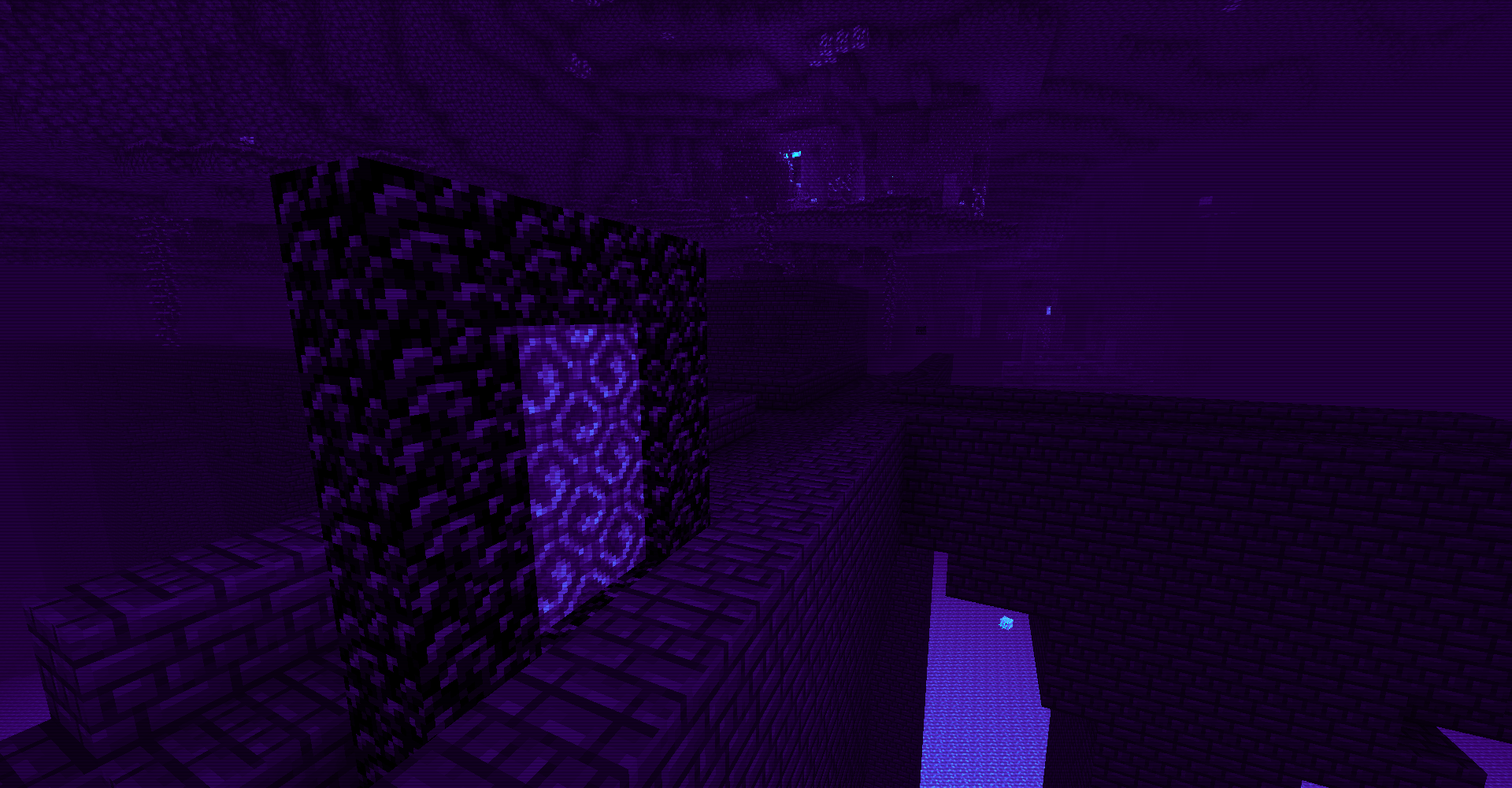
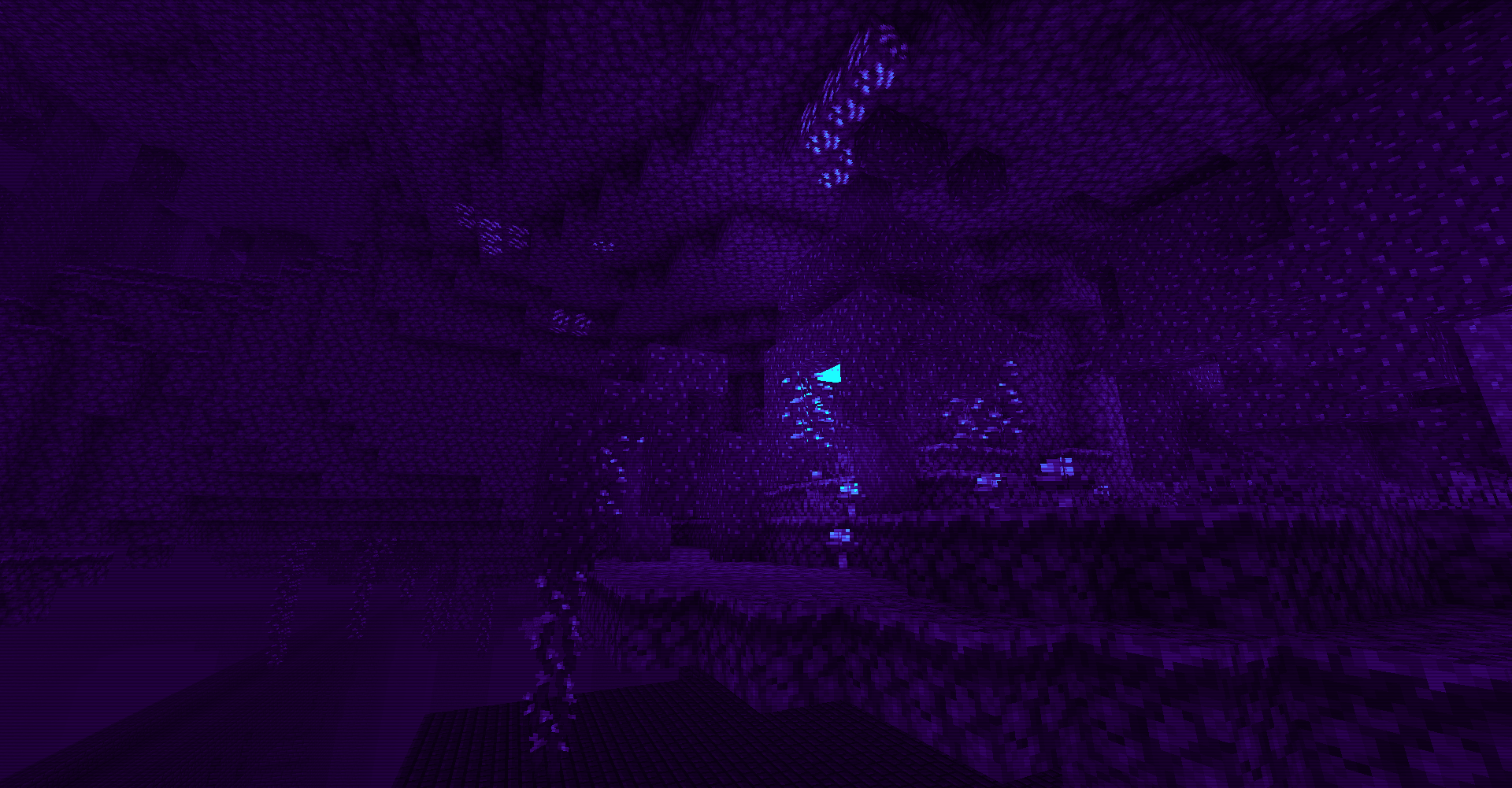
A neon-soaked reinterpretation of Minecraft's world.
Synthwave is a lightweight post-processing shader focused on transforming Minecraft into a retro-futuristic experience through a custom neon color palette, contrast-based recoloring, and CRT-inspired screen effects. Rather than relying on complex lighting systems or heavy rendering features, the shader works primarily through screen-space color grading and palette remapping, creating a distinctive synthwave aesthetic while remaining technically simple and performant.
✨ Highlights
Synthwave Color Remapping.
The core visual effect is a full-screen post-processing pass that analyzes scene luminance and remaps it into a custom neon palette. Dark areas transition toward deep violet tones, midtones shift into vibrant magenta, and bright regions are pushed toward cyan highlights. The result preserves scene detail while dramatically altering the overall atmosphere.
Contrast-Aware Neon Grading.
Instead of applying a flat color overlay, the shader evaluates brightness levels and blends between multiple palette colors. This allows illuminated areas, shadows, and midtones to retain separation and depth while contributing to the overall synthwave appearance.
Tone Compression.
A simple tone-mapping step compresses extremely bright values after color grading. This helps control excessive brightness produced by the neon palette and creates a smoother final image.
Void and Horizon Coloring.
Areas with no world geometry visible are treated separately using depth information and reconstructed view direction data. The sky horizon gradually blends between a dark purple void tone and the regular scene colors, preventing abrupt transitions and reinforcing the retro-futuristic atmosphere.
Underwater Visual Mode.
When the camera enters water, an additional blue-violet fog tint is applied across the screen. The effect intentionally reduces visual clarity and shifts the scene toward deeper neon tones to emphasize being submerged.
Lava Visual Mode.
A dedicated lava overlay replaces much of the scene with hot pink and red hues when submerged in lava, creating a distinct visual identity separate from the normal world palette.
CRT Scanlines.
A subtle scanline pattern is applied across the entire screen using screen-space coordinates. This introduces a mild retro display effect reminiscent of older CRT monitors without significantly obscuring gameplay.
Nether-Specific Color Pipeline.
The Nether uses its own composite shader and palette. Instead of preserving the dimension's natural reds, brightness values are recolored into a blend of dark purple and electric blue tones. The effect heavily stylizes lava lakes and illuminated Nether environments while maintaining contrast through luminance-based reconstruction.
Lightmap-Aware Surface Rendering.
Textured blocks and water incorporate Minecraft's lightmap data before post-processing. This preserves vanilla lighting information and allows shadows and brightness variation to influence the final synthwave grading.
Transparent Cloud and Water Handling.
Dedicated cloud and water passes preserve transparency correctly. Water transparency is adjusted to remain readable while avoiding excessive opacity.
⚙ Compatibility
-
Built using the classic Minecraft shader pipeline with GLSL 1.20 shaders.
-
Includes dedicated shader programs for:
-
World rendering
-
Textured geometry
-
Water rendering
-
Cloud rendering
-
Full-screen composite post-processing
-
Nether-specific post-processing (
world-1)
-
-
Uses Minecraft lightmap data for lighting-aware rendering.
-
Relies on standard OptiFine-style shader uniforms such as depth textures, projection matrices, model-view matrices, and eye-in-water detection.
-
No configurable shader options were found within the project files.
-
No advanced features such as PBR, shadow mapping, volumetric lighting, temporal effects, reflections, or screen-space global illumination are present.
- Edition: Minecraft Java
- File type: .zip (resource pack)
- Minecraft versions listed: 1.16.3, 1.17.1, 1.21
- How to install: Download the .zip resource pack — do not unzip it. → Put it in .minecraft/resourcepacks. → Enable it in Options → Resource Packs.
- Where to get it: Opens on CurseForge — not every file is mirrored on our own servers.
Install steps are the general flow for this file type — see the MC Java Mods guides for the full walkthrough.
Synthwave is a free Minecraft Java shader. Compatible with Minecraft 1.16.3, 1.17.1, 1.21, 1.16.1 and newer. Downloaded 1,276 times (via CurseForge). Download it and open it directly in the game.