
Launcher GUI
A custom-made resource pack that edits the GUI and the default font to make it look like the Minecraft Launcher. The font supports lowercase letters too!
⬇ Download on Modrinth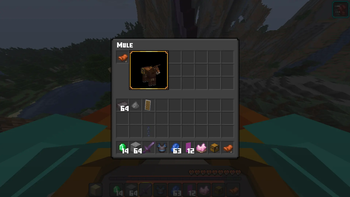
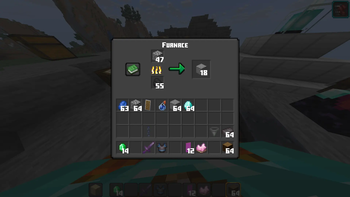
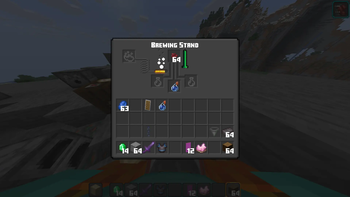
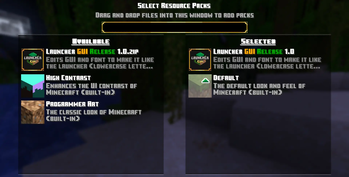
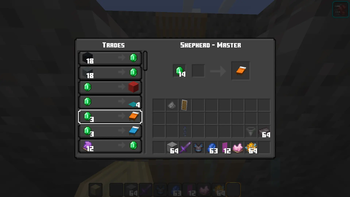
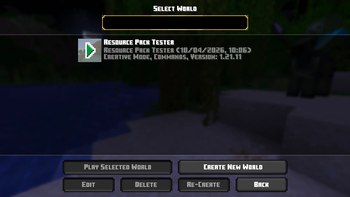
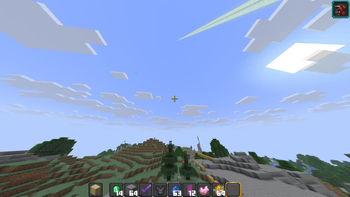
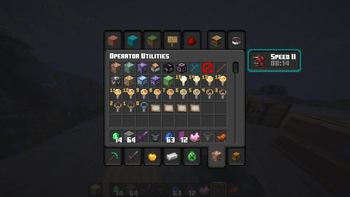
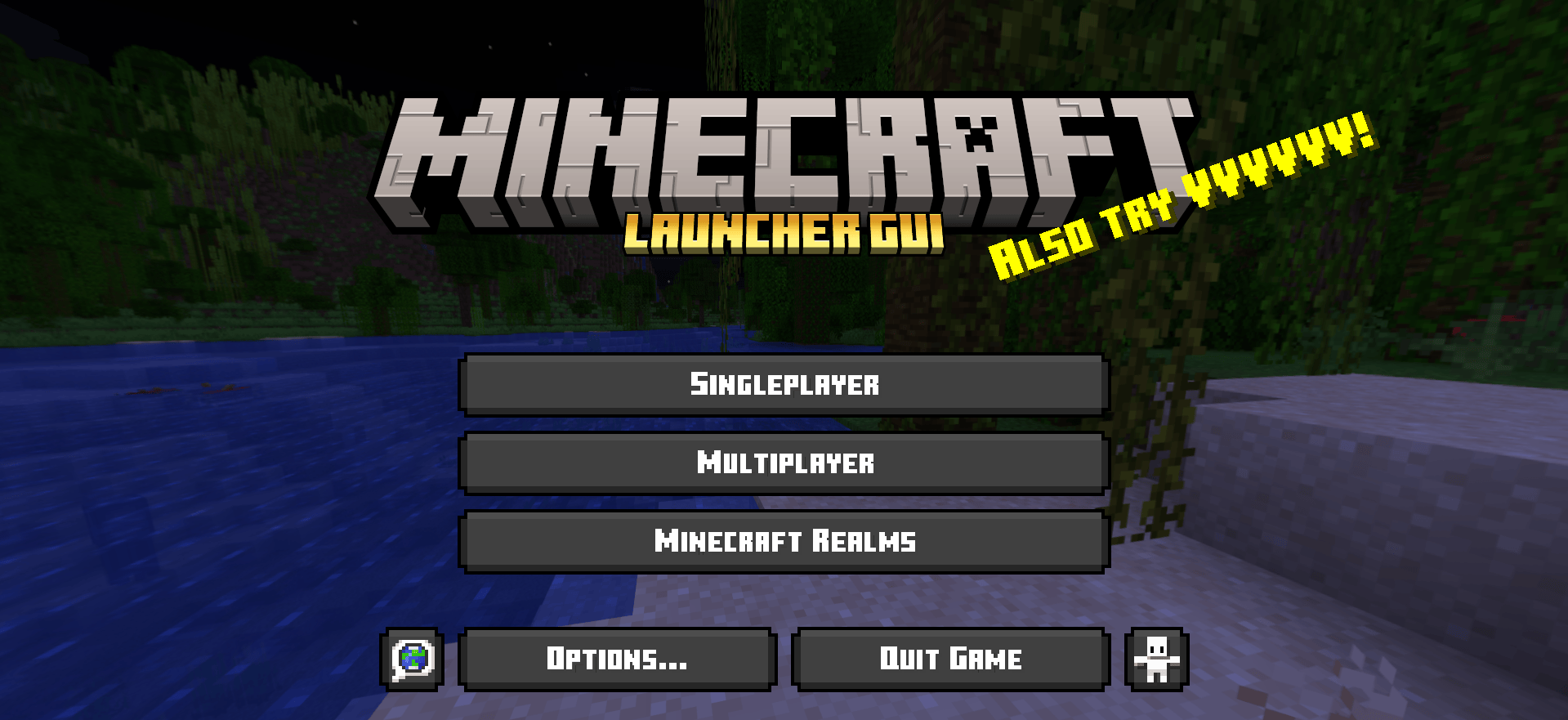 This here is a resource pack made completely by me to emulate the Minecraft Launcher (mainly).
Inspiration was taken from the Minecraft Launcher, and Minecraft Dungeons (which seems to somewhat share the same template?).
Most assets in the GUI folder have been edited, but I may have left a few out.
The font being used is the original Minecraft 10 from the Launcher, Dungeons, the official website and Bedrock Edition too, I believe. I have edited it though to make the lowercase letters different (made them 10% smaller), for easy distinguishability between characters while typing commands, etc.
Excuse me if the palettes are jarring...
Also, please note that this changes Minecraft's default menus. Menus added by mods or edited by other resource packs may not necessarily remain the same.
This here is a resource pack made completely by me to emulate the Minecraft Launcher (mainly).
Inspiration was taken from the Minecraft Launcher, and Minecraft Dungeons (which seems to somewhat share the same template?).
Most assets in the GUI folder have been edited, but I may have left a few out.
The font being used is the original Minecraft 10 from the Launcher, Dungeons, the official website and Bedrock Edition too, I believe. I have edited it though to make the lowercase letters different (made them 10% smaller), for easy distinguishability between characters while typing commands, etc.
Excuse me if the palettes are jarring...
Also, please note that this changes Minecraft's default menus. Menus added by mods or edited by other resource packs may not necessarily remain the same.
For more images, check out the gallery!
If you have any suggestions, or errors that you noticed, feel free to report an issue on the GitHub repo.
- Edition: Minecraft Java
- File type: .zip (resource pack)
- Minecraft versions listed: 1.21, 1.21.1, 24w33a
- How to install: Download the .zip resource pack — do not unzip it. → Put it in .minecraft/resourcepacks. → Enable it in Options → Resource Packs.
- Where to get it: Opens on Modrinth — not every file is mirrored on our own servers.
Install steps are the general flow for this file type — How to install Minecraft Java resource packs walks through it step by step.
- Downloads as Launcher §6GUI§r §2Release§r 1.1.zip
- Download size: 393 KB
- Download link checked 11 Sept 2026 — working
These come from our own check of the pack file, not from the source page.