
Skin Totem 3D Edition
Skin Totem replaces the Totem of Undying with your own Minecraft skin! When you cheat death, it’s your face that brings you back. Perfect for flexing your…
⬇ Download on Modrinth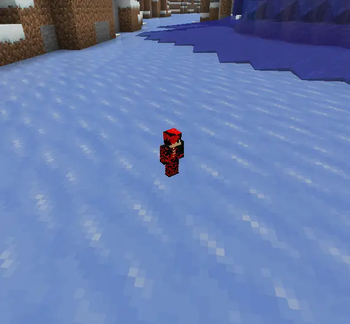
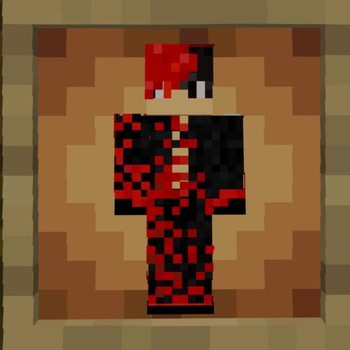
Skin Totem is a simple Minecraft resource pack that replaces the Totem of Undying with your own Minecraft skin. Now, when you cheat death, it’s your own face that saves the day. Perfect for adding personality, laughs, or a custom touch to your survival experience.
📦 Features Replaces the Totem of Undying with your player skin Works in all Minecraft versions that support custom resource packs Great for content creators, SMPs, and personal flair Lightweight — no performance impact
🛠️ How to Install
Download and unzip the resource pack.
Go to: assets > minecraft > textures > item
Replace the placeholder file named skin.png with your Minecraft skin.
Make sure the file is named exactly: skin.png
Re-zip the folder (optional, but recommended) and move it to your resourcepacks folder.
Launch Minecraft, go to Options > Resource Packs, and enable Skin Totem.
✅ Done! Now your totem wears your skin
- Edition: Minecraft Java
- File type: .zip (resource pack)
- Minecraft versions listed: 1.12.2, 1.13, 1.13.1
- How to install: Download the .zip resource pack — do not unzip it. → Put it in .minecraft/resourcepacks. → Enable it in Options → Resource Packs.
- Where to get it: Opens on Modrinth — not every file is mirrored on our own servers.
Install steps are the general flow for this file type — How to install Minecraft Java resource packs walks through it step by step.
- Downloads as Skin-Totem 3D Edition.zip
- Download size: 553 KB
- Download link checked 3 Sept 2026 — working
These come from our own check of the pack file, not from the source page.