


✨ Looks like shader, runs like vanilla✨
Want to use shaders, but your PC turns into a slideshow the moment you try? Well, we’ve got something for you, Introducing Neoshade: a resource pack designed to give you a shader like look without killing your FPS. No extra heat, no heavy RAM or GPU usage, Not gamemode exclusive, just smooth performance with better visuals.
FOR VERSION 1.1 OR ABOVE:
Sodium Compatibility!
Godrays require Polytone
FEATURES
• Bloom (impure)
• better fog
• Godrays
• Custom sky
• Shader-like lighting
• Realistic looking shadows
• Soft overhauled clouds
• Shooting stars
• Bright and twinkling stars
• Heavy customization with respackopts support
• Slanted Rain
Visuals
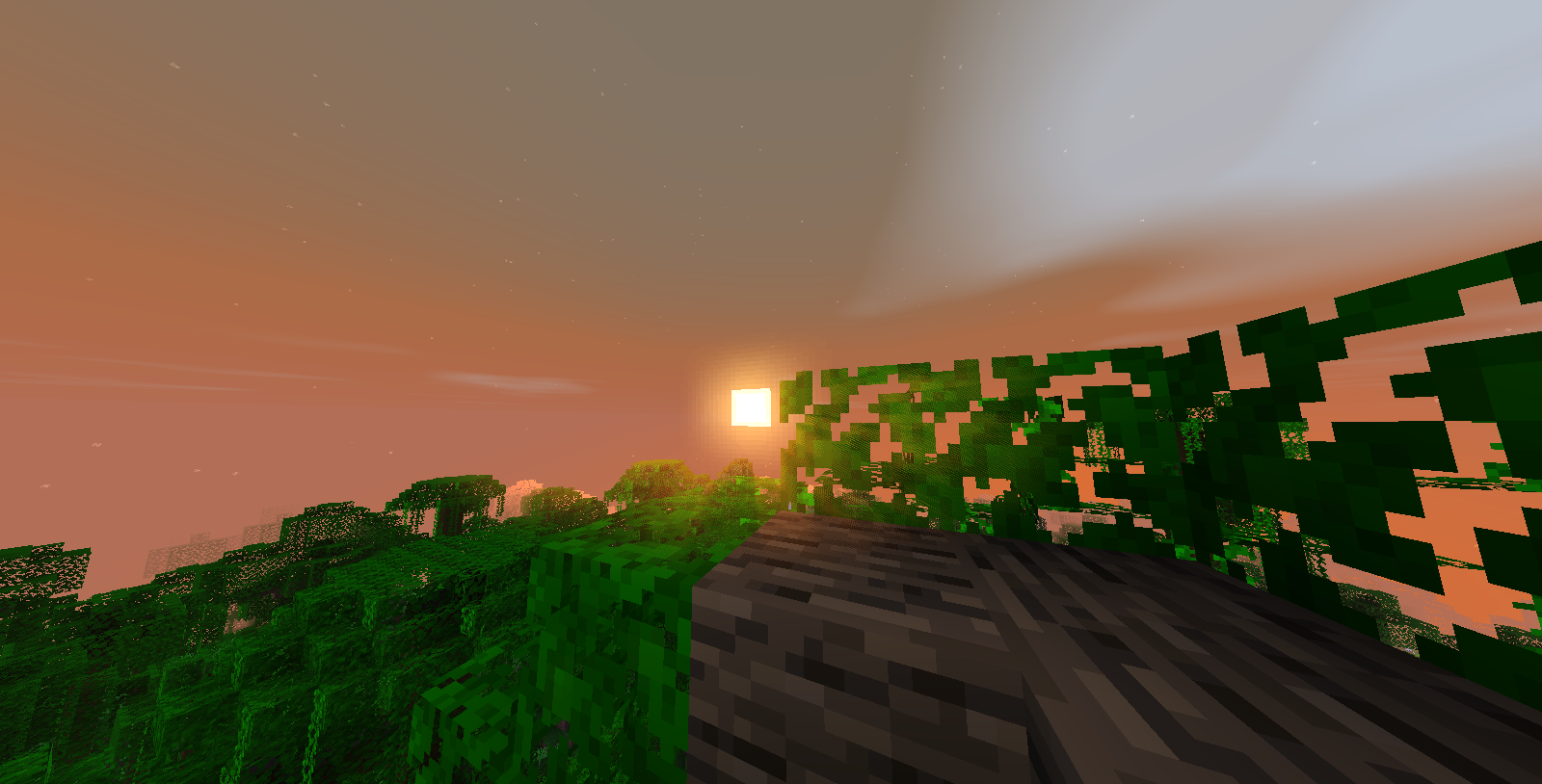
• Terrain - Sunrise
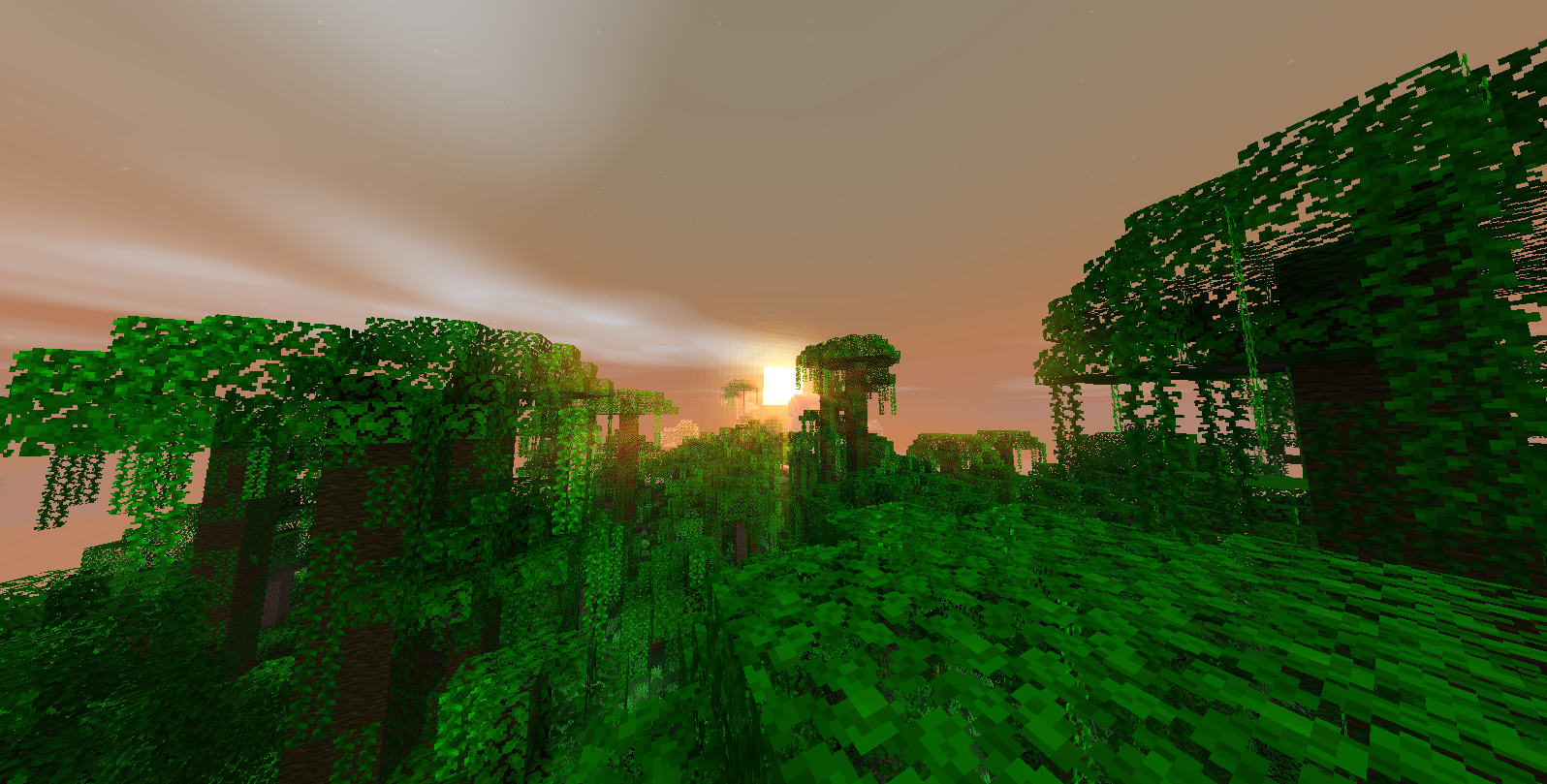
• Terrain - Sunset
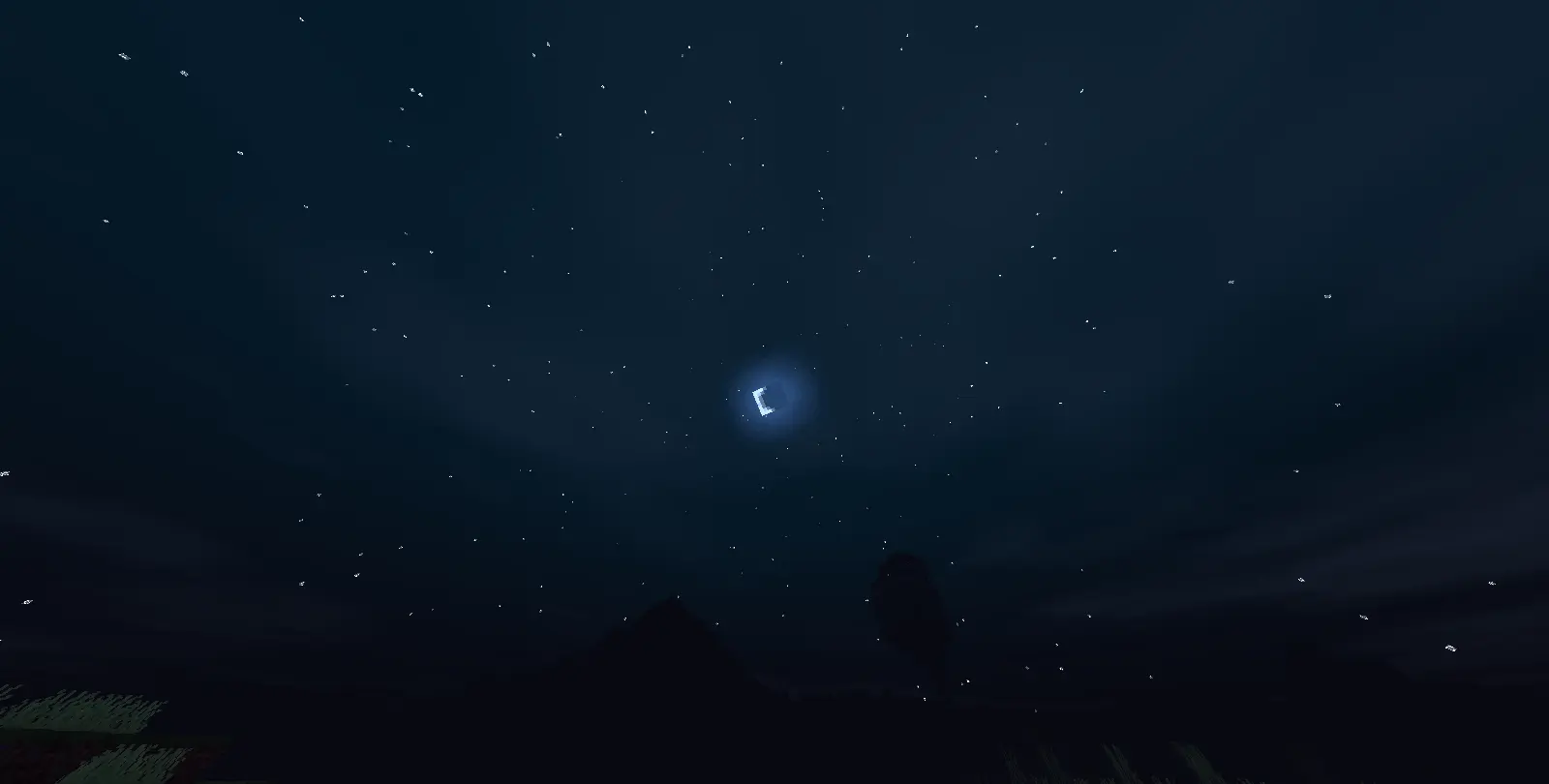
• Clouds & Stars (overhauled night sky)
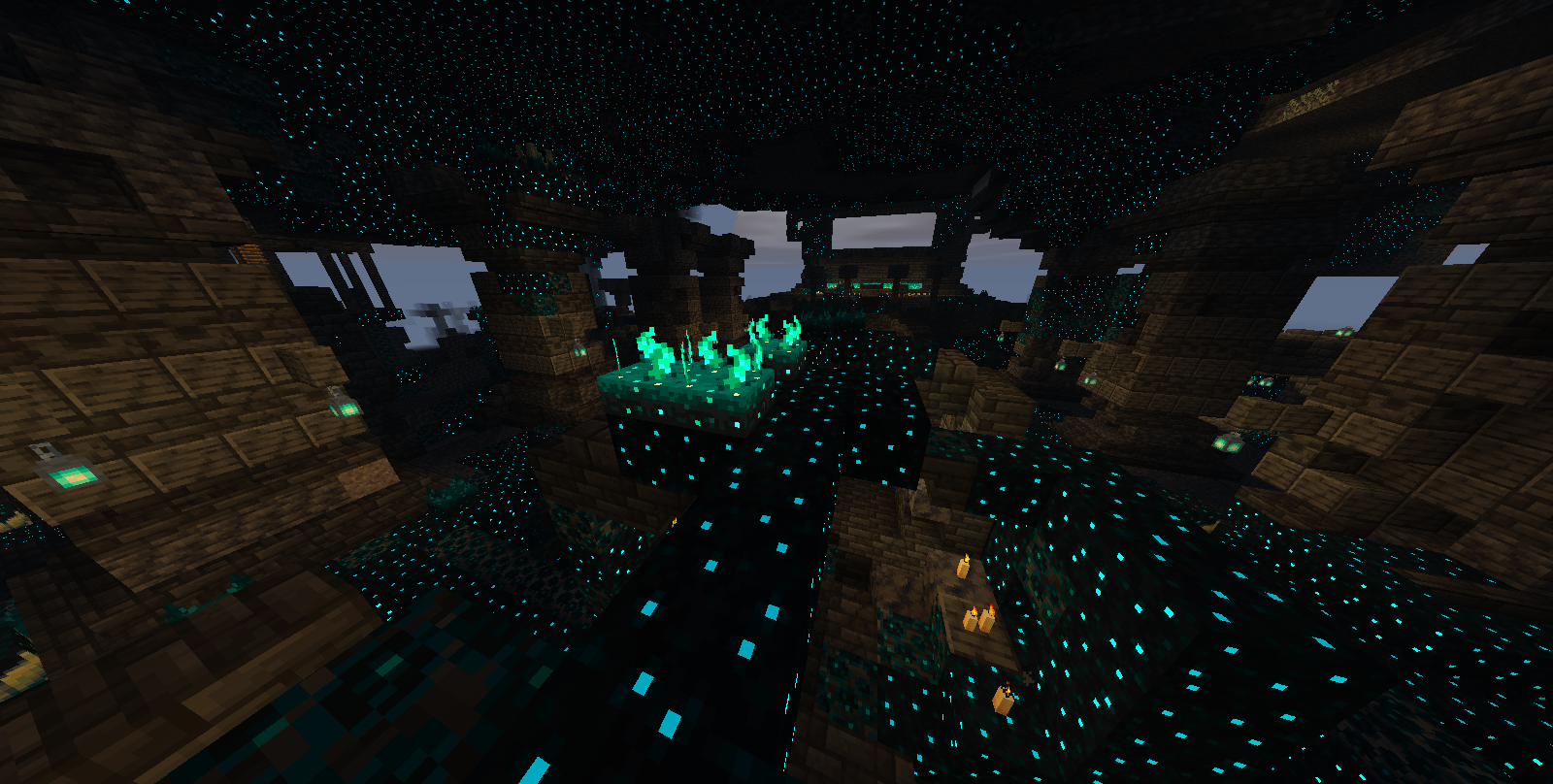
• Sculk Emmisive
• Shadows

• Godrays

Compability
Sodium compatibility has been added to version 1.1 and above.
This pack is compatiable with Distant Horizons but with limitations (lod chunks cannot work as they are not real chunks so, we can't do anything to resolve shading on it for now).
Why choose us over others?
No huge fps loss
Not gamemode specific
Compability with sodium (v1.1 and above)
FEATURES IN PROGRESS
- PURE BLOOM
- END SKYS
- VANNILA IMMERSIVE
- Water REFLECTIONS
Keep tuned for more 🔥
How does it work and doesn't take fps?
Since Minecraft 1.17, Minecraft has given modders the ability to use vanilla core shaders to customise elements of the game such as shadows, lighting etc.and this resource pack cleverly utilises this by using smart and modern techniques to give a false shader like feeling this is also the reason why it doesn't need mods or take fps as it's built into the game.
Join the discord for sneak peeks, discussions, and support https://discord.gg/xpYxWecBs
~ Editor/Director & Dev.
- Edition: Minecraft Java
- File type: .zip (resource pack)
- Minecraft version listed: 1.21.11
- How to install: Download the .zip resource pack — do not unzip it. → Put it in .minecraft/resourcepacks. → Enable it in Options → Resource Packs.
- Where to get it: Opens on Modrinth — not every file is mirrored on our own servers.
Install steps are the general flow for this file type — How to install Minecraft Java resource packs walks through it step by step.
- Downloads as Neoshade_1.1b.zip
- Download size: 72 KB
- Download link checked 5 Sept 2026 — working
These come from our own check of the pack file, not from the source page.