
ResourcepacksJava
Hatchsons Pvp Pack
Java resource pack listed for Minecraft 1.21–26.x. Downloads from the MC Java Mods app on Android.
⬇ Download on Modrinth


Hatchsons PvP Pack
Description
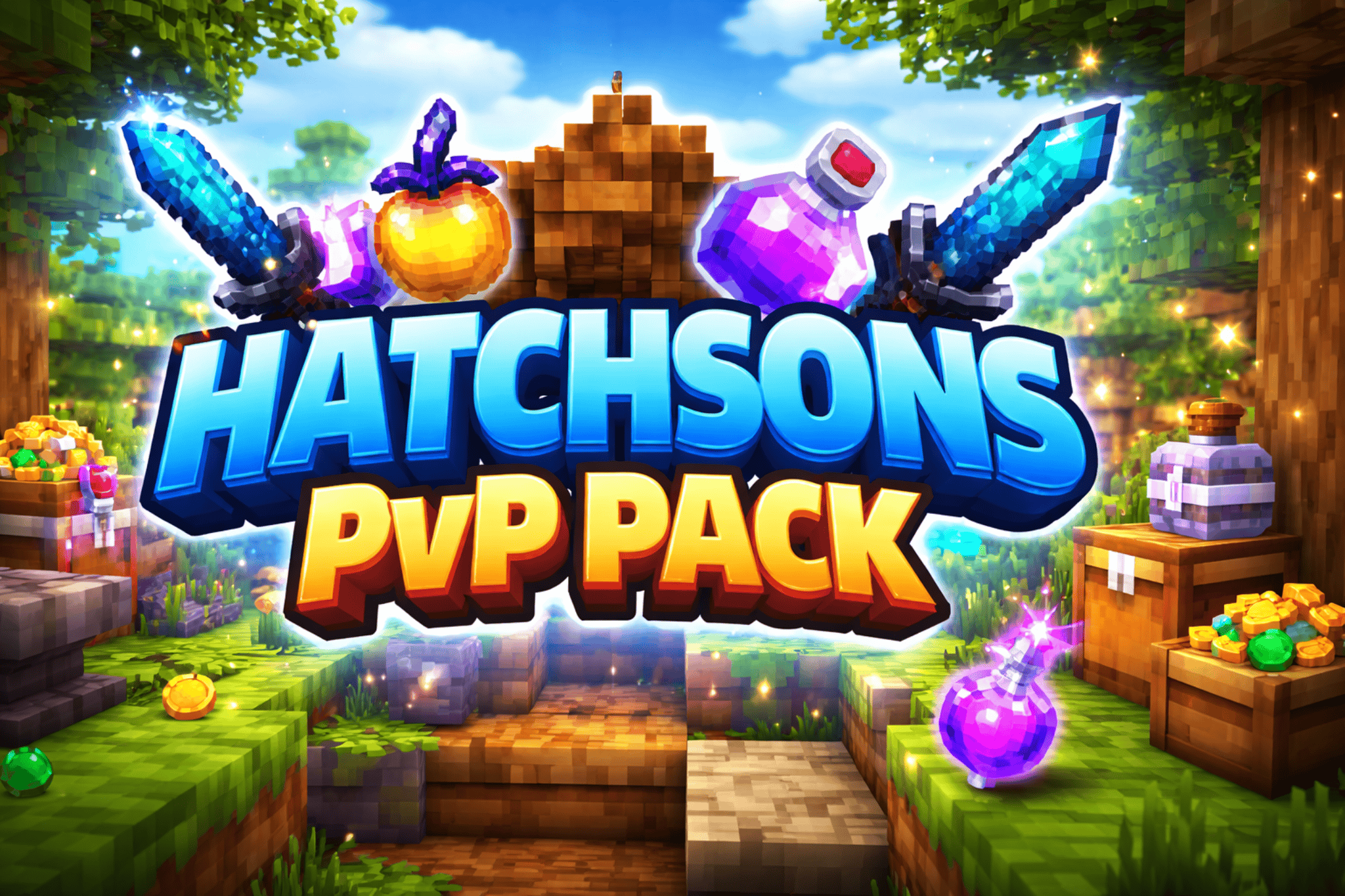
Elevate your Minecraft PvP experience with Hatchsons PvP Pack! This vibrant, high-quality texture pack is designed to make every battle more immersive, clearer, and visually satisfying. From sharp swords to glowing potions, each texture is optimized for PvP, helping you spot opponents and loot faster while keeping the game colorful and fun.
Features
- Fully optimized PvP textures for clear gameplay.
- Custom swords, potions, and loot items that pop.
- Smooth and vibrant block textures for better visibility in combat.
- High-quality, immersive design that keeps Minecraft feeling fresh.
Recommended for
- PvP servers and duels
- Players looking for crisp and clean textures
- Anyone wanting a visually enhanced combat experience
Installation
- Download the latest version of the pack.
- Open Minecraft → Options → Resource Packs → Open Resource Pack Folder.
- Drag and drop the
.zipfile into the folder. - Activate the pack and enjoy!
Support & Updates
Stay tuned for frequent updates, bug fixes, and new PvP-focused textures!
Quick facts
- Edition: Minecraft Java
- File type: .zip (resource pack)
- Minecraft versions listed: 1.21, 1.21.1, 1.21.2
- How to install: Download the .zip resource pack — do not unzip it. → Put it in .minecraft/resourcepacks. → Enable it in Options → Resource Packs.
- Where to get it: Opens on Modrinth — not every file is mirrored on our own servers.
Install steps are the general flow for this file type — How to install Minecraft Java resource packs walks through it step by step.
File checked by MCModsHub
- Downloads as hatchson_pvp_pack-1.0.0-resourcepack-1.21.8.zip
- Download size: 9 KB
- Download link checked 23 Oct 2026 — working
These come from our own check of the pack file, not from the source page.