

The official Resource Pack requiered for Better Hardcore Datapack's features to work properly.
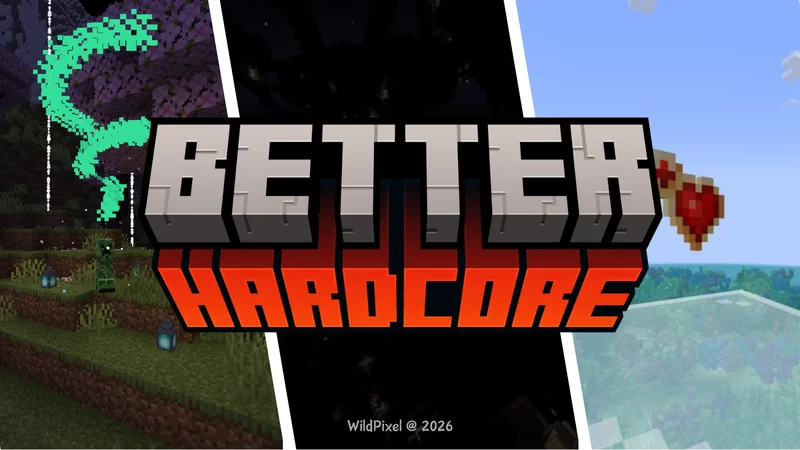
Better Hardcore is a modification which aims to enhance Minecraft's difficulty to a challenging, but possible one. You can learn more about Better Hardcore in the datapack page.
⚙️ Installation Guide
- Open the resource packs menu from the game settings.
- Click on add a new resource pack and drop the BH_RP.zip file. Then, enable it.
- Start the creation of the new world with the Better Hardcore Datapack loaded in.
- To do so, select data packs, open the temporary drop file folder and drop the datapack file there. Then, enable it.
- Load into the world. You should receive a message confirming the datapack has loaded in.
Features & Additions
Some of Better Hardcore's changes requiere the usage of this resource pack:
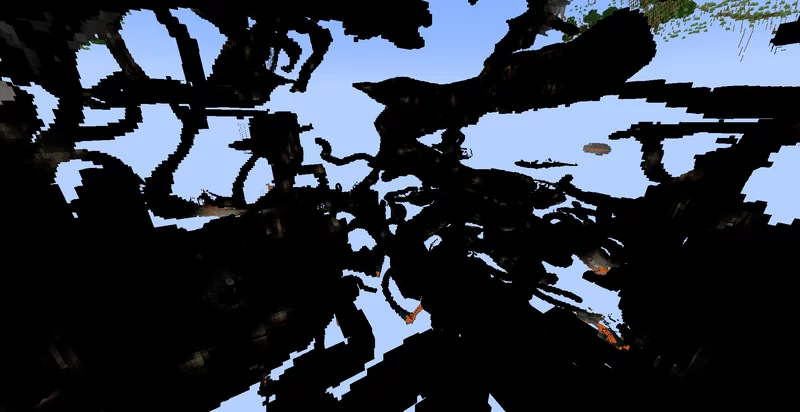
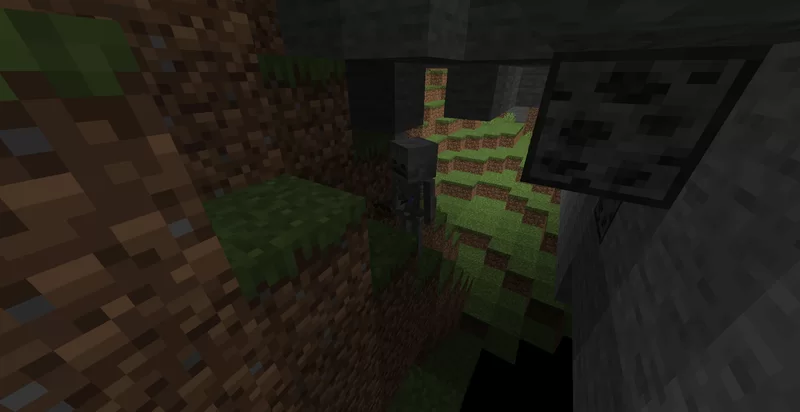
- Hardcore darkness shader
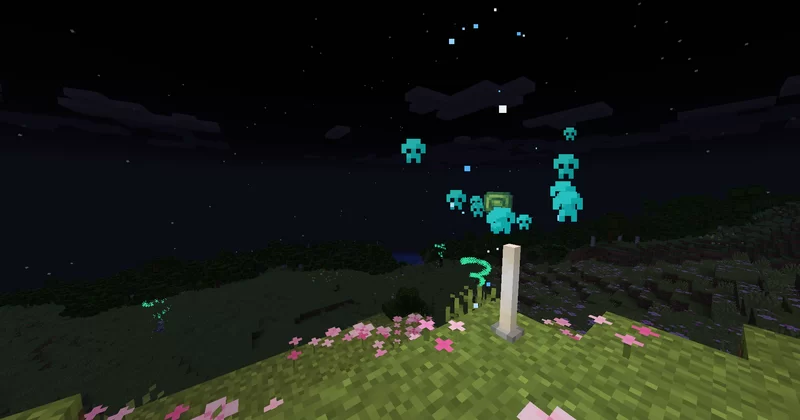
- Custom item textures
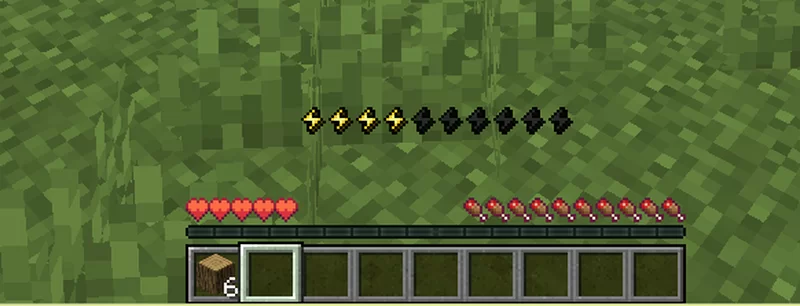
- Font changes to support Energy/Stamina bar symbols
Why do you need it?
For the best experience, use the resource pack together with the datapack. Using only the datapack will result in odd symbols that stand for the UI elements and no custom textures. Custom items will appear as command blocks.
Credits
Hardcore Darkness is from Vanilla Tweaks: https://vanillatweaks.net/
- Edition: Minecraft Java
- File type: .zip (resource pack)
- Minecraft versions listed: 1.21, 1.21.1, 24w33a
- How to install: Download the .zip resource pack — do not unzip it. → Put it in .minecraft/resourcepacks. → Enable it in Options → Resource Packs.
- Where to get it: Opens on Modrinth — not every file is mirrored on our own servers.
Install steps are the general flow for this file type — How to install Minecraft Java resource packs walks through it step by step.
- Downloads as BH_RP.zip
- Download size: 60 KB
- Download link checked 13 Sept 2026 — working
These come from our own check of the pack file, not from the source page.