![[Blue] MilosPack](https://cdn.modrinth.com/data/BEuF3ddV/2d30098ff918431baa9a3e0b0141b65e73bb2356_96.webp)
![[Blue] MilosPack — screenshot 1](https://cdn.modrinth.com/data/BEuF3ddV/images/a8508dc14c0095eecb3a1f04cafd7979e15c74e9_350.webp)
![[Blue] MilosPack — screenshot 2](https://cdn.modrinth.com/data/BEuF3ddV/images/250bd763c5adb2584663066b4e548d60ead12aa4_350.webp)
![[Blue] MilosPack — screenshot 3](https://cdn.modrinth.com/data/BEuF3ddV/images/f654abc533df6abd4f63b6e630d992f0428f3b13_350.webp)
![[Blue] MilosPack — screenshot 4](https://cdn.modrinth.com/data/BEuF3ddV/images/2c227afb642bfb06ea748e34498db517f413ebf6_350.webp)
This is a simple and safe .zip texture pack.
No scripts, no changes to game code—only textures.
Fully clean pack including:
• armor
• tools
• items
• UI
• blocks so this is a blue version of MilosPack which i created the normal one hasn't been released on modrinth.com its on curseforge for bedrock and soon it will came out on Modrinth.com!
Tab inventory
The creative Tab inventory has been changed In 1.0 making it blue and bright!
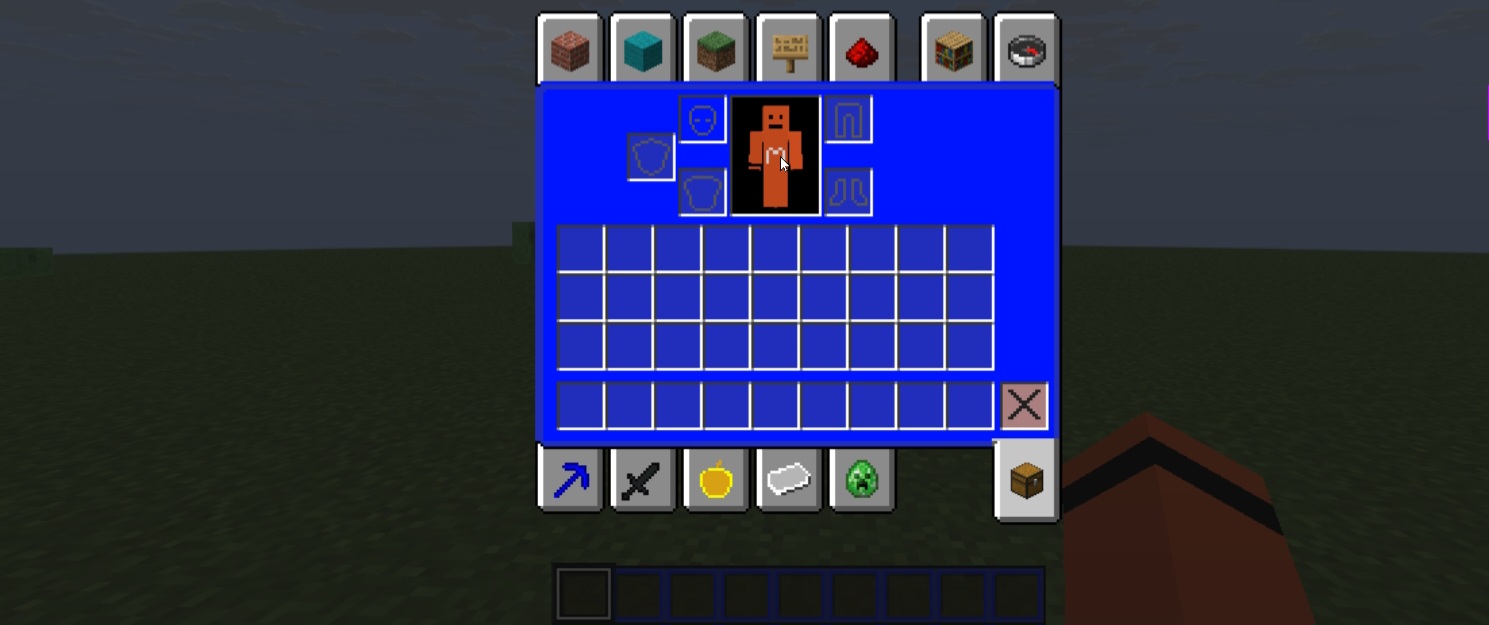
Tab Items
the creative Tab items has been changed In 1.0 making it blue and bright!
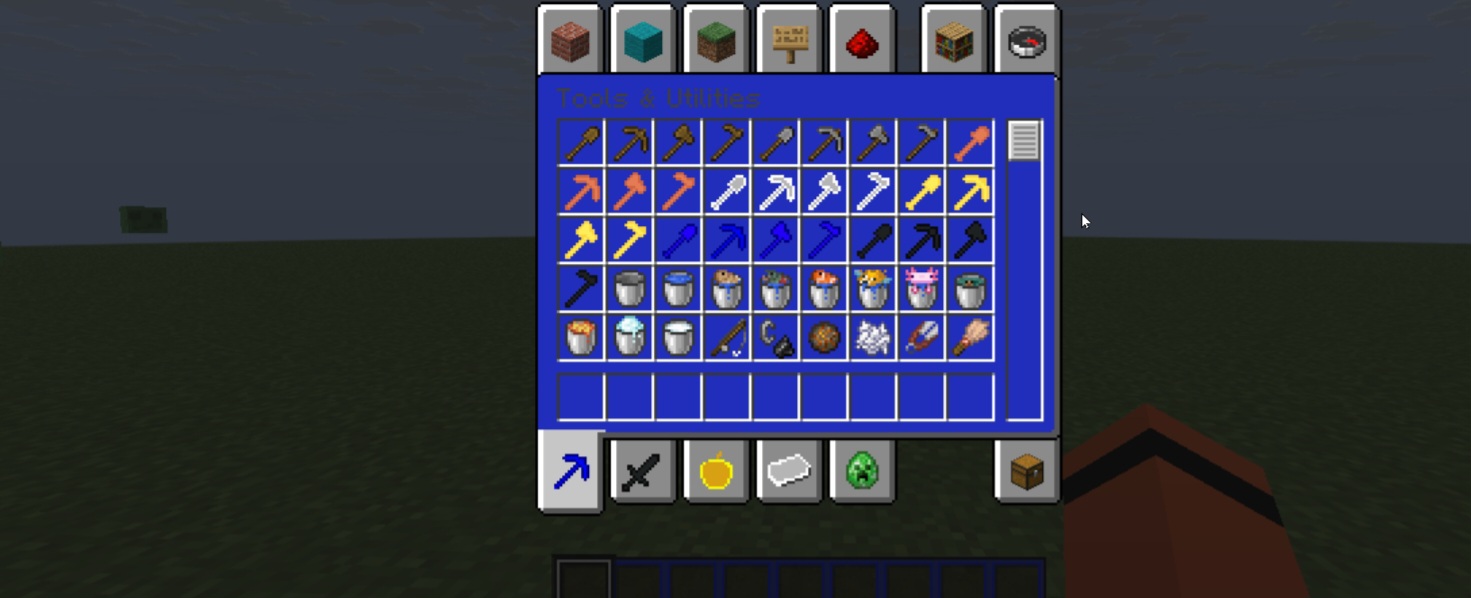
Quick facts
- Edition: Minecraft Java
- File type: .zip (resource pack)
- Minecraft version listed: 1.21.11
- How to install: Download the .zip resource pack — do not unzip it. → Put it in .minecraft/resourcepacks. → Enable it in Options → Resource Packs.
- Where to get it: Opens on Modrinth — not every file is mirrored on our own servers.
Install steps are the general flow for this file type — How to install Minecraft Java resource packs walks through it step by step.
Verified by MCModsHub
- Downloads as MilosPack1.1.zip
- Download size: 5.1 MB
- Download link checked 23 Aug 2026 — working
These come from our own check of the pack file, not from the source page.