

It is a texture pack that adds various custom sounds to the Minecraft game
How do I add the sounds?
To play sounds, you really should use the /playsound command that comes built into vanilla Minecraft
Example:
/playsound minecraft:custom.explosion master @a
- You must use the custom. prefix.
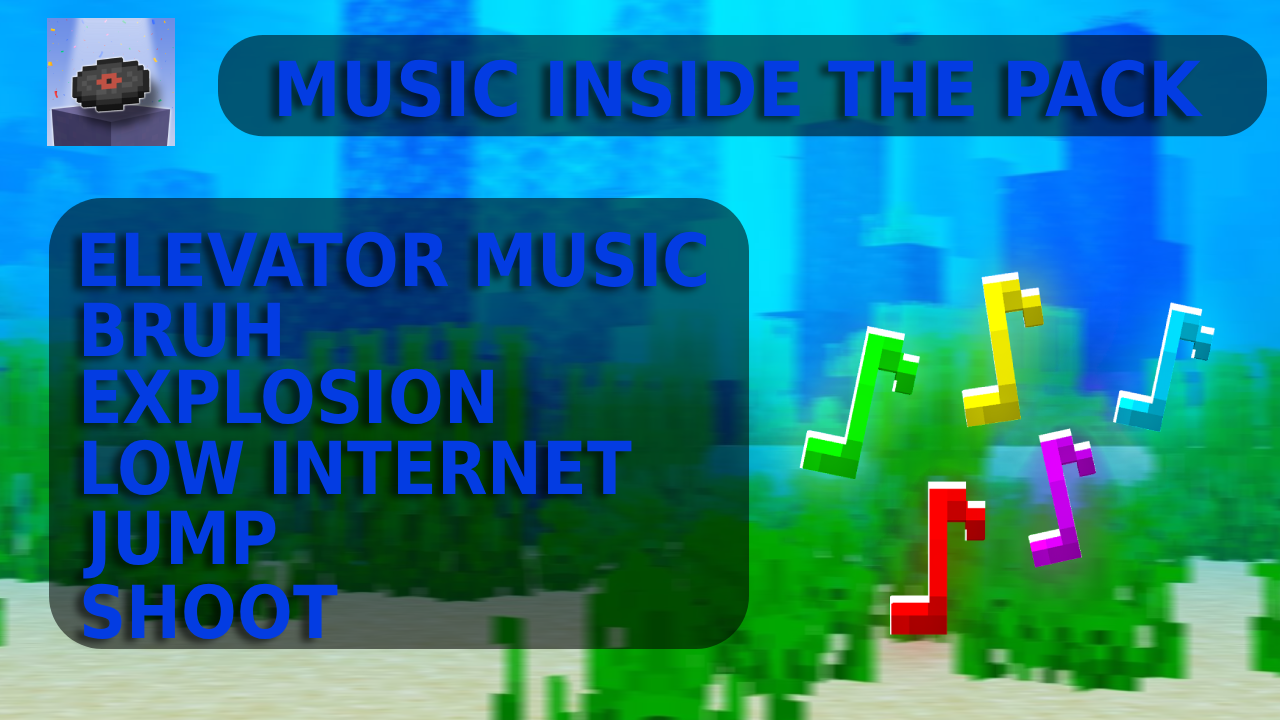
list of all sounds
minecraft:custom.bruh
minecraft:custom.elevator_music
minecraft:custom.explosion
minecraft:custom.internet_low
minecraft:custom.jump
minecraft:custom.shoot
Quick facts
- Edition: Minecraft Java
- File type: .zip (resource pack)
- Minecraft versions listed: 1.21.4, 1.21.5, 1.21.6
- How to install: Download the .zip resource pack — do not unzip it. → Put it in .minecraft/resourcepacks. → Enable it in Options → Resource Packs.
- Where to get it: Opens on Modrinth — not every file is mirrored on our own servers.
Install steps are the general flow for this file type — How to install Minecraft Java resource packs walks through it step by step.
Verified by MCModsHub
- Downloads as SoundFX.zip
- Download size: 4.7 MB
- Download link checked 14 Sept 2026 — working
These come from our own check of the pack file, not from the source page.