
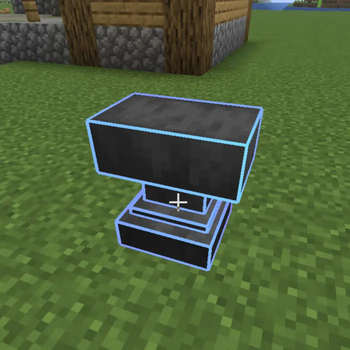
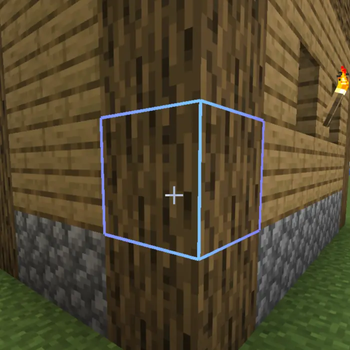
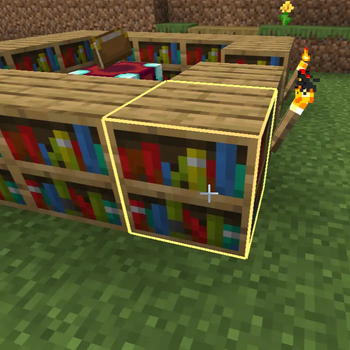
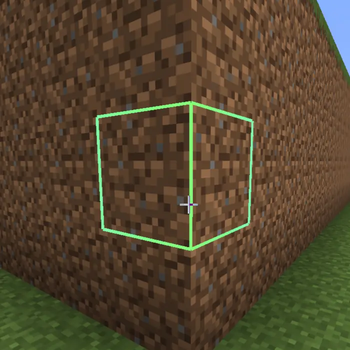
Spectrum Outline EntzuMC
Upgrade your block highlights with vibrant moving colors and a sleek modern style.
✨ Features
- 🌈 Animated spectrum outlines
- 🔄 Flowing color loop around edges
- 🎨 Custom color mode
- 📏 Adjustable thickness
- ⚡ Lightweight & optimized
- 🧩 Vanilla shader based
Perfect for PvP, building and cinematic gameplay.
🖥 Compatibility
✔ Minecraft 1.21.x
✔ Vanilla
✔ Iris
✔ Sodium
✔ OptiFine
📦 Installation
- Download the pack
- Move it to
.minecraft/resourcepacks - Activate it in game
❤️ Credits
Created by EntzuMC
⚙️ Configuration Guide
Spectrum Outline EntzuMC
All visual effects can be customized directly inside the shader files.
No extra mods or menus required — just edit a few lines.
📂 Where to edit
Open the pack and go to:
assets/minecraft/shaders/core/
You will find:
rendertype_lines.vshrendertype_lines.fsh
At the top of both files you will see the configuration panel.
🎮 Changing the Mode
Find this line in both files:
#define MODE RAINBOW_LOOP
Replace RAINBOW_LOOP with one of these:
VANILLA→ Default Minecraft outlineRAINBOW_FADE→ Smooth animated color shiftRAINBOW_LOOP→ Colors travel around the edgesCUSTOM→ Uses your selected color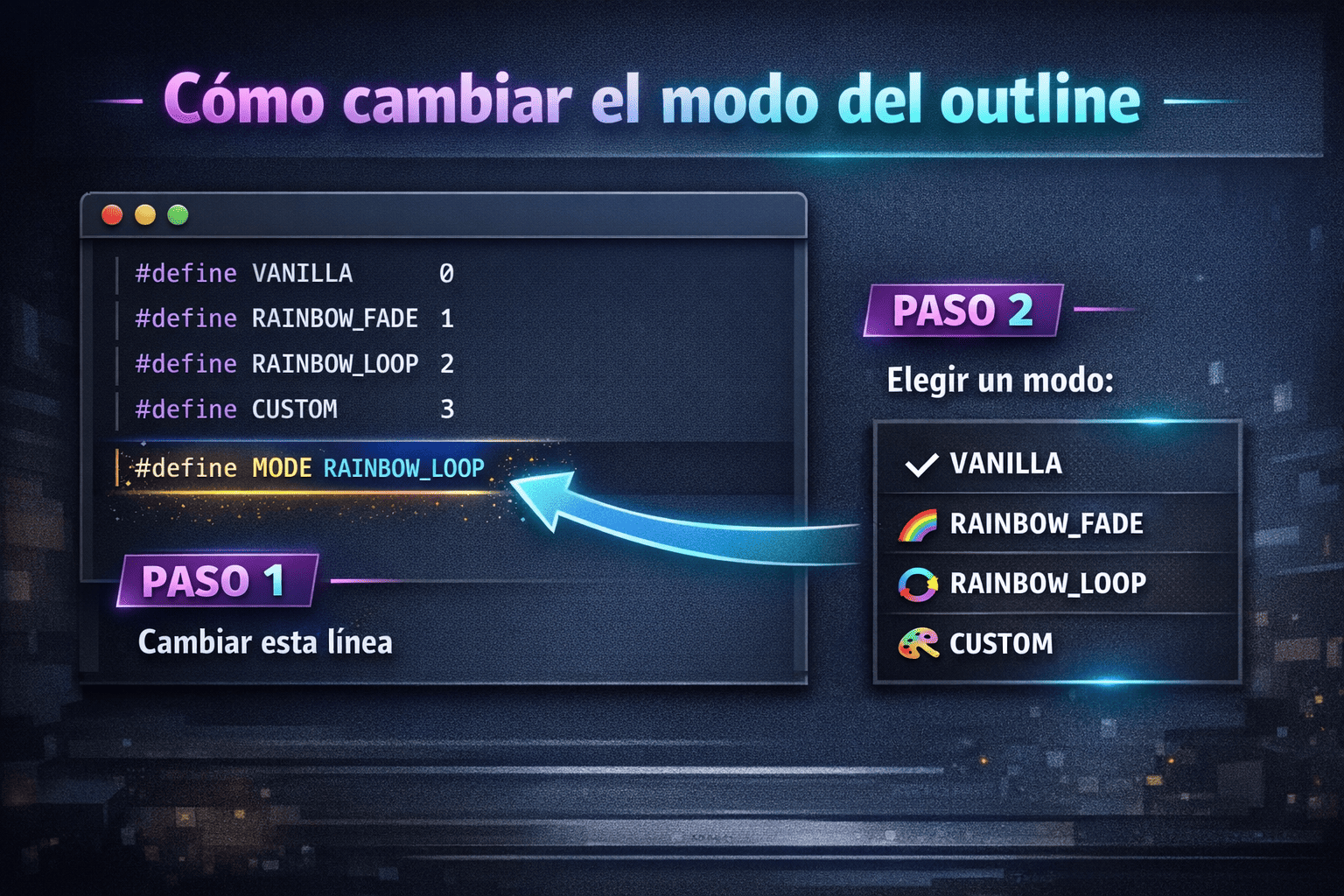
⚠️ The mode must match in both files.
📏 Changing the Thickness
In rendertype_lines.vsh:
#define THICKNESS 2.5
Examples:
1.0→ vanilla2.0→ slightly thicker3.0→ bold4.0+→ very thick
🎨 Custom Color Mode
If you use:
#define MODE CUSTOM
Change this in rendertype_lines.fsh:
#define CUSTOM_COLOR vec4(0.2, 0.8, 1.0, 1.0)
Format: vec4(R, G, B, A)
Values go from 0.0 to 1.0.
Examples:
White: vec4(1.0, 1.0, 1.0, 1.0)
Red: vec4(1.0, 0.0, 0.0, 1.0)
Purple: vec4(0.7, 0.2, 1.0, 1.0)
🌈 Changing Rainbow Speed
#define SPEED 2000.0
Higher = faster
Lower = slower
🔁 Direction
#define DIRECTION 1.0
1.0→ normal-1.0→ reverse
🎚 Smooth Transitions
#define SMOOTH true
true→ soft gradientfalse→ hard color steps
💡 Tips
✔ Restart Minecraft after editing
✔ Use CUSTOM mode for quick testing
✔ If nothing changes → make sure both files match
Enjoy your personalized outlines 🔥
- Edition: Minecraft Java
- File type: .zip (resource pack)
- Minecraft version listed: 1.21.11
- How to install: Download the .zip resource pack — do not unzip it. → Put it in .minecraft/resourcepacks. → Enable it in Options → Resource Packs.
- Where to get it: Opens on Modrinth — not every file is mirrored on our own servers.
Install steps are the general flow for this file type — How to install Minecraft Java resource packs walks through it step by step.
- Downloads as Spectrum Outlines 1.21.11.zip
- Download size: 29 KB
- Download link checked 5 Sept 2026 — working
These come from our own check of the pack file, not from the source page.