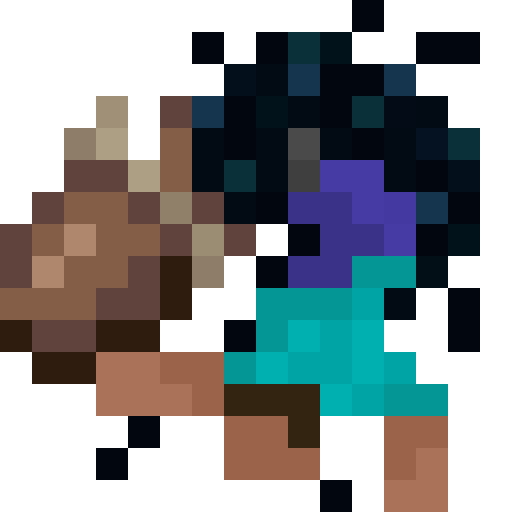
Pocket Dimensions
Java data pack listed for Minecraft 1.21–26.x. File opened and checked on 4 Oct 2026; downloads from the MC Java Mods app on Android.
This project introduces a fascinating item to the game. It's similar to a bundle, but with a ROOM inside. You can build whatever you want inside and take…
I don't know my version or loader
Pocket Dimensions
This project introduces a fascinating item to the game. It's similar to a bundle, but with a room inside. You can build whatever you want inside and take it with you!
How to use it
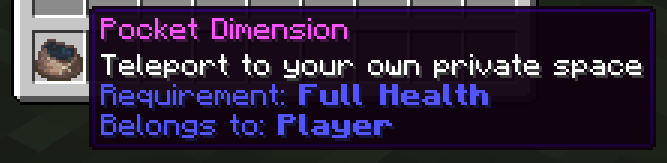
After creating the item, right-click to activate and enter it. There is only one room per player. So, if you craft another one, it will take you to the same room. You can identify the room by the player name in the description. Any player with that item can join the room that the item is bound to.
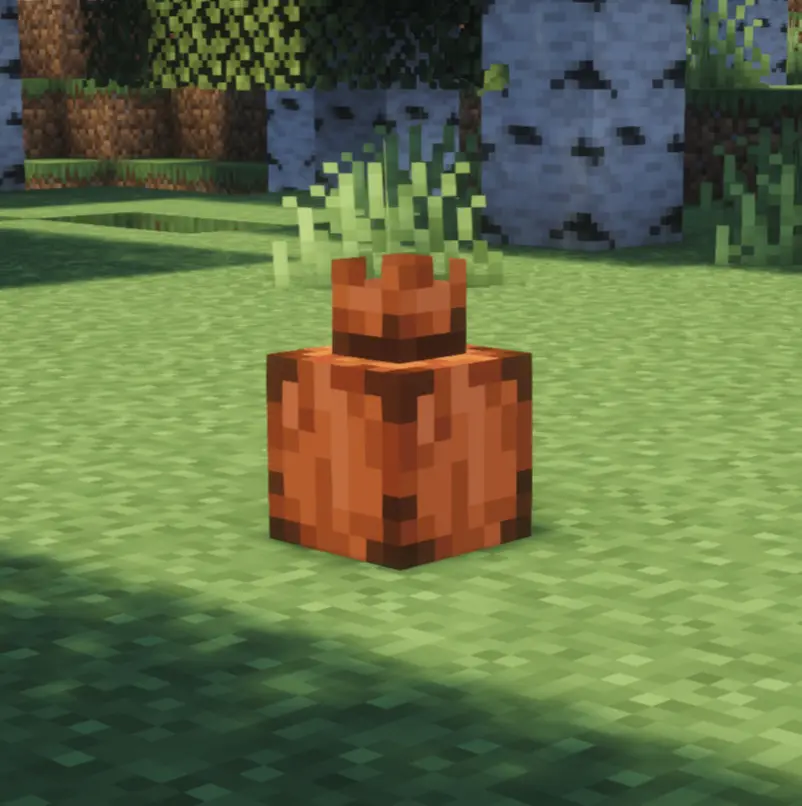

Once you have activated your room, you can place it in the Overworld. Don't worry — if someone tries to destroy it while you're inside, you'll feel it. However, other players can also enter it as long as it is placed. If it gets destroyed, everyone inside will leave the pocket instantly.
[NEW] Pocket Locator Compass
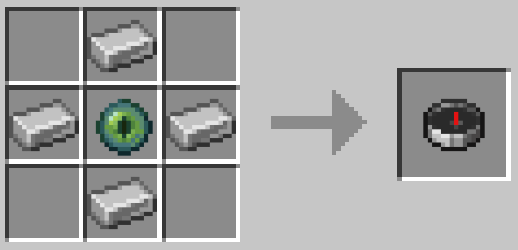
There's now a new item to help you locate your placed pocket! Once obtained, simply right-click to bind it to your placed pocket. You can rebind it at any time. You can craft it using this recipe:
Installation
Please make sure to install the resource pack as well when using the datapack. It is mandatory to see any textures.
When using the mod, it's not necessary.
If you are installing the datapack on a server, you can also install it as an server side pack.
Help
In case you encounter some problems, have some questions, or just want to learn more about the pack, feel free to read the Documentation. If you still have questions, feel free to open an Issue and help me to improve my pack!
Expansions
If you would like to use alternative textures with this pack, you can install 
Customization

You can create whatever you can imagine! Start now and build your own pocket dimension!



- Edition: Minecraft Java
- File type: .jar
- Minecraft versions listed: 1.21.9, 1.21.10, 1.21.11
- How to install: Install the matching mod loader (Forge, Fabric or NeoForge) for your Minecraft version. → Download the .jar. → Put it in the .minecraft/mods folder and launch that loader profile.
- Where to get it: Opens on Modrinth — not every file is mirrored on our own servers.
Install steps are the general flow for this file type — see the MC Java Mods guides for the full walkthrough.
- Downloads as pocket_dimension-26.2.3.2.zip
- Download size: 133 KB
- Download link checked 8 Oct 2026 — working
These come from our own check of the pack file, not from the source page.