
Create Mod Tools
Adds 2 useful commands to help with the create mod. End Trains, and eazy seating to be specific. Free Minecraft Java datapack for 1.18.2, 1.19.2, 1.20.1.
I don't know my version or loader
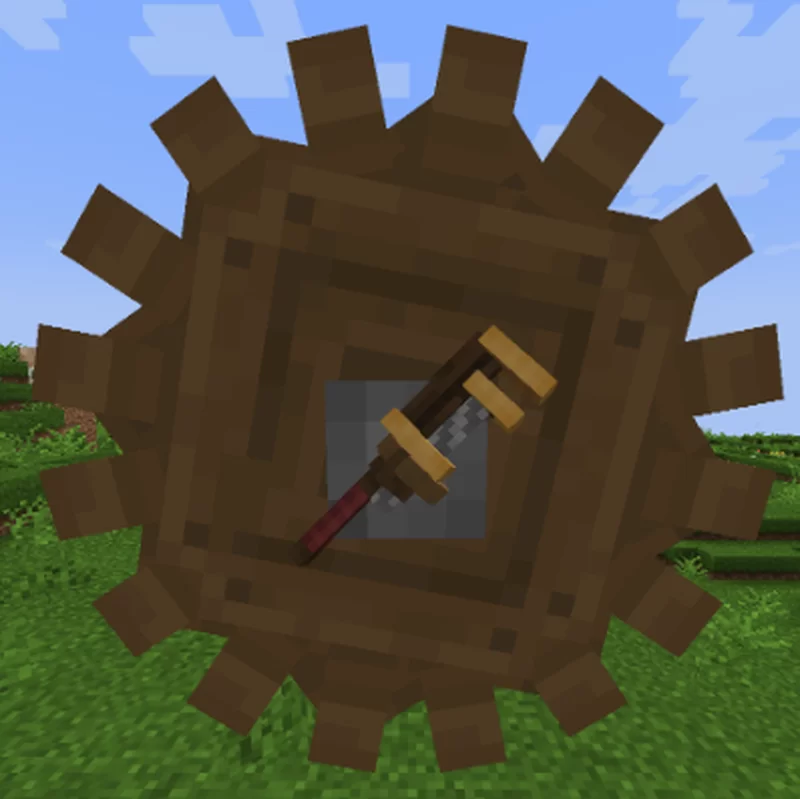
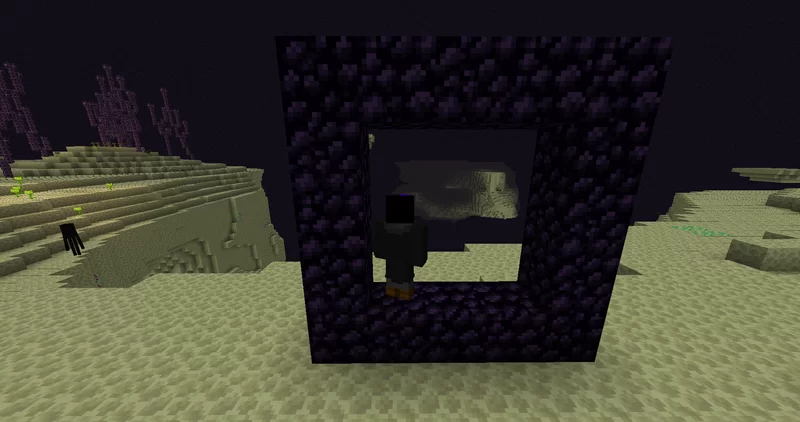
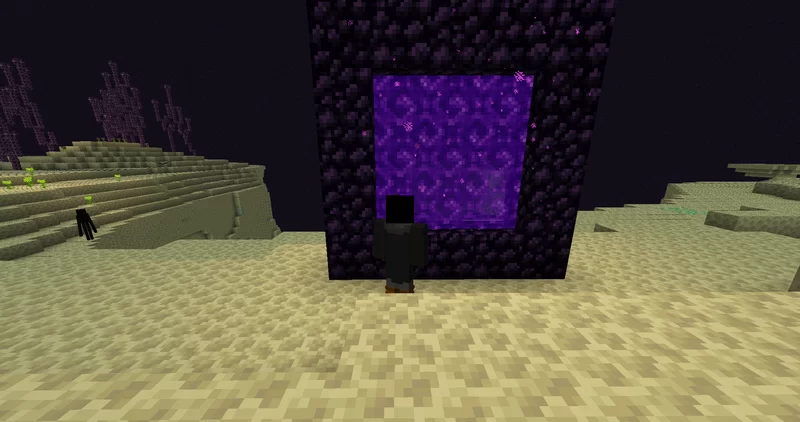
Welcome to Create Tools!
Create Tools is a datapack that adds a few trigger commands to add more things you can do with create. This datapack was made in minecraft 1.19.2, forge, and create mod version "create-1.19.2-0.5.0.f.jar". If this datapack does not work for you, good luck. Not guaranteeing it will work in all versions.
End Trains!
Ever want to have a train that goes from the overworld to the end, and back? Well now you can! Using the command "/trigger CreateTools.EndToNetherPortal". You can make a nether portal in the end dimension. Trains can go back and forth thru the portal. A more detailed overview on how to use it is here. To open this portal, fist stand in the corner of a obsidian frame, then run the command.
Put Anything in a Seat
Ever wanted to put weird things onto a contraption, or train? Now you can! Admins can put a blacklist on things, but using the command "/trigger CreateTools.PutOnSeat". You can select a entity, and put it onto a seat with ease! Simply type in the command, and follow its instructions. You can see a example of this in the images.
Admins?
If you are a admin, you can turn on/off both commands by using the creative mode only command "/trigger op_menu". You will also see instructions to edit the blacklist for the PutOnSeat Command.
- Downloads as create-tools.zip
- Download size: 192 KB
- Download link checked 28 Aug 2026 — working
These come from our own check of the pack file, not from the source page.