
DatapacksJava
Unfinite Freecam
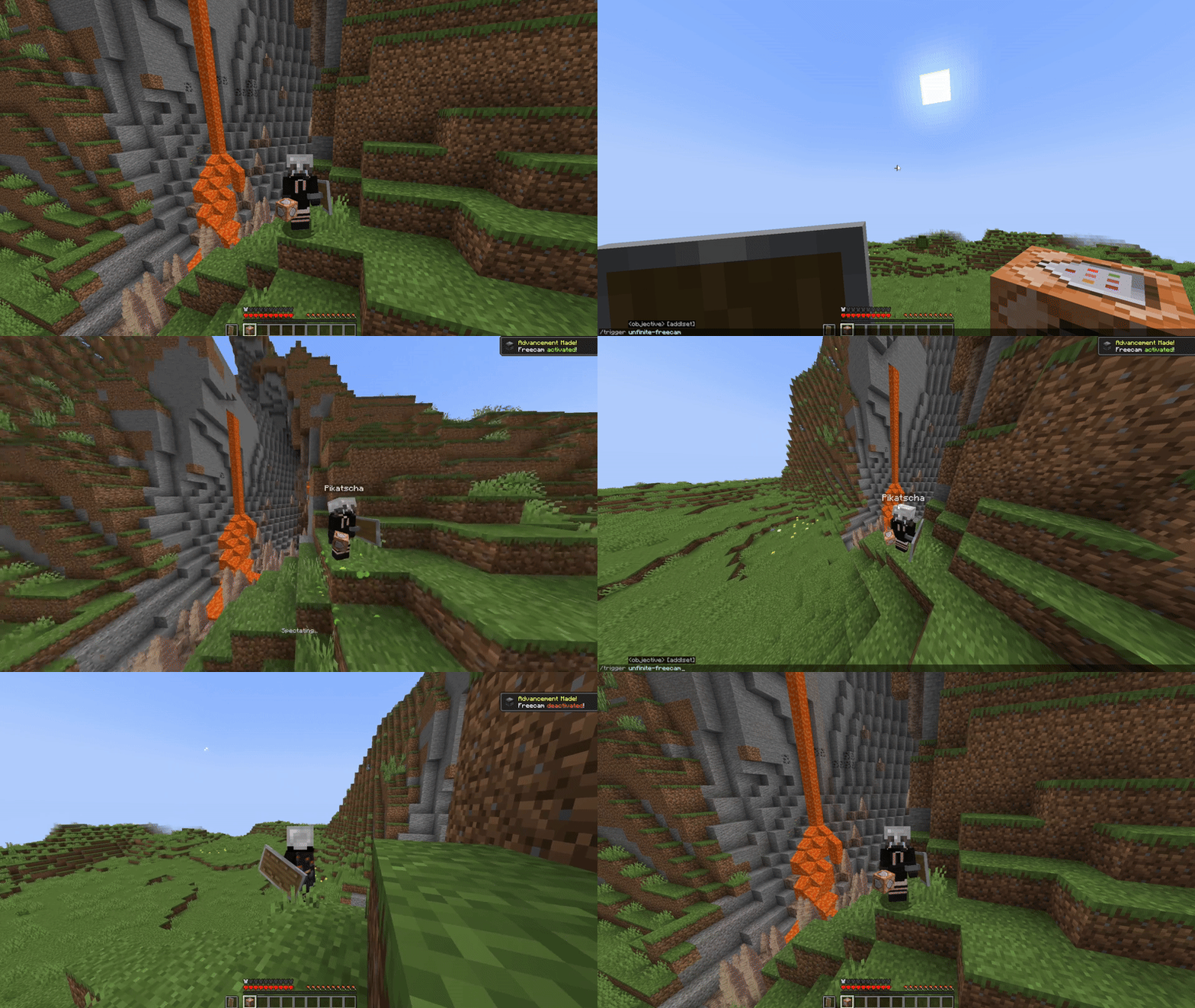
Spectator Freecam with accurate player figures! ✨ (v2: Now with mannequins). Free Minecraft Java datapack for 26.2.
⬇ Download on Modrinth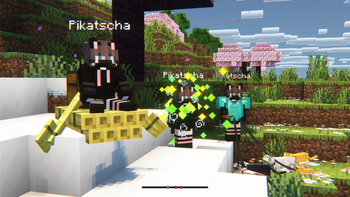


What makes this freecam datapack special?
- A replica player figure spawns while using the Freecam
- v1: Nearly accurate figures with capes. Made out of item displays. Details below
- v2: Using the new Mannequin Entity
- ✔ Survival friendly and works without "Commands" enabled
- ✔ Multiplayer friendly (Must be installed on the server)
- ✔ No resourcepacks, plugins or mods are needed
- ✔ Can be installed as a mod [1.21.9+] (v2.0.1+)
v2 Rework: Mannequins and external support! [1.21.9+]
- Mannequins replicate: Pose/Effects/Attributes/Vehicles/Leashes etc.
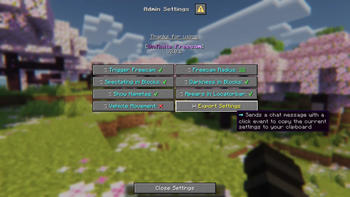
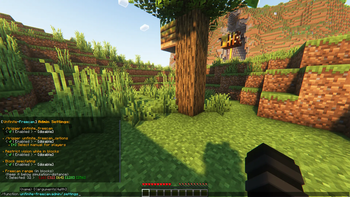
- Better Admin Settings Menu with export button
- External Use: Dis- and Reconnecting players from mannequins

https://projekte.der-seite.de/unfinite-freecam
How to use
- Install (Datapack/Mod) on the Serverside (In Singleplayer your World/Instance is the Server)
- (Enable and reload)
- By default, every player can use:
/trigger unfinite-freecamto enter/exit freecam (No /op needed)
- Admin settings via
/function unfinite-freecam:admin/.settingsand more admin options under admin/...
This project started even before mannequins existed...
More Information on the old version [v1]- Player figures are display entity based and made out of custom player heads
- These figures are generated with the bdengine.app
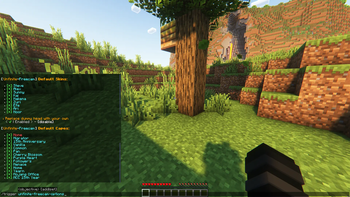
- All default skins available as player body + own skins addable!
- Multiple capes selectable
How to use
Enable and reload the datapack
By default, every player can use:
/trigger unfinite-freecamto enter/exit freecam/trigger unfinite-freecam-optionsto select a skin and cape [v1 only]
Admin settings via
/function unfinite-freecam:admin/settings:- Enable/disable freecam permission
- Enable/disable skin/cape selection
- Manually select skin and cape for an online(!) player [v1 only]
- Enable/disable limited vision underground
- Enable/disable spectating through blocks
- Select freecam range (default: 32 blocks)
Add own skins into the datapack: [v1 only]
Creating the player figure
- YouTube Tutorial:
- Make Player Statues in Vanilla Minecraft – by Sister (Realms creator)
Covers setting up bdengine and creating the player figure
- Make Player Statues in Vanilla Minecraft – by Sister (Realms creator)
- Setup bdengine with a Mineskin Account to auto-generate player heads
- Generate a player figure with your IGN or texture file
- Rotate it 180° and lower it until only the head is above floor level
- For all parts, set additional NBT to:
Tags: ["unfinite_freecam_dummy"] - For the head only, set additional NBT to:
Tags: ["head"] - Click "export to Minecraft" and copy the
/summoncommand
Adding it into the datapack
- Create a new file at:
data/unfinite-freecam/function/system/skin/*namespace*.mcfunction - Paste the
/summoncommand inside the file - Remove the
/at the beginning - Change:
to:~-0.5 ~ ~-0.5~ ~ ~ - Add a new command line to the
.optionsand.select_optionfunctions inside thesystemfolder- Follow the correct structure using your
*namespace*and the next number
- Follow the correct structure using your
- Note: You may need to copy the modifyed files, so they are not deleted in case of an update
- YouTube Tutorial:
Verified by MCModsHub
- Downloads as unfinite-freecam.zip
- Download size: 306 KB
- Download link checked 28 Aug 2026 — working
These come from our own check of the pack file, not from the source page.