
Quests Journey
I don't know my version or loader
Introducing the Quests Journey Pack!
Get ready to embark on epic adventures with this Quest system for Minecraft!
How it works
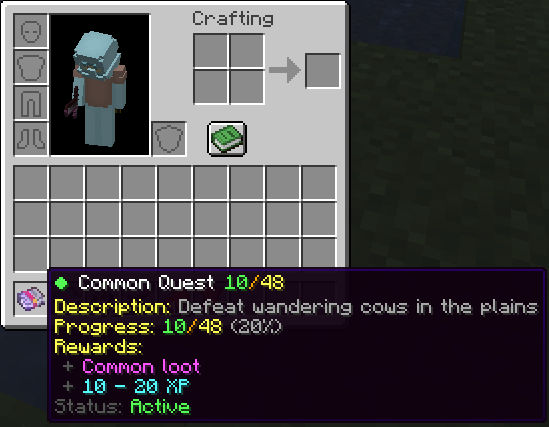
You can earn quests by defeating mobs. The stronger the mob, the higher the chance to receive a quest. Complete quests to earn XP and points, which can be used to buy items, keys, and more using:
/trigger quests_gui
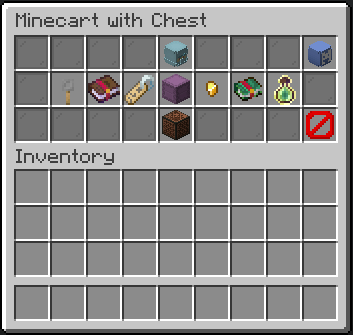
Quest Rarities
There are five quest rarities. The rarer the quest, the harder the challenge—but also the better the rewards!
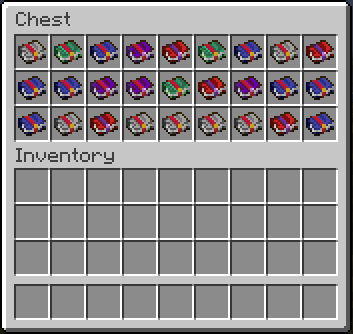
Quest Slots
You have a limited number of quest slots, meaning you can only work on a set number of quests at the same time. You can upgrade your slots using points, allowing you to take on more challenges at once!
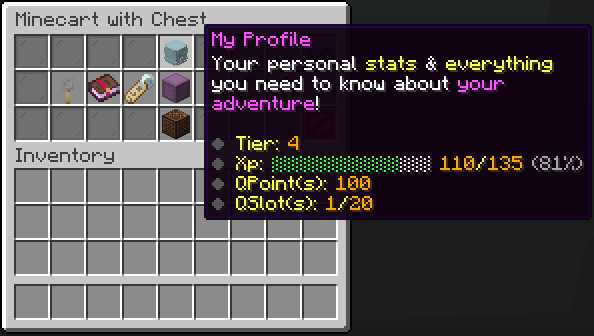
Questbooks & Progression
Each quest is stored in a Questbook. Keeping it in your inventory activates the quest, allowing you to track progress. Progress is saved within the book, meaning you can share it and store it without losing any data.
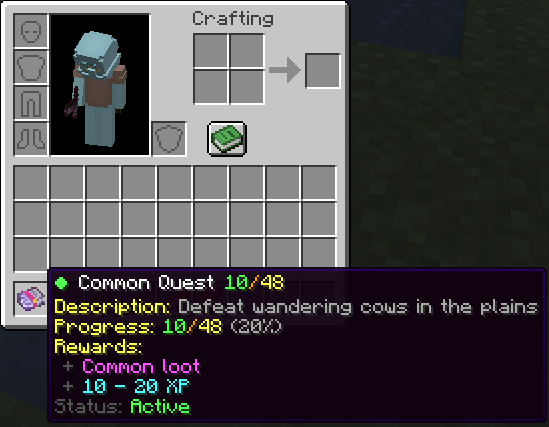
Claiming Rewards
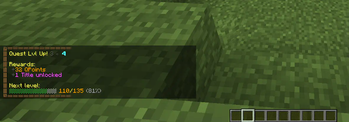
Once a quest is completed, you can claim your rewards to earn XP and points. These points help you level up and unlock even more powerful rewards!
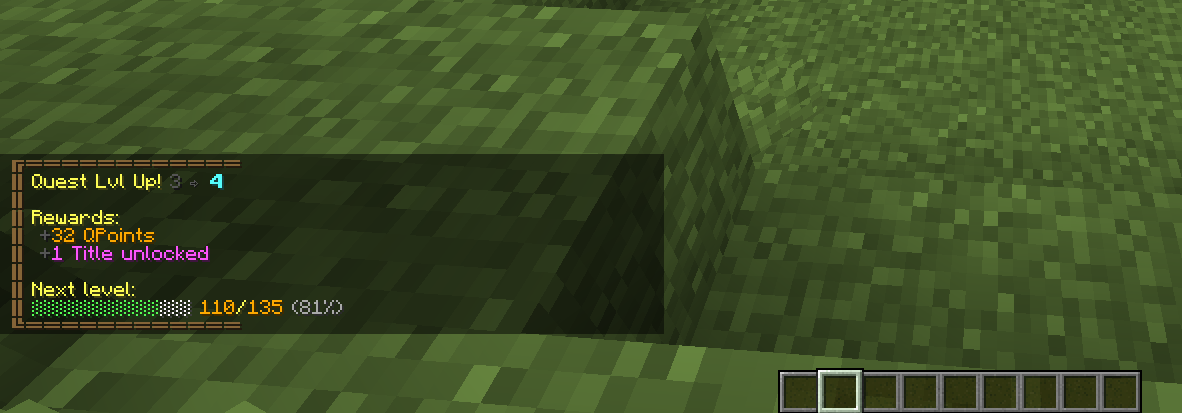 There's even more to explore in-game. Jump in and start your adventure!
Uninstalling
- Access the Chat Window.
- Enter the Uninstall Command and press Enter:
/function quests_journey:uninstall
Links


- Edition: Minecraft Java
- File type: .jar
- Minecraft versions listed: 1.21.2, 1.21.3, 1.21.4
- How to install: Install the matching mod loader (Forge, Fabric or NeoForge) for your Minecraft version. → Download the .jar. → Put it in the .minecraft/mods folder and launch that loader profile.
- Where to get it: Opens on Modrinth — not every file is mirrored on our own servers.
Install steps are the general flow for this file type — see the MC Java Mods guides for the full walkthrough.
- Downloads as Quests Journey [DP].zip
- Download size: 534 KB
- Download link checked 28 Aug 2026 — working
These come from our own check of the pack file, not from the source page.