
GalaxyByne's Mailboxes
I don't know my version or loader

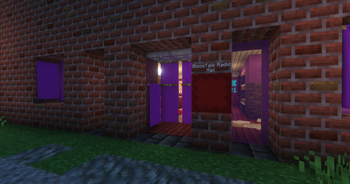
Galaxy's Mailboxes

Features:
- Custom Mailboxes for Receiving Mail
- Main Postboxes for Sending Mail
- Multiple Mailbox Ownership
- Custom Addresses
Usage Instructions:

Mailboxes are used to receive mail
- Name a Paper to the Address you'd like to use
- Place a container, this could be:
- Chest
- Trapped Chest
- Barrel
- Shulker Boxes
- Hopper
- Dropper
- Dispenser
- Run
/trigger CreateMailboxwhile standing next to and looking at the container
Run /trigger RemoveMailbox while standing right next to and looking at a mailbox to remove it if it was created by you
As Administrator:
Run /function mailboxes:remove/position/int while standing right next to and looking at a mailbox to remove it
Run /function mailboxes:remove/address/int while holding a paper named the address of a mailbox to remove it

Postboxes are used to send mail
Run /function mailboxes:summon_postbox to place a postbox
Run /function mailboxes:remove_postbox to remove the closest Postbox within 3 blocks
- Interact with the Postbox to use it
- Interact again with the minecart to access the GUI
- Insert your Mail in the top slot
- Insert a Paper named with the recipient's address in the bottom slot
- Press the Send Button and your Mail will be sent in seconds!
Bugs / Questions:
Please report any bugs / suggestions / questions on the linked discord
- Edition: Minecraft Java
- File type: .jar
- Minecraft versions listed: 1.21.7, 1.21.8, 1.21.9
- How to install: Install the matching mod loader (Forge, Fabric or NeoForge) for your Minecraft version. → Download the .jar. → Put it in the .minecraft/mods folder and launch that loader profile.
- Where to get it: Opens on Modrinth — not every file is mirrored on our own servers.
Install steps are the general flow for this file type — see the MC Java Mods guides for the full walkthrough.
- Downloads as Galaxy's Mailboxes.zip
- Download size: 157 KB
- Download link checked 28 Aug 2026 — working
These come from our own check of the pack file, not from the source page.