HomeJavaDatapacksDisplay Cases
Display Cases
DatapacksJava

Display Cases

by efeketket · on Modrinth

Which build do you need?

This mod ships a separate file for every mod loader and every version of the game. Pick both, then download — the wrong build installs fine and then does nothing in the game.

Mod loader

Minecraft version

⬇ Download for 26.1–26.2 · Data pack⬇ Download for 1.21.9–1.21.11 · Data pack⬇ Download for 1.20–1.20.4 · Data pack⬇ Download for 26.1–26.2 · Fabric⬇ Download for 1.21.9–1.21.11 · Fabric⬇ Download for 26.1–26.2 · Forge⬇ Download for 1.21.9–1.21.11 · Forge⬇ Download for 26.1–26.2 · NeoForge⬇ Download for 1.21.9–1.21.11 · NeoForge⬇ Download for 26.1–26.2 · Quilt⬇ Download for 1.21.9–1.21.11 · Quilt
I don't know my version or loader
Open the Minecraft launcher and look at the profile you play on — it names both, like fabric-loader-1.21.4. The version also shows in the bottom-right corner of the game's main menu.
No loader in the profile name? Then it's plain Minecraft, and these mods won't run — you need Fabric or NeoForge installed first.
Display Cases — screenshot 1Display Cases — screenshot 2Display Cases — screenshot 3

Ketket's Display Cases

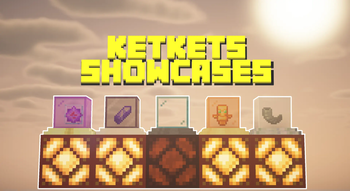
Display Cases is a quality of life datapack that introduces interactive display cases capable of storing and showcasing items directly in the world. Designed to feel fully vanilla, these display cases provide intuitive interactions, visual customization, and redstone functionality without adding complex mechanics or GUIs.

aa

Players can insert or retrieve items with a simple right-click. When an item is placed inside, the display case visually shows it and can be customized to fit different build styles and use cases.

CRAFTING

craftingdc

IN-GAME

GİF1

GIF2

🖱️ Interactions

▶️ Right-Click (No Sneak)

With an item in hand: Inserts the item into the display case If the case already contains an item: The item is returned to the player

▶️ Left-Click

Breaks the display case normally

▶️ Shift + Right-Click

  1. Cycles between two display modes: A standard item appearance, A clean item display mode
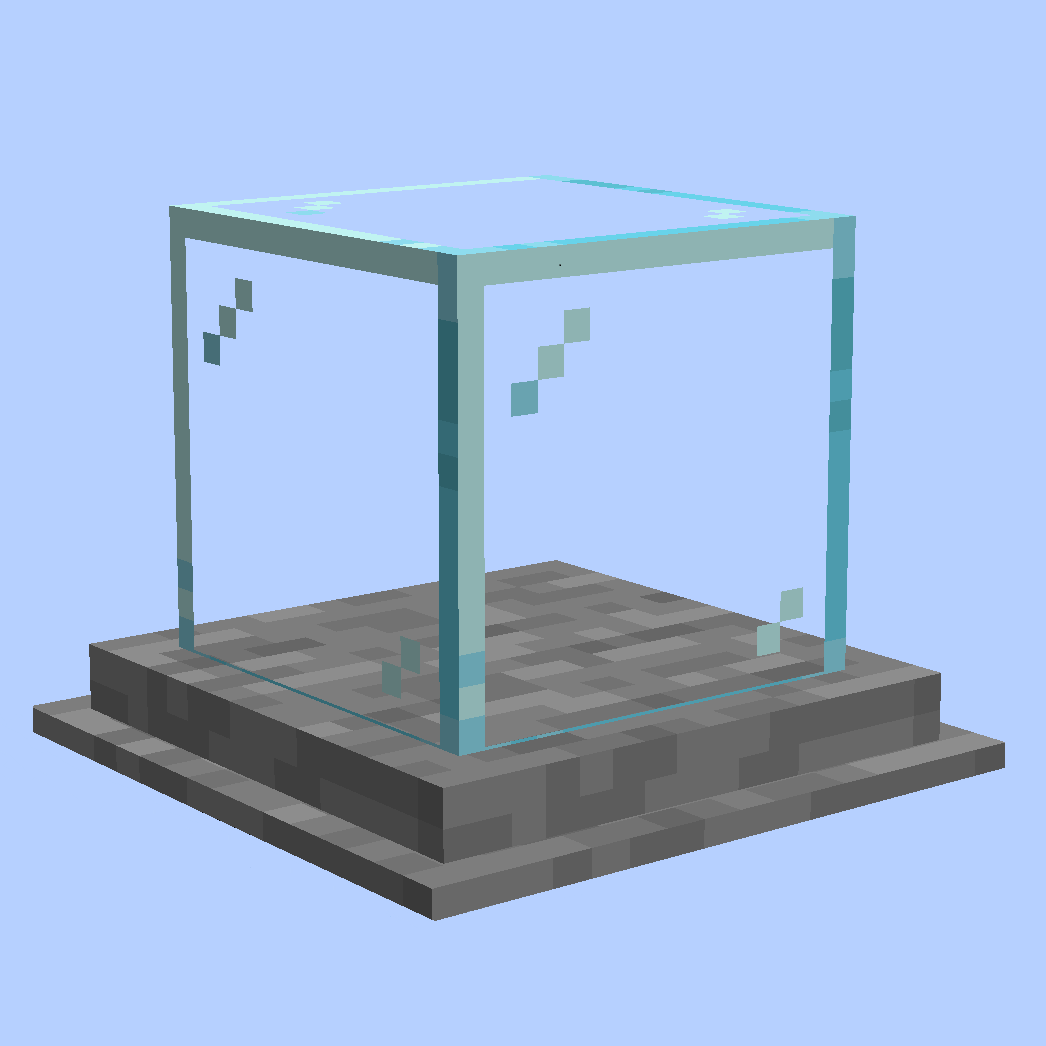
  1. Holding a dye: Changes the glass color of the display case
  2. Holding a water bucket: Resets the glass back to its default clear state
  3. Holding any other block: Changes the base plate (bottom block) of the display case

🔴 Redstone Integration

The display case emits a redstone signal when it contains an item No signal is produced when the display case is empty This allows display cases to be used in redstone systems, item detectors, and decorative logic builds.


Check My Other Projects

EXTERNAL LINKS

alt alt alt


🚯 Uninstall
  1. Run /function ketket_dc:uninstall command.
  2. Disable datapack.
Quick facts

Install steps are the general flow for this file type — see the MC Java Mods guides for the full walkthrough.

Verified by MCModsHub

These come from our own check of the pack file, not from the source page.

Explore more