
DatapacksJava
Coordinates On-Screen
I don't know my version or loader
Open the Minecraft launcher and look at the profile you play on — it names both, like fabric-loader-1.21.4. The version also shows in the bottom-right corner of the game's main menu.
No loader in the profile name? Then it's plain Minecraft, and these mods won't run — you need Fabric or NeoForge installed first.
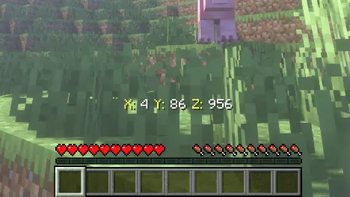

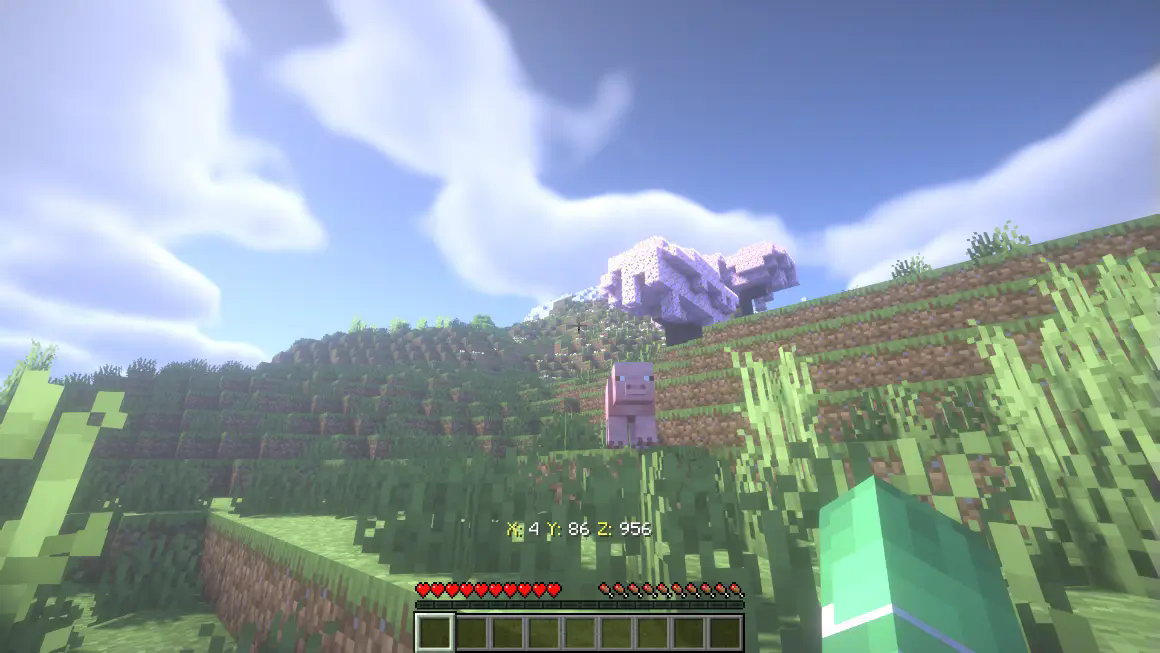
Compass HUD is a lightweight and highly customizable mod that adds a HUD to constantly display the player's XYZ coordinates on the screen. Perfect for explorers, builders, and adventurers, this mod enhances usability and reduces the need to rely on commands like F3.

Compatibility
Seamlessly integrates with MiniMap mods like:
- JourneyMap;
- Xaero’s Map.
Performance-friendly:
- Perfect for builders: Keep track of exact coordinates for complex projects.
- Essential for survival players: Easily find spawners, portals, or points of interest with precise coordinates.
- Convenient and intuitive: Forget the heavy F3 debug interface.
Download Player Position HUD+ today and elevate your Minecraft gameplay! Available for all major Minecraft versions.
Success Strategy: Optimized keywords: Include terms like HUD, coordinates, exploration, and lightweight in the description and tags
Quick facts
- Edition: Minecraft Java
- File type: .jar
- Minecraft versions listed: 1.21, 1.21.1, 1.21.2
- How to install: Install the matching mod loader (Forge, Fabric or NeoForge) for your Minecraft version. → Download the .jar. → Put it in the .minecraft/mods folder and launch that loader profile.
- Where to get it: Opens on Modrinth — not every file is mirrored on our own servers.
Install steps are the general flow for this file type — see the MC Java Mods guides for the full walkthrough.
Verified by MCModsHub
- Downloads as Compass HUD v0.1.zip
- Download size: 4 KB
- Download link checked 28 Aug 2026 — working
These come from our own check of the pack file, not from the source page.