DatapacksJava
playtime tracker
I don't know my version or loader
Open the Minecraft launcher and look at the profile you play on — it names both, like fabric-loader-1.21.4. The version also shows in the bottom-right corner of the game's main menu.
No loader in the profile name? Then it's plain Minecraft, and these mods won't run — you need Fabric or NeoForge installed first.
playtime tracker


track your world playtime displayed in days, hours, minutes, and seconds!
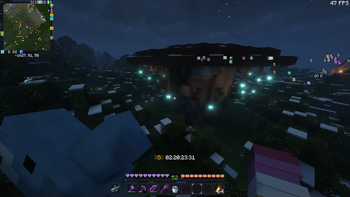
by default, playtime is displayed above your hotbar:
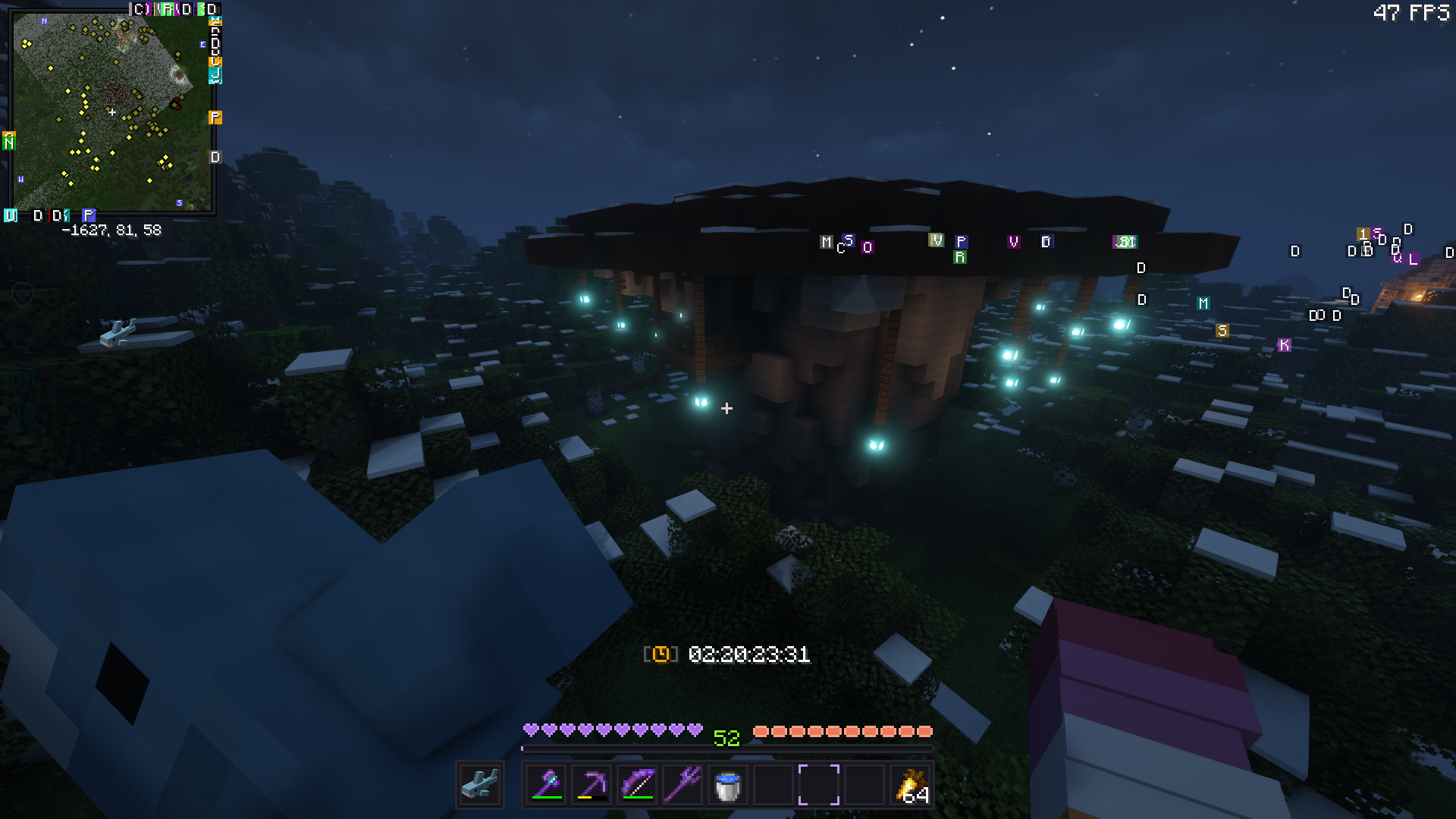
..but this can be toggled via: (playtime will still be tracked in the background)
/trigger playtime_display
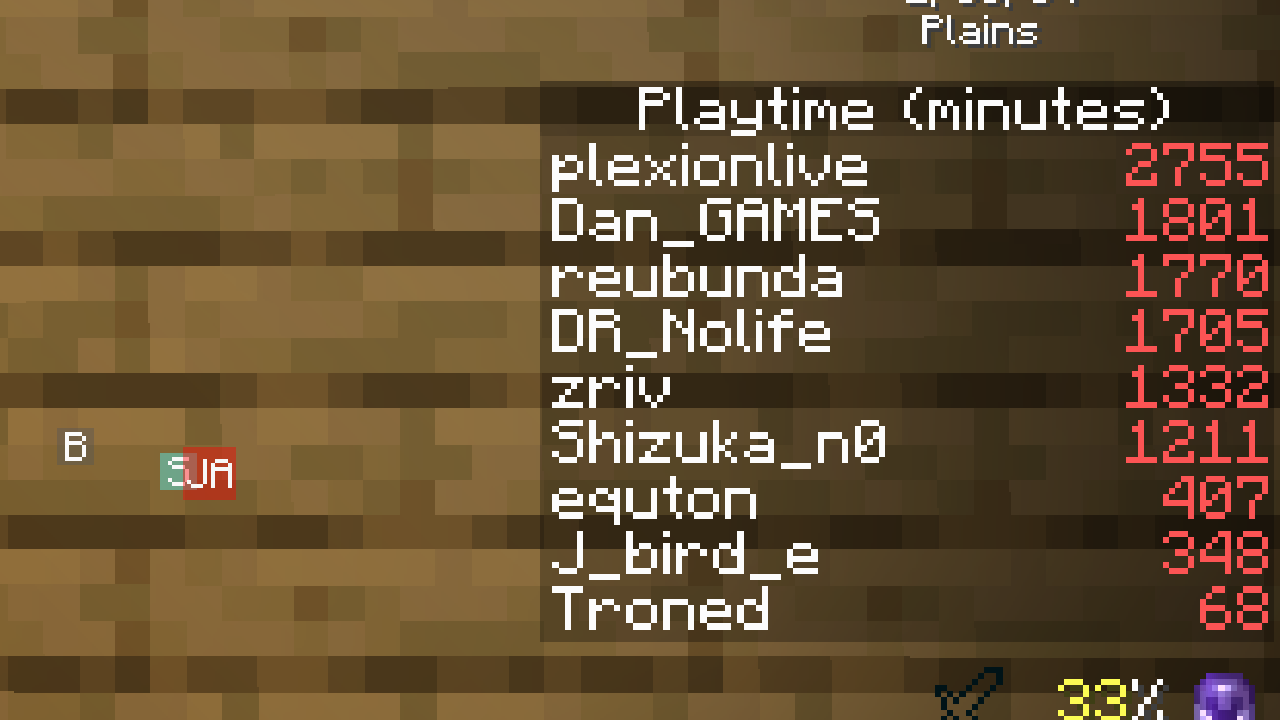
alternatively, display global playtime with:
/scoreboard objectives setdisplay sidebar playtime_s/m/h/d
| name | scoreboard |
|---|---|
| seconds | playtime_s |
| minutes | playtime_m |
| hours | playtime_h |
| days | playtime_d |
Quick facts
- Edition: Minecraft Java
- File type: .jar
- Minecraft versions listed: 1.13, 1.13.1, 1.13.2
- How to install: Install the matching mod loader (Forge, Fabric or NeoForge) for your Minecraft version. → Download the .jar. → Put it in the .minecraft/mods folder and launch that loader profile.
- Where to get it: Opens on Modrinth — not every file is mirrored on our own servers.
Install steps are the general flow for this file type — see the MC Java Mods guides for the full walkthrough.
Verified by MCModsHub
- Downloads as Playtime-Tracker.zip
- Download size: 17 KB
- Download link checked 28 Aug 2026 — working
These come from our own check of the pack file, not from the source page.