
Technical Enchant+ Addons
This is a recopilation of Addons made for TE+ datapack/mod. They were made with some ideas from the community!
I don't know my version or loader
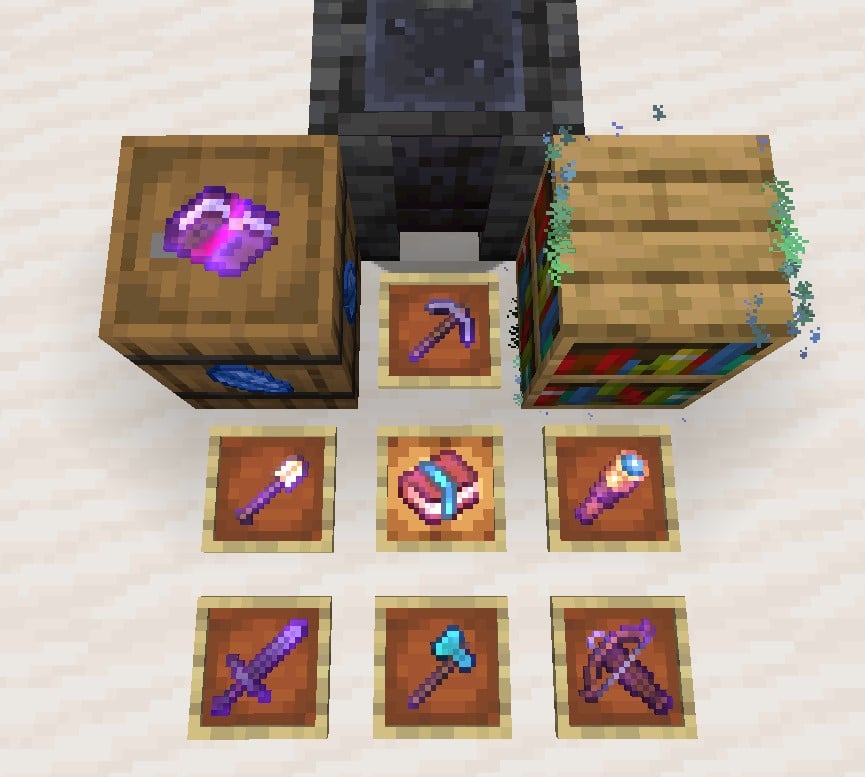
TECHNICAL ENCHANT+ ADDONS ARE HERE!!
Here you can find the main downloads for official TE+ Addon enchantments!!
The list of addons will increase over time, you can suggest any addon idea at the discord and it can be selected to be part of this site!
At the moment the current addons are:
"Wave 1"
- Compact
- Expertise
- Heat Vision
- Pull
- Relocation
- Spawner Touch
- Uncover
- Voidless
- Withering
- Frostbite
"Wave 2"
- Bleeding
- Typhoon
You can get any enchanted book from any addon by using in-game chat:
/function tepad_<enchantment_name>/give/<enchantment>
(You must install Technical Enchant+ main datapack or mod for them to work)
There is a download available to get all of these Addons at once
TE+ ENVIRONMENT
This addons were designed with the TE+ API, meaning that they can be customizable as you want, like setting the max enchantment level, if you want or not to appear in the enchanting table and so on.
If you want to know what excactly each addon does, as well as their requirements, check out the WIKI PAGE
IMPORTANT!!
When you add a new Addon into your world, I recommend using the command /function enchantplus:set_options/init
Be careful! This will reset all your current configuration back to default but is necessary to apply the addon correctly.
- Edition: Minecraft Java
- File type: .jar
- Minecraft versions listed: 1.20.3, 1.20.4
- How to install: Install the matching mod loader (Forge, Fabric or NeoForge) for your Minecraft version. → Download the .jar. → Put it in the .minecraft/mods folder and launch that loader profile.
- Where to get it: Opens on Modrinth — not every file is mirrored on our own servers.
Install steps are the general flow for this file type — see the MC Java Mods guides for the full walkthrough.
- Downloads as teplus_typhoon_addon.zip
- Download size: 40 KB
- Download link checked 29 Aug 2026 — working
These come from our own check of the pack file, not from the source page.