
Colourful books
Java data pack listed for Minecraft 1.21–24.x. Downloads from the MC Java Mods app on Android.
I don't know my version or loader
Colourful Books
Description
This datapack allows you to dye books via crafting or smithing. Now you might wonder, why make another dyable books datapack...
Motivation
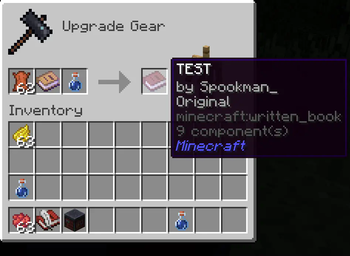
When looking for a datapack that could do this for my SMP I noticed all of the current dyable book datapacks/mods don't keep a written books' state. This one DOES without needing any janky functions!
Usage
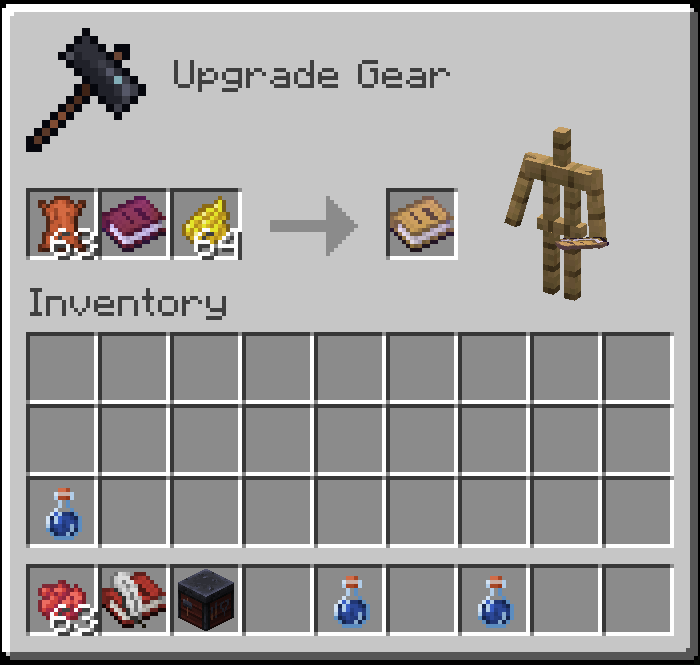
Pop some leather in, pick a dye and presto, a coloured book with all its contents preserved.
You can freely swap out colours by doing the dyeing process again with another colour.
To reset a book back to it's vanilla texture, replace a dye in the smithing table with any potion.
Multiplayer
As long as the datapack for the mod is installed on the server, the mod will work as expected
The resource pack is automatically installed with the mod if installed on the client-side. If not, you just won't see the colors though others who have the pack will.
Additional features
- For dyable book and quill's there are crafting table recipes in place, so you don't need a smithing table to create a dyed book.
- ...?
- Edition: Minecraft Java
- File type: .jar
- Minecraft versions listed: 1.21.2, 1.21.3, 24w44a
- How to install: Install the matching mod loader (Forge, Fabric or NeoForge) for your Minecraft version. → Download the .jar. → Put it in the .minecraft/mods folder and launch that loader profile.
- Where to get it: Opens on Modrinth — not every file is mirrored on our own servers.
Install steps are the general flow for this file type — see the MC Java Mods guides for the full walkthrough.
- Downloads as Colourful Books [1.21+].zip
- Download size: 63 KB
- Download link checked 30 Oct 2026 — working
These come from our own check of the pack file, not from the source page.