
Falings' Summonings
Java data pack listed for Minecraft 1.21–26.x. Downloads from the MC Java Mods app on Android.
I don't know my version or loader


What is it?
The order of the eye lives once more. A long-lost race of traders from another plane have made their answer to extinction: by interjecting Ender magic into villagers, they are able to create a gateway to the Overworld to find a new life and spread their trades to all.
Features
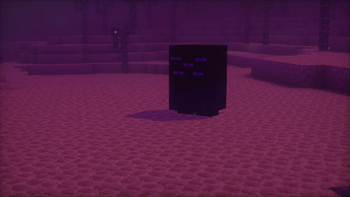
Faling
 This is the Faling. It's summoned by throwing an eye of ender at a villager, and harnessing their ancient ender magic, a faling will take its place.
Trading with falings
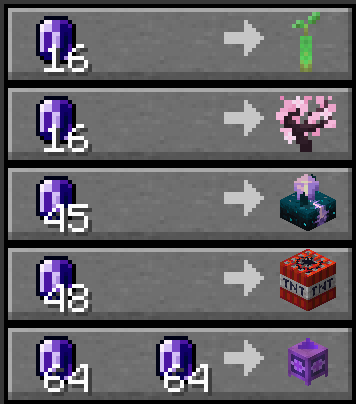
Falings have collected a specific collection of rare items that they intend to trade off to players, seeing as these are some of the rarest items out there.
Endmeralds
The falings trade for a rare material dubbed endmerald, due to them looking similar to emeralds.

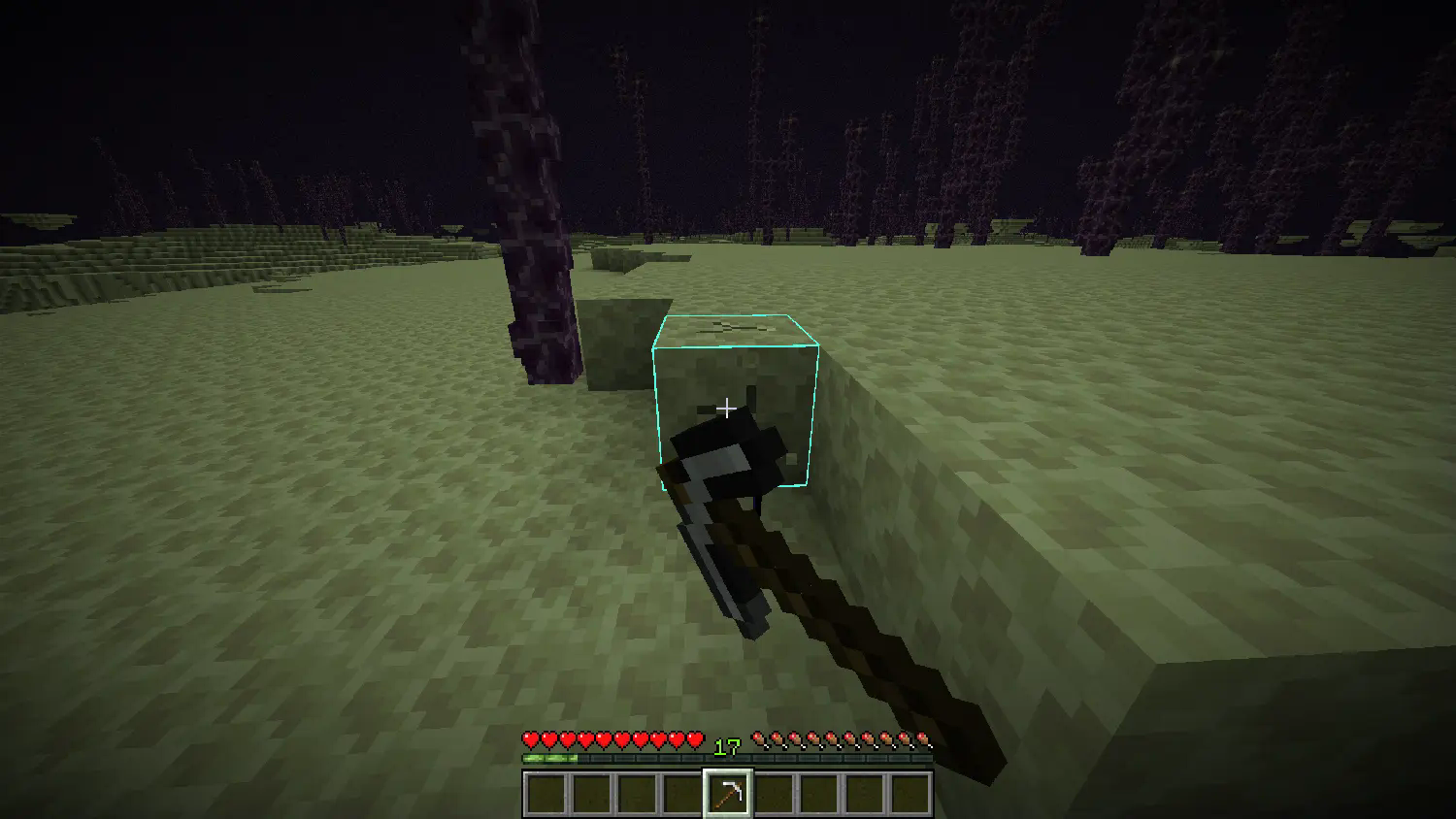
Endmeralds can be obtained by mining endstone with a pickaxe and hoping luck is on your side. The Fortune enchantment on the pickaxe increases the amounts of endmeralds dropped.
The End Combine

The faling race's newest genius: the End Combine, a machination that utilizes mysterious hammerspace tech to build itself when placed. Upon so, it provides the Slow Falling effect to all players nearby, useful for places with a lot of vertical travel.
Advancements
- Faling From the Deep: Summon a Faling by throwing an Eye of Ender at a Villager
- World Trade: Trade with a Faling using Endmeralds
- Acquire Floatware: Buy and End Combine from a Faling
- Combined Power: Place an End Combine
Installation Guide:
Data Pack version:
- Make sure your Minecraft version matches the data pack version
- Download the data pack
- Download the resource pack provided with the data pack by clicking on the data pack at the downloads page
- Exit the world you want to install the data pack in
- Select that world in the world selection screen, click on "Edit", then "Open world folder".
- Open the folder named "datapacks", and put the downloaded 'faling[version you downloaded]-data.zip' file into it.
- Go back to the main ".minecraft" folder and enter the "resourcepacks" folder
- Place the "faling[version you downloaded]-resources.zip" file provided with the data pack file into this folder
- Now enter the world, and have fun :)
Mod version:
- Make sure your Minecraft version matches the mod version
- Download the mod
- Go to your main ".minecraft" folder
- Enter the "mods" folder (or if you don't have one yet create one)
- Place the downloaded mod into the mods folder
- Now enter the world, and have fun :)
Using the Modrinth App on desktop:
- Install the mod/data pack
- That's it, have fun :)
- Edition: Minecraft Java
- File type: .jar
- Minecraft versions listed: 1.21.9, 1.21.10, 1.21.11
- How to install: Install the matching mod loader (Forge, Fabric or NeoForge) for your Minecraft version. → Download the .jar. → Put it in the .minecraft/mods folder and launch that loader profile.
- Where to get it: Opens on Modrinth — not every file is mirrored on our own servers.
Install steps are the general flow for this file type — see the MC Java Mods guides for the full walkthrough.
- Downloads as falings_summonings-1.21.9-10.zip
- Download size: 69 KB
- Download link checked 9 Oct 2026 — working
These come from our own check of the pack file, not from the source page.