Grass One Block
Java data pack listed for Minecraft 1.21. Download on the author's site.
⬇ Download on CurseForgeULTIMATE ONE BLOCK
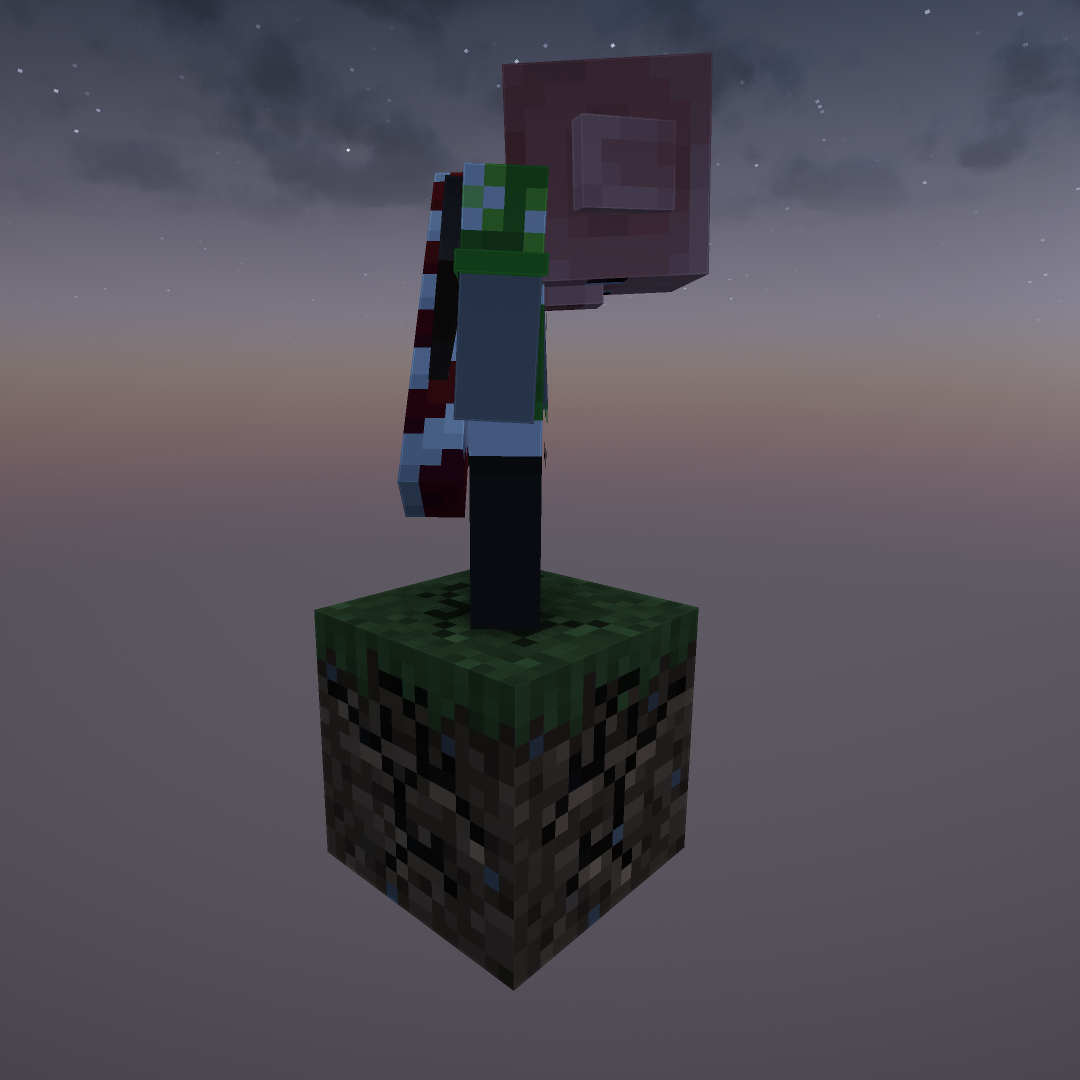
Ultimate One Block adds a new spin to the classic one-block game mode. It offers a new experience to players with its increased difficulty. The block generates grass, even more grass, and some more. You get the idea. This one block only generates grass!
How-To's
Installation
Download the ZIP file. Then launch Minecraft in the 1.21.4 version. (No mods are needed!) Now click "Singleplayer" and "Create New World." Click the "More" button at the top and then click "Data packs." Now finally just drag and drop the ZIP file into Minecraft OR click open pack folder and copy and paste the ZIP file. (Make sure you select the data pack from the available list.)
I am a new developer so multiplayer may cause issues with the player going to the proper area. If this happens enable commands (press esc and open to lan or using servers console) tp the player to the one block.
Required Mods
- None!
- If you want you can easily add mods and this data pack does run on fabric (I don't know about forge.)
- Edition: Minecraft Java
- File type: .jar
- Minecraft version listed: 1.21.4
- How to install: Install the matching mod loader (Forge, Fabric or NeoForge) for your Minecraft version. → Download the .jar. → Put it in the .minecraft/mods folder and launch that loader profile.
- Where to get it: Opens on CurseForge — not every file is mirrored on our own servers.
Install steps are the general flow for this file type — see the MC Java Mods guides for the full walkthrough.
Grass One Block is a free Minecraft Java datapack. Compatible with Minecraft 1.21.4. Downloaded 1,754 times (via CurseForge). Download it and open it directly in the game.