
Player Size Changer
Java data pack listed for Minecraft 1.21–26.x. File opened and checked on 15 Oct 2026; downloads from the MC Java Mods app on Android.
This is a datapack with which you can change your size between 5 different sizes. Each one of them also changes other attributes like health or range…
I don't know my version or loader
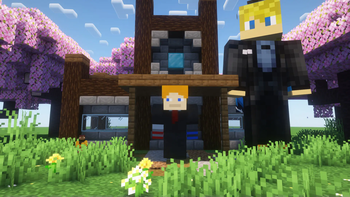
Player Size Changer
&color=orange)
)
&color=red)
&color=green)
)
)
There are currently 5 different sizes:
- Very small (0.2x)
- Small (0.5x)
- Normal (1x)
- Large (2x)
- Very large (4x)
This pack WORKS WITHOUT CHEATS now!
To change you size, you have 3 options:
[Recommended] You can change your size by opening the change size menu in the pause screen of the game:
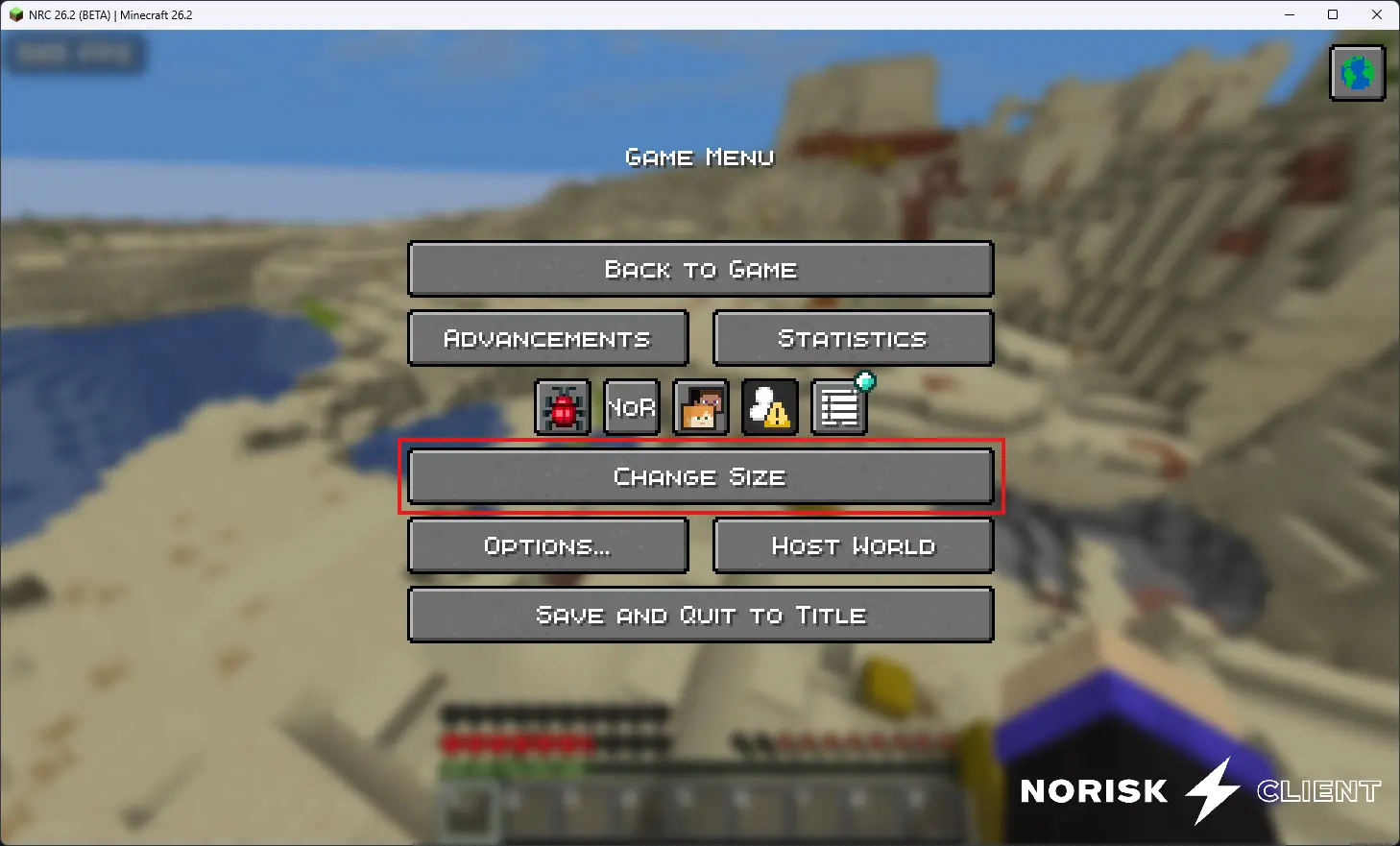 Press on "Change Size" (here marked in red) and the following menu will open where you'll be able to change your own size:
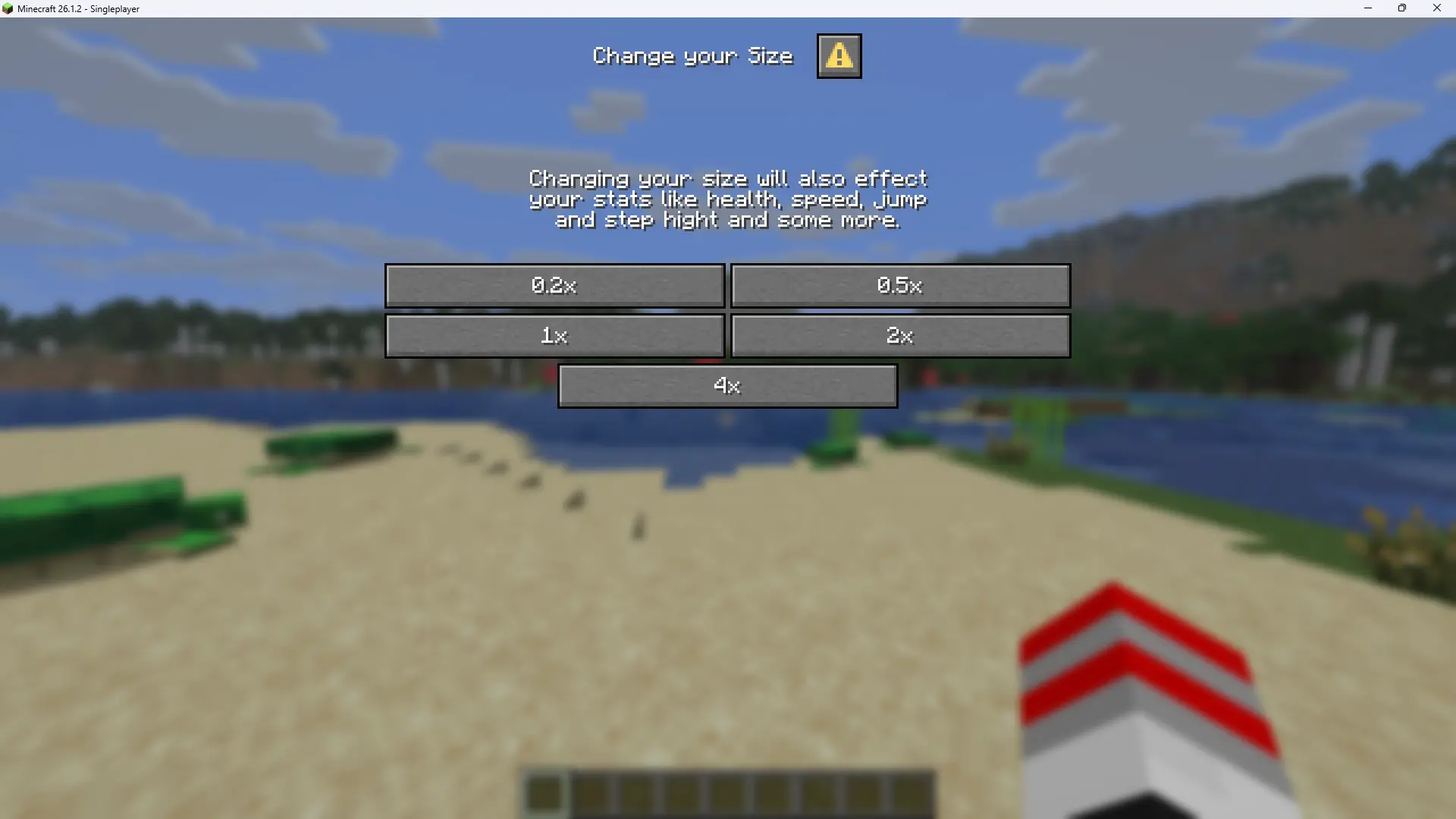
If clicking the change size button opens a menu from a mod (like Mod Menu), you'll have to use the following command to manually open the menu:
/dialog show @s size:change-size
- If you are using an earlier version of minecraft or of the datapack/mod, your only option is to use the following commands to change your size:
/trigger 0.2x
/trigger 0.5x
/trigger 1x
/trigger 2x
/trigger 4x
- Edition: Minecraft Java
- File type: .jar
- Minecraft versions listed: 1.21.7, 1.21.8, 1.21.9
- How to install: Install the matching mod loader (Forge, Fabric or NeoForge) for your Minecraft version. → Download the .jar. → Put it in the .minecraft/mods folder and launch that loader profile.
- Where to get it: Opens on Modrinth — not every file is mirrored on our own servers.
Install steps are the general flow for this file type — see the MC Java Mods guides for the full walkthrough.
- Downloads as Player Size Changer.zip
- Download size: 6 KB
- Download link checked 9 Oct 2026 — working
These come from our own check of the pack file, not from the source page.