
DatapacksJava
Lava Alert
Java data pack listed for Minecraft 1.21–26.x. Downloads from the MC Java Mods app on Android.
I don't know my version or loader
Open the Minecraft launcher and look at the profile you play on — it names both, like fabric-loader-1.21.4. The version also shows in the bottom-right corner of the game's main menu.
No loader in the profile name? Then it's plain Minecraft, and these mods won't run — you need Fabric or NeoForge installed first.
⚠️ Lava Alert
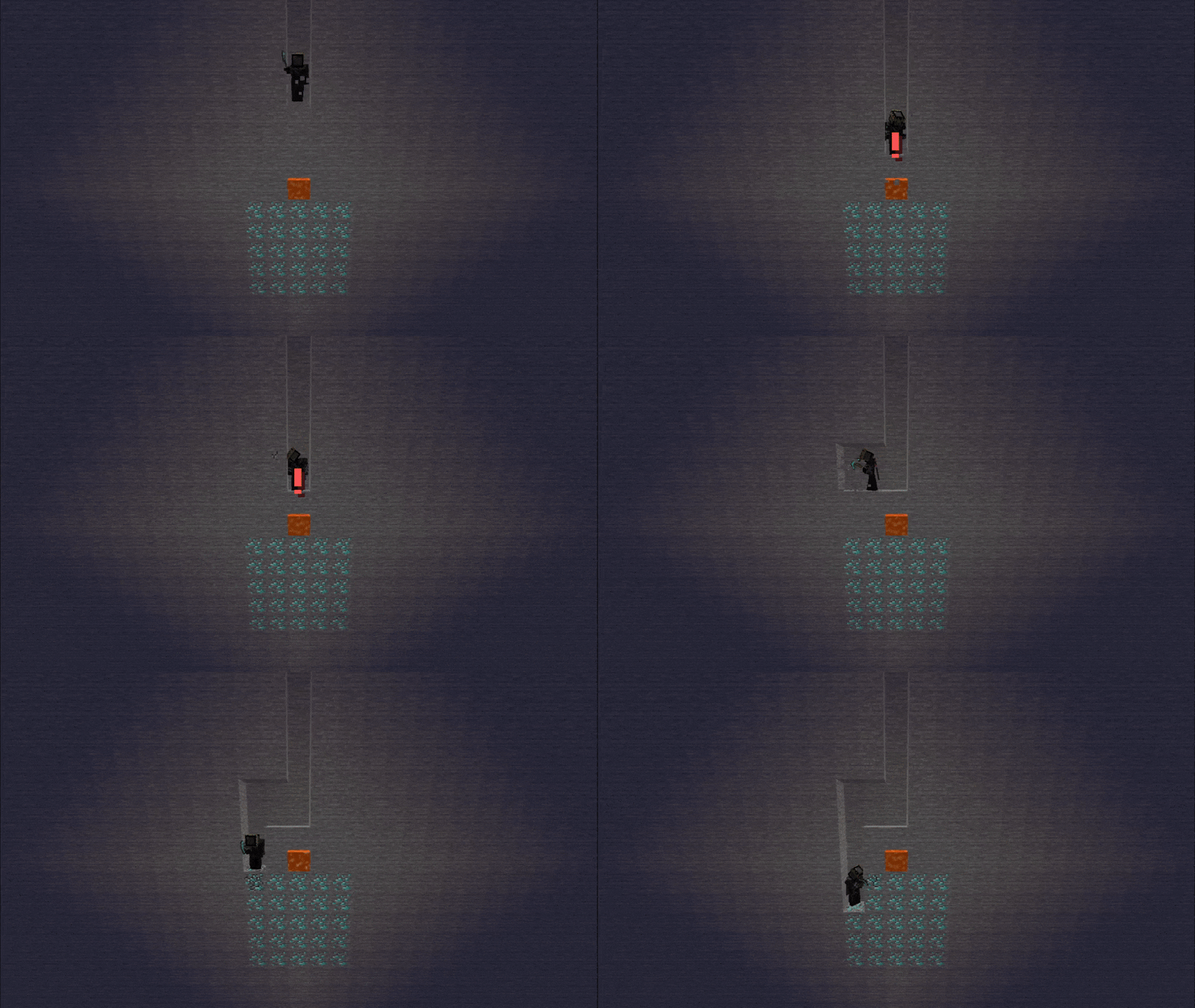
Lava Alert is a simple Minecraft datapack that detects lava under players and alerts them with a message and sound effect to prevent accidental falls.
✨ Features
- Provides both visual and sound alerts when there's lava beneath a player.
- Each player can individually enable or disable the warning system.
- Works in singleplayer and multiplayer.
🛠️ Toggle Alerts
You can easily enable or disable your own lava alerts at any time using the following commands:
✅ Enable alerts:
/function alert:enable❌ Disable alerts:
/function alert:disable
📦 Installation
- Download the datapack
.zipfile. - Place it in your world's
datapacksfolder. - Use
/reloadafter joining the world. - You're all set! Move around and see your coordinates at the bottom of your screen.
🧱 Compatibility
- Minecraft Java Edition 1.13+
- No external resource packs needed
🌐 ITITAN Hosting

💬 Feedback and Request
If you have a request or feedback, please write them in to my discord 3geetr.
Quick facts
- Edition: Minecraft Java
- File type: .jar
- Minecraft versions listed: 1.21, 1.21.1, 1.21.2
- How to install: Install the matching mod loader (Forge, Fabric or NeoForge) for your Minecraft version. → Download the .jar. → Put it in the .minecraft/mods folder and launch that loader profile.
- Where to get it: Opens on Modrinth — not every file is mirrored on our own servers.
Install steps are the general flow for this file type — see the MC Java Mods guides for the full walkthrough.
File checked by MCModsHub
- Downloads as Lava Alert.zip
- Download size: 4 KB
- Download link checked 9 Oct 2026 — working
These come from our own check of the pack file, not from the source page.