Simple Shopping
I don't know my version or loader
💎 Simple Shopping 🛒
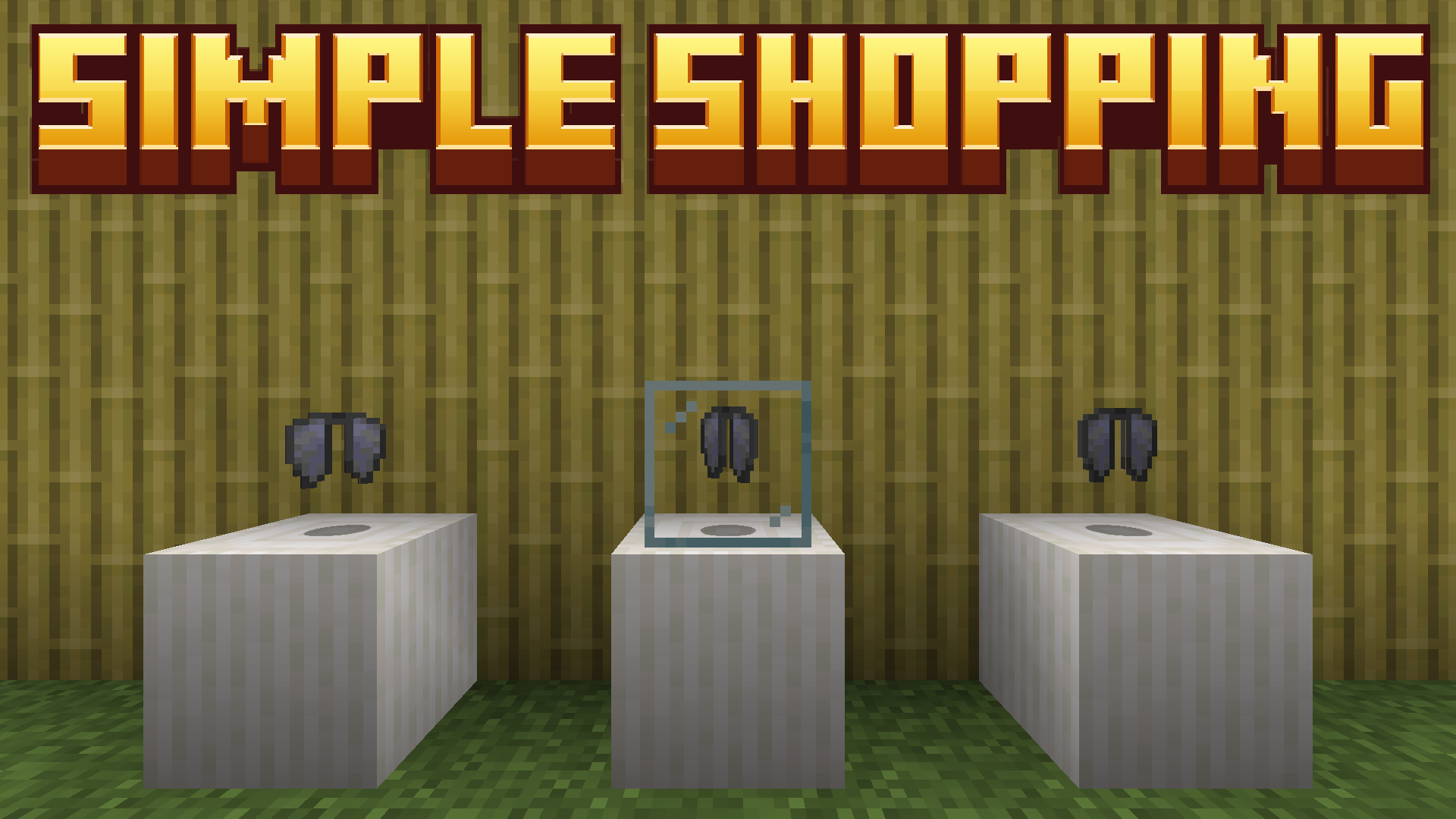
Ever wanted to have a cooler look in your survival server's shops than a bunch of barrels and chests with items? Ever wanted to not be scammed or stolen from when selling your precious goods? Well, Simple Shopping is just the datapack for you!
⚙️ How does it work? 💫
Simple Shopping adds 3 new triggers you can use to interact with and sell items, as well as a few other features to use with them.
🛒 Selling and buying items 💎
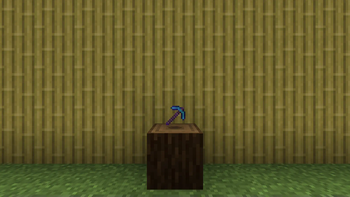
To sell an item, stand near an item you have thrown and run the following command:
/trigger ss.sell set <DIAMOND AMOUNT>
or, to sell for 1 diamond:
/trigger ss.sell
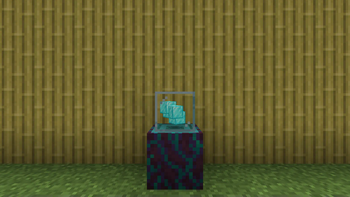
The item then cannot be destroyed, moved or picked up in any way, except for 2 cases:
● The owner of the item cancels the sale;
● Someone buys the item.
To buy an item, the process is much more simple, you just need to throw an amount of diamonds equal to the price onto the item.
💡 To collect your hard-earned diamonds, you just need to pick them up after someone buys the item, you are the only one who can! They will be at the exact location you sold them.
💡 You can find more info in the changelog.
- Edition: Minecraft Java
- File type: .jar
- Minecraft versions listed: 1.21.5, 1.21.6, 1.21.7
- How to install: Install the matching mod loader (Forge, Fabric or NeoForge) for your Minecraft version. → Download the .jar. → Put it in the .minecraft/mods folder and launch that loader profile.
- Where to get it: Opens on Modrinth — not every file is mirrored on our own servers.
Install steps are the general flow for this file type — see the MC Java Mods guides for the full walkthrough.
- Downloads as Simple Shopping.zip
- Download size: 29 KB
- Download link checked 29 Aug 2026 — working
These come from our own check of the pack file, not from the source page.