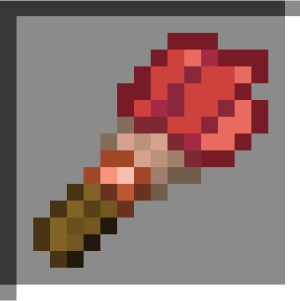
Better Brushes
I don't know my version or loader
Paint, brush your pets, farm string, remove moss, and more with brushes.
Paintbrush
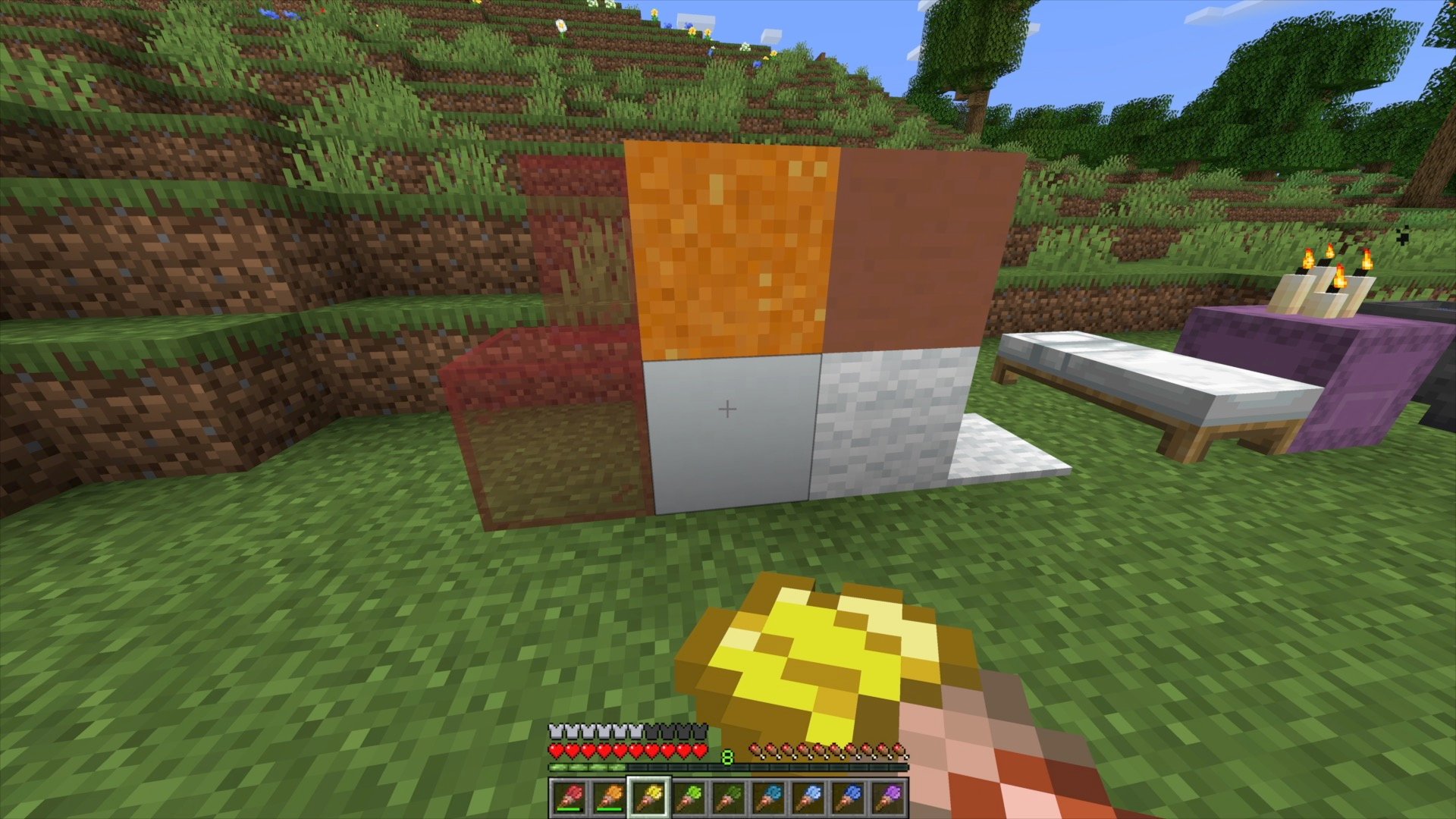
Use a brush and dye to craft a paint brush.
Brush a colorful block to change its color.
Cleaning Dye
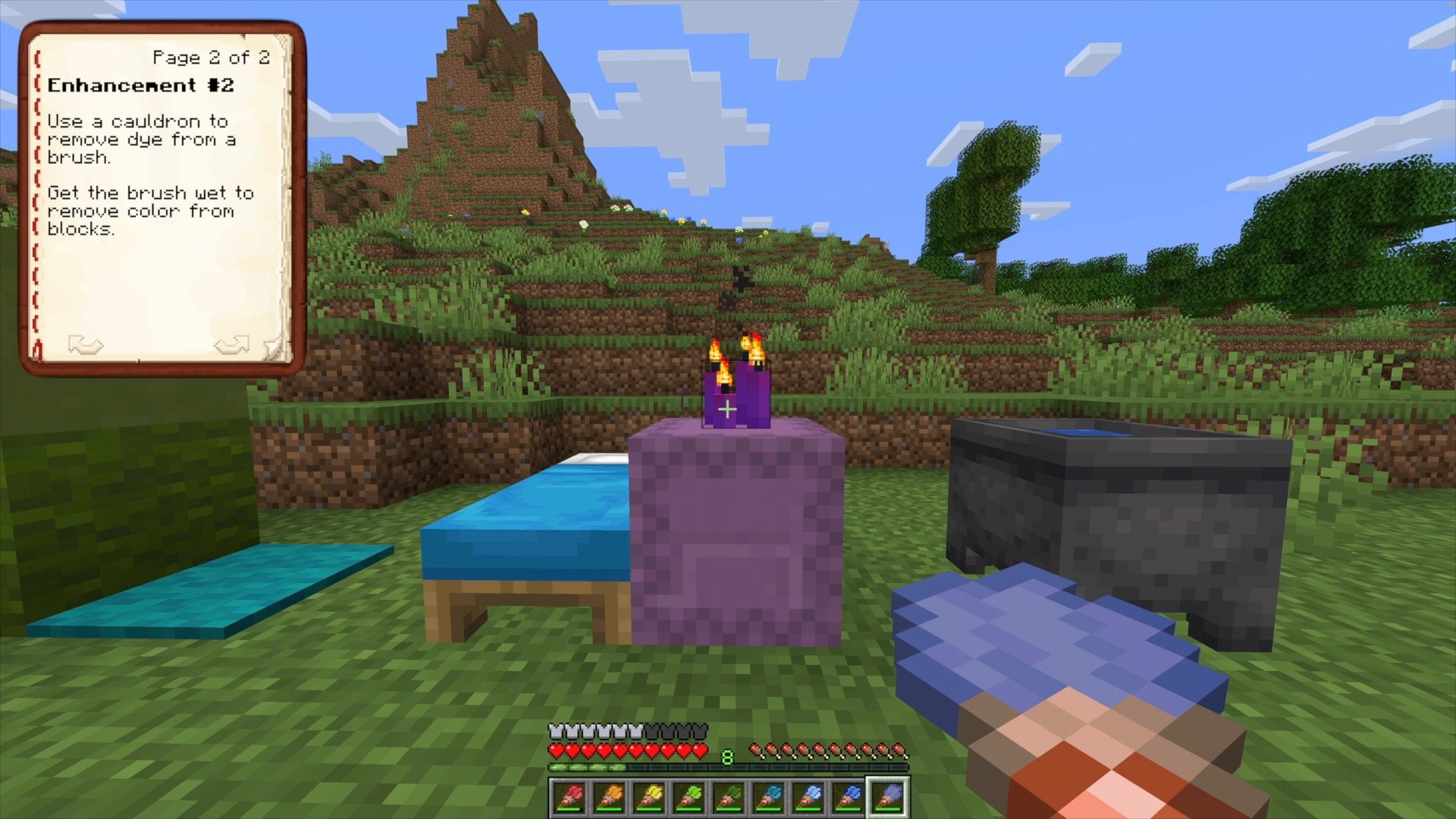
Use the brush on a cauldron to remove paint from the brush, and wet the brush.
Brush a colorful block with a wet brush to remove the dye.
Taming Animals
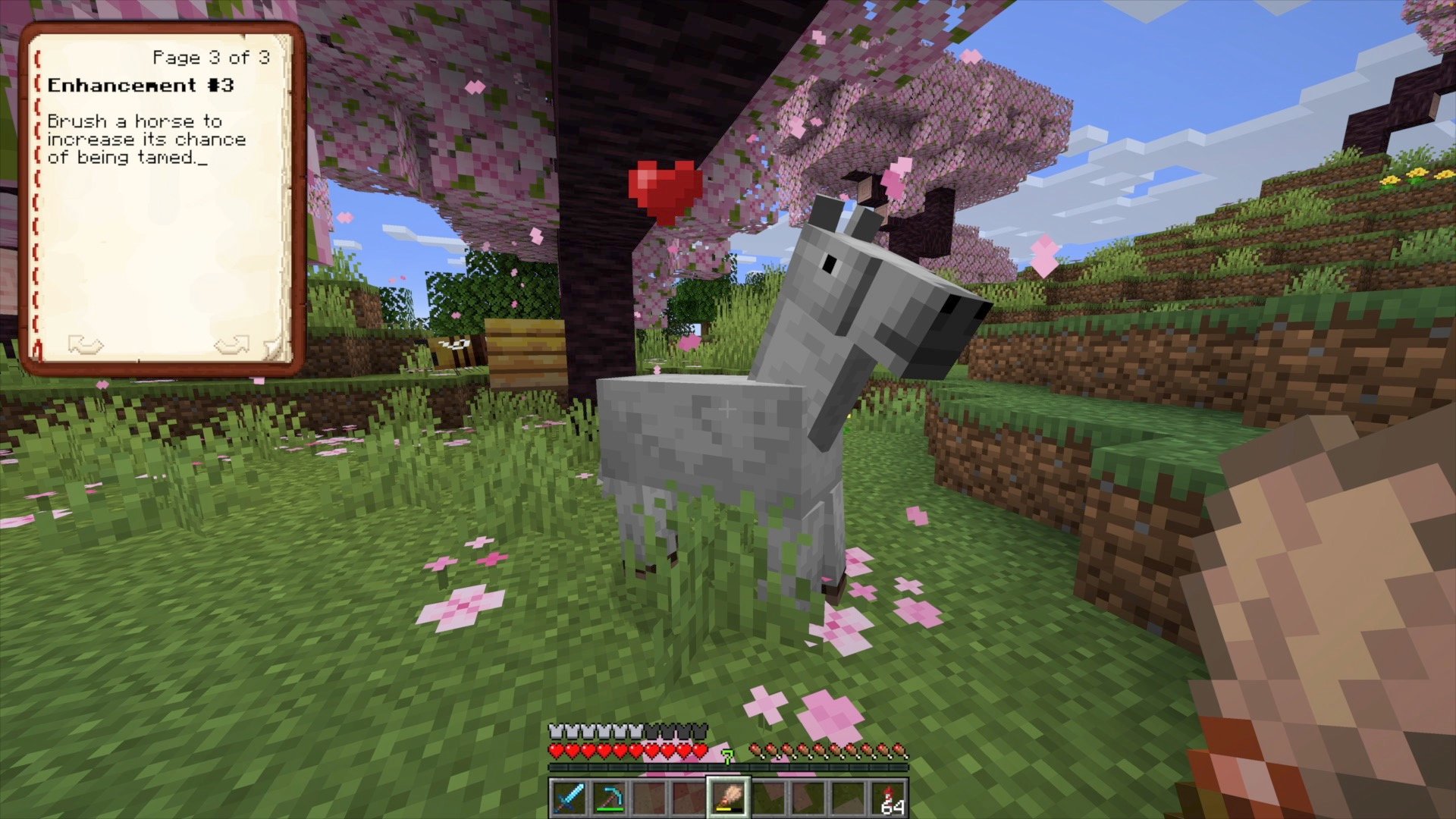
Brush equestrian mobs, such as horses and donkeys, to increase their chance of being tamed.
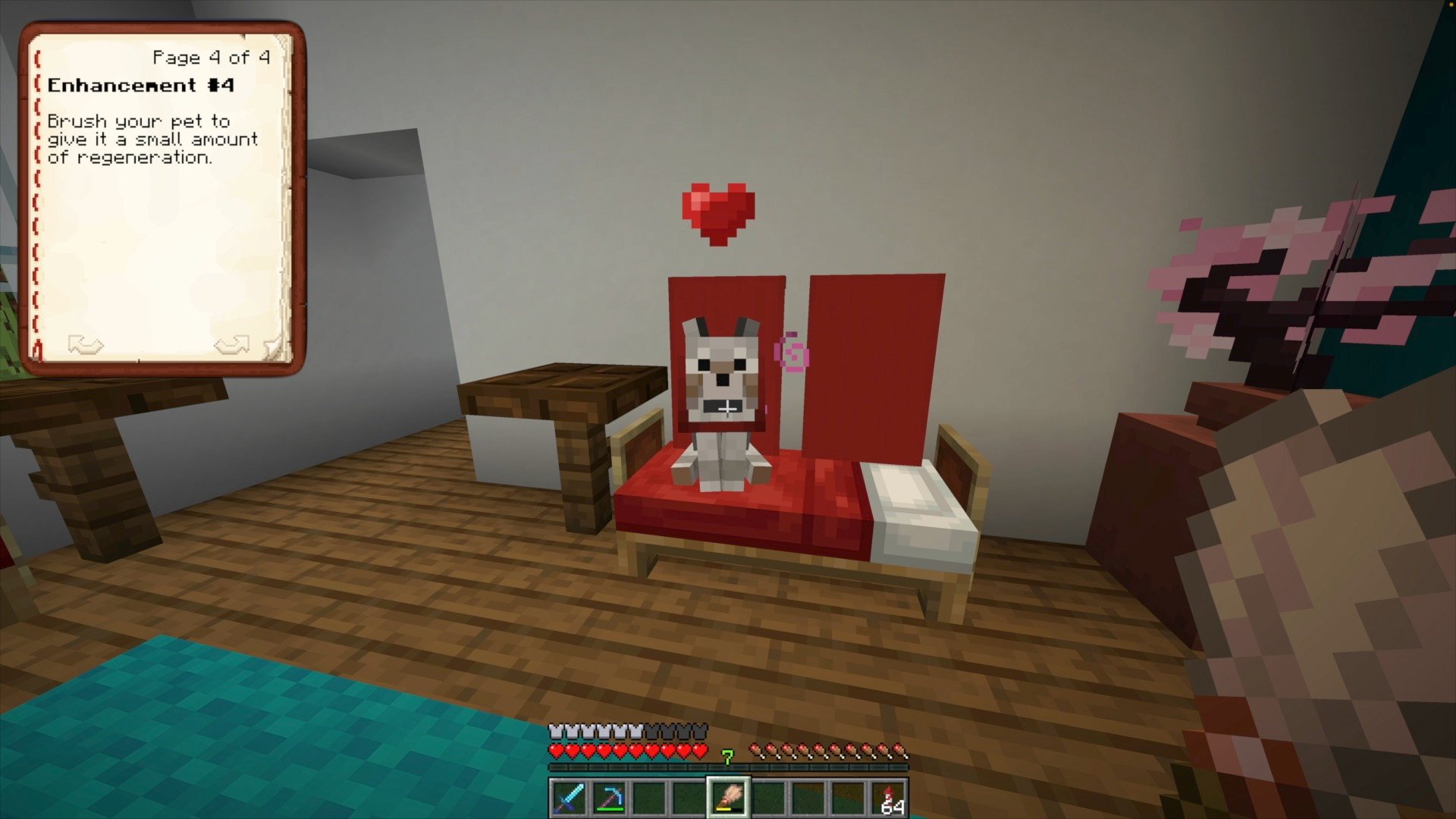
Brushing Pets
Brush tamed animals to give them a small amount of regeneration.
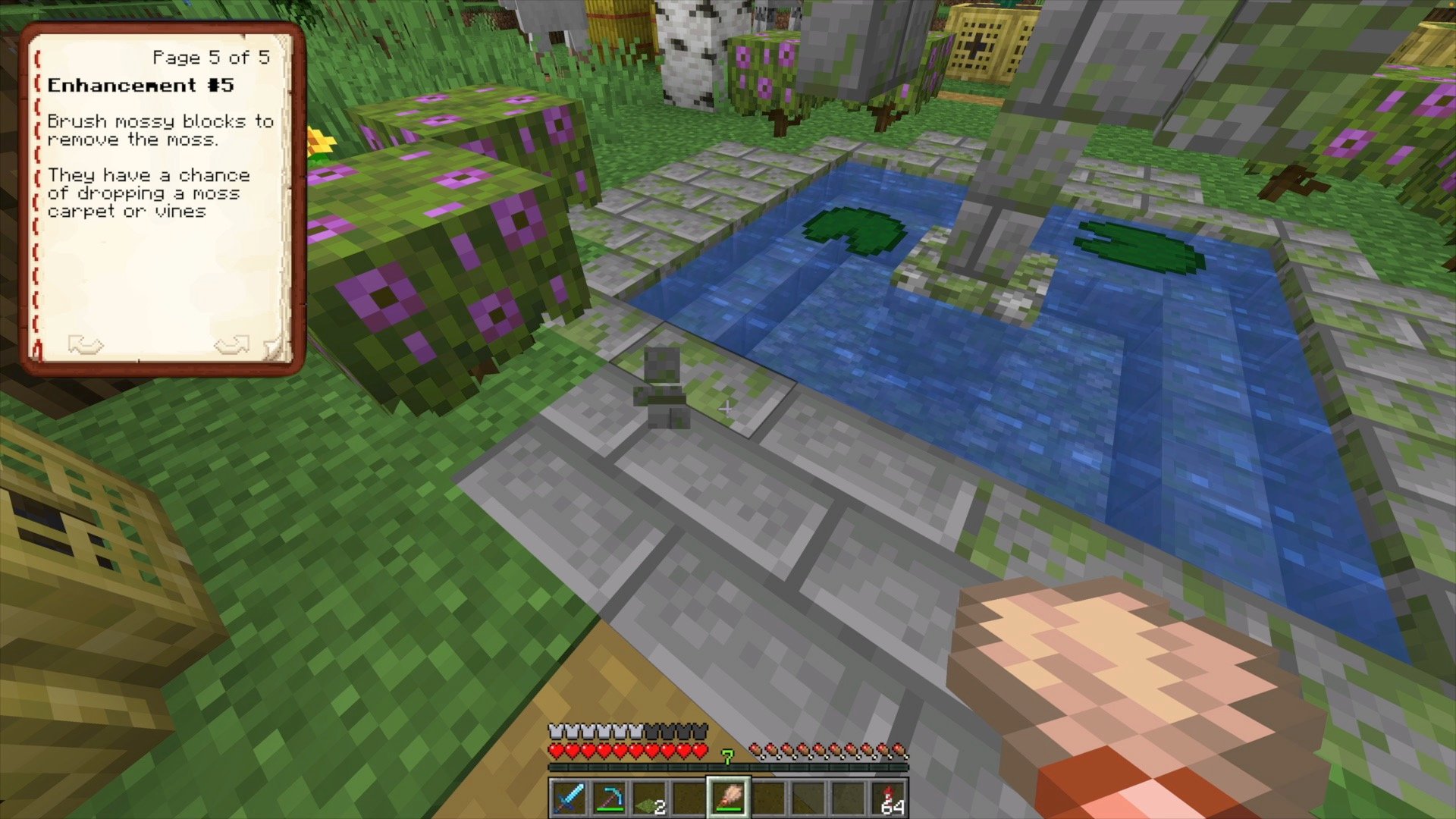
Sweep Mossy Blocks
Brush a mossy block to remove the moss.
There is a chance it will drop a moss carpet or vines.
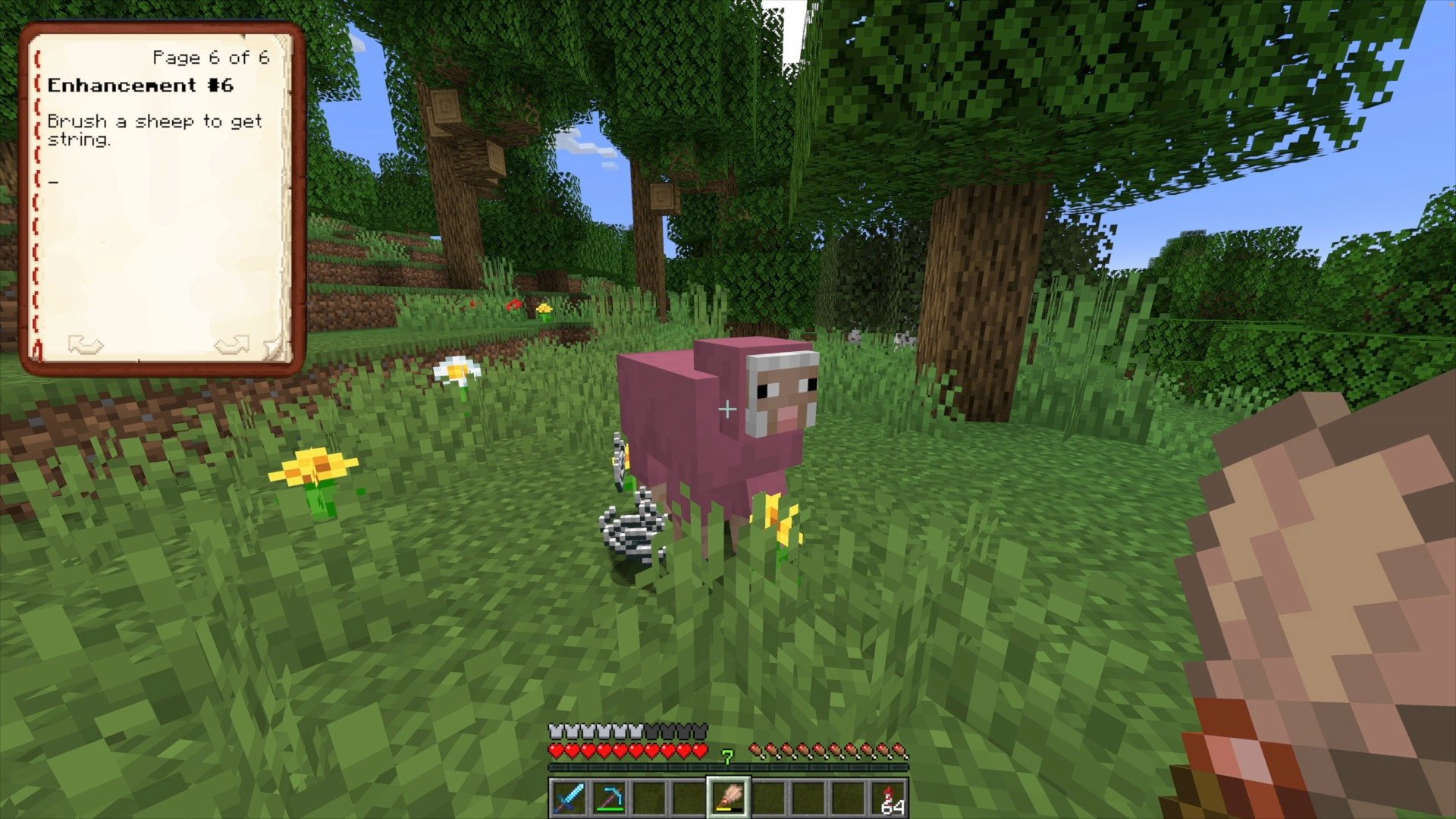
Brush Sheep
Brush a sheep to get string.
This can be a source of farm-able string in peaceful mode.
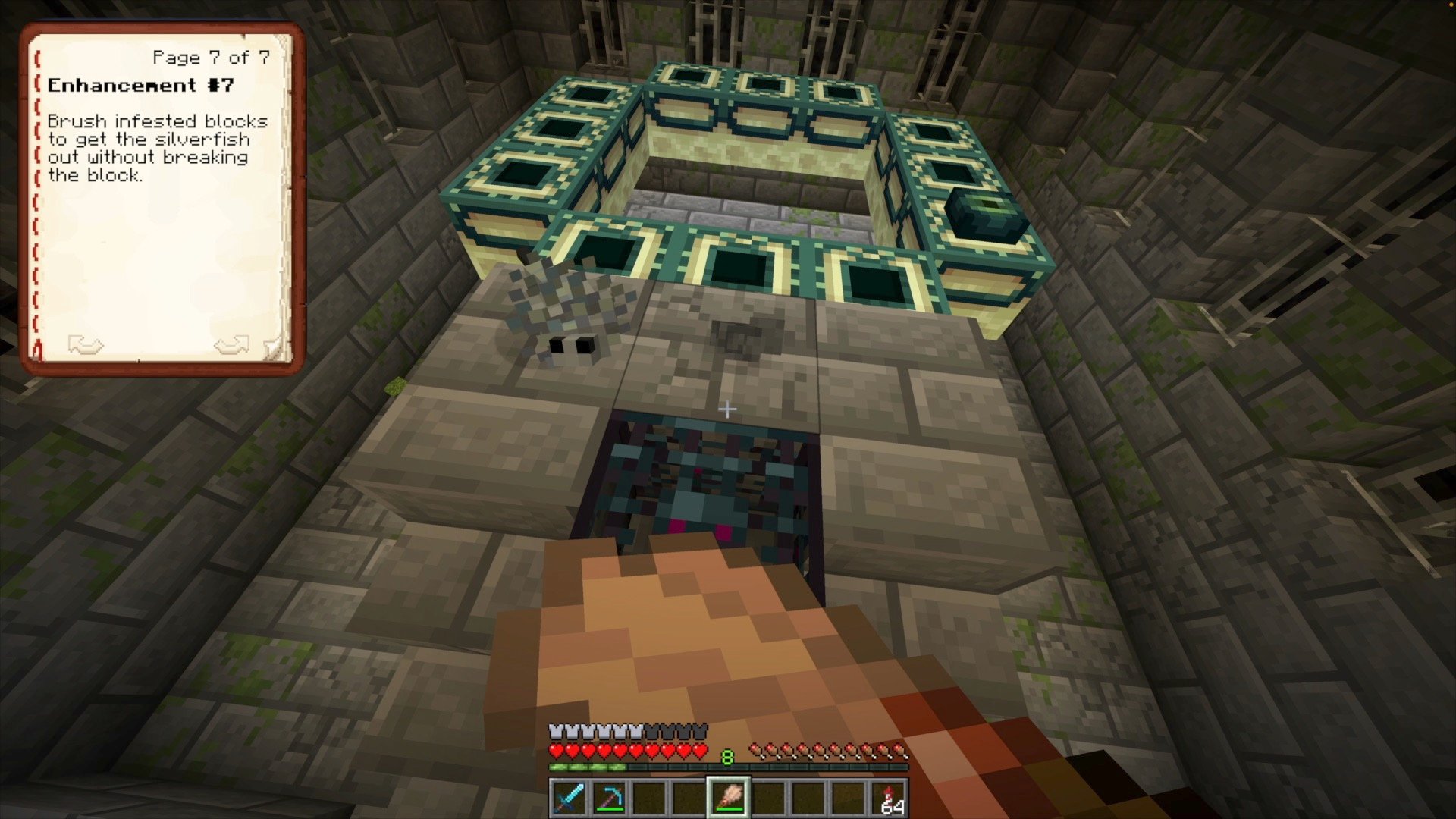
Remove Silverfish
Brush an infested block and the silverfish will pop out without breaking the block.
- Edition: Minecraft Java
- File type: .jar
- Minecraft versions listed: 1.21, 1.21.1
- How to install: Install the matching mod loader (Forge, Fabric or NeoForge) for your Minecraft version. → Download the .jar. → Put it in the .minecraft/mods folder and launch that loader profile.
- Where to get it: Opens on Modrinth — not every file is mirrored on our own servers.
Install steps are the general flow for this file type — see the MC Java Mods guides for the full walkthrough.
- Downloads as better_brushes.zip
- Download size: 90 KB
- Download link checked 29 Aug 2026 — working
These come from our own check of the pack file, not from the source page.