
Anvil on a Stick
Java data pack listed for Minecraft 1.21–26.x. Downloads from the MC Java Mods app on Android.
I don't know my version or loader
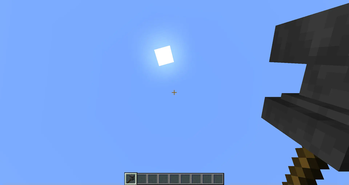
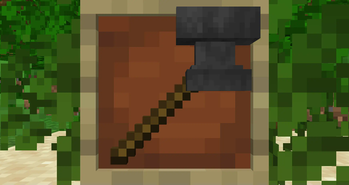
Info
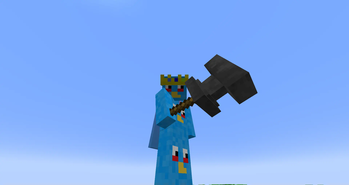
Ever wanted to put an anvil on a stick? Well now you can! It works like a mace but it cannot be enchanted and has 300 durability (200 less than a mace).
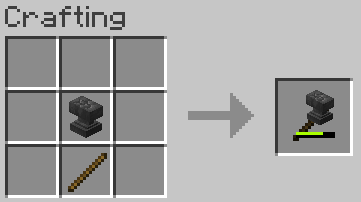
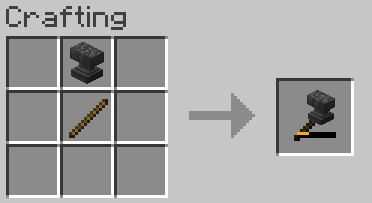
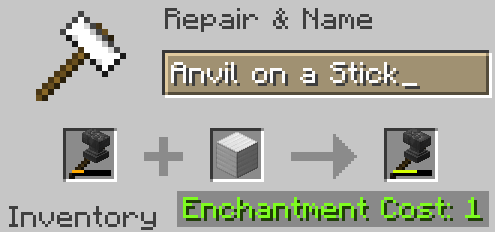
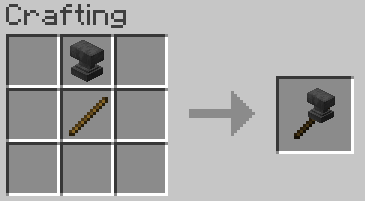
There are 3 crafting recipes for it, any of the 3 types of anvil on top of a stick. It can be repaired with Iron Blocks in an anvil.
Whenever the weapon goes below 1/3 of its durability, it changes to a chipped anvil item model. Same thing happens at 2/3s durability where it changes to a damaged anvil.
Recipes
FAQ
Q: I get a missing texture when trying to use this how do I fix it?
A: Make sure to download the resourcepack
Q: Where can I download the resourcepack?
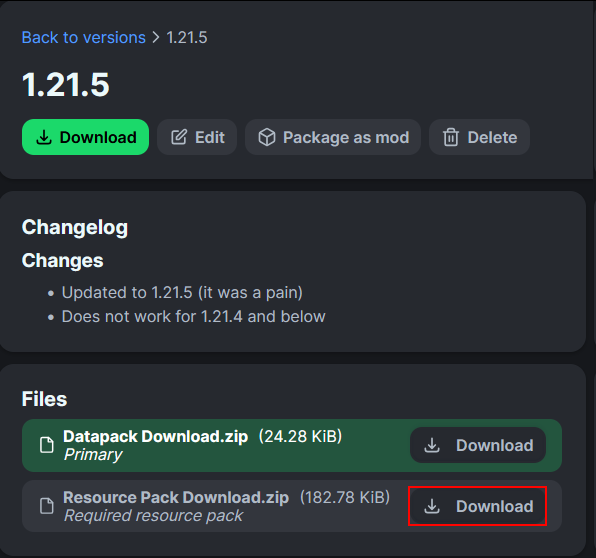
A: Those who click the big download button at the top of the screen are only prompted to download the datapack and not the resourcepack. Modrinth does not show both of them in that menu. You instead have to go to the versions tab.
First you have to go to the versions tab

Then you go to the version you want
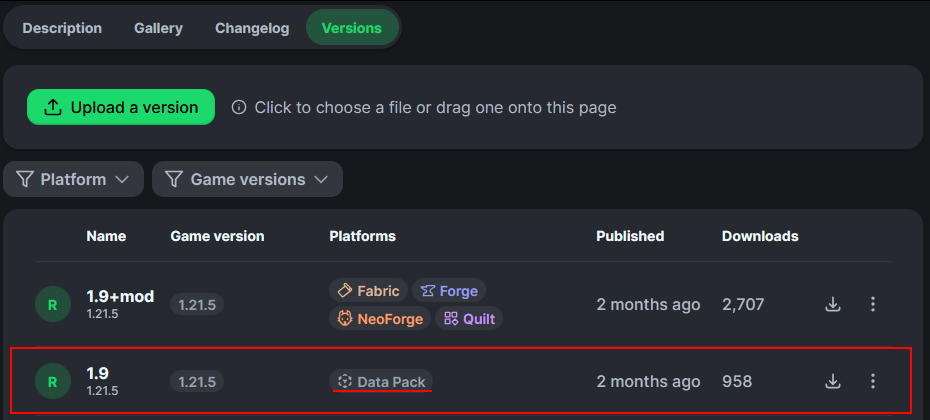
Then underneath the datapack download is the resourcepack download
- Edition: Minecraft Java
- File type: .jar
- Minecraft versions listed: 1.21.9, 1.21.10, 1.21.11
- How to install: Install the matching mod loader (Forge, Fabric or NeoForge) for your Minecraft version. → Download the .jar. → Put it in the .minecraft/mods folder and launch that loader profile.
- Where to get it: Opens on Modrinth — not every file is mirrored on our own servers.
Install steps are the general flow for this file type — see the MC Java Mods guides for the full walkthrough.
- Downloads as Anvil on a Stick Datapack v1.1.zip
- Download size: 5 KB
- Download link checked 9 Oct 2026 — working
These come from our own check of the pack file, not from the source page.