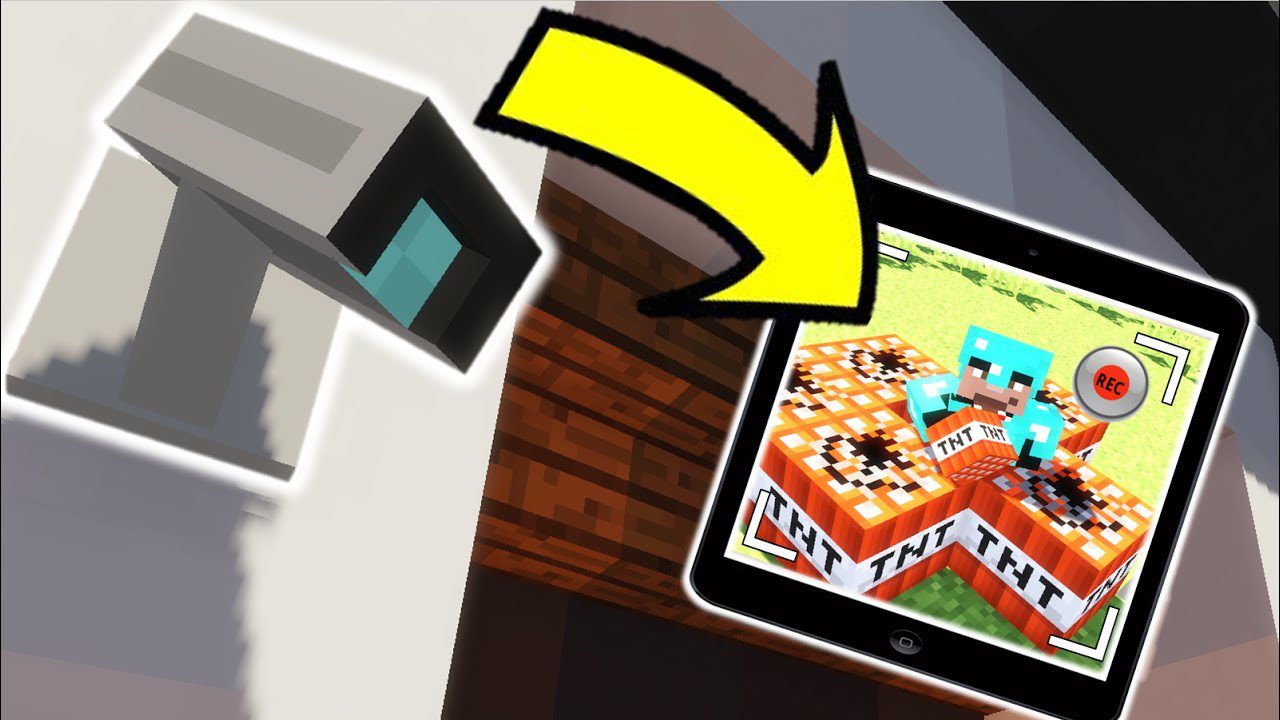
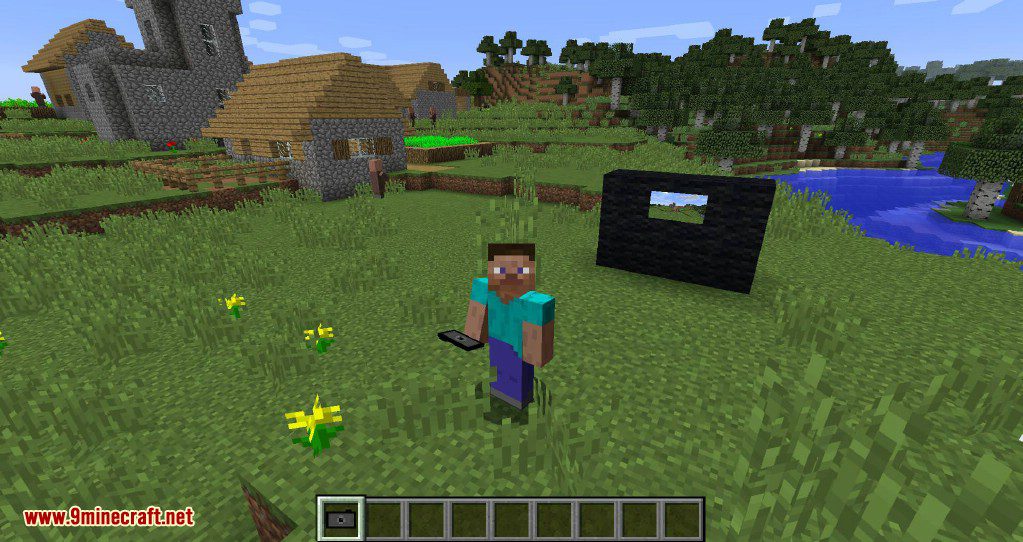
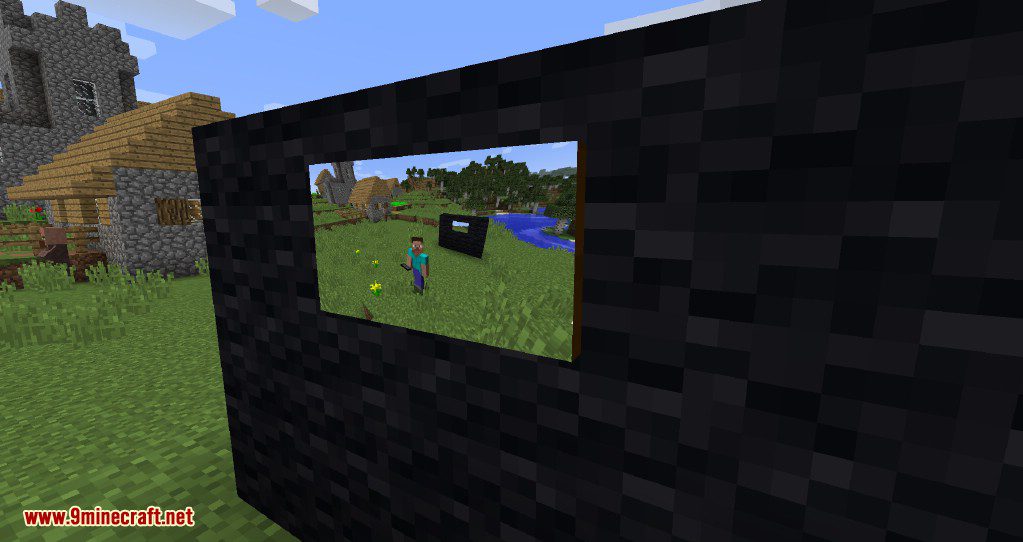
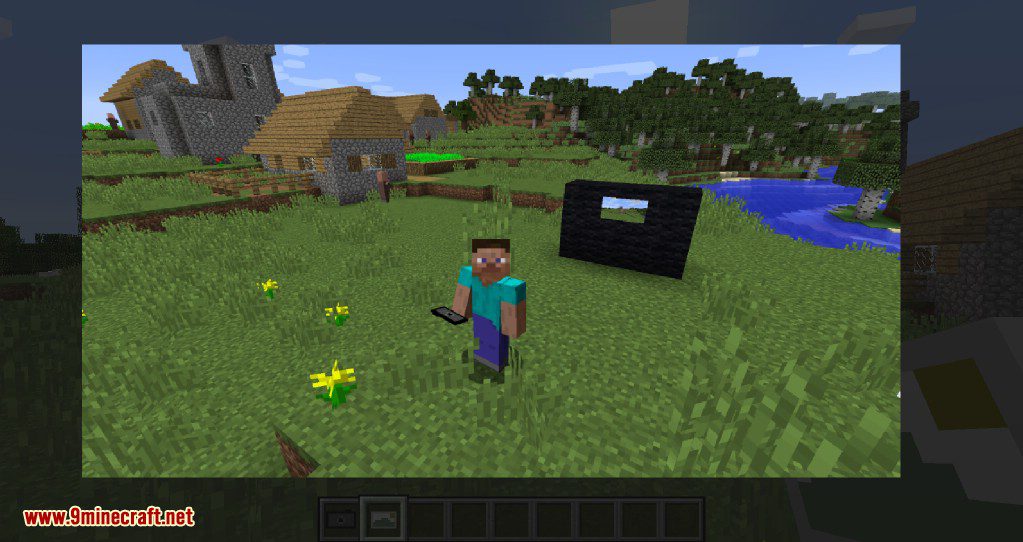
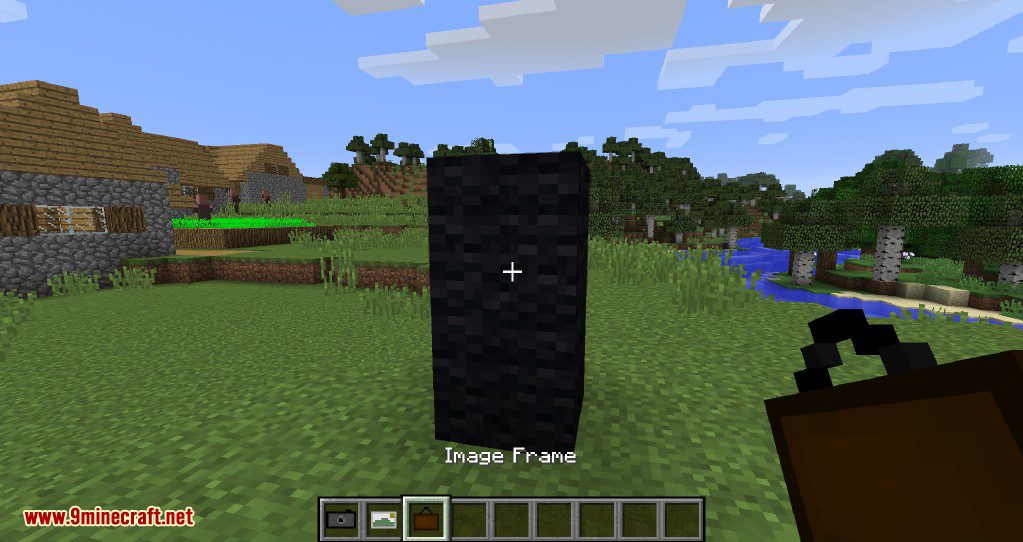
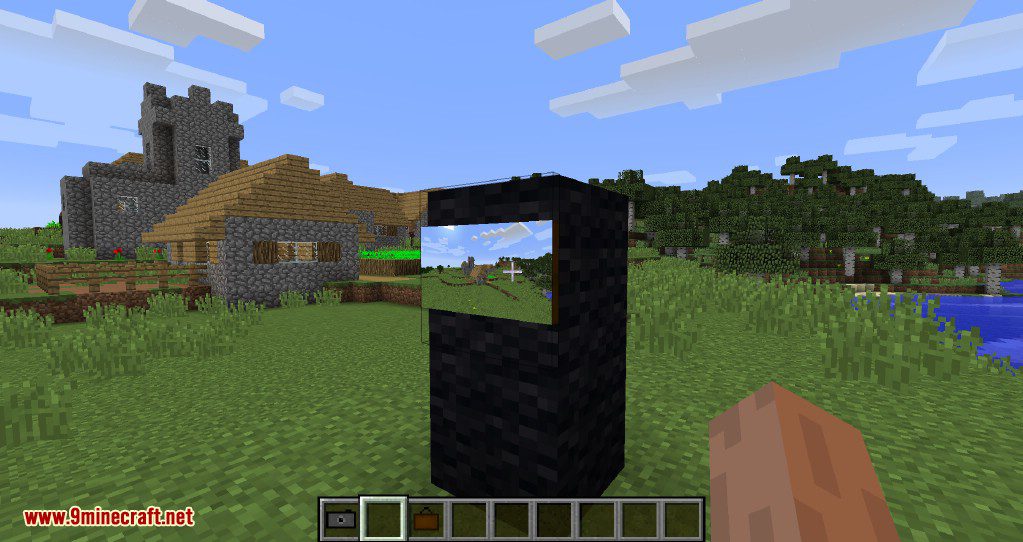
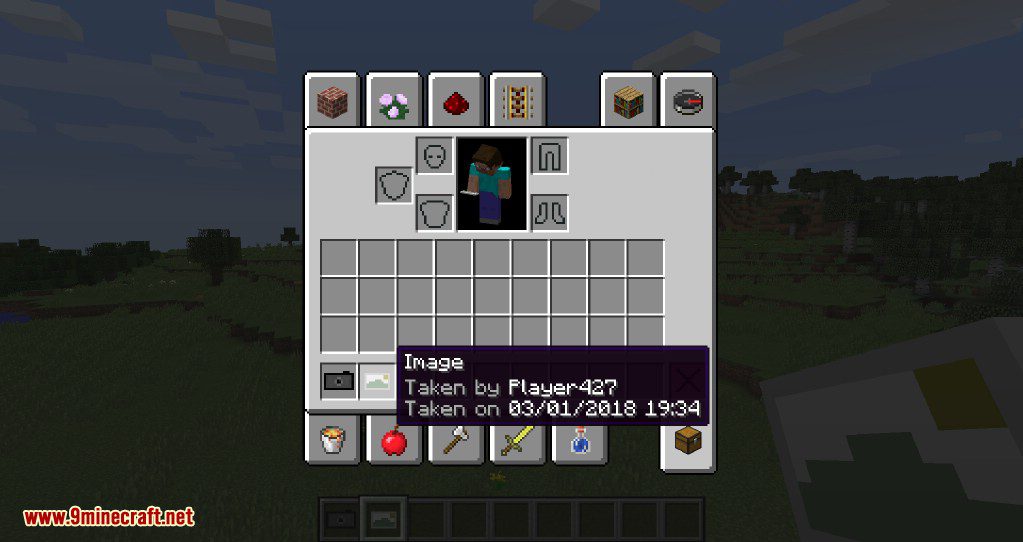
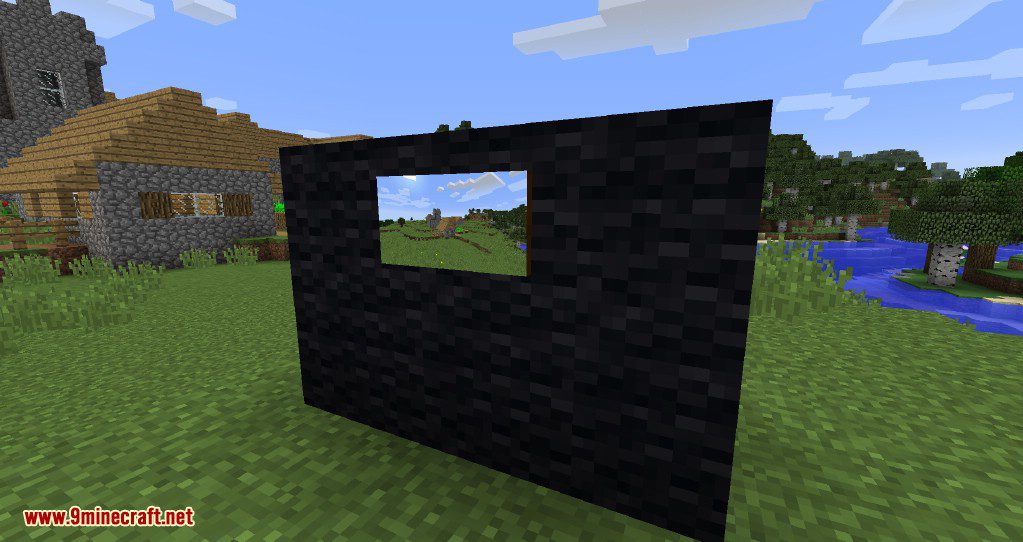
Camera Mod adds a camera to Minecraft, allowing players to capture snapshots of the world and hang them up in photo frames around their home. The camera uses paper as film, so you’ll need to stock up on it. The mod introduces the camera, a photo album for viewing pictures, and scalable frames for displaying them. The camera includes zoom functionality and offers around 8 photo filters. You can even upload your own custom filter. The mod is fully supported in multiplayer, allowing players to see when and who captured a specific image (this data is saved with the photo). Pictures are also saved in the world’s save folder.
Features:
- Images can be put into image frames.
- Images can be displayed by right-clicking the image.
- Images can be copied by combining it with a piece of paper in the crafting table.
- Date and photographer name are stored with the image.
- The Camera consumes a piece of paper for every taken image.
- Multiplayer compatible.
- Images are saved in the world folder.
Screenshots:
Camera Mod Download Links
- Edition: Minecraft Java
- File type: .jar
- Minecraft version listed: 1.20.1
- How to install: Install the matching mod loader (Forge, Fabric or NeoForge) for your Minecraft version. → Download the .jar. → Put it in the .minecraft/mods folder and launch that loader profile.
- Where to get it: In MC Java Mods, or directly above on this page.
Install steps are the general flow for this file type — How to install Minecraft Java mods & modpacks walks through it step by step.
- Downloads as 13904.mcaddon
- Download size: 305 KB
- Download link checked 24 Sept 2026 — working
- Mirrored on our own servers — the download does not depend on the original host
These come from our own check of the pack file, not from the source page.