
Deactivate Portals




Allows you to toggle if nether and end portals can be activated and used.
Great for multiplayer servers where you want to wait before allowing players into other dimensions
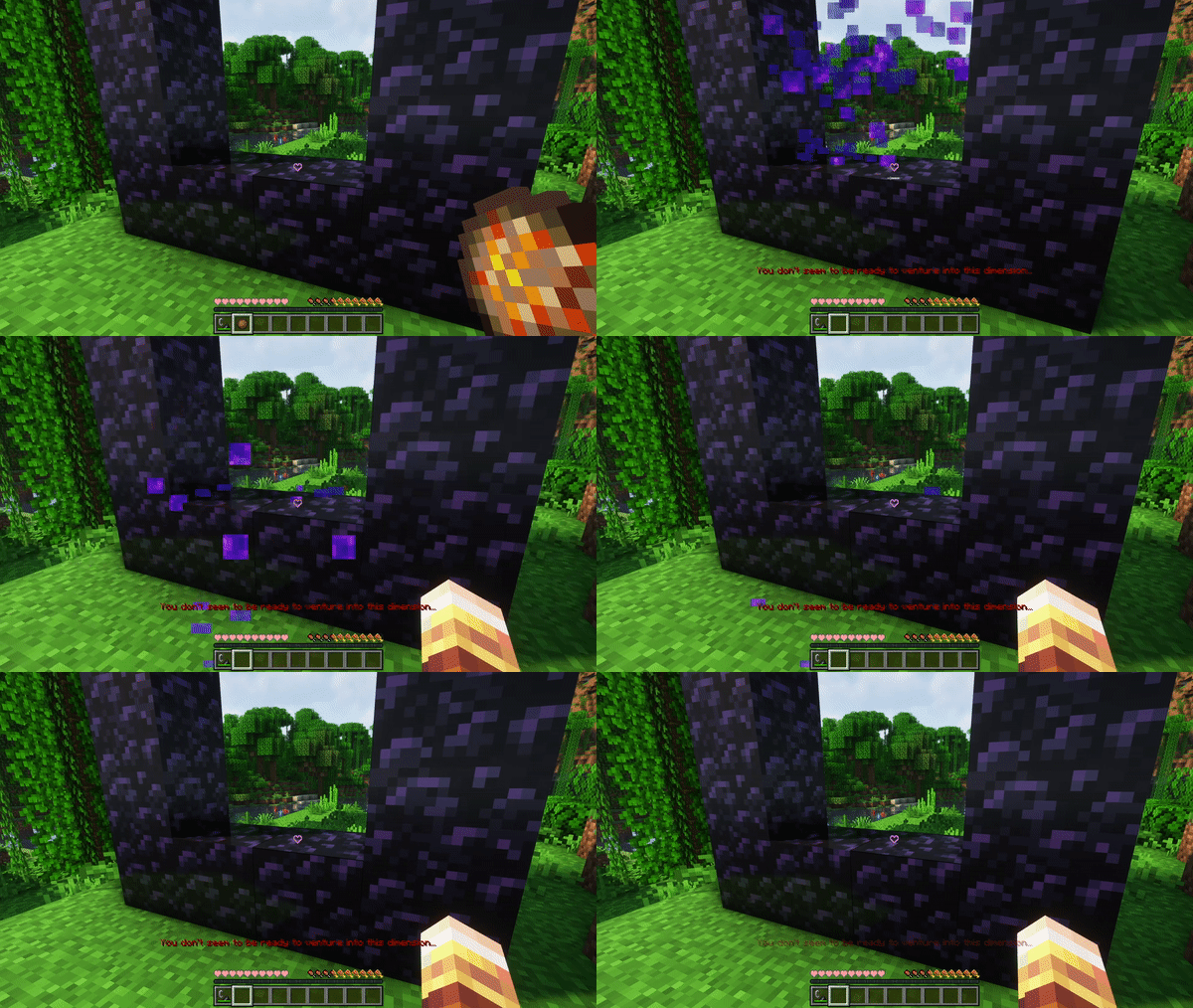
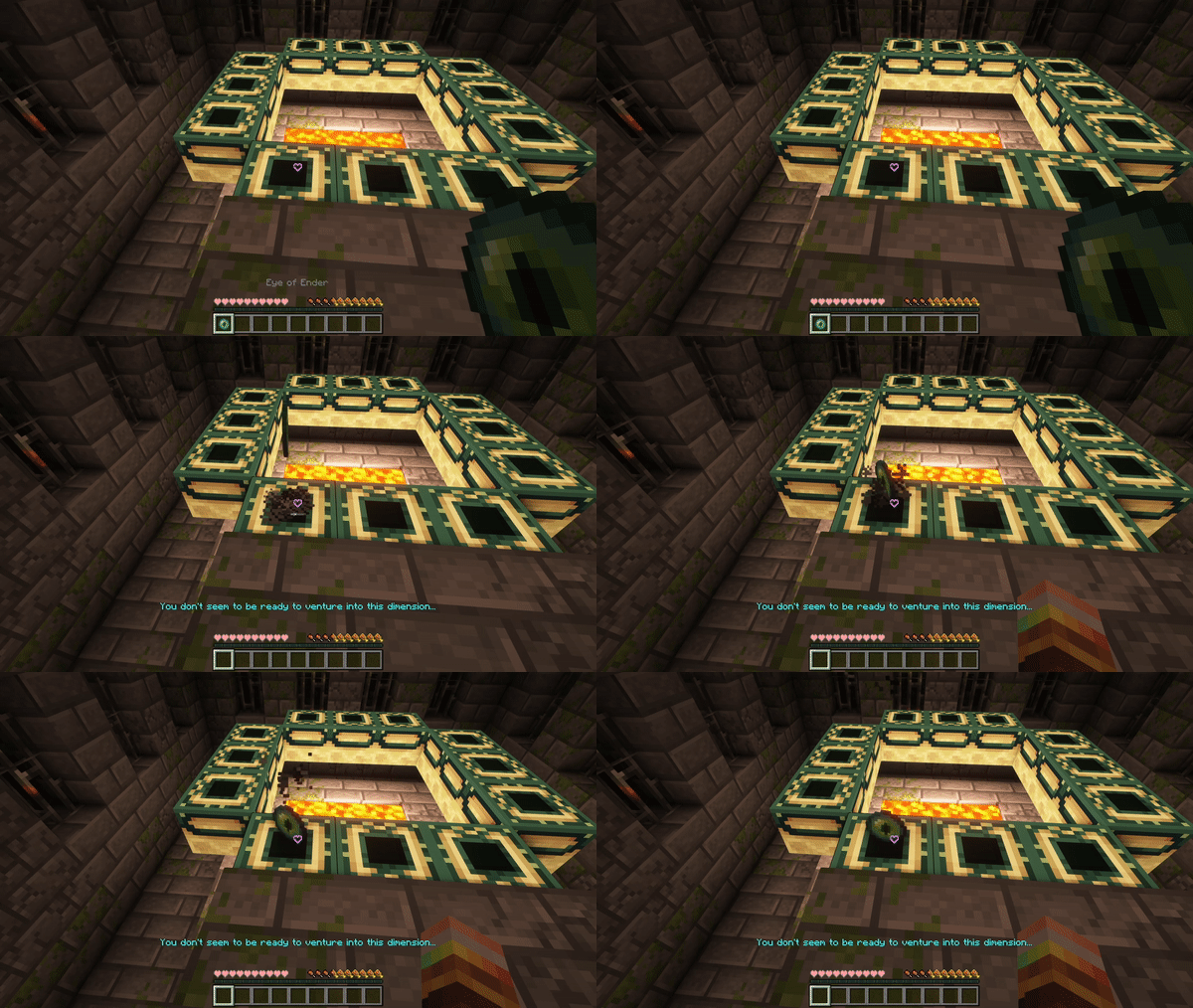
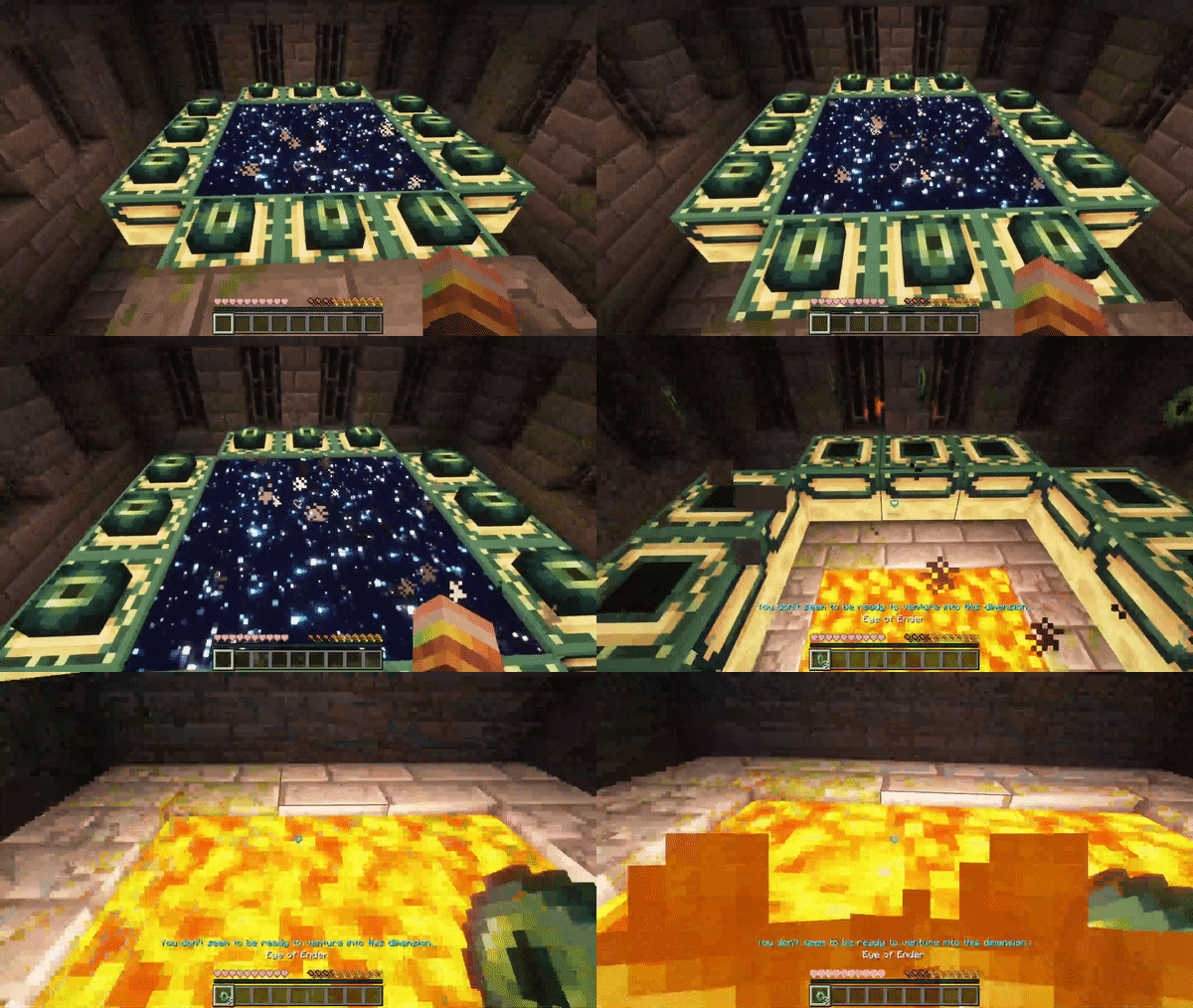
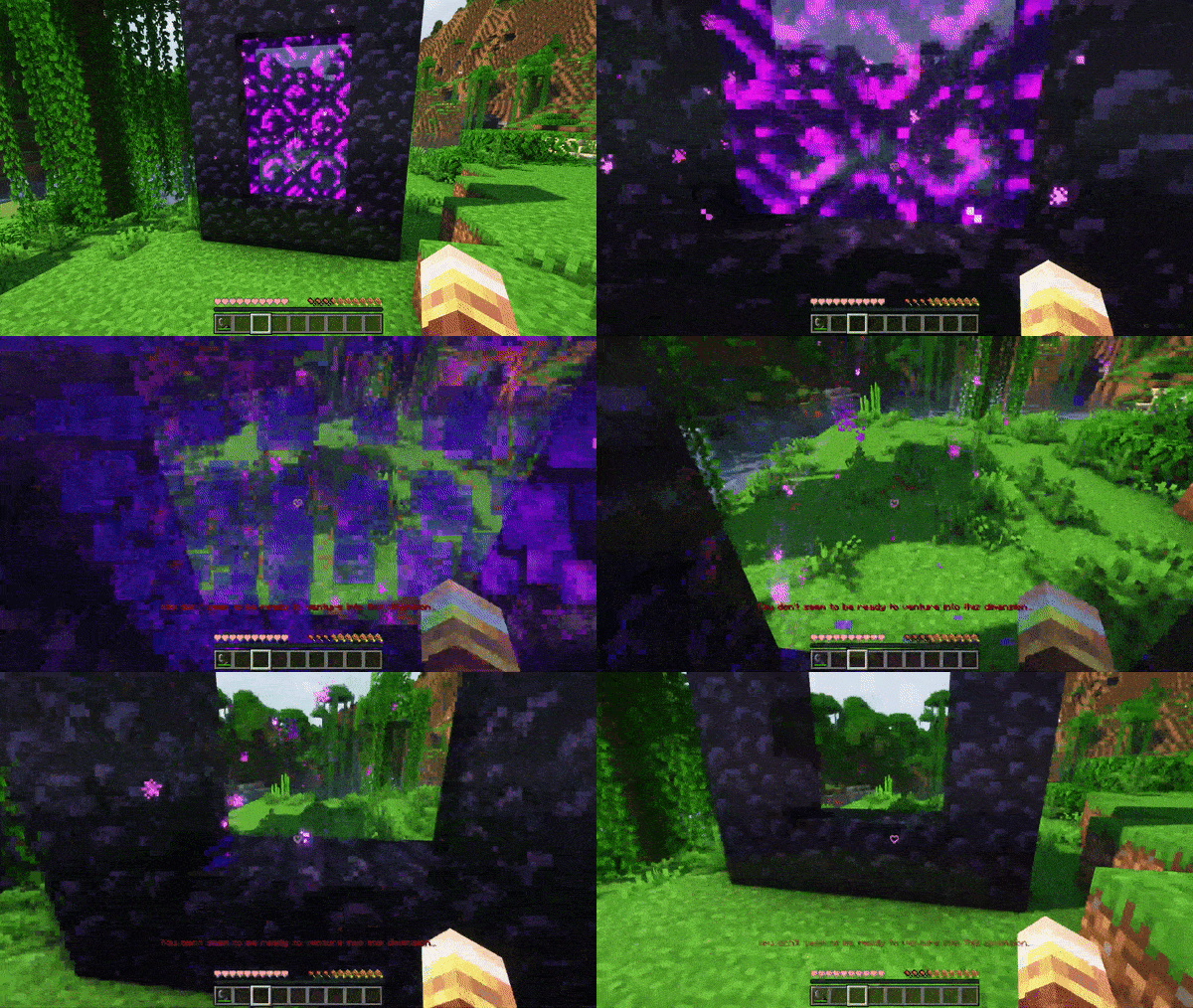
When activated it will prevent players from lighting nether portals and putting eyes into end portals, and it will break any existing portal when players try to use it.
There is a configurable message that will be shown on failure
Configuration
You can open a clickabe configuration screen in chat by running:
/function deactivateportals:config
Showcase
Showcase with a flint and steel
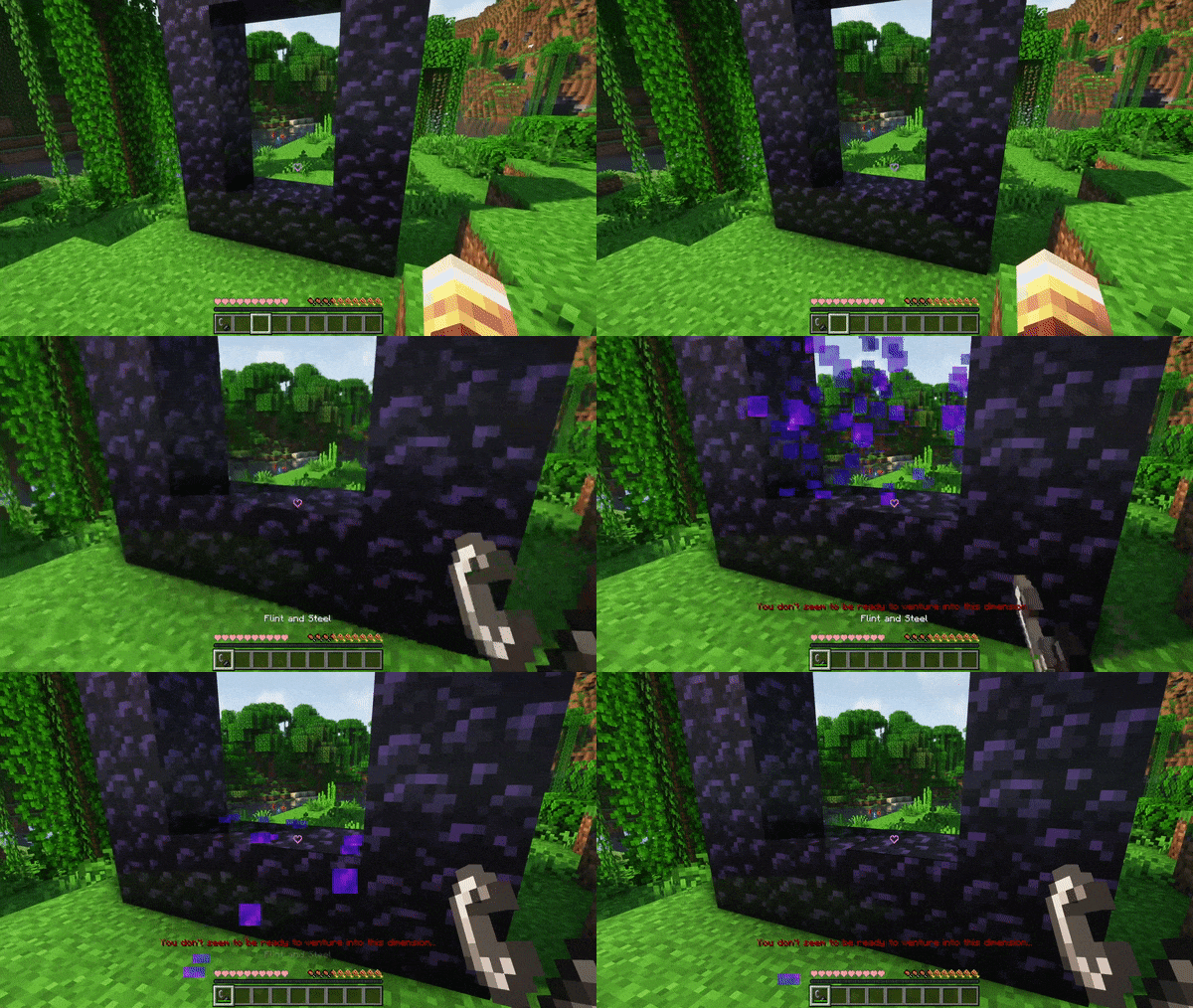
Showcase with a fire charge
Showcase with a lit portal
Showcase with eyes of ender
Showcase with an activated end portal
- Edition: Minecraft Java
- File type: .jar
- Minecraft versions listed: 1.19, 1.19.1, 1.19.2
- How to install: Install the matching mod loader (Forge, Fabric or NeoForge) for your Minecraft version. → Download the .jar. → Put it in the .minecraft/mods folder and launch that loader profile.
- Where to get it: Opens on Modrinth — not every file is mirrored on our own servers.
Install steps are the general flow for this file type — see the MC Java Mods guides for the full walkthrough.
- Downloads as Deactivate-Portals.zip
- Download size: 17 KB
- Download link checked 29 Aug 2026 — working
These come from our own check of the pack file, not from the source page.