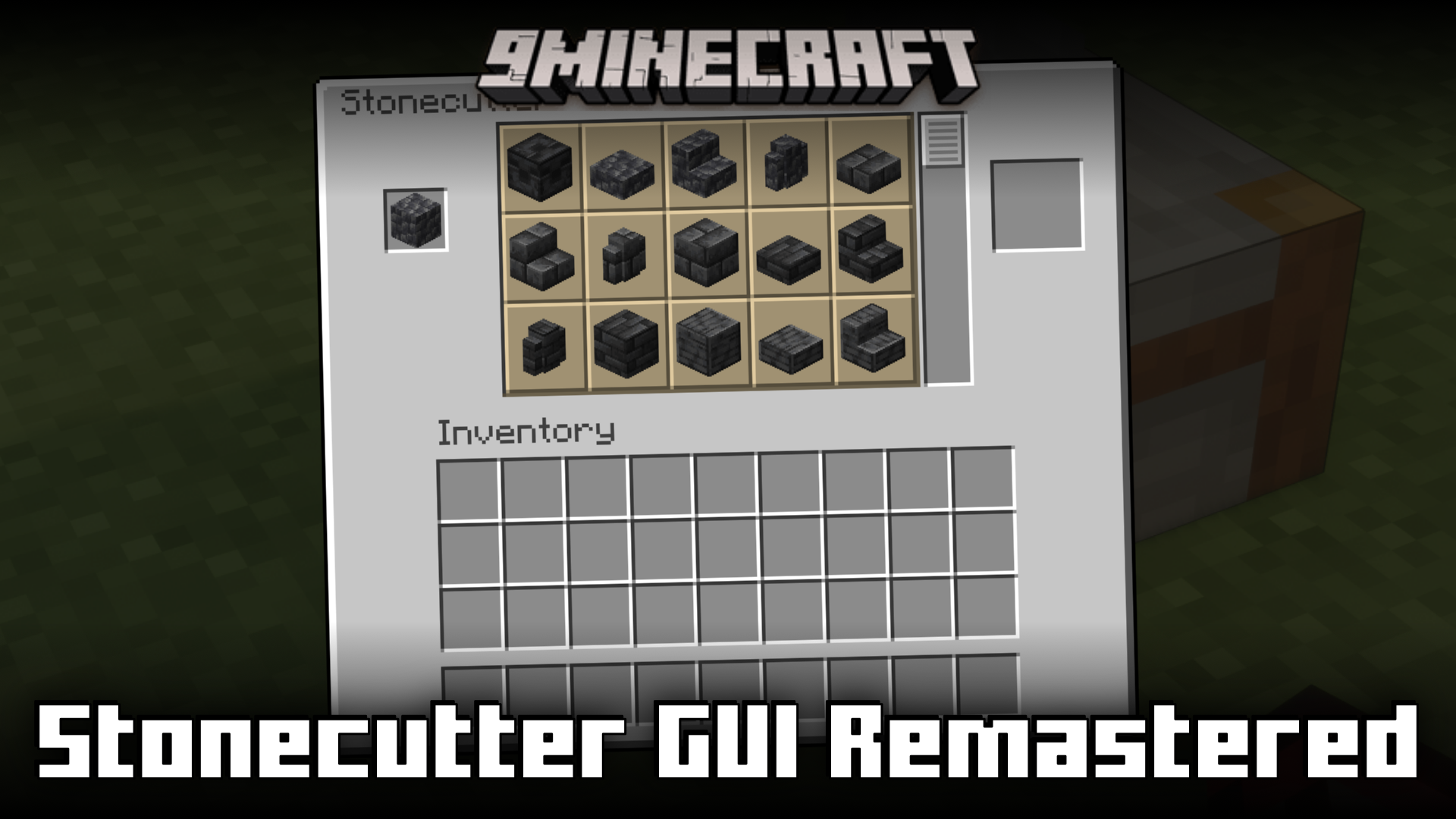
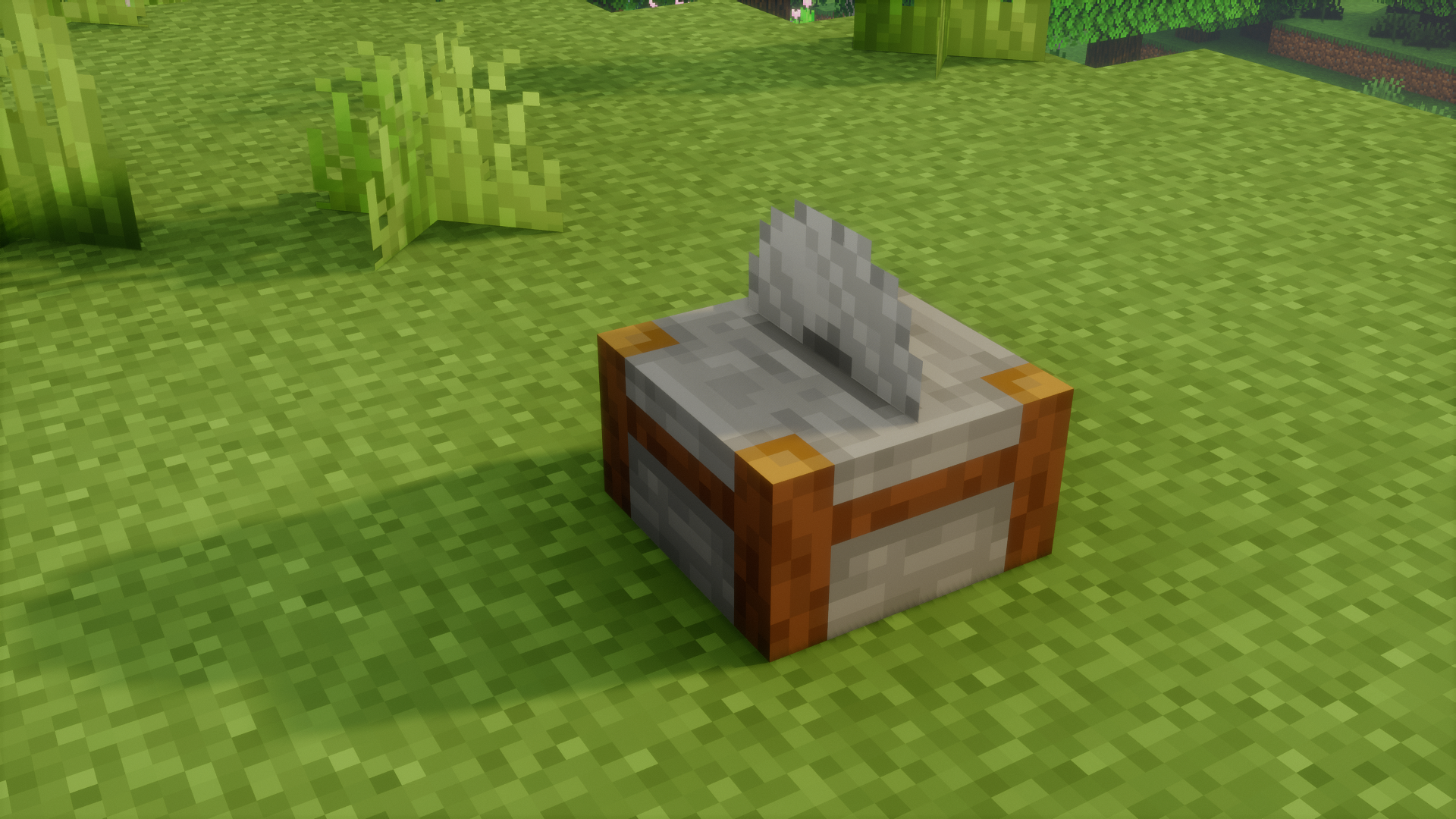
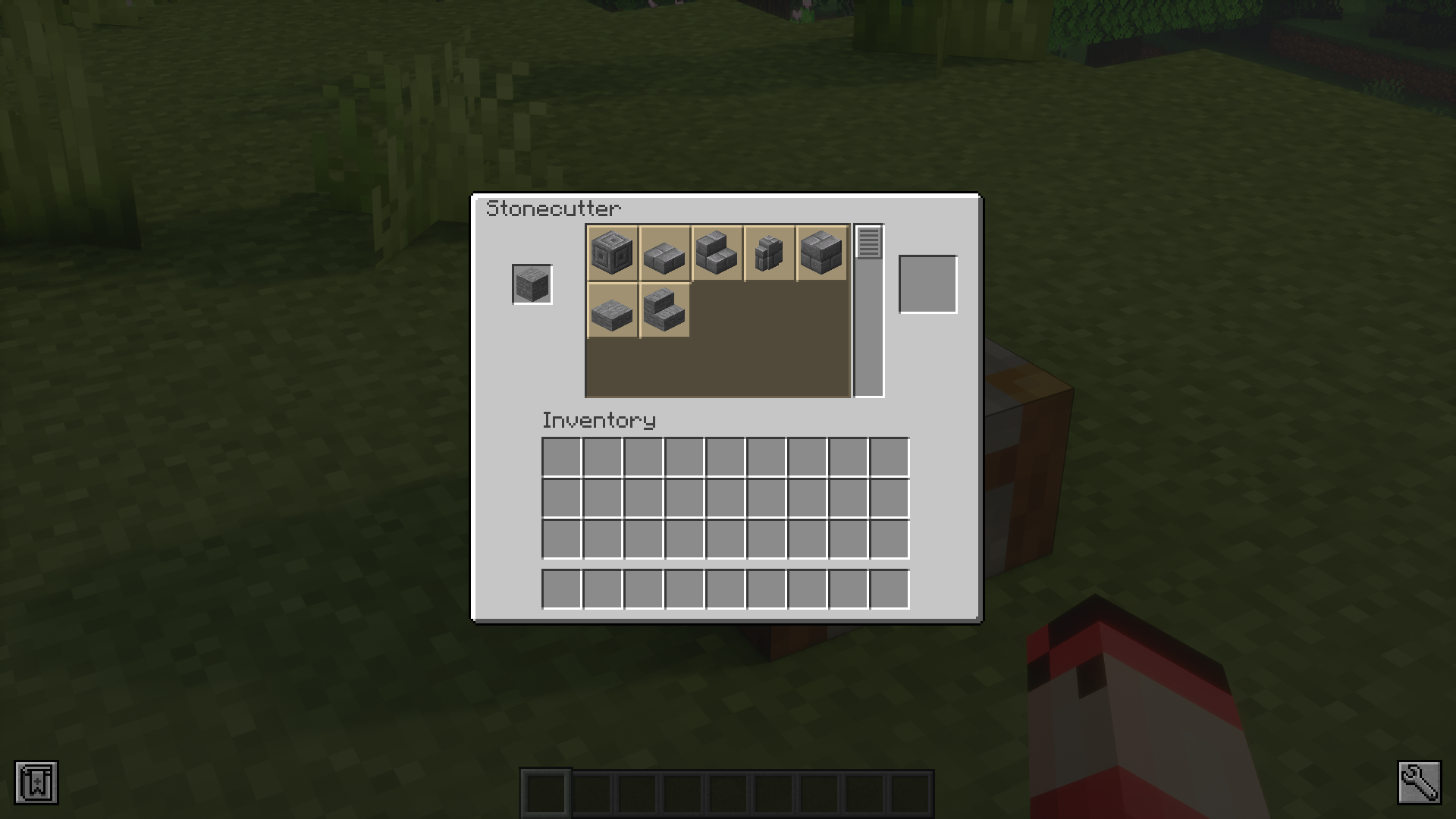
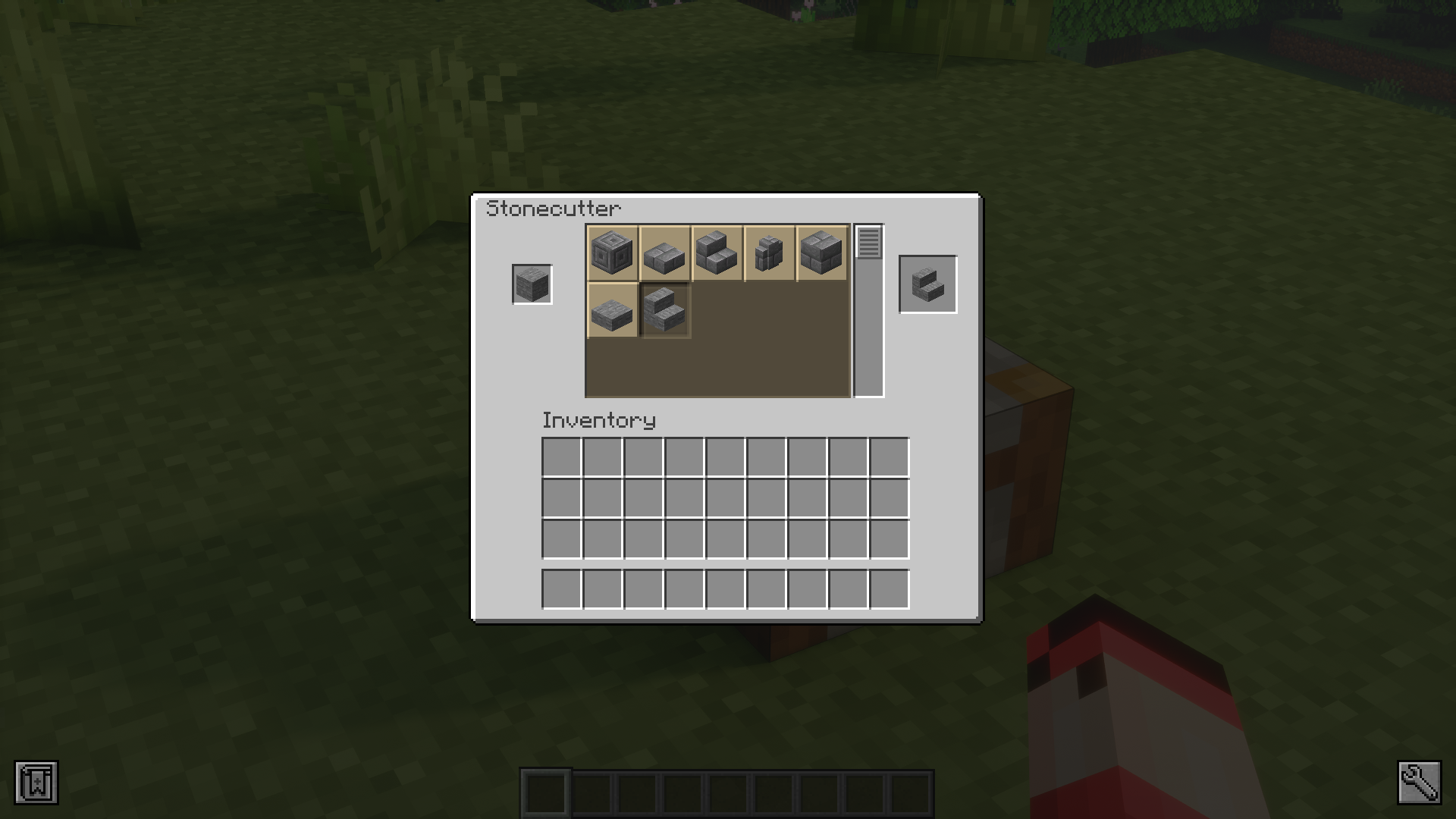
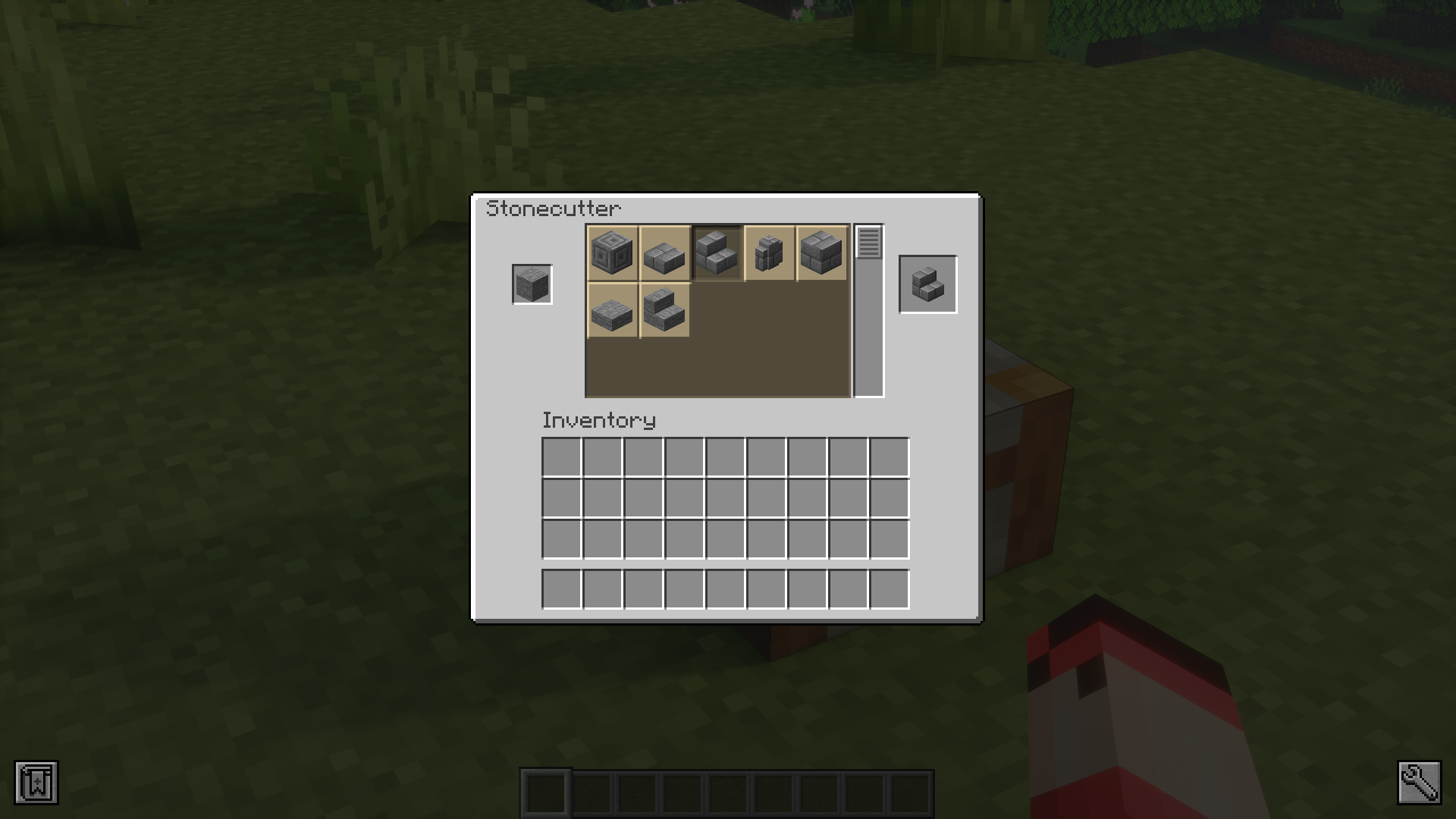
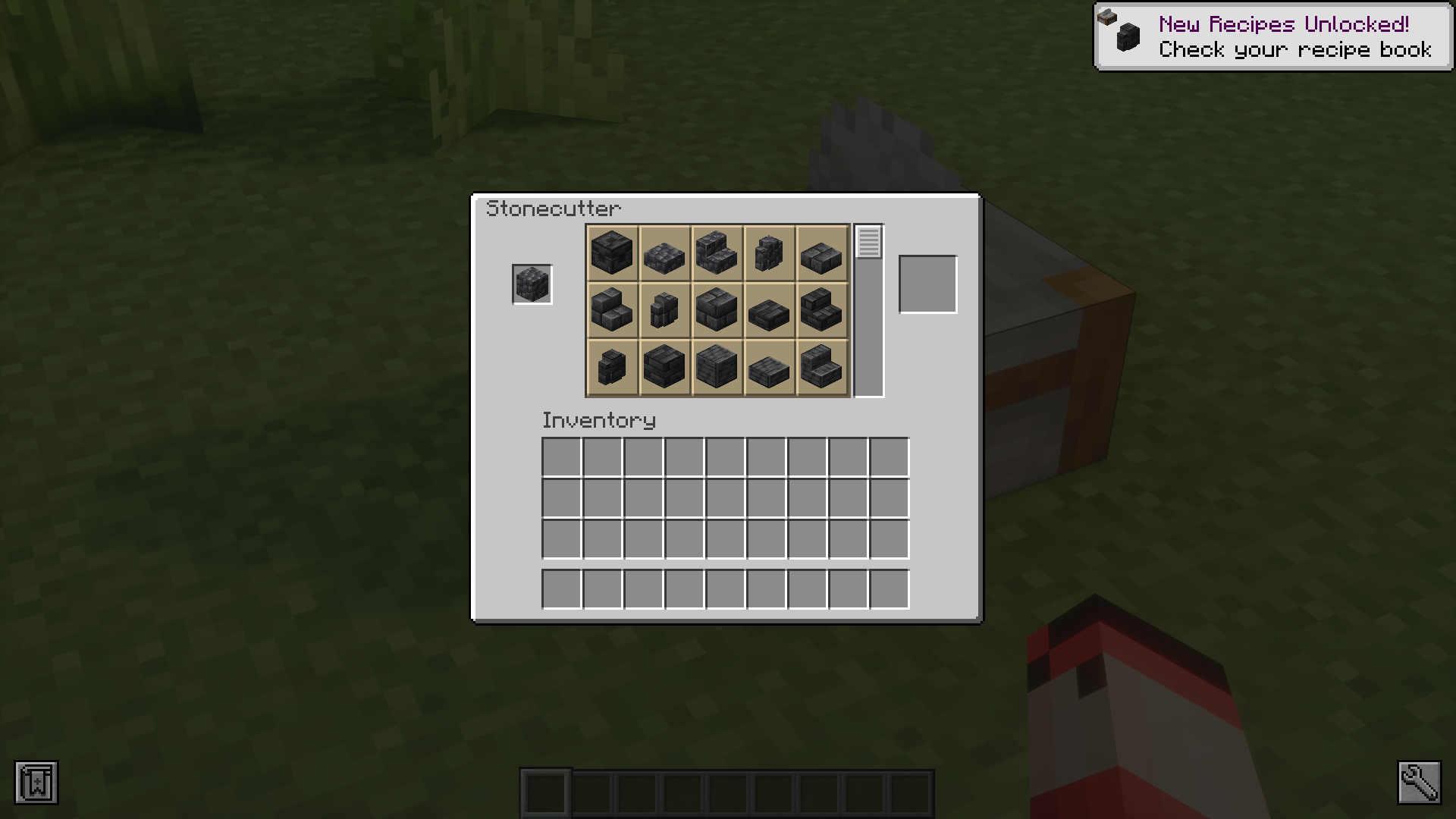
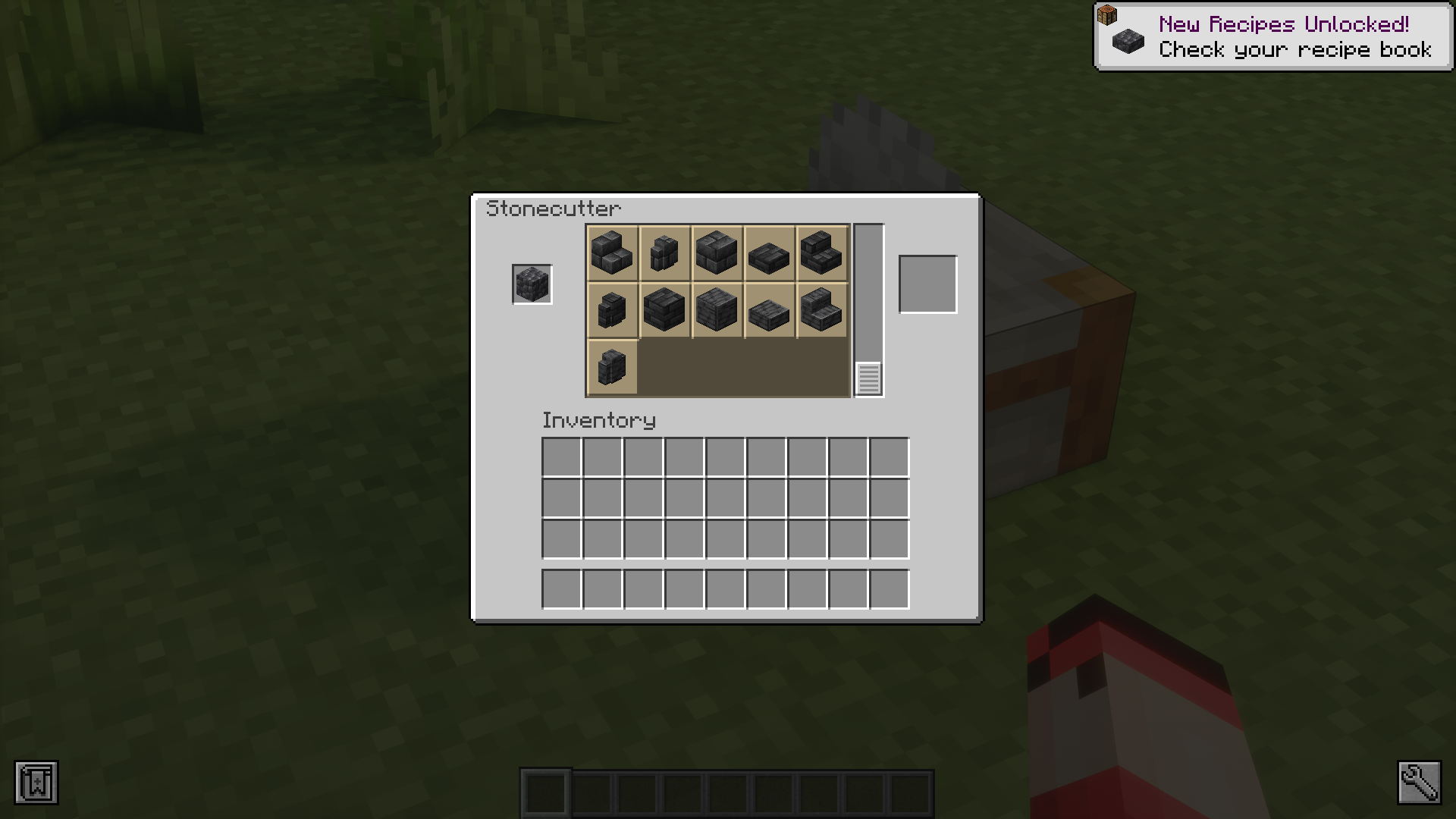
The stonecutter is a workbench that makes crafting different slab, stair, wall and chiseled variants of different blocks a lot more resource efficient. By using a stonecutter instead of a regular crafting table, you will be able to save a lot of resources when crafting these items. The vanilla GUI of the stonecutter is small and hard to navigate. Stonecutter GUI Remastered Mod is here to fix that. As the name suggests, this mod makes the stonecutter GUI a lot better by making the interface tabs a lot larger than its vanilla counterpart, making using it a lot more easier
Features:
- Improves the stonecutter GUI.
- Makes the stonecutter GUI larger and easier to navigate.
Screenshots:
Stonecutter GUI Remastered Mod Download Links
- Edition: Minecraft Java
- File type: .jar
- Minecraft version listed: 1.20.1
- How to install: Install the matching mod loader (Forge, Fabric or NeoForge) for your Minecraft version. → Download the .jar. → Put it in the .minecraft/mods folder and launch that loader profile.
- Where to get it: In MC Java Mods, or directly above on this page.
Install steps are the general flow for this file type — How to install Minecraft Java mods & modpacks walks through it step by step.
- Downloads as 13907.mcaddon
- Download size: 119 KB
- Download link checked 24 Sept 2026 — working
- Mirrored on our own servers — the download does not depend on the original host
These come from our own check of the pack file, not from the source page.