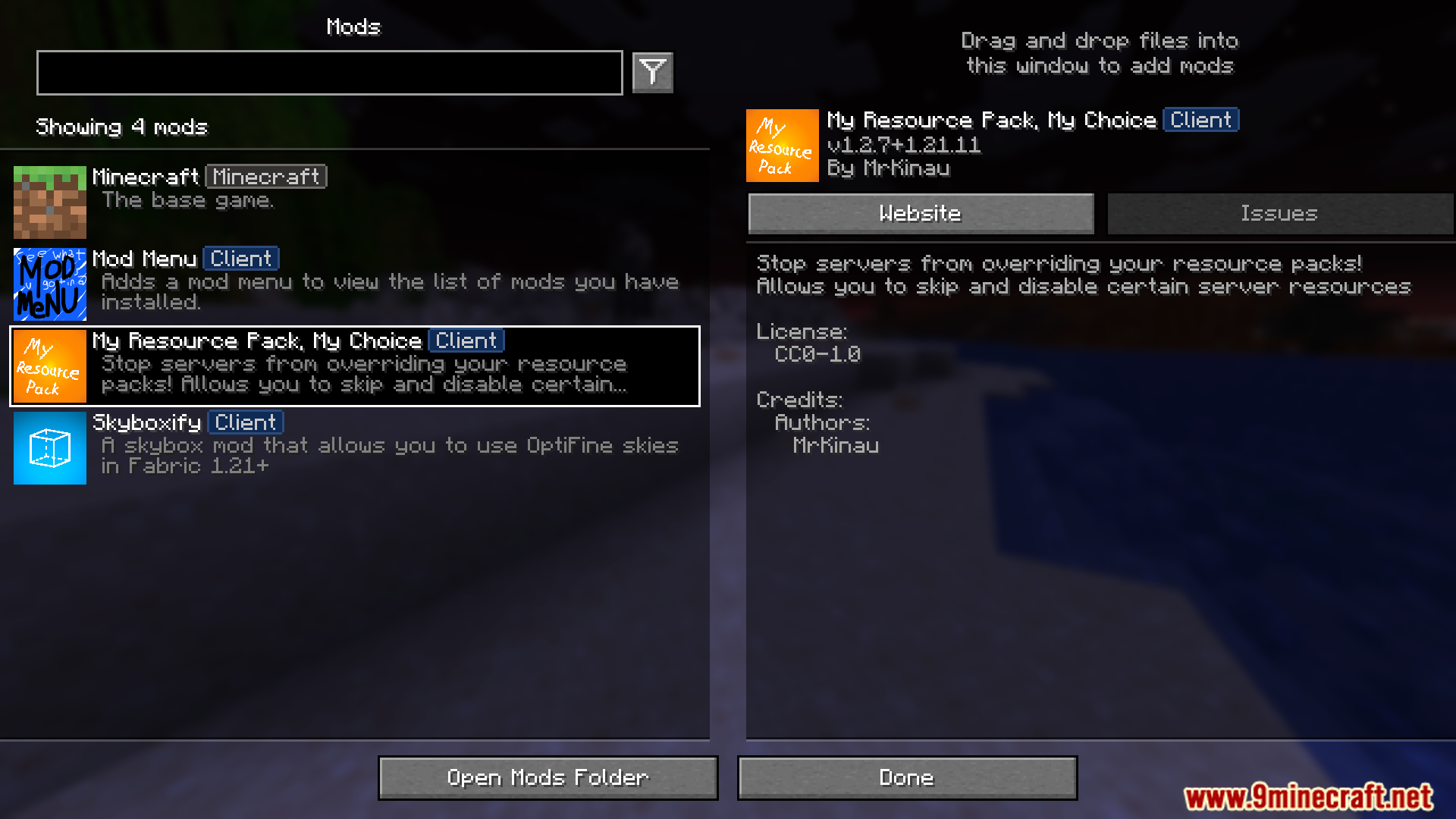
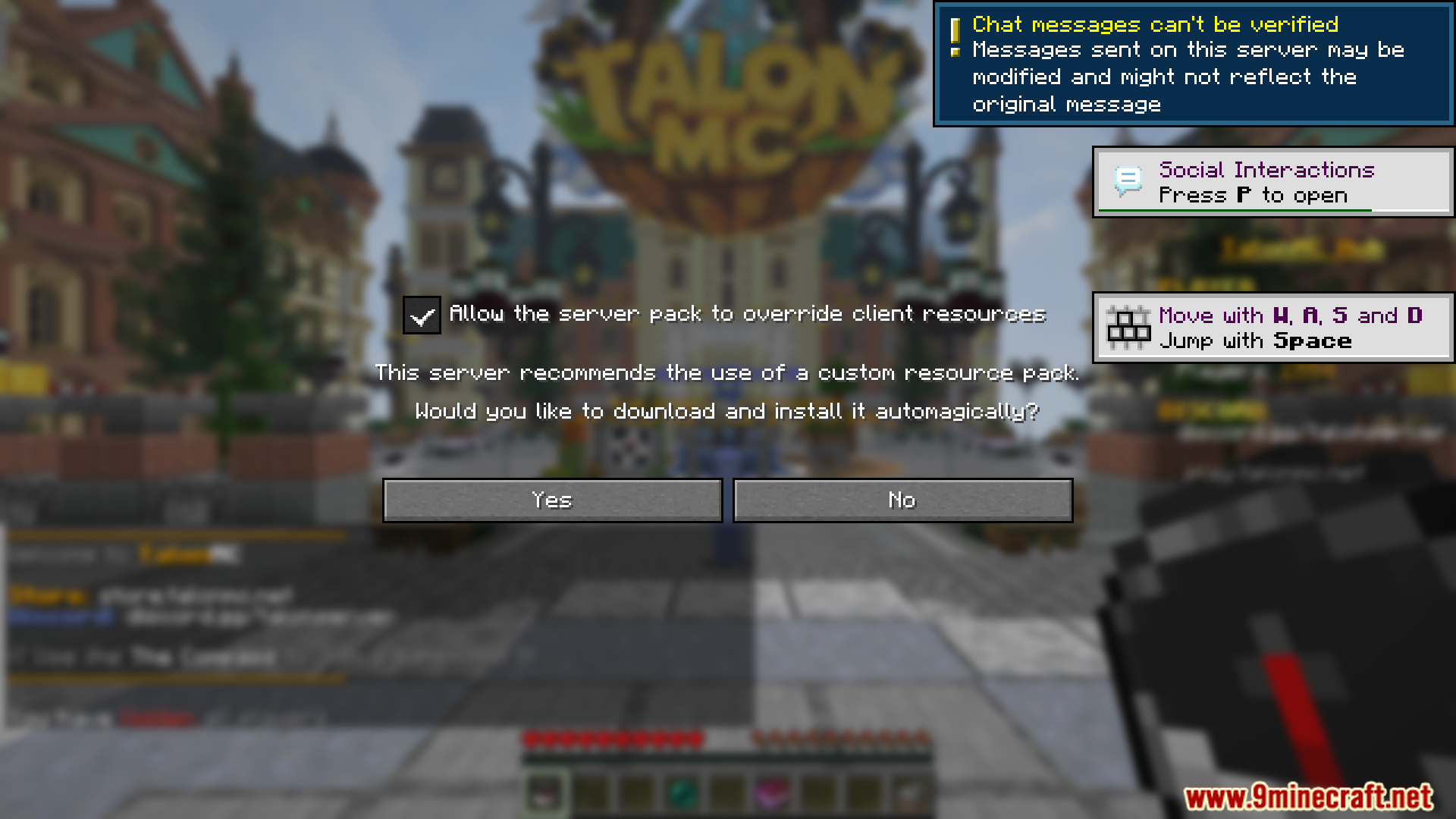
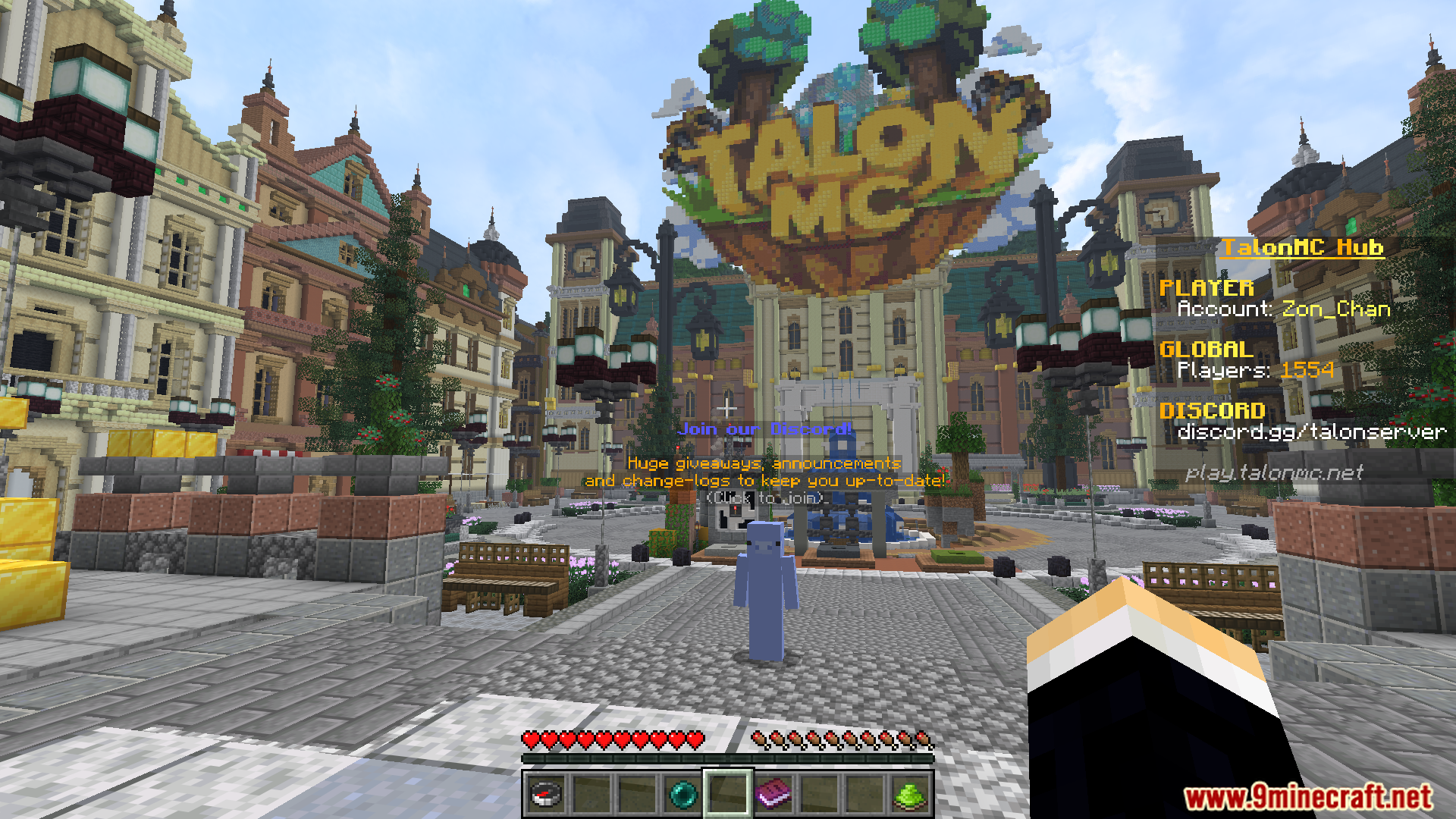
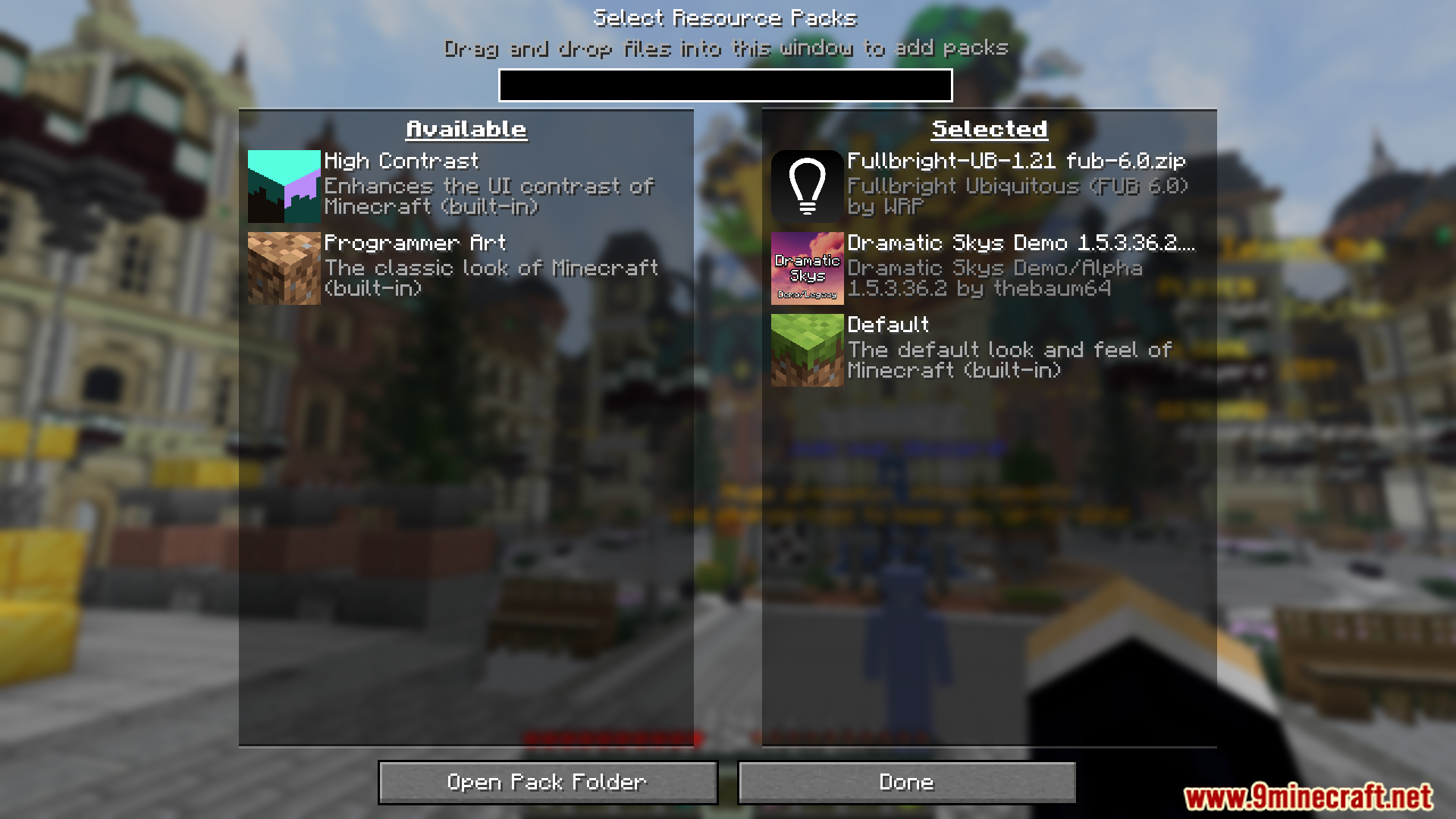


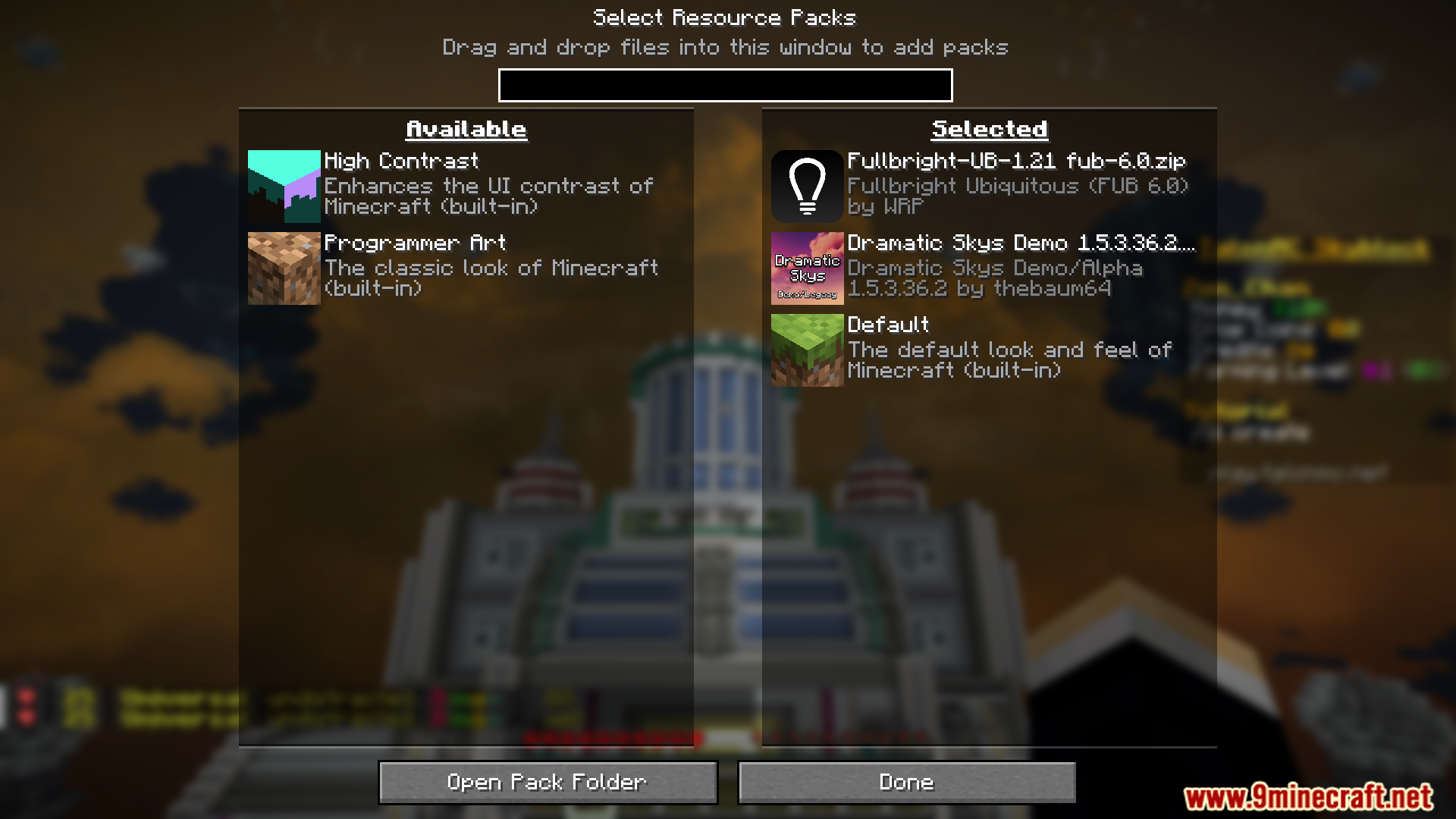
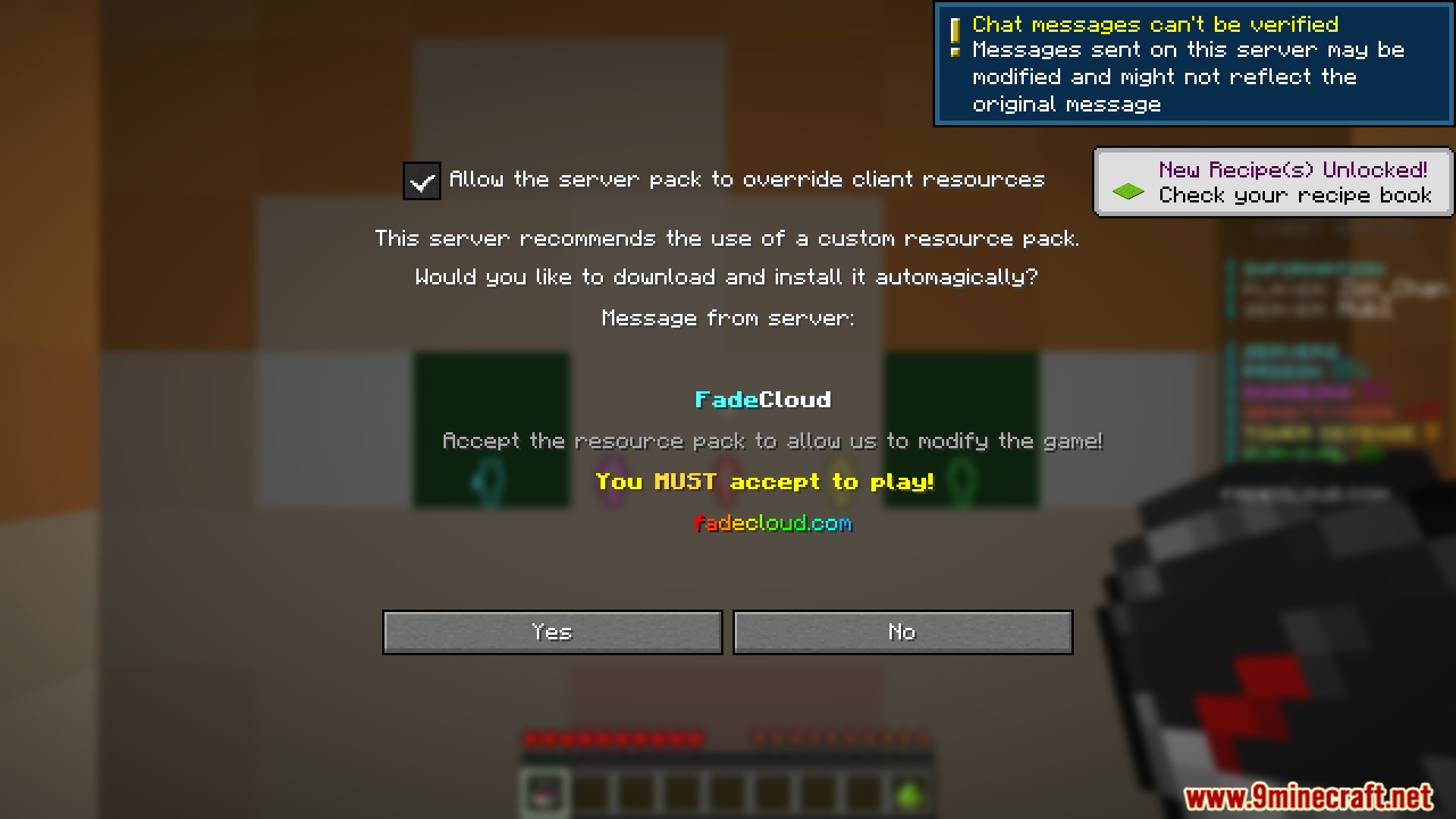
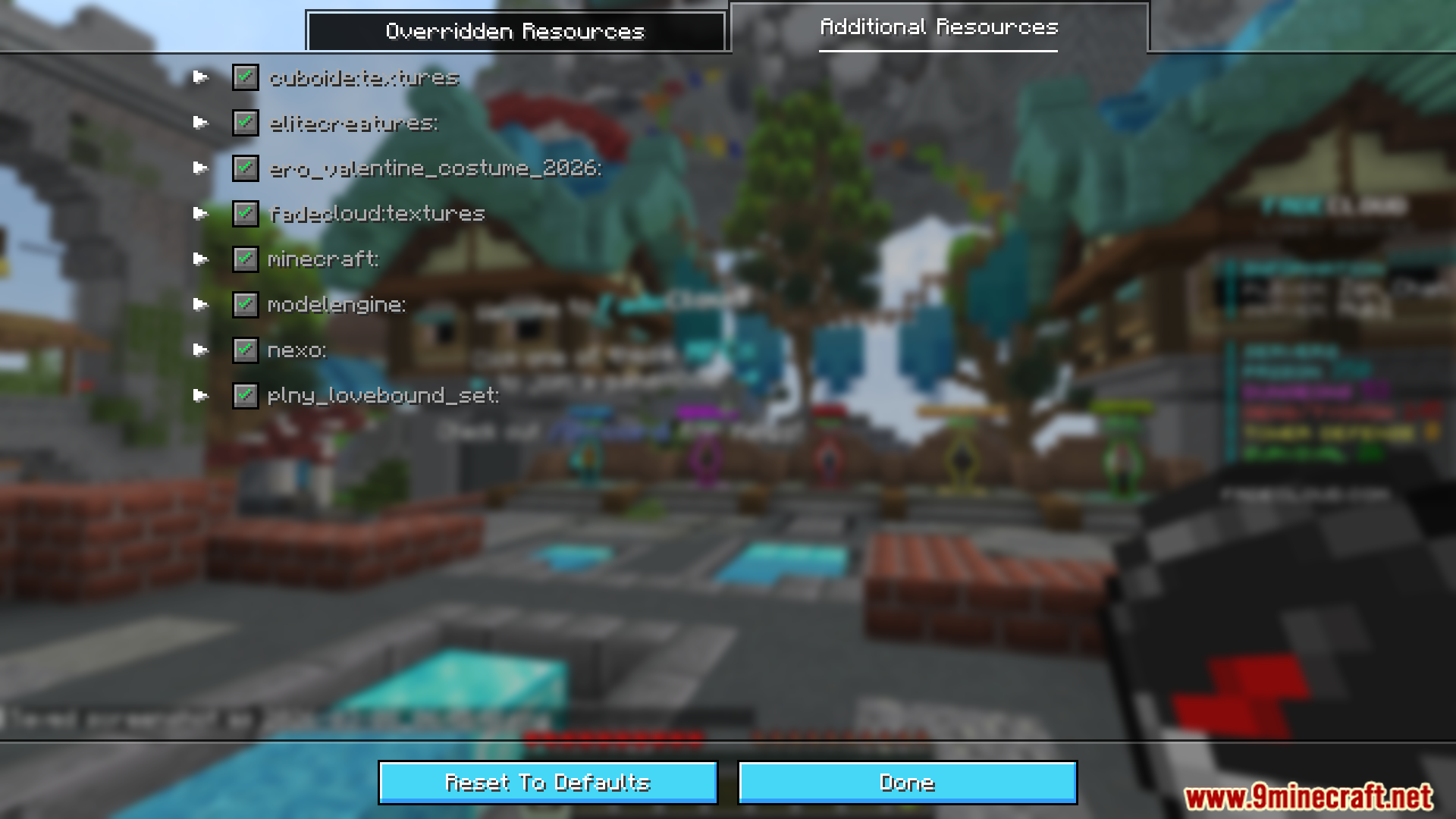
My Resource Pack My Choice Mod gives players full control over server resource packs. Instead of being forced to accept whatever textures or assets a server provides, you can selectively apply, reorder, or completely ignore parts of a server’s resource pack. This ensures you keep the visuals you like while still seeing any custom items or blocks the server requires.
Features:
- Skip unwanted textures or assets.
- Choose which packs take priority.
- Stop servers from replacing default Minecraft textures.
- Manually select which resources should be overridden.
- Transparent design with detailed wiki instructions.
- Ideal for servers that add custom items but also force ugly or unwanted textures.
Screenshots:

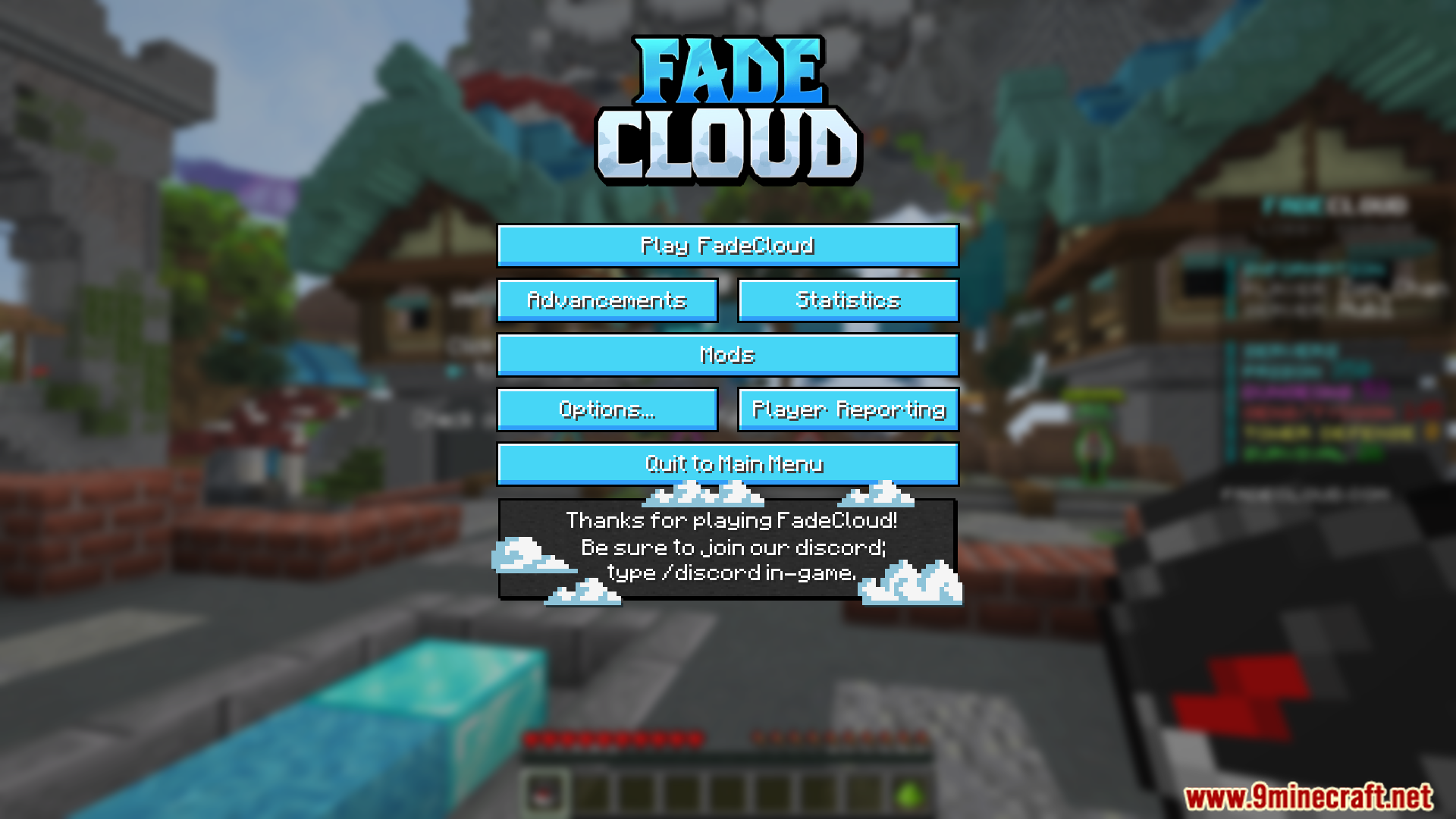
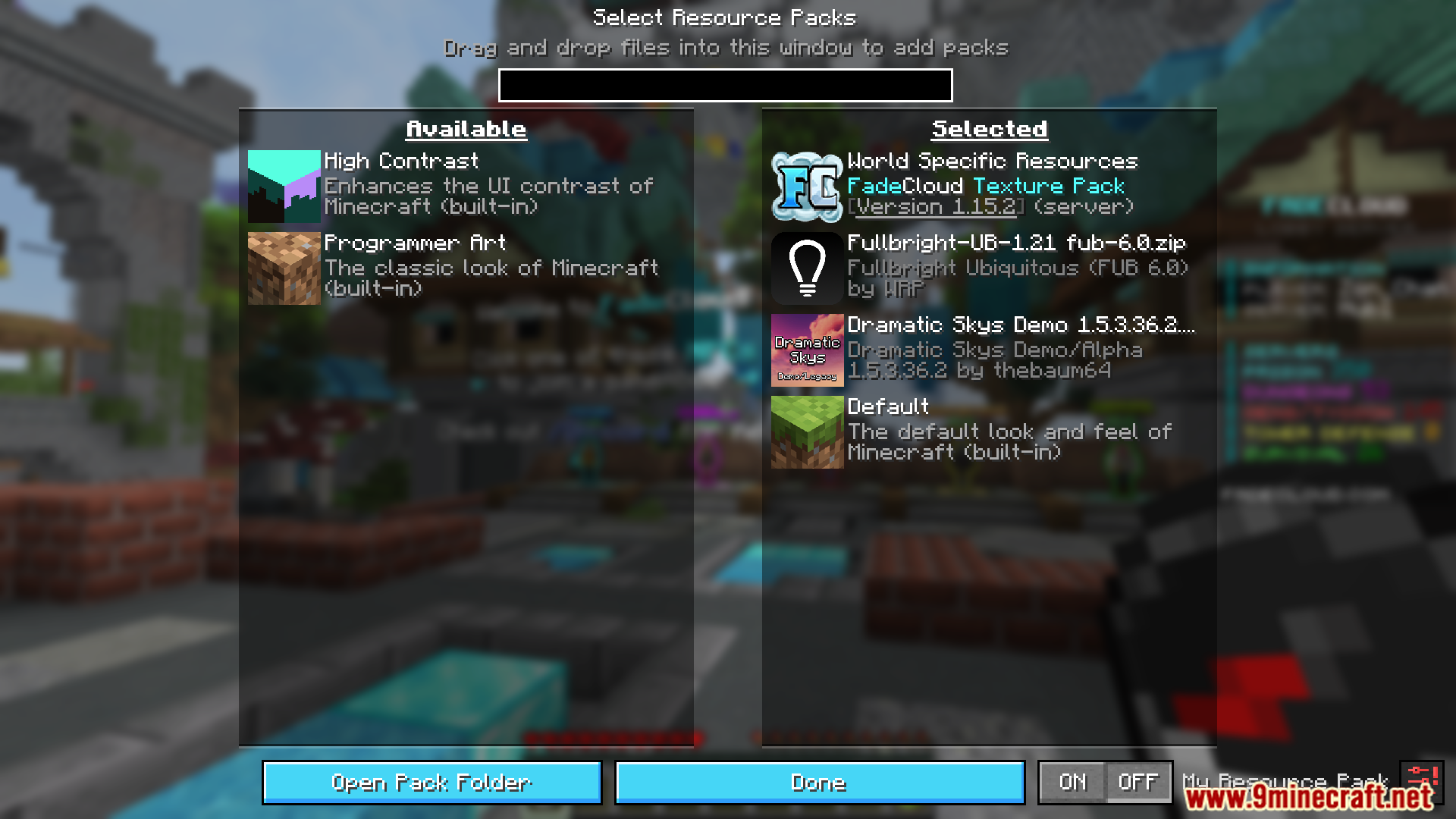
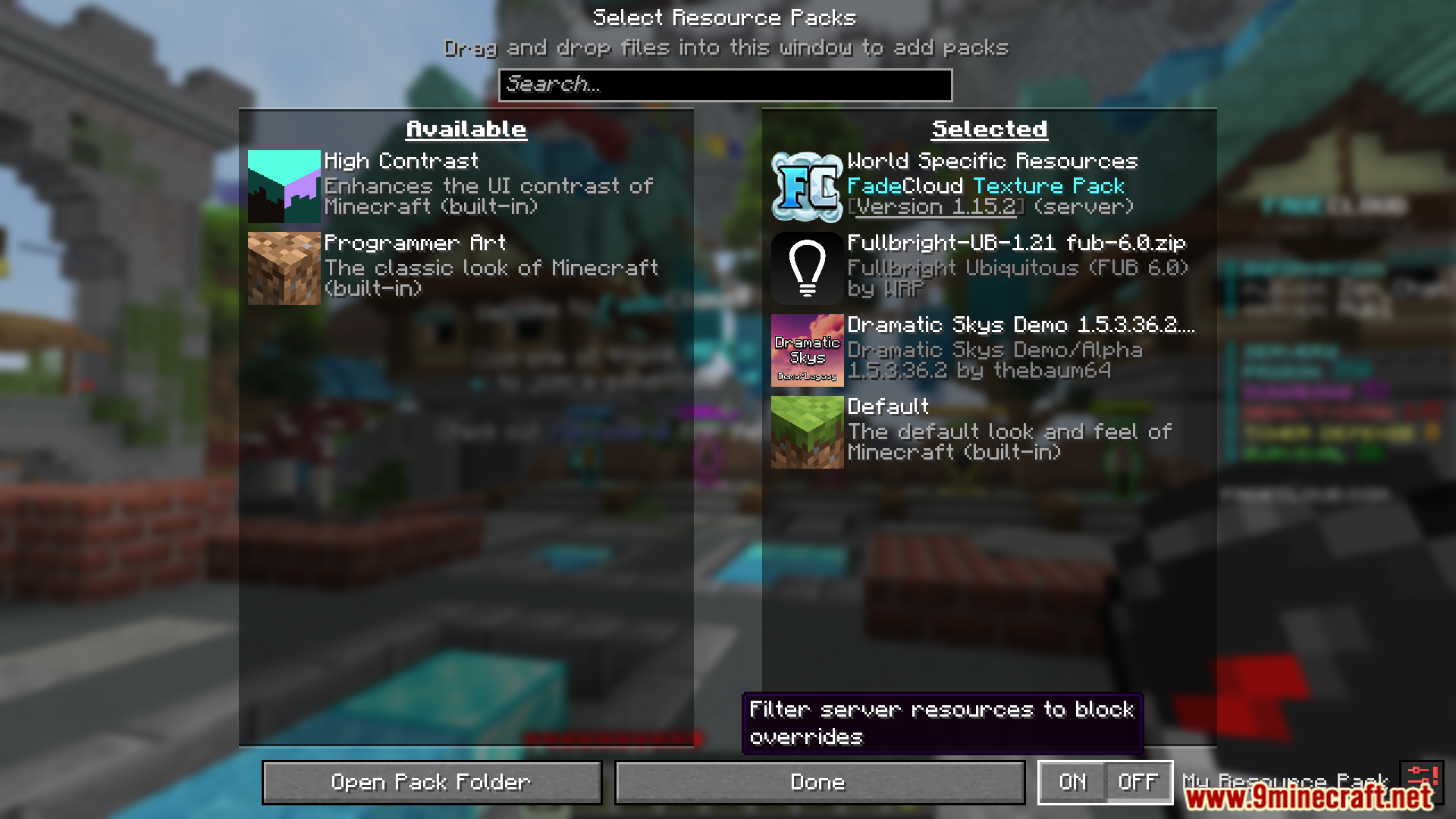
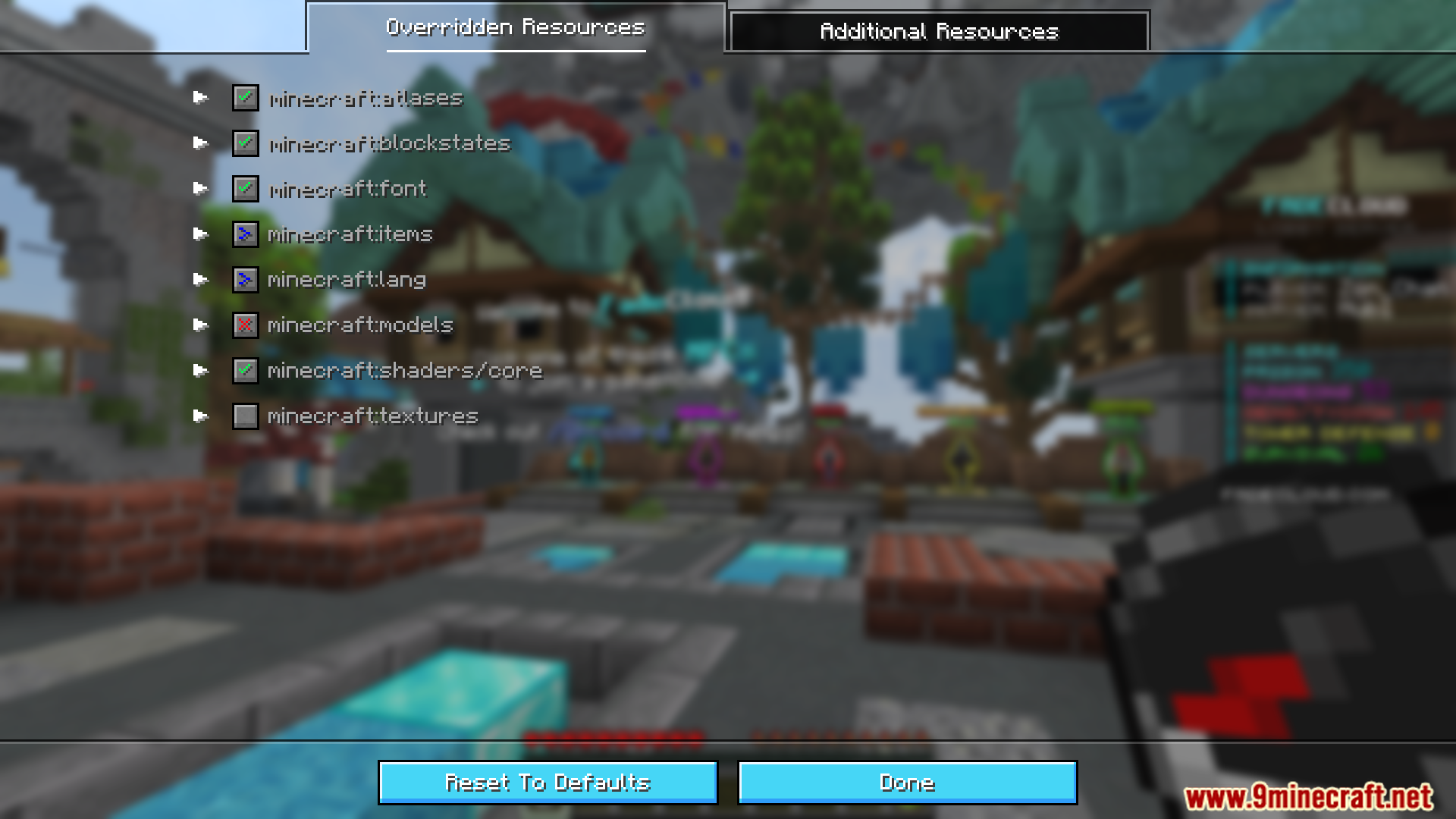
My Resource Pack My Choice Mod Download Links
Quick facts
- Edition: Minecraft Java
- File type: .jar
- Minecraft version listed: 1.20.1
- How to install: Install the matching mod loader (Forge, Fabric or NeoForge) for your Minecraft version. → Download the .jar. → Put it in the .minecraft/mods folder and launch that loader profile.
- Where to get it: In MC Java Mods, or directly above on this page.
Install steps are the general flow for this file type — How to install Minecraft Java mods & modpacks walks through it step by step.
Verified by MCModsHub
- Downloads as 13923.mcaddon
- Download size: 135 KB
- Download link checked 23 Sept 2026 — working
- Mirrored on our own servers — the download does not depend on the original host
These come from our own check of the pack file, not from the source page.