Random Block Placer
The Random Block Placer datapack adds a single new item of the same name. It works very similarly to Quark’s Trowel, being able to place blocks randomly…
I don't know my version or loader


Random Block Placer
The datapack REQUIRES this Resource Pack.
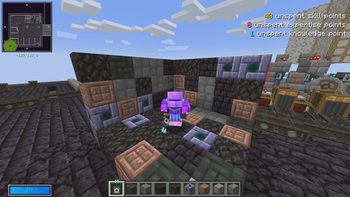
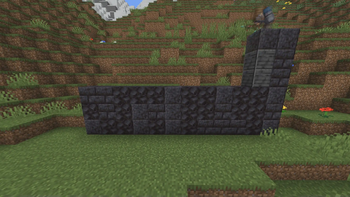
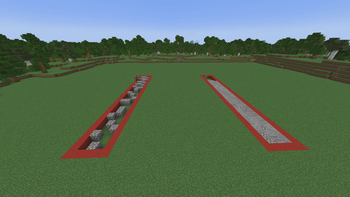
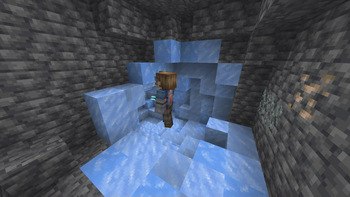
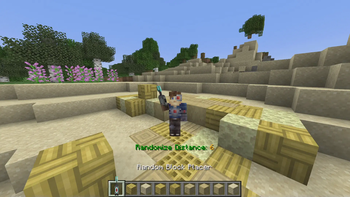
The Random Block Placer datapack adds a single new item of the same name. It works very similarly to Quark's Trowel, being able to place blocks randomly from your inventory. It can be configured to grab the blocks from various distances, and randomizes on placement. It is the perfect tool for quickly building fantastic looking builds, and has loads of ease of use features to make it as simple and reliable to use as possible.
So, how can I use it?
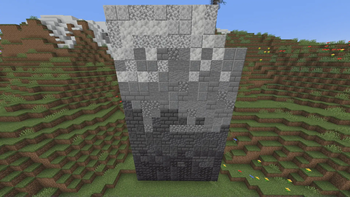
Place random blocks for nicely textured builds.
Drop the item to change the range, anything between 2 and 9.
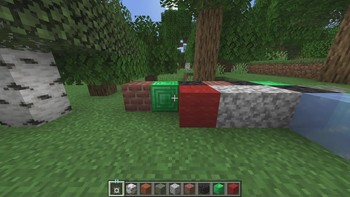
Blocks placed are grabbed from the right of the Placer, so organize your inventory accordingly.
Blocks can be placed from your inventory, not just your hotbar. Put blocks in the top row of your inventory and it can place them!
While in creative mode the blocks won't be consumed.
Blocks with data, such as shulkers or named chest won't be placed.
Items like pickaxes and such are ignored and won't attempt to place.
Works with MODDED BLOCKS! I have tested quite a few with no issues, but obviously there might be some that it doesn't work with.
Learn more from this video:
NOTES TO YOUTUBERS:
You may use this datapack in whatever video you like, free of charge. My only request: YOU MUST CREDIT ME for my work. Simply link to this page in your video’s description, pinned comment, or both AND verbally mention during the intro of your video that the pack can be downloaded using the link. “Download in the description” would suffice.
To install, follow the instructions contained in the “instructions.txt” file included in the download. If you are still having issues installing or want help knowing how to do something with the pack, ask for help on our discord.
Fully Multiplayer compatible!
- Edition: Minecraft Java
- File type: .jar
- Minecraft versions listed: 1.21.9, 1.21.10, 1.21.11
- How to install: Install the matching mod loader (Forge, Fabric or NeoForge) for your Minecraft version. → Download the .jar. → Put it in the .minecraft/mods folder and launch that loader profile.
- Where to get it: Opens on Modrinth — not every file is mirrored on our own servers.
Install steps are the general flow for this file type — see the MC Java Mods guides for the full walkthrough.
- Downloads as WASD Random Block Placer V1.5.5 MC_26.2.zip
- Download size: 26 KB
- Download link checked 29 Aug 2026 — working
These come from our own check of the pack file, not from the source page.