ModsJava
Tool Trims Mod (26.2, 1.20.1) – Trim Weapons and Tools
Java mod listed for Minecraft 1.20. Downloads from the MC Java Mods app on Android.
⬇ Download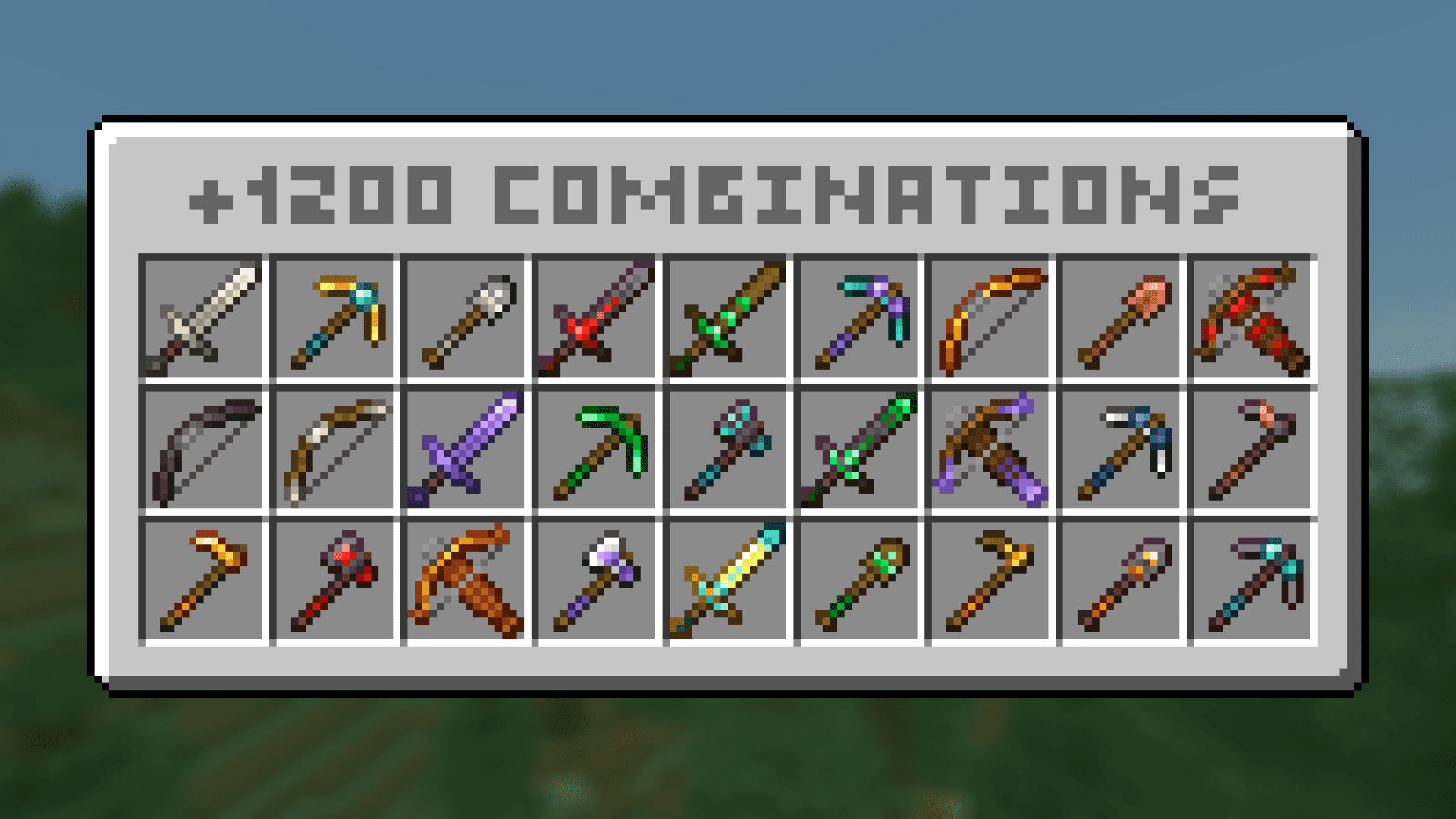
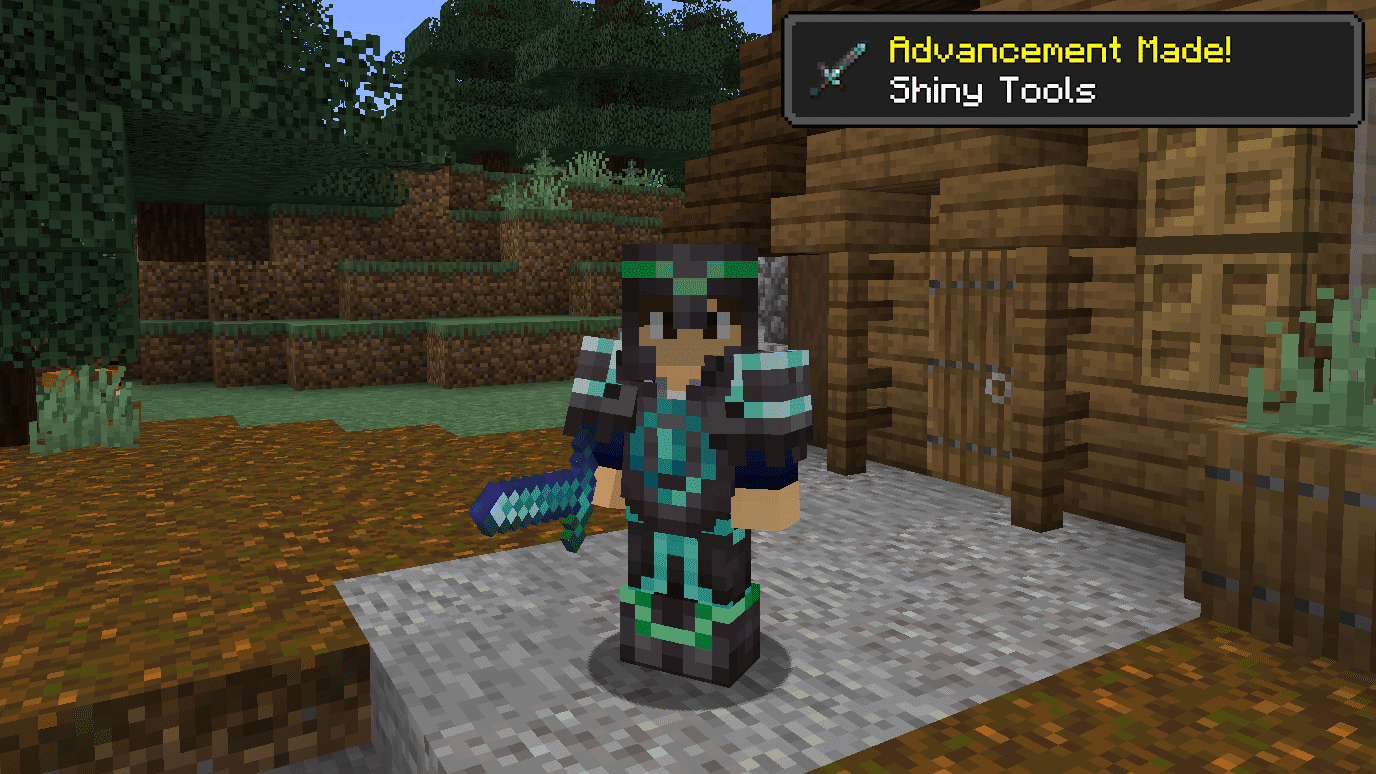
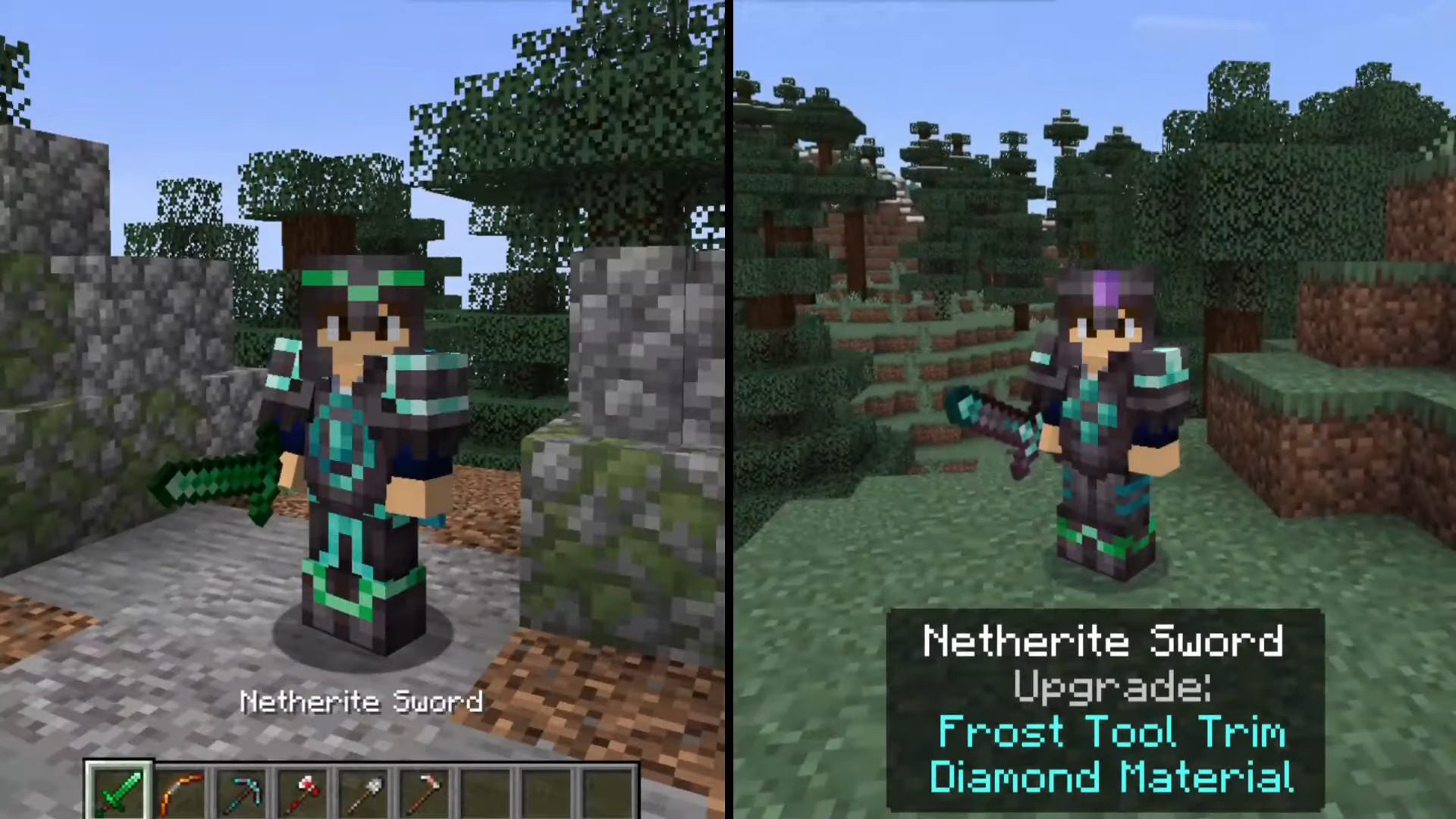
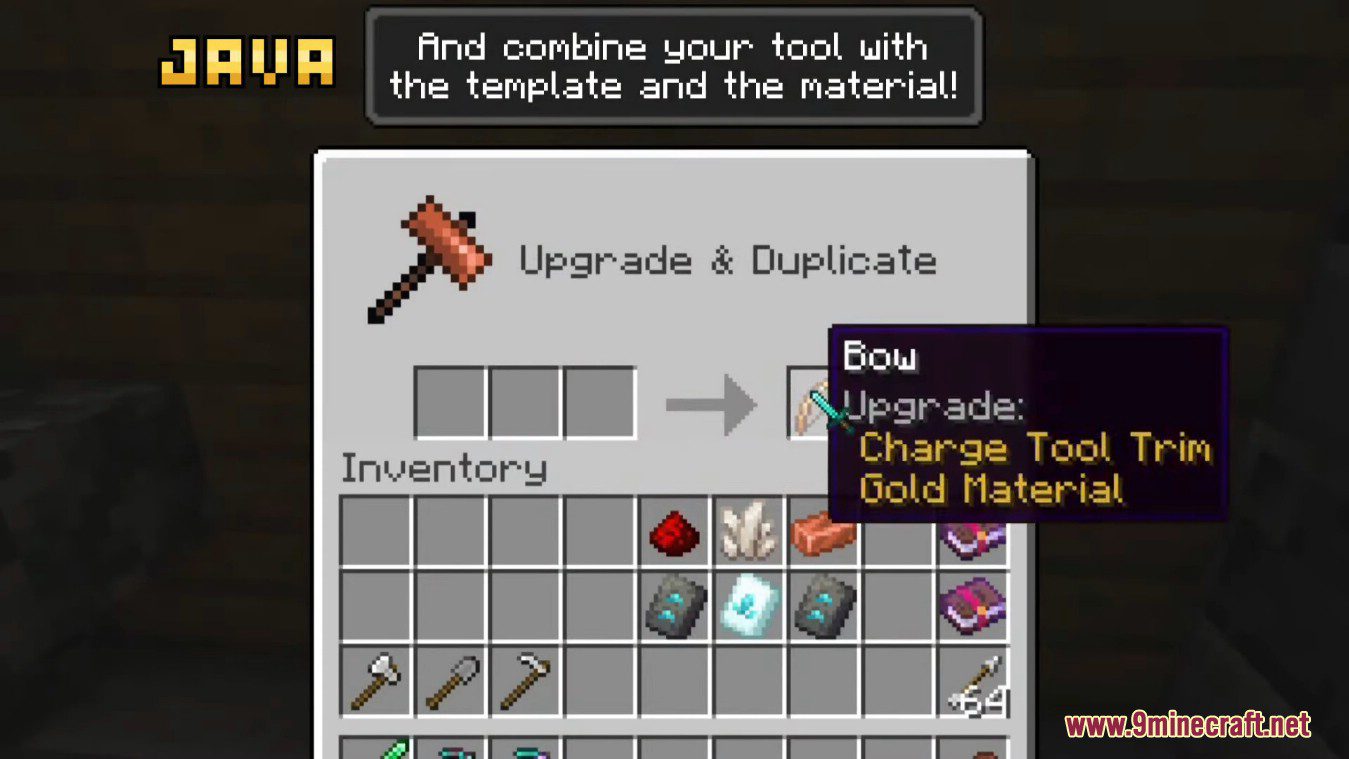
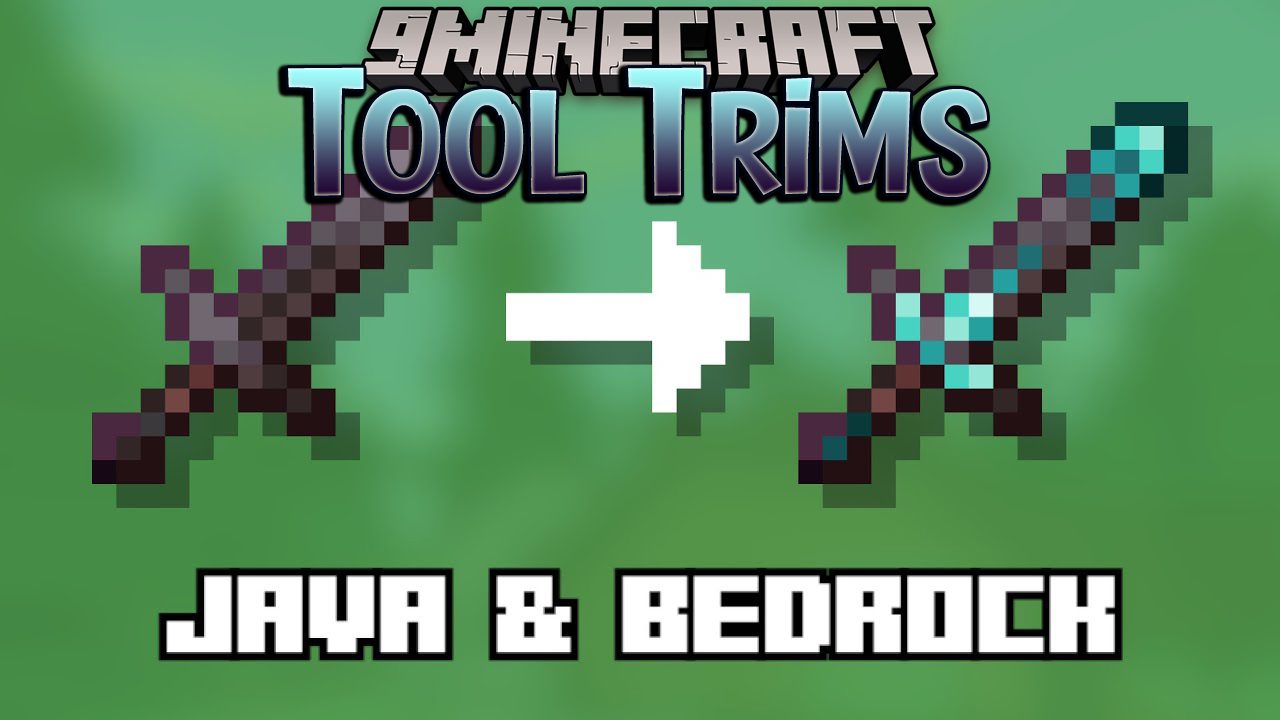
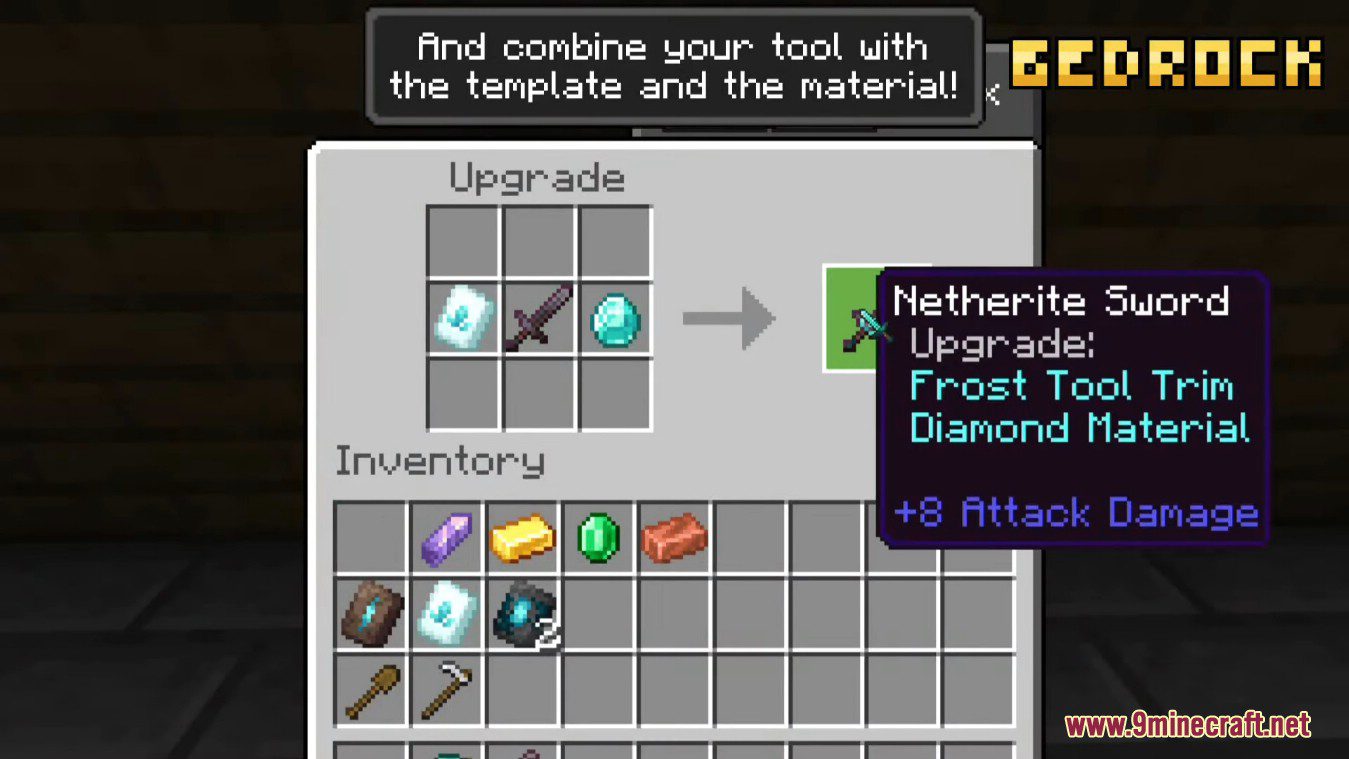
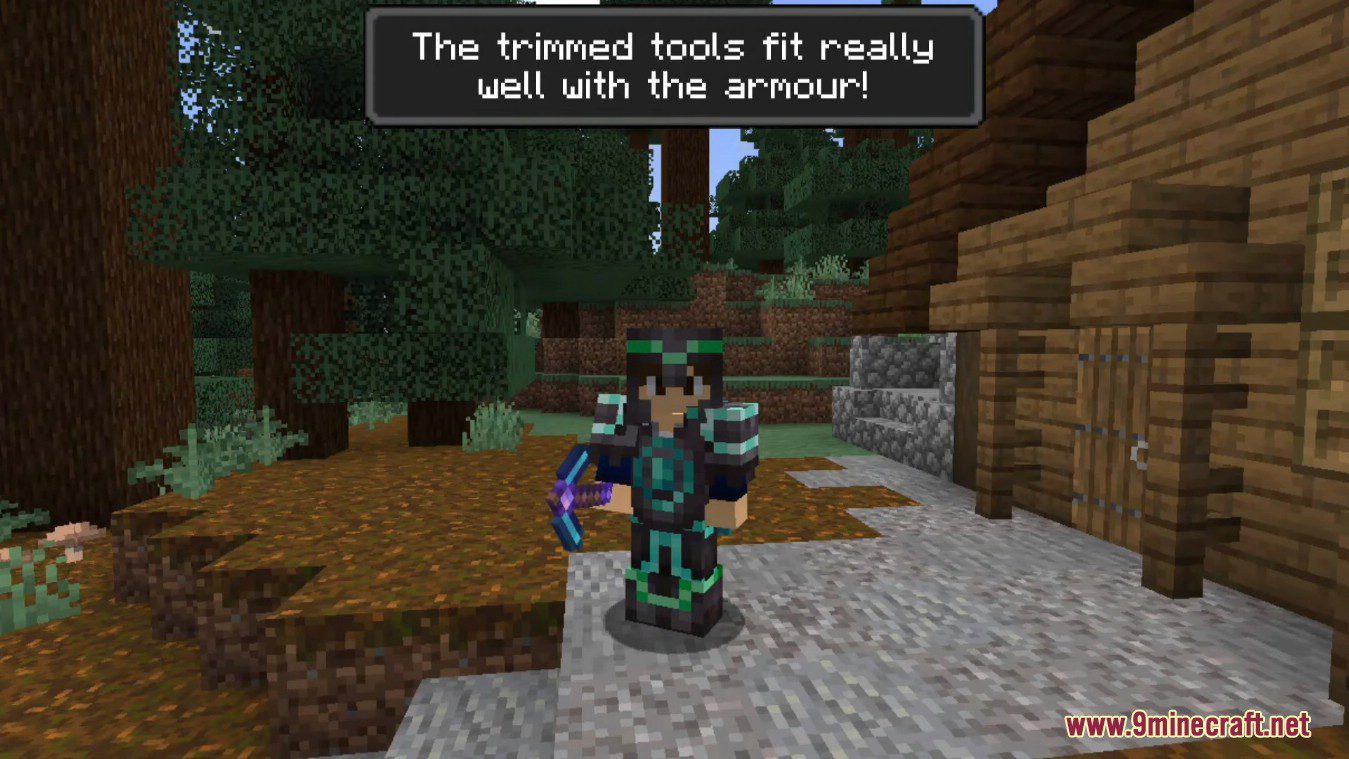
Tool Trims Mod allows you to trim weapons and tools. There are over 1200 combinations. You can already trim armour, but what about weapons and tools? With this mod, you can trim them.
Features:
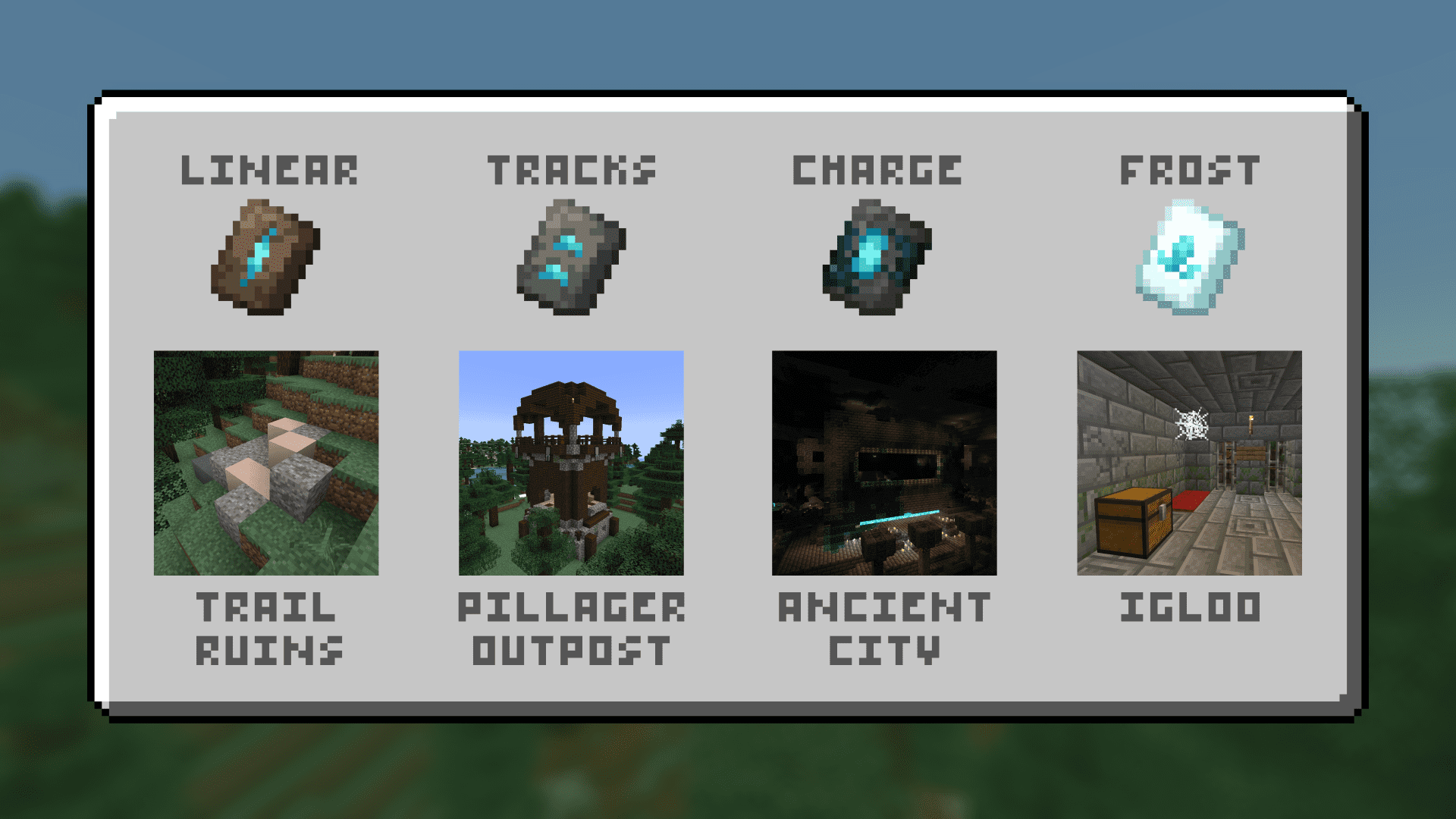
- 4 Tool Trim Smithing Templates:
- Linear
- Tracks
- Charge
- Frost
- 1 block:
- Toolsmithing Table
- 32 trimmable weapons and tools.
- 1200+ combinations.
Screenshots:
How to use:
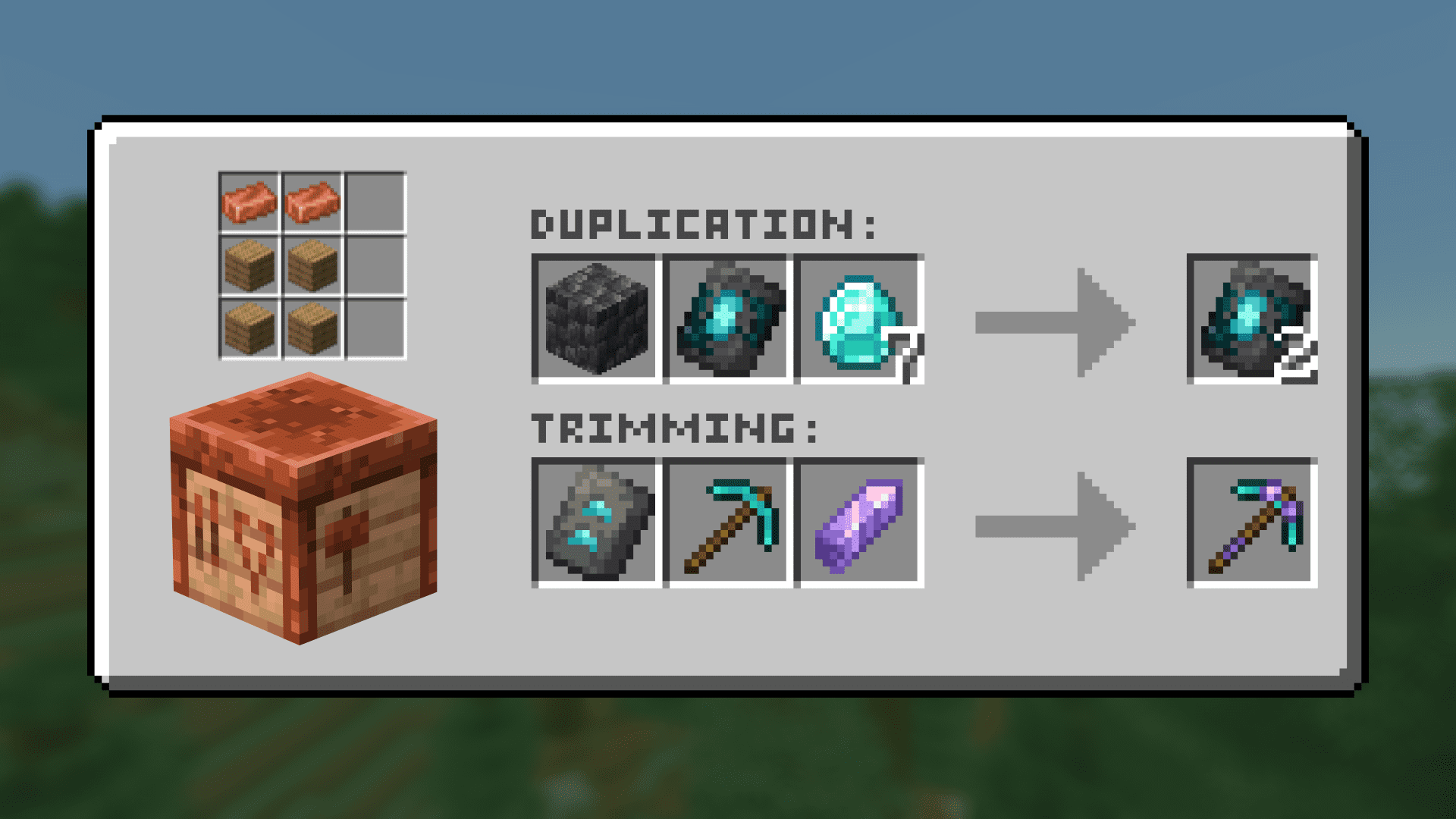
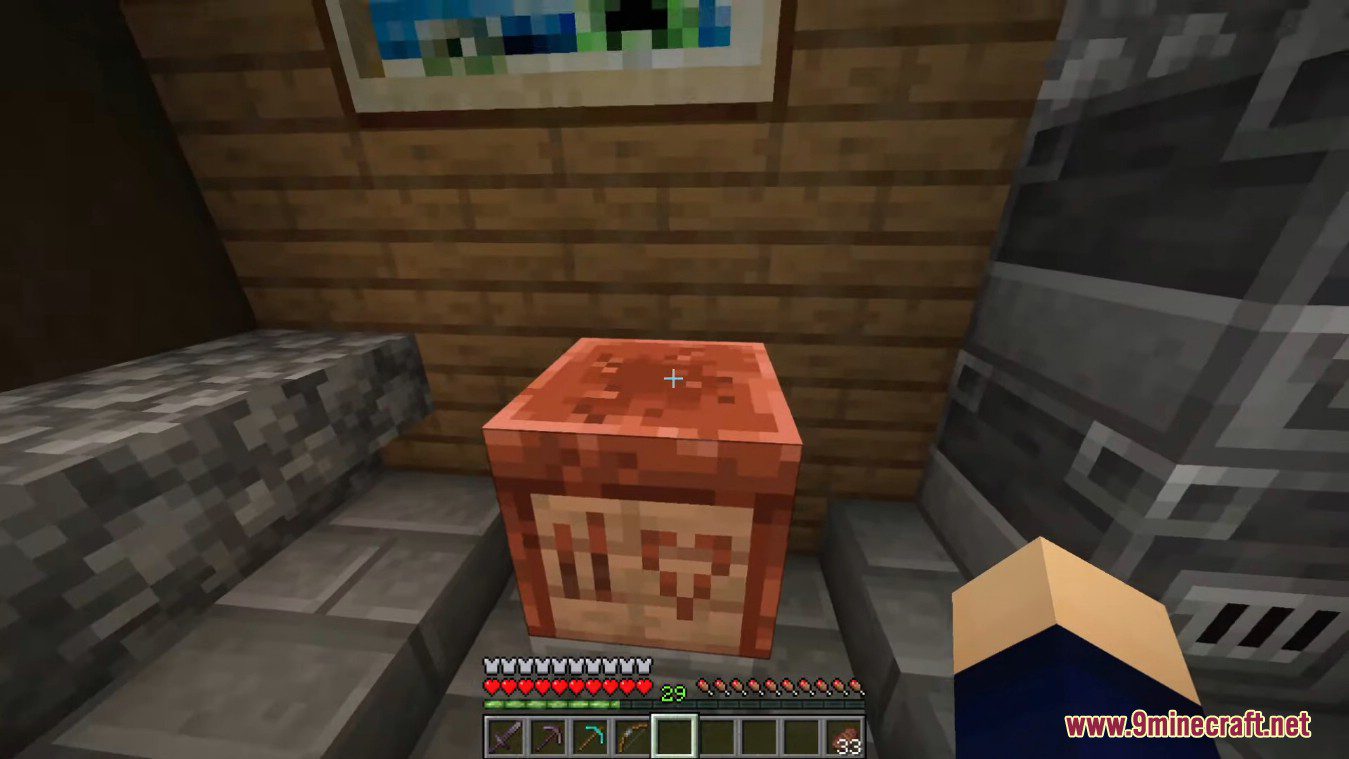
Toolsmithing Table
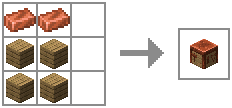
- A Toolsmithing Table is a block that is used to trim tools and duplicate tool trim smithing templates. It has a similar GUI to the Smithing Table and can be crafted using 2 copper ingots and 4 wood planks.
- It will appear a Knowledge Book has the recipe result, but, once you click it, you get the toolsmithing table.
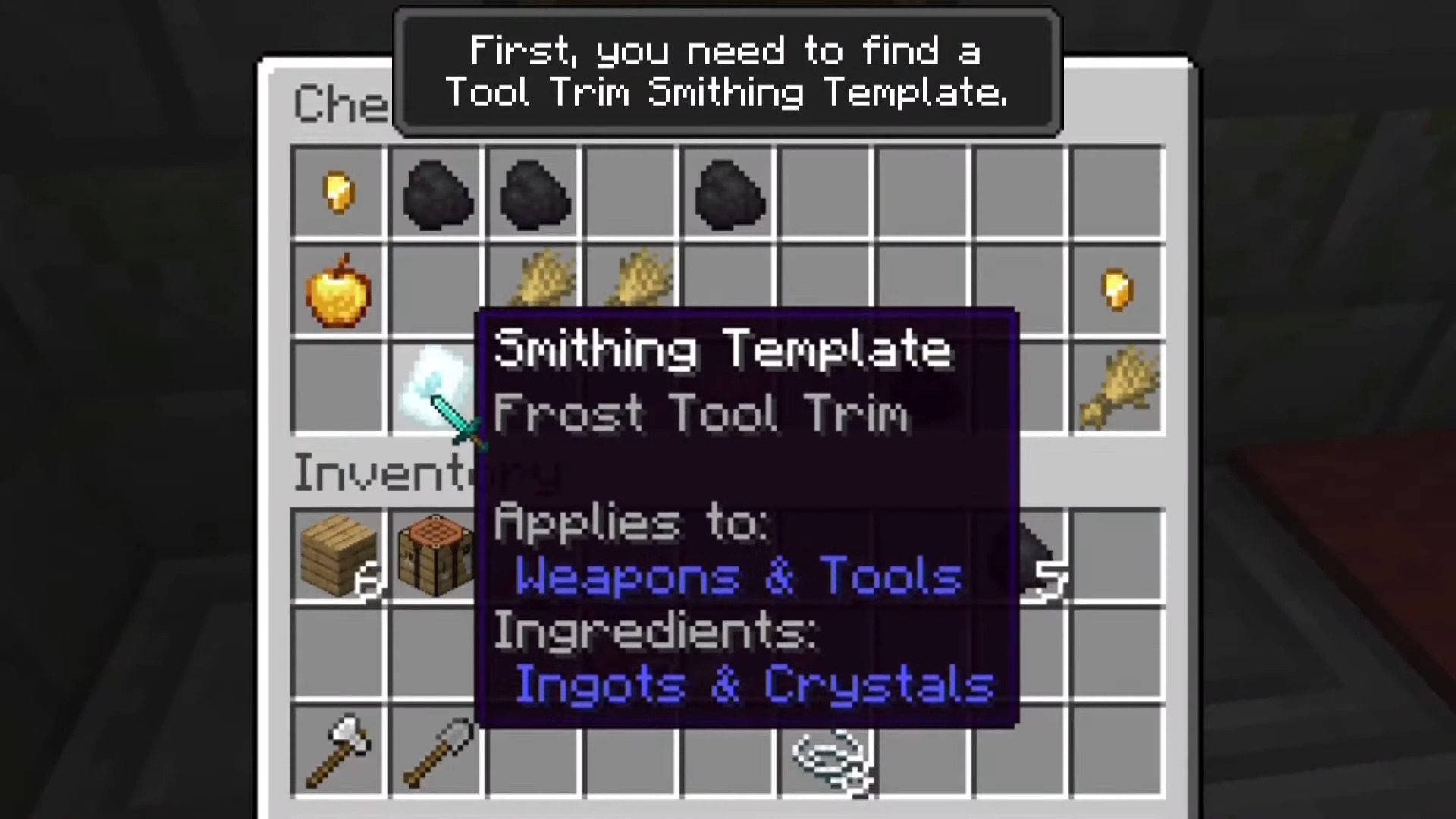
Tool Trim Smithing Templates
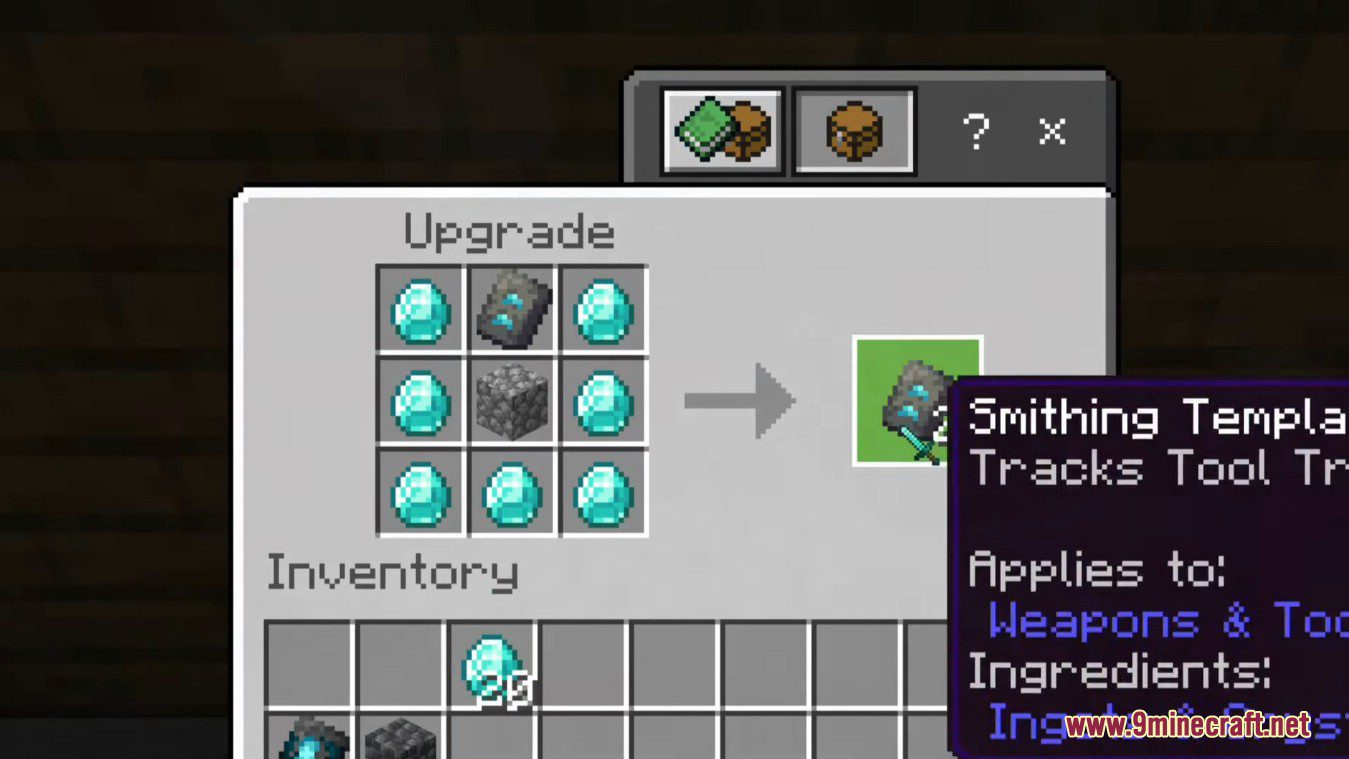
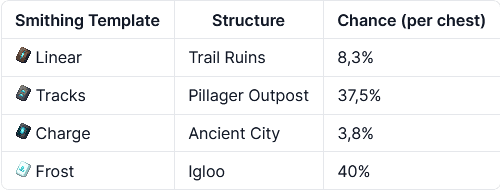
- These smithing templates are used in Toolsmithing Tables to trim weapons and tools. Each one can be found on a different structure.
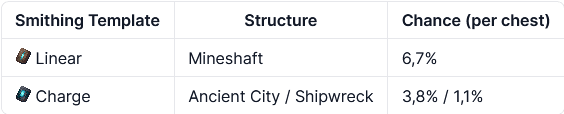
- If you’re using the Data Pack between 1.17 and 1.19, the structures where they can be found are a little bit different.
- They can also be duplicated using a Toolsmithing Table.

Tool Trimming
- Weapons and tools can be trimmed using a Toolsmithing Table. You can use 10 different materials to trim:
- Amethyst Shard
- Copper Ingot
- Diamond
- Emerald
- Gold Ingot
- Iron Ingot
- Lapis Lazuli
- Netherite Ingot
- Quartz
- Redstone Dust
- Then, combined with the tool trim smithing templates, you can get over 1200 combinations!

Shiny Tools Advancement
- “Shiny Tools” is a new advancement that can be obtained by getting a trimmed tool.

Commands:
- /function tooltrims:custom_items: This command places a chest with all the tool trim smithing templates and the toolsmithing table.
- /function tooltrims:load: This command lets you reload only the Tool Trims Data Pack, it can be useful if it isn’t working as expected.
- /trigger update_tool: If you used an old version of this Data Pack, this command lets you update your old trimmed tool by holding it on your main hand.
Tool Trims Mod Download Links
Quick facts
- Edition: Minecraft Java
- File type: .jar
- Minecraft version listed: 1.20.1
- How to install: Install the matching mod loader (Forge, Fabric or NeoForge) for your Minecraft version. → Download the .jar. → Put it in the .minecraft/mods folder and launch that loader profile.
- Where to get it: In MC Java Mods, or directly above on this page.
Install steps are the general flow for this file type — How to install Minecraft Java mods & modpacks walks through it step by step.
File checked by MCModsHub
- Downloads as 13944.mcaddon
- Download size: 302 KB
- Download link checked 26 Sept 2026 — working
- Mirrored on our own servers — the download does not depend on the original host
These come from our own check of the pack file, not from the source page.