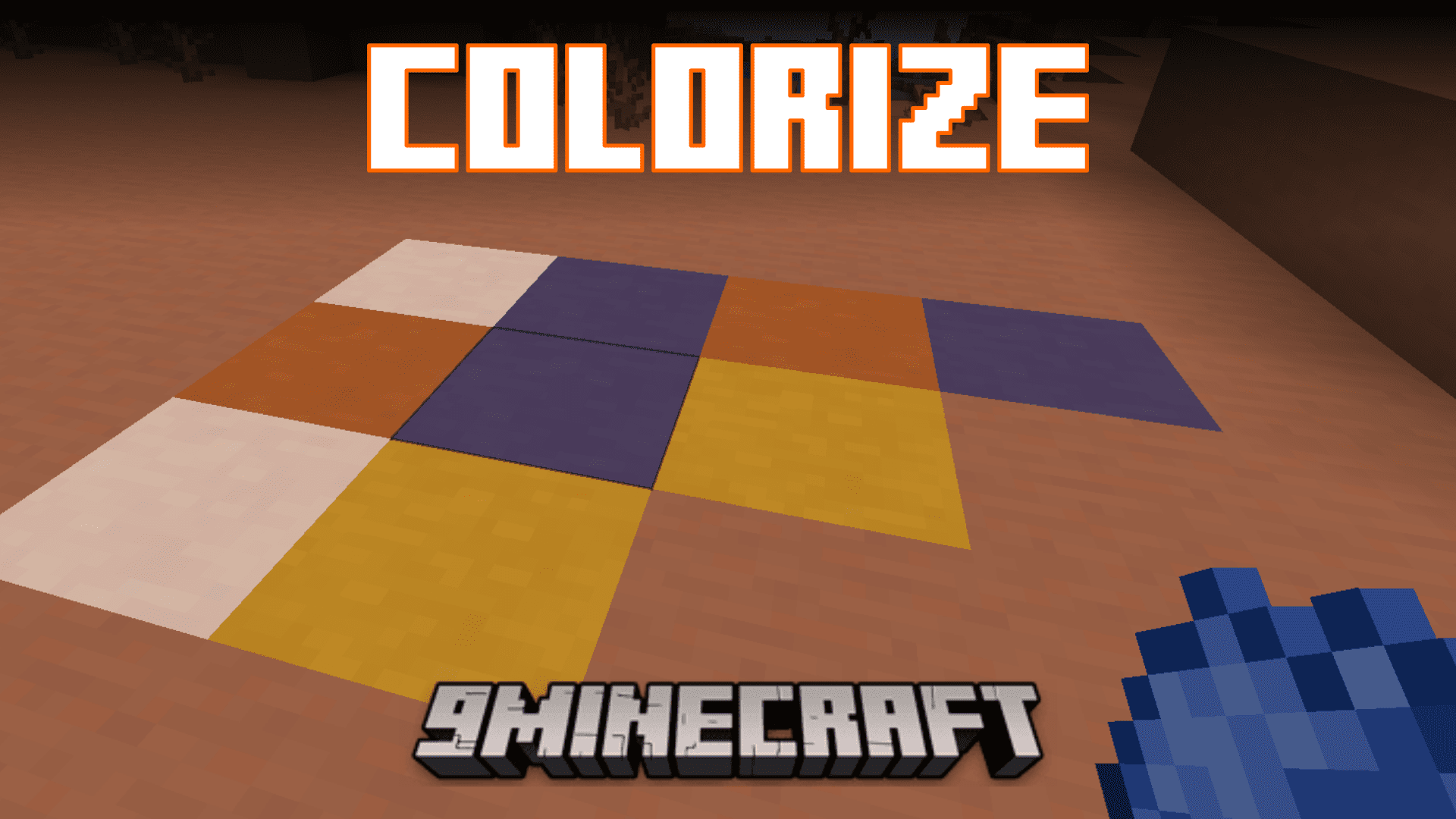
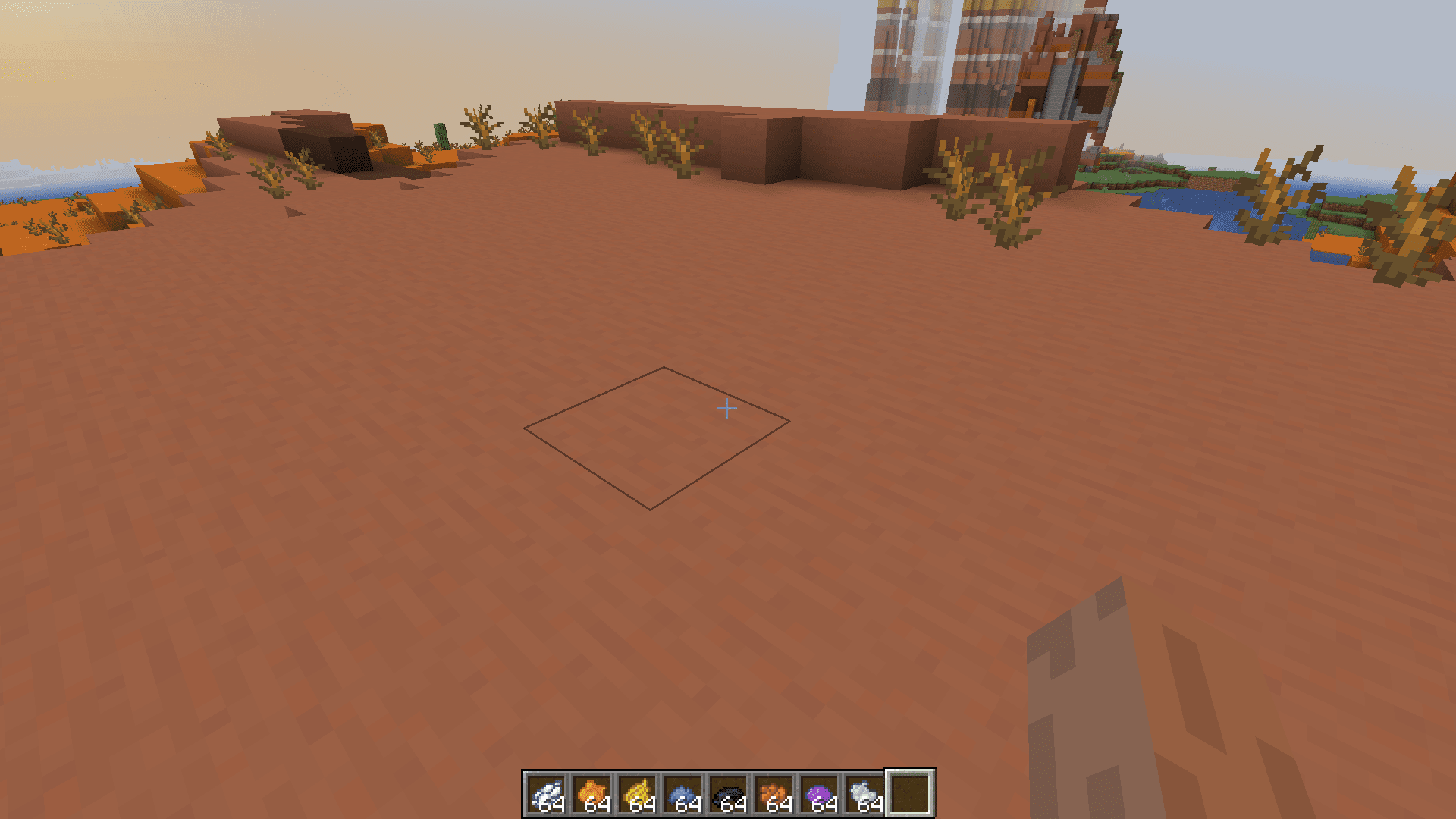
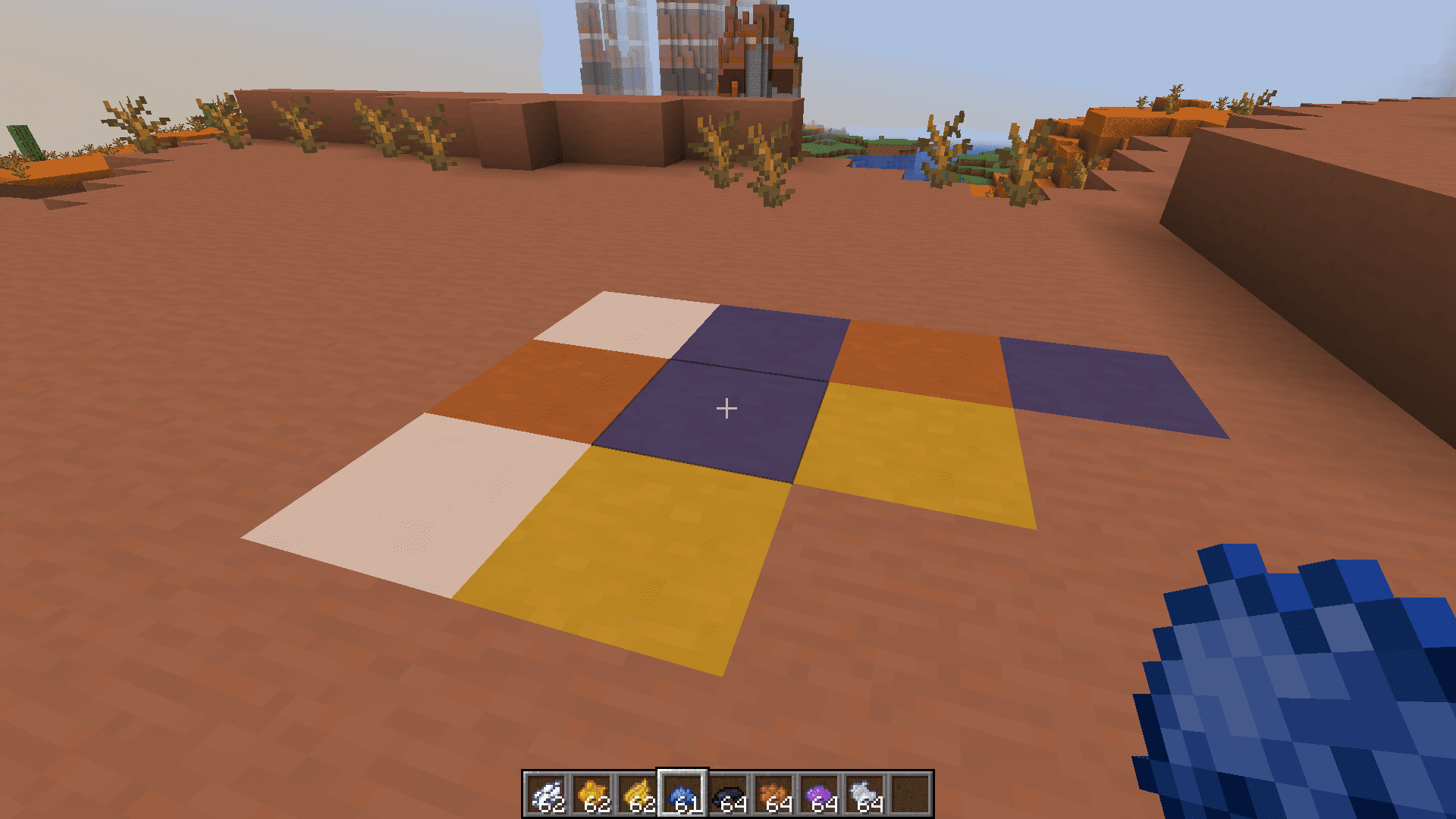
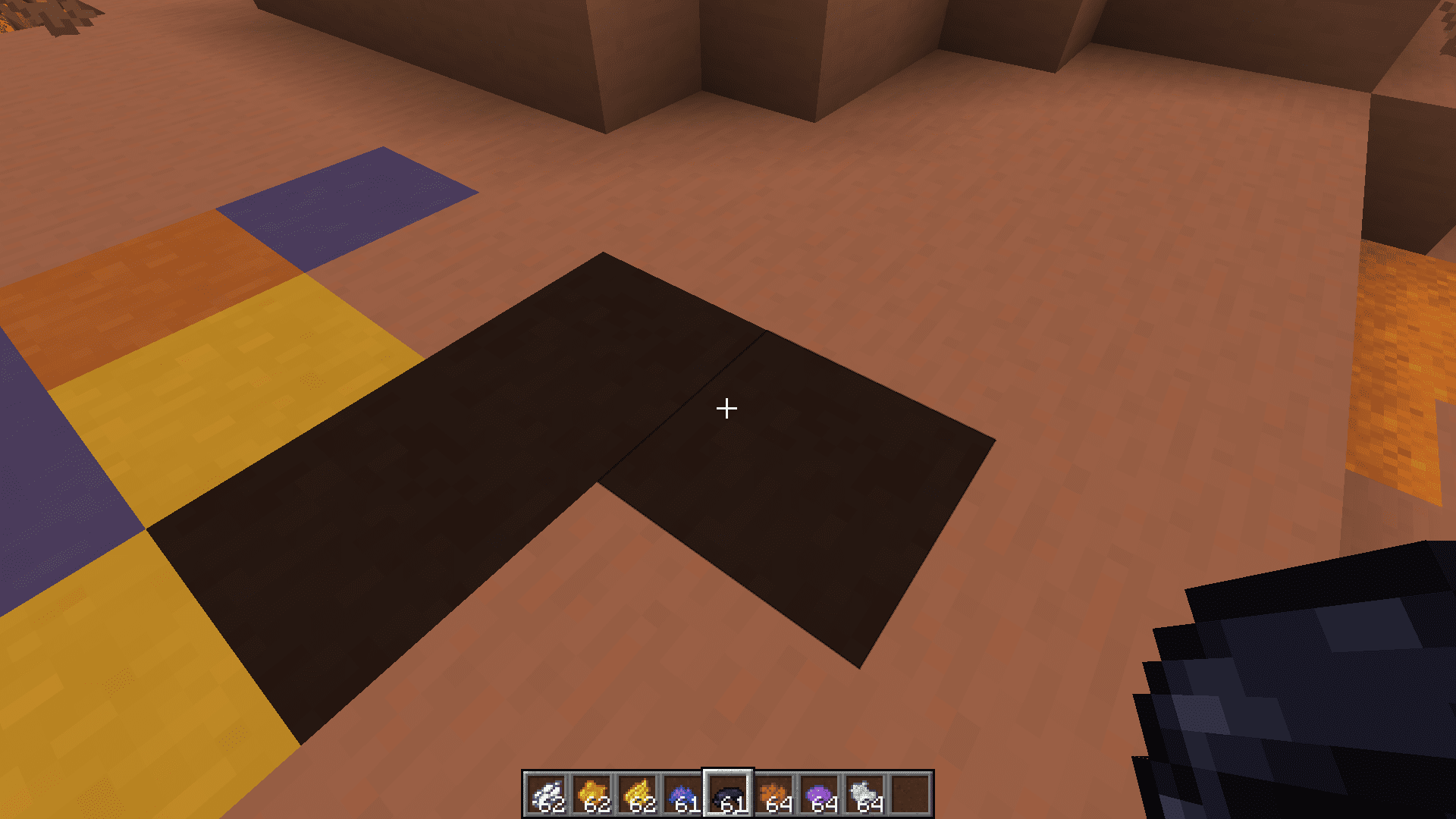
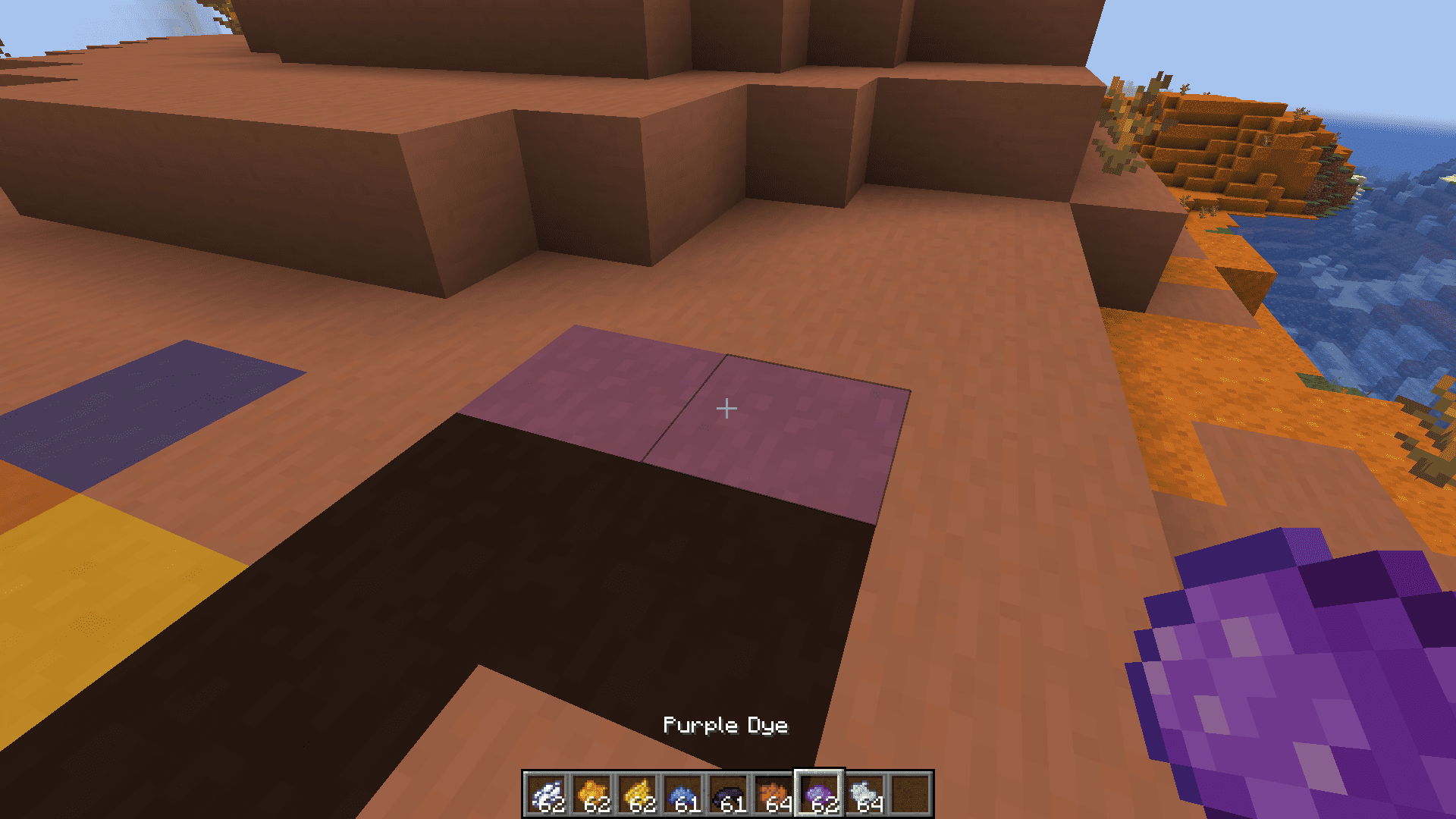
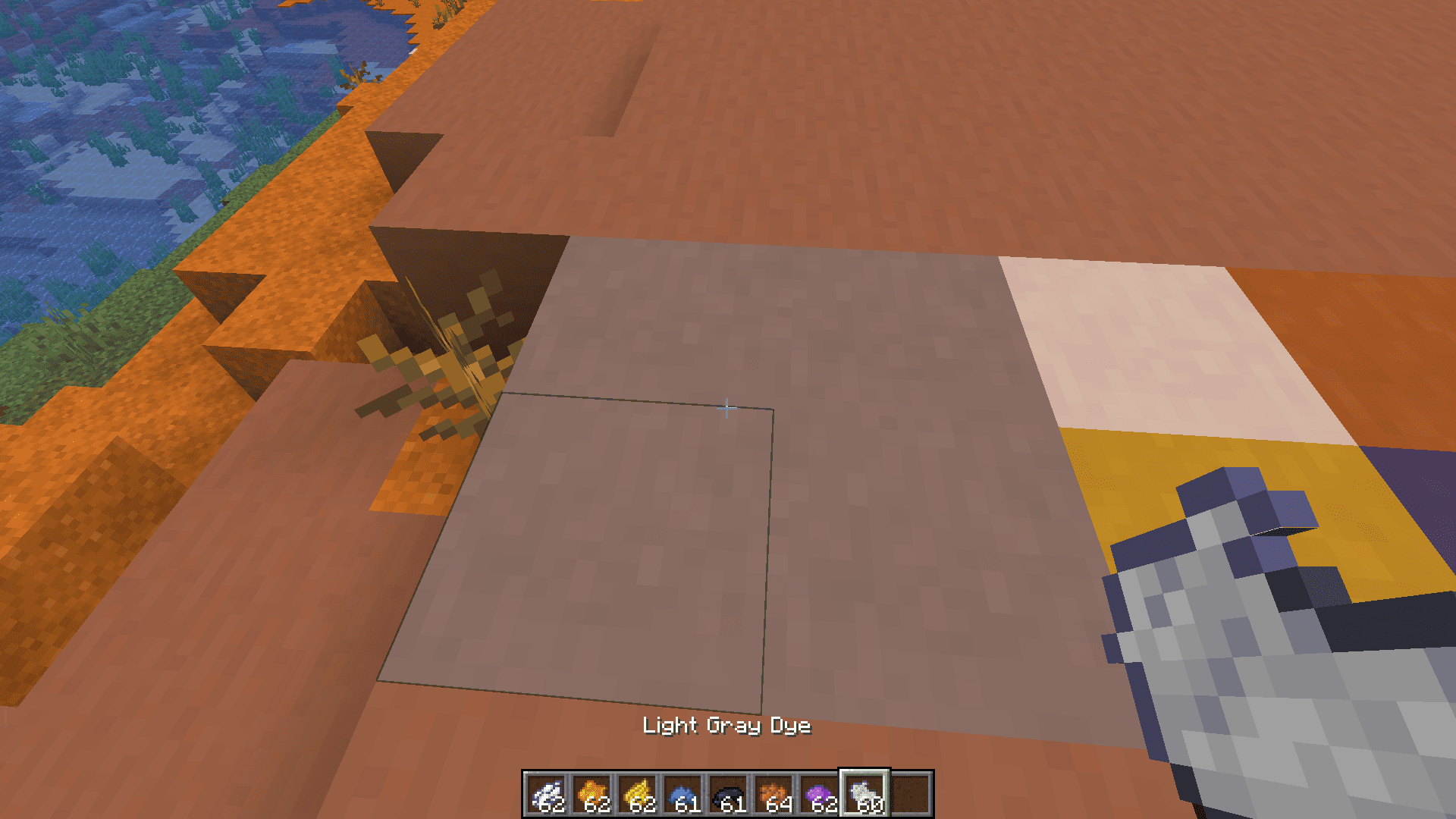
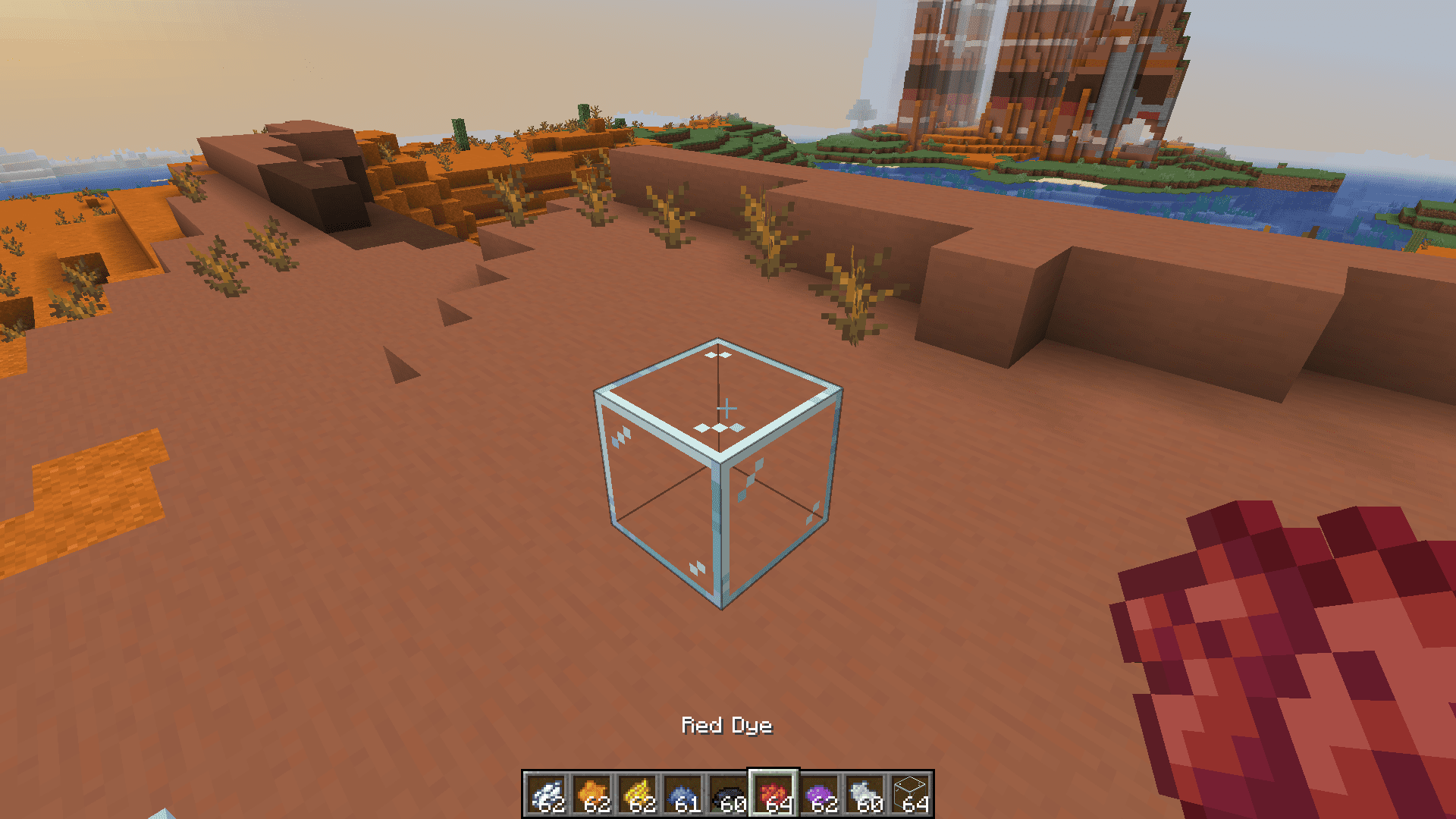
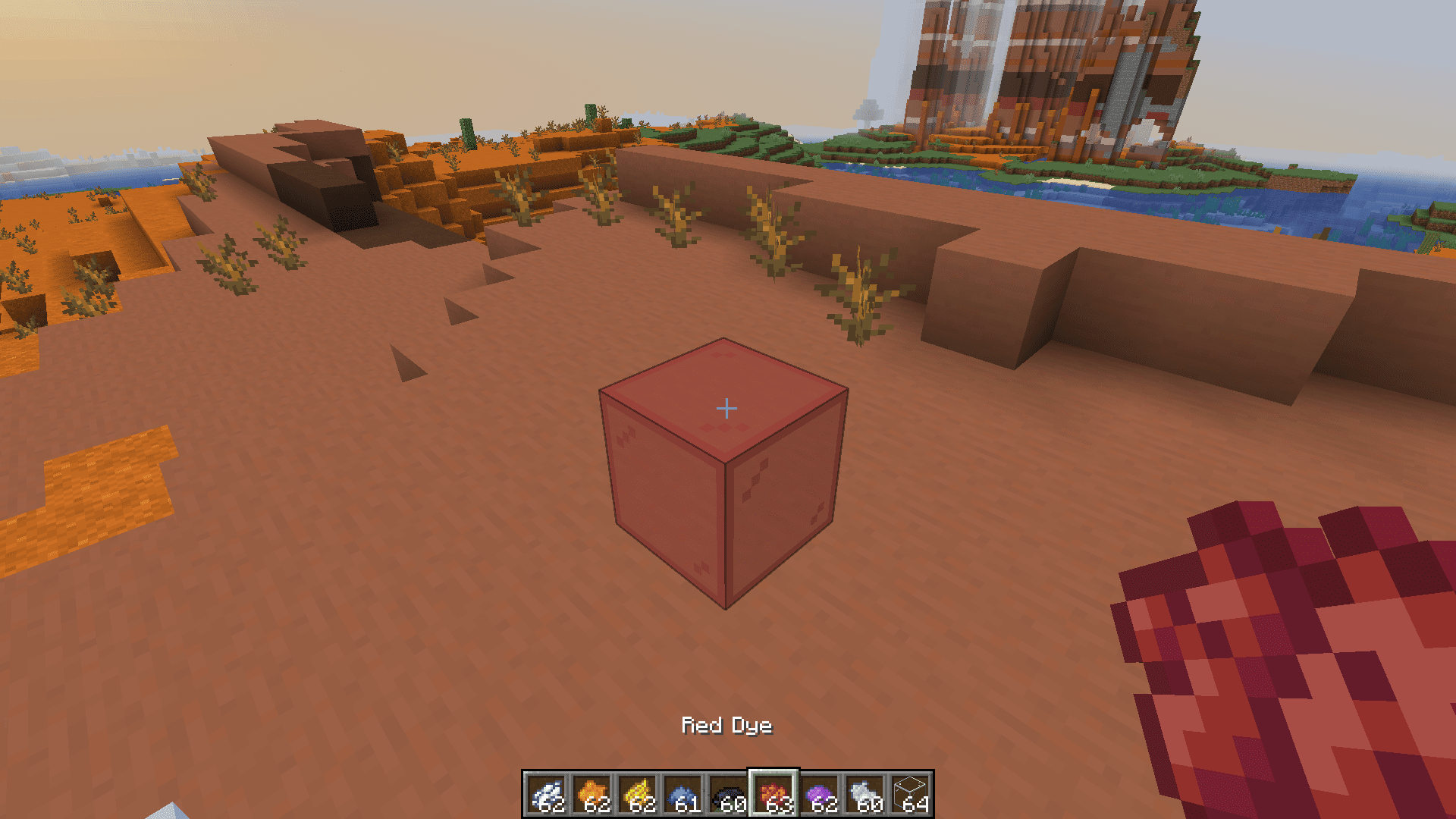
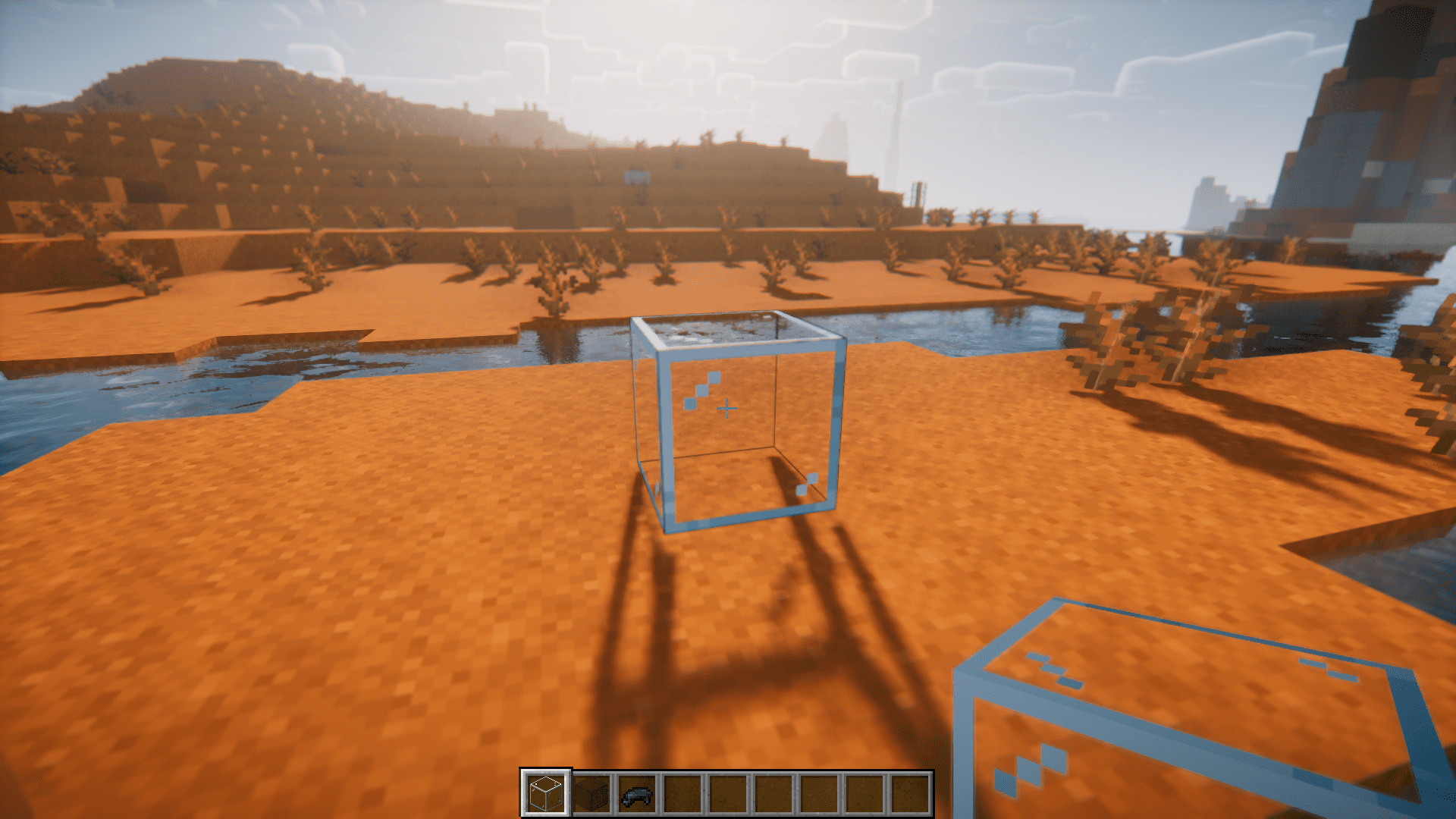
Certain blocks in Minecraft can be combined with dyes to change their color. This includes blocks like concrete, glass, glass panes, etc. Colorize Mod brings a new feature, where you can do the same in a different way. Instead of placing these blocks and the dye into a crafting grid, you can simply right click a block with the dye to color it. This includes blocks and items like banners, carpets, wool, bed, terracotta, etc. – Pretty much any block that has different color variations in the vanilla game.
Features:
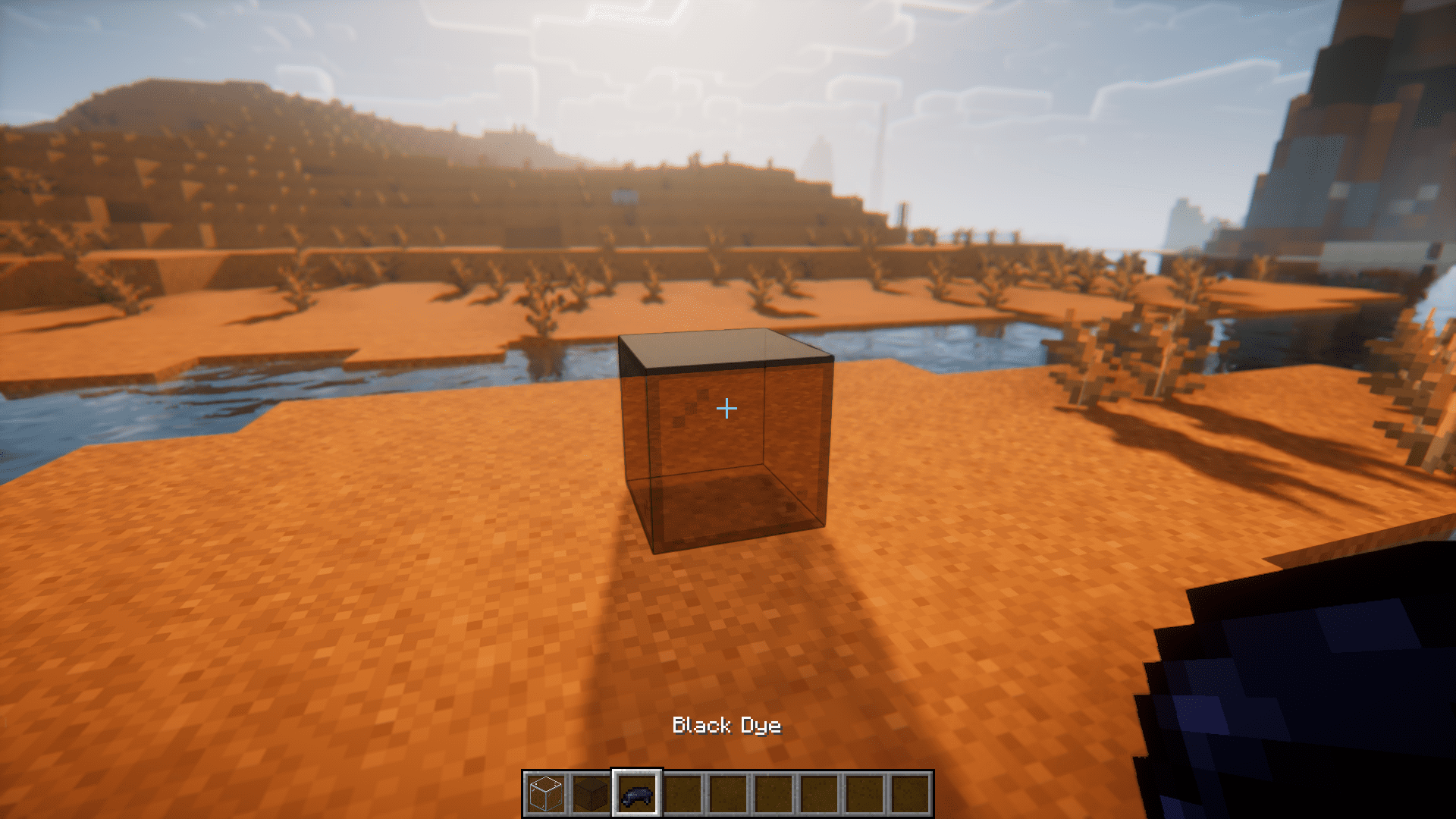
- Block Colorization: The Colorize Minecraft mod allows players to right-click on specific blocks with an item to change their colors, enhancing creative building possibilities.
- Versatile Palette: Colorize supports a wide range of blocks for color modification, including banners, beds, candles, carpets, concrete, concrete powder, glazed terracotta, shulker boxes, stained glass blocks, stained glass panes, terracotta, wool, and even the creation of tinted glass using amethyst shards.
- Mossy Variants: In addition to coloring, the mod introduces a unique feature where players can create mossy variants of certain blocks like cobblestone, cobblestone slab, cobblestone stairs, cobblestone wall, stone bricks, stone brick slab, stone brick stairs, and stone brick wall by sneaking and using vines.
- Creative Customization: Colorize enhances the creative potential in Minecraft, letting players personalize their structures and environments by giving them more control over block appearances.
Screenshots:
Colorize Mod Download Links
Quick facts
- Edition: Minecraft Java
- File type: .jar
- Minecraft version listed: 1.20.1
- How to install: Install the matching mod loader (Forge, Fabric or NeoForge) for your Minecraft version. → Download the .jar. → Put it in the .minecraft/mods folder and launch that loader profile.
- Where to get it: In MC Java Mods, or directly above on this page.
Install steps are the general flow for this file type — How to install Minecraft Java mods & modpacks walks through it step by step.
Verified by MCModsHub
- Downloads as 13947.mcaddon
- Download size: 62 KB
- Download link checked 23 Sept 2026 — working
- Mirrored on our own servers — the download does not depend on the original host
These come from our own check of the pack file, not from the source page.