

Custom Nicknames
Getting tired of using your regular username but want to keep it vanilla? Looking to roleplay with other names? Look no further.
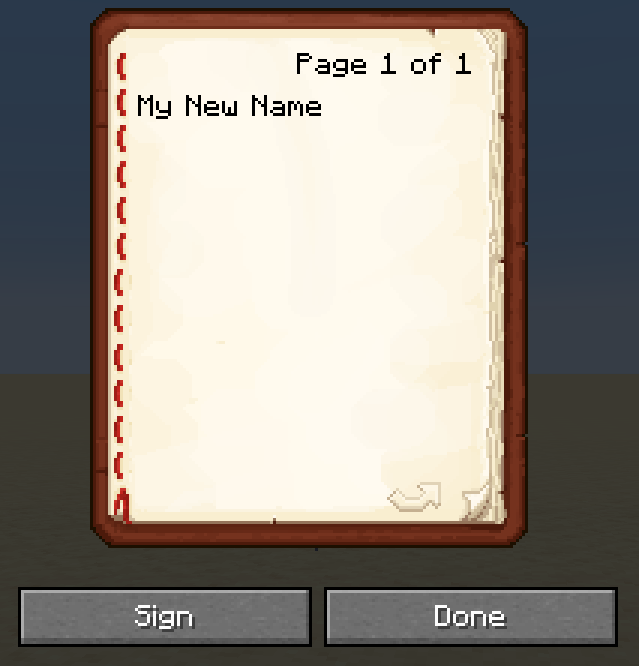
This datapack adds a new command that allows you to change your nickname. Just get a book and quill, write your new name in it, sign it, run the command and voila! Your brand new name is now done.
Usage
To get started, write your name in a book and quill like this:
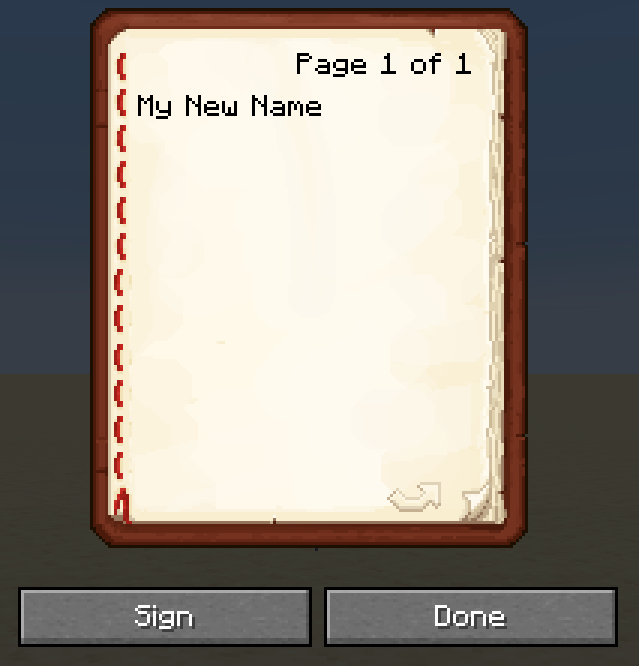
Sign it with any name, then run the following command:
/trigger ChangeNick
After successfully triggering that command, run the following command to activate your new nick:
/trigger ActivateNick
Your nickname will now appear in tab, like this:

To turn your nickname off, use the following command:
/trigger DeactivateNick
- Edition: Minecraft Java
- File type: .jar
- Minecraft version listed: 1.21
- How to install: Install the matching mod loader (Forge, Fabric or NeoForge) for your Minecraft version. → Download the .jar. → Put it in the .minecraft/mods folder and launch that loader profile.
- Where to get it: Opens on Modrinth — not every file is mirrored on our own servers.
Install steps are the general flow for this file type — see the MC Java Mods guides for the full walkthrough.
- Downloads as vanillanick.zip
- Download size: 5 KB
- Download link checked 30 Aug 2026 — working
These come from our own check of the pack file, not from the source page.