
DatapacksJava
Villager Stats
Quickly query information about villagers. Free Minecraft Java datapack for 26.1, 26.1.1, 26.1.2.
I don't know my version or loader
Open the Minecraft launcher and look at the profile you play on — it names both, like fabric-loader-1.21.4. The version also shows in the bottom-right corner of the game's main menu.
No loader in the profile name? Then it's plain Minecraft, and these mods won't run — you need Fabric or NeoForge installed first.
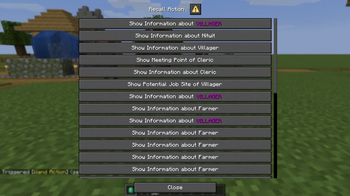
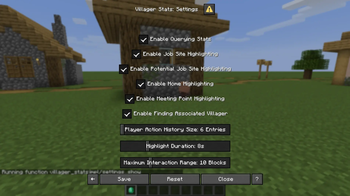


Easily query information about villagers
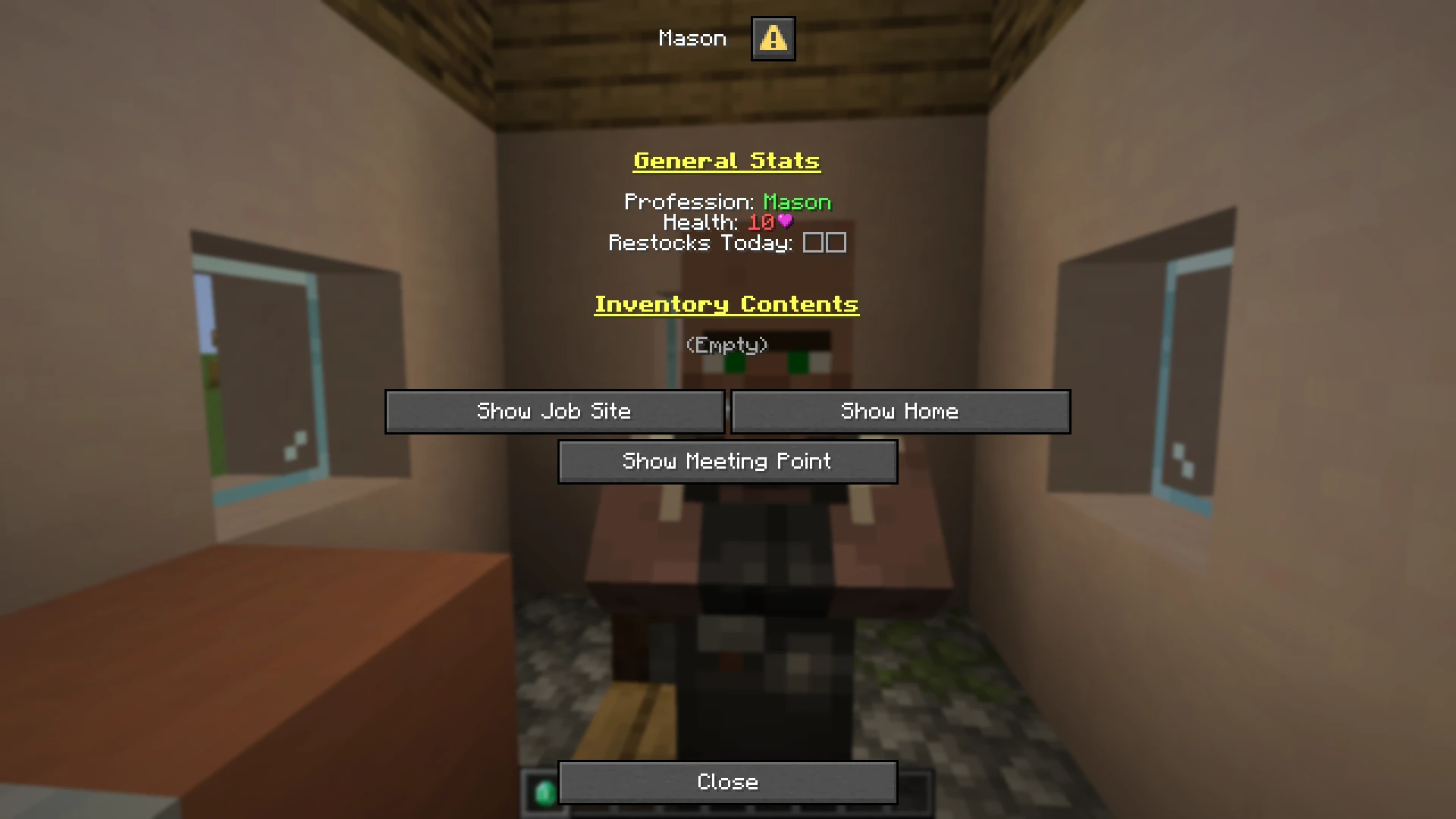
With this data pack, it's easy to query information about villagers, such as job site, home location, inventory contents, and more.
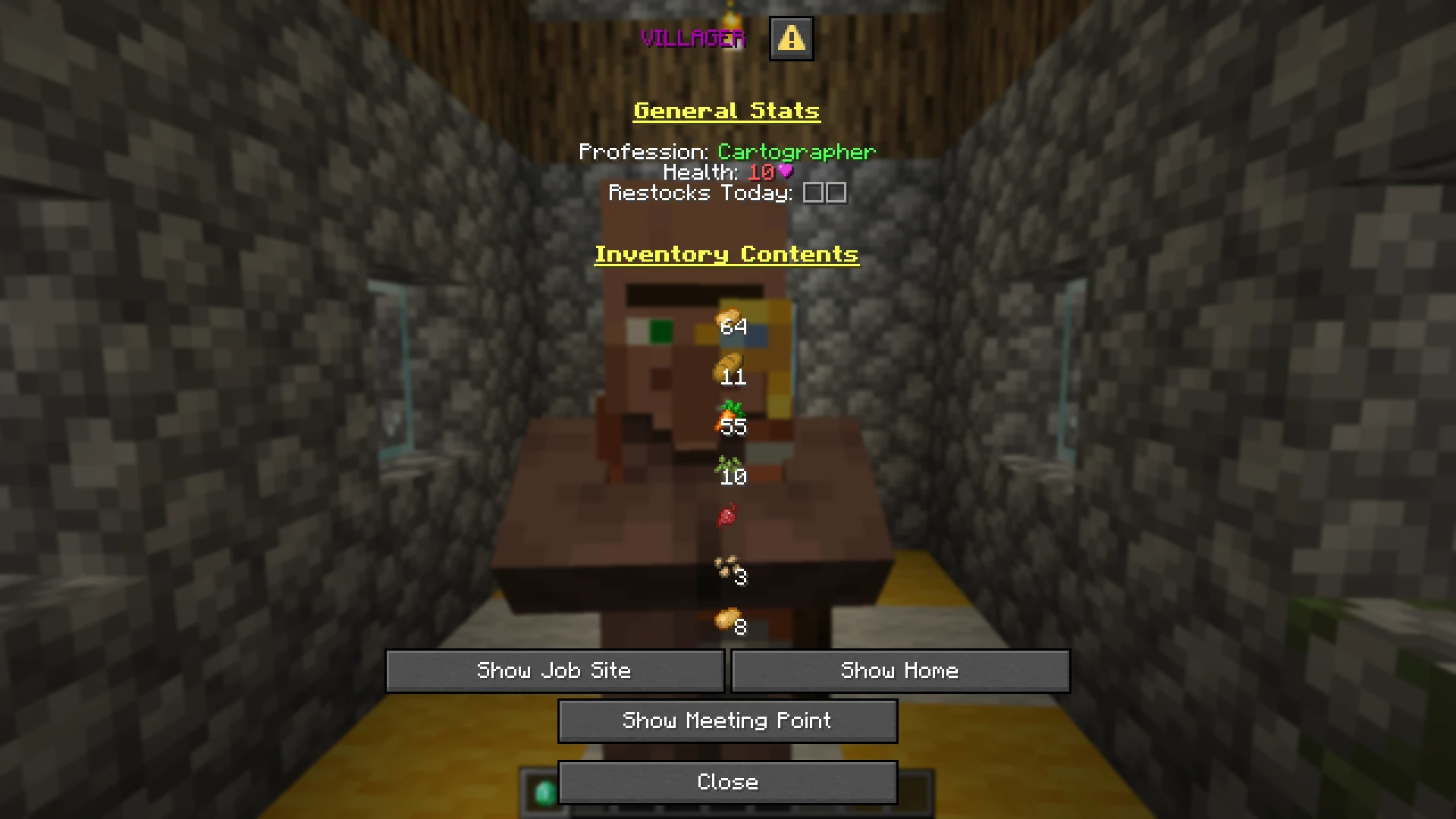
Feature list
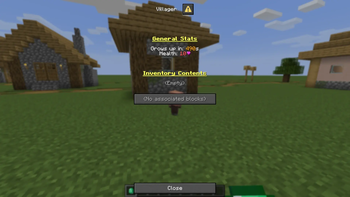
- Locate the job site, potential job site, bed or bell of any villager
- Find out which villager has claimed a job site, potential job site, bed or bell
- Check the health, inventory contents, remaining restocks and more of any villager
- Wand Item with simple and intuitive controls
- In-game tutorial, settings and settings explanation
How to use
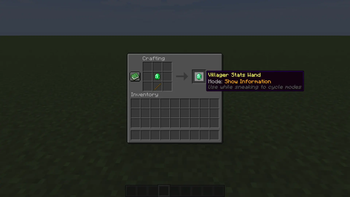
- Craft the wand with a stick and an emerald
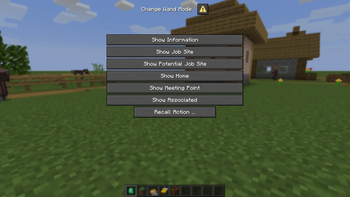
- Select a wand mode
- Sneak and right-click to cycle modes
- Sneak and hold right-click to directly select a mode
- Right click on any villager, job site block, bed or bell while holding the wand
For a quick overview, see the gallery
For a detailed guide, see the wiki
How to install
Download zip from modrinth or the releases page.
Drop both files into your world's datapacks/ folder, or add them when creating a new world (More > Data Packs, drag and drop files into Minecraft
window, move data packs to the right panel).
Credits ❤️
- The Bookshelf library
- UUID library (licensed under The Unlicense):
- gibbsly, the original author
- SnaveSutit, the author of the original MCB rewrite
- Triton365 for the BlockState script & data pack (MIT License)
- The FabricMC Team for the
c:block/villager_job_sitesblock tag (Apache 2.0 License) - The people behind mc-build and beet for making data packs fun again
- The SpyglassMC team for their amazing VS Code extension
Verified by MCModsHub
- Downloads as villager_stats-2.0.zip
- Download size: 382 KB
- Download link checked 30 Aug 2026 — working
These come from our own check of the pack file, not from the source page.