
Level = Attributes
I don't know my version or loader
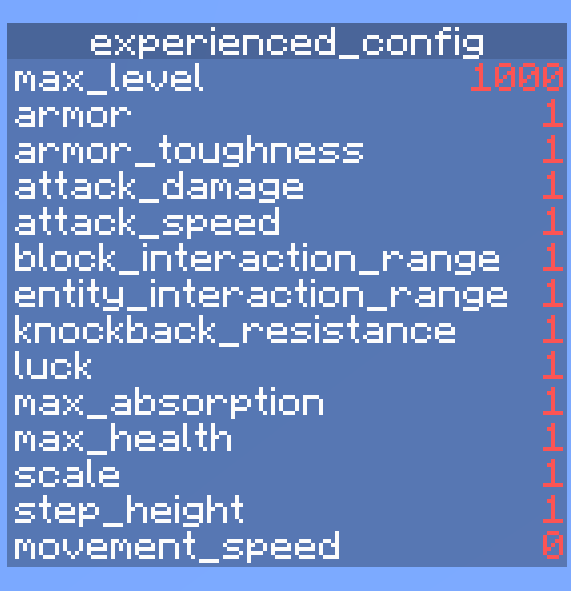
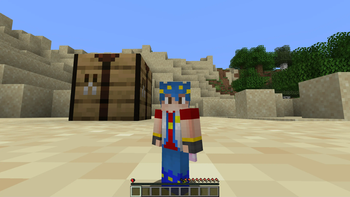
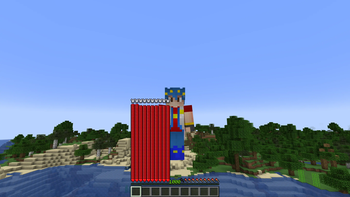
Level = Attributes
This datapack links each player's attributes to their current experience level. Each time you gain or lose an experience level, your player's attributes will increase or decrease by a certain amount. This datapack also works on multiplayer servers!
Attributes
Attributes are values which dictate certain properties of mobs, specifically players for this datapack. 18 attributes are utilised in this datapack:
scalemax_healthmax_absorptionknockback_resistancemovement_speedattack_damagearmorarmor_toughnessstep_heightattack_speedluckblock_interaction_rangeentity_interaction_rangegravitysafe_fall_distancefall_damage_multiplierblock_break_speedjump_strength
You can learn more about each attribute here.
Configuration
To access the configuration scoreboard, run the command /scoreboard objectives setdisplay sidebar level_attributes_config. Here you can configure which attributes you want to enable/disable and set a custom max level. Do note that not all attributes are displayed on the scoreboard at once as there are too many attributes.
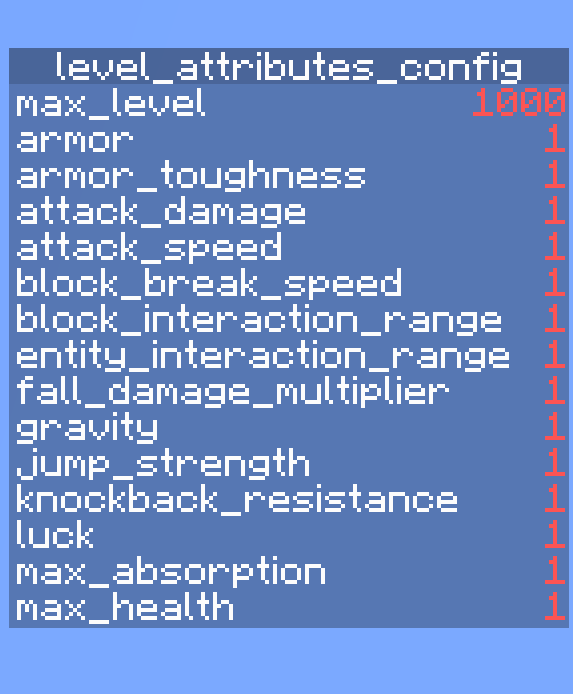
Enabling/disabling Attributes
Enabling an attribute links it to your current xp level while disabling unlinks it. All attributes are enabled by default.
Enabling: /scoreboard players set <attribute_name> level_attributes_config 1
Disabling: /scoreboard players set <attribute_name> level_attributes_config 0
Setting Custom Max Level
max_level refers to the maximum xp level that each enabled attribute will scale towards. This means the higher the max_level, the slower each attribute increases towards its max value with each xp level gained. The default max_level is set to 1000. To customise it, run /scoreboard players set max_level level_attributes_config <level>. Valid values are integers between 10 and 1,000,000. Setting a value outside this range may break the datapack!
Other Things To Note...
- Run the command
/trigger level_attributes_listto see the current values of all your player's attributes. - If you want to remove the datapack, run the command
/function level_attributes:uninstalland then disable/delete the datapack
This datapack was originally inspired by Level = Border and the newly added attributes in Minecraft Snapshot 23w51a.
- Edition: Minecraft Java
- File type: .jar
- Minecraft versions listed: 1.21.2, 1.21.3, 1.21.4
- How to install: Install the matching mod loader (Forge, Fabric or NeoForge) for your Minecraft version. → Download the .jar. → Put it in the .minecraft/mods folder and launch that loader profile.
- Where to get it: Opens on Modrinth — not every file is mirrored on our own servers.
Install steps are the general flow for this file type — see the MC Java Mods guides for the full walkthrough.
- Downloads as Level-Attributes.zip
- Download size: 14 KB
- Download link checked 1 Sept 2026 — working
These come from our own check of the pack file, not from the source page.