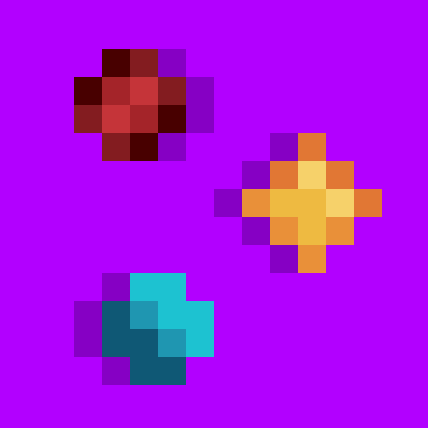
Custom Particles Datapack Library
The Datapack offers developers the ability to add custom particles, enhancing their gameplay experience with visually stunning effects. With extensive control options, you can tailor these particle effects to your liking and have full control over every aspect.
adjusting size, speed, color, and shape to defining how particles interact with entities or blocks - the possibilities are limitless. Whether it's creating gentle floating orbs in a mystical forest or vibrant firework displays lighting up the night sky, custom particles datapack empower you to transform your Minecraft world into an immersive visual masterpiece!
Getting Started
You can get started by reading types and arguments below and modifying following command to your needs: function img:spawn_particle {speed:10,billboard:center,item:redstone,despawn_value:40,custommodeldata:0,state:spread,spread_initial:1,spread_radius:1}
| Particle Types | Description |
|---|---|
| none/anything | Static no movement |
| spread | Spreading particles in random directions |
| falling | Dripping or falling particles |
| floating | Floating or flying particles |
Note: The proper usage of type spread is to run it repeatedly. The datapack contains example function that is optimized for spread particle usage. Simply open the example function file, remove # at beginning and modify it to your needs
| Arguments | Description |
|---|---|
| speed | Particle's speed |
| billboard | Particle's render type |
| item | Item of displayed particle |
| custommodeldata | custommodeldata of item |
| despawn_value | Time of particle to despawn |
| state | Particle's type |
| spread_initial | Particle's main spread distance |
| spread_radius | Particle's max spread distance |
- BisectHosting Is Minecraft Server Hosting That Proves Players With an Easy and Affordable Way to Hoster their Minecraft Server! Get 25% Off For your First Month By Using My Code!

Quick facts
- Edition: Minecraft Java
- File type: .jar
- Minecraft version listed: 1.20.2
- How to install: Install the matching mod loader (Forge, Fabric or NeoForge) for your Minecraft version. → Download the .jar. → Put it in the .minecraft/mods folder and launch that loader profile.
- Where to get it: Opens on Modrinth — not every file is mirrored on our own servers.
Install steps are the general flow for this file type — see the MC Java Mods guides for the full walkthrough.
Verified by MCModsHub
- Downloads as Custom Particles Library.zip
- Download size: 3 KB
- Download link checked 5 Sept 2026 — working
These come from our own check of the pack file, not from the source page.