
Custom Team Manager
I don't know my version or loader
English
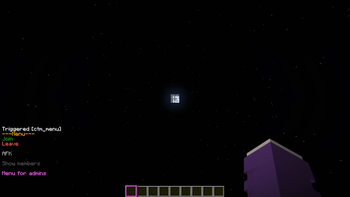
Menu
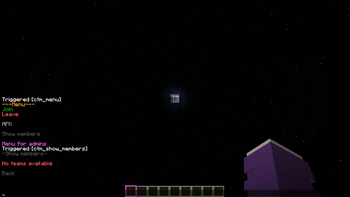
With the command /trigger ctm_menu you can open the menu
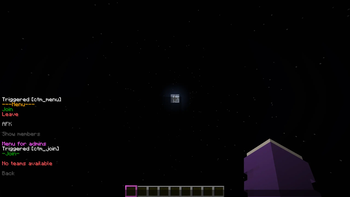
Join
All teams are listed. Just click on the team you want to join
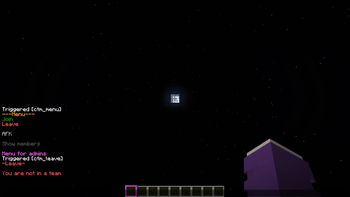
Leave
Uh yeah you leave the team
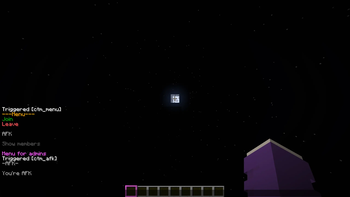
AFK
You join in the AFK team. When you change your rotation, you either join your team you was before or just the AFK team.
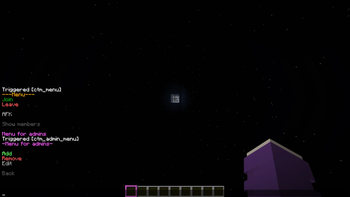
Menu for admins
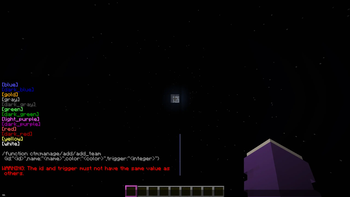
Add
Click on a color for suggesting you the command in the chat. Fill the other 3 arguments.
/function ctm:manage/add/add_team {id:"", name:"", color:"color", trigger:""}
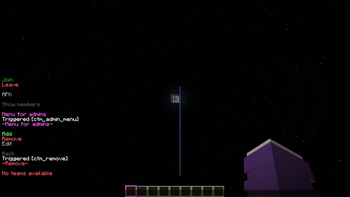
Remove
Select one team, you will get suggested a command for deleting it
Edit
You can edit following arguments:
- name (and the color)
- suffix (and the color)
- player color
- trigger
You cannot edit the id. For that you have to delete and recreate it.
Version 1.0.0Menu
The command opens the menu. You can execute it by clicking on the respective text.
/trigger customteammanager_menu

Join

The teams that have been created are listed, and you can join the respective team by clicking on it again.
Leave
You can only leave your current team by clicking on “Leave current team.”
Add team
Only admins can create a team.
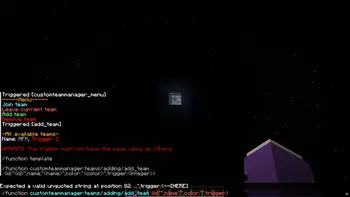
You can click on the template and the /function will be suggested, where you only need to insert the information in the curly brackets.
It is important not to use the same trigger value, as this could lead to confusion in the “code”.
A suffix is created for this purpose -> [] This is displayed after the name.
Remove team
Click on the template and then enter the ID of the team you want to delete.
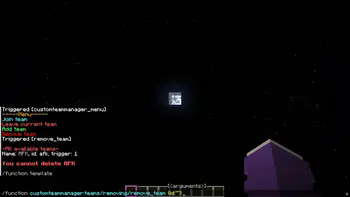
I still plan to add a feature that allows users to edit teams so that they don't have to delete them just because they made a mistake.
I also plan to add a feature that allows users to edit the suffix.
- Edition: Minecraft Java
- File type: .jar
- Minecraft versions listed: 1.21.5, 1.21.6, 1.21.7
- How to install: Install the matching mod loader (Forge, Fabric or NeoForge) for your Minecraft version. → Download the .jar. → Put it in the .minecraft/mods folder and launch that loader profile.
- Where to get it: Opens on Modrinth — not every file is mirrored on our own servers.
Install steps are the general flow for this file type — see the MC Java Mods guides for the full walkthrough.
- Downloads as CustomTeamManager-v1.21.5-26.1.2.zip
- Download size: 69 KB
- Download link checked 5 Sept 2026 — working
These come from our own check of the pack file, not from the source page.