
Potato's Potater Bombs
I don't know my version or loader
Potato's Potater Bombs
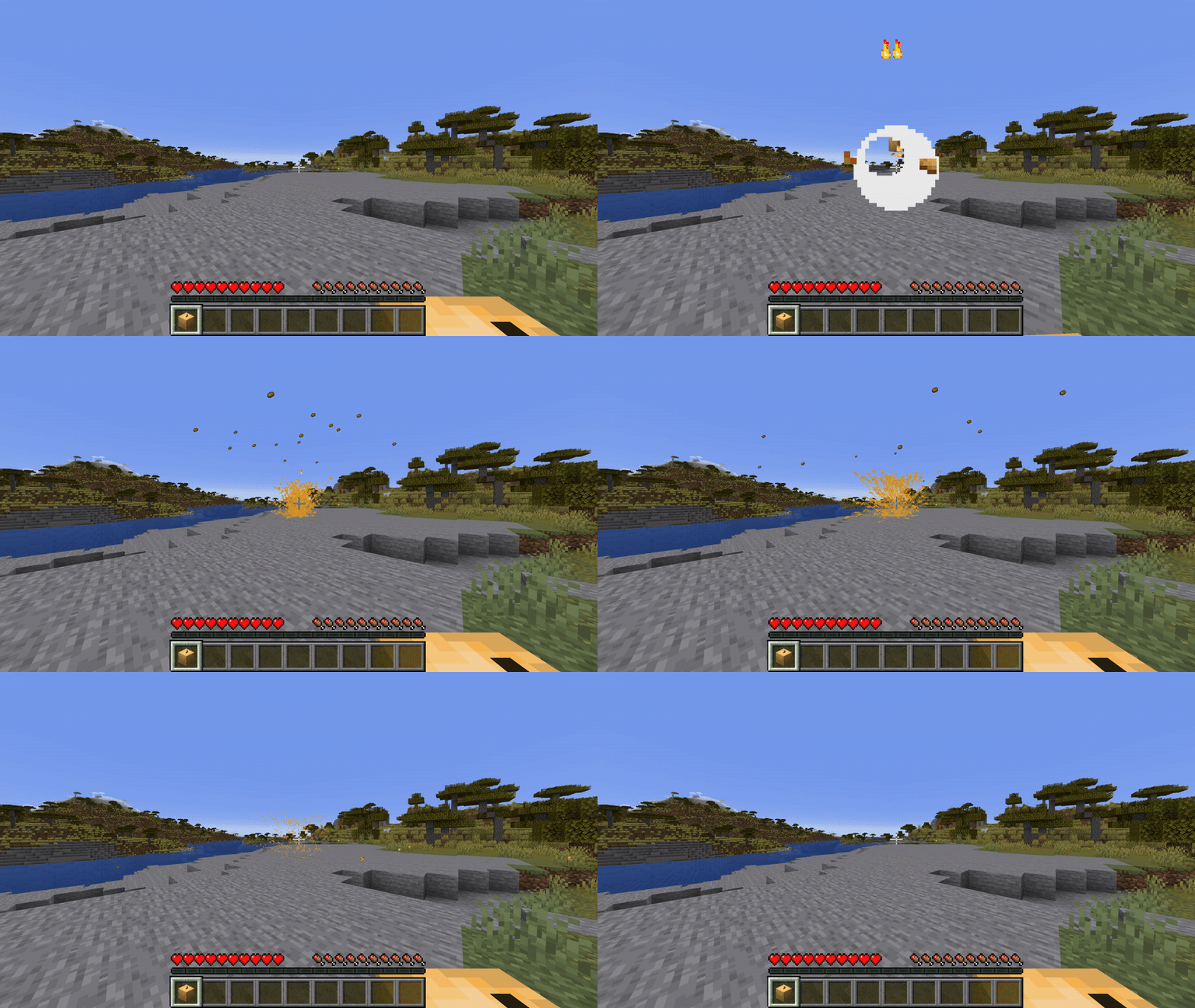
Potato's Potater Bombs is a Datapack with a new take on the so often used throwable bombs in mods. Potater Bombs goal is to be as user friendly as possible for the average player, well still providing depth for players who wish to make use of the more advanced features.
This Datapack has no resource pack!
Potater Basics
Potater Bombs are easy to make with a few simple steps
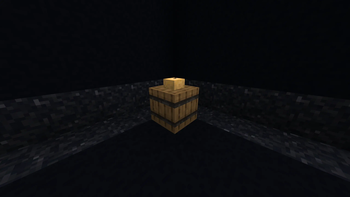
- First make a Potater Station by throwing a potato on an empty barrel anywhere in the world.
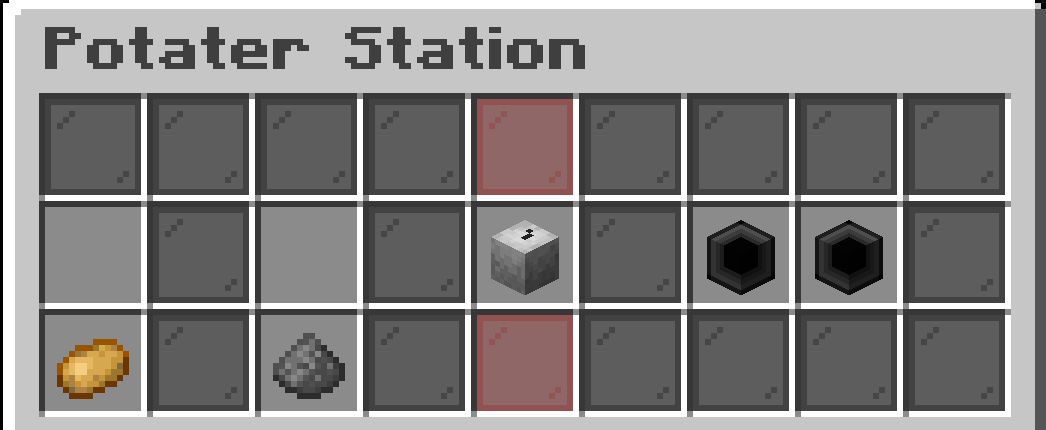
- Then open the Potater Station, you should see something that looks like this:
- In order to make your first Potater you are going to need gunpowder and normal potatoes. Then put them above their indicated slots.
- Once that is complete you should see the grayscale Potater then gain color, you can take that out and claim your Potater Bomb.
Using Potaters
Using a Potater Bomb is as simple as holding it and left clicking! Notice it loses durability in it's description whenever it gets used.
Potater Bombs do not destroy blocks, TNT still needs to have a purpose and this makes sure it does.
Modifying
During the Potater creation process you can modify the end result by using certain items or increasing the quantity of the base ingredients.
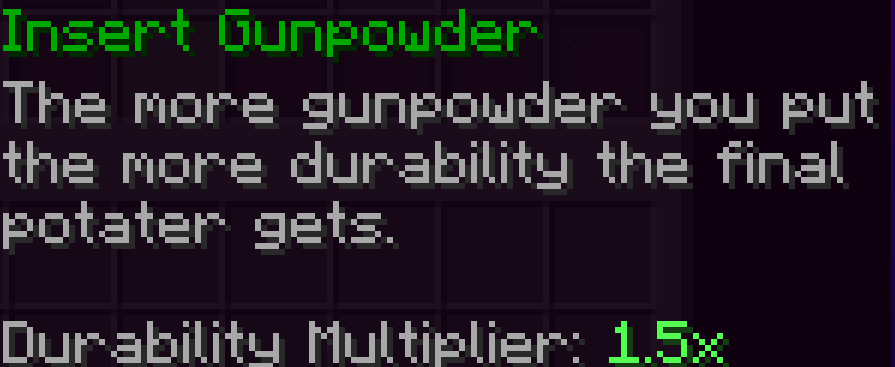
Increasing the quantity of the basic ingredients gives your Potater more durability! Potatoes increase the durability of a Potater at a rate of 1x, while Gunpowder increases it at a rate of 1.5x! Up to a max of 182 durability to a Potater!
Modifier Slots
This is the main thing that sets this throwable bombs idea apart from others. You can modify the Potaters you make using these. Sometimes completely changing the functionality.
To add modifiers to the Potater head over to your Potater station and insert any of the allowed items the modifier slot says. Currently these items are:
- Baked Potatoes
- Poisonous Potatoes
- Redstone Dust
Modifiers can be taken out by just clicking the modifier slot again.
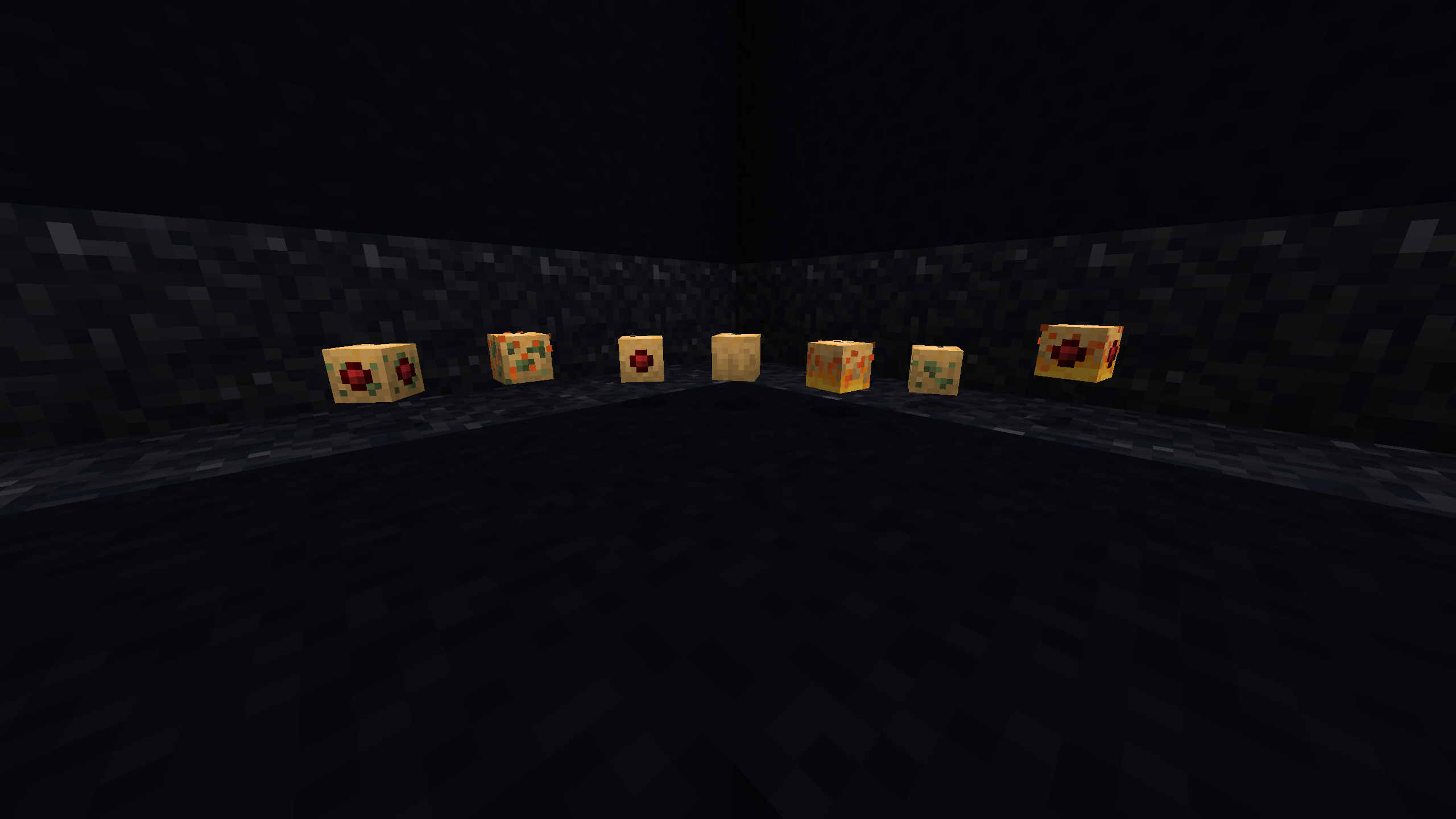
Experiment to see what combinations do!
- Edition: Minecraft Java
- File type: .jar
- Minecraft versions listed: 1.19, 1.19.1, 1.19.2
- How to install: Install the matching mod loader (Forge, Fabric or NeoForge) for your Minecraft version. → Download the .jar. → Put it in the .minecraft/mods folder and launch that loader profile.
- Where to get it: Opens on Modrinth — not every file is mirrored on our own servers.
Install steps are the general flow for this file type — see the MC Java Mods guides for the full walkthrough.
- Downloads as PotatosPotaterBombs.zip
- Download size: 100 KB
- Download link checked 5 Sept 2026 — working
These come from our own check of the pack file, not from the source page.