
Otherworldly Ornaments
Find ornaments stemming from other worlds that provide you with unique buffs and allow you to travel to their dimension
⬇ Download on Modrinth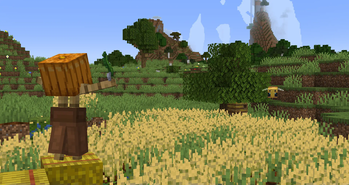
Otherworldly Ornaments
Find ornaments stemming from other worlds that provide you with unique buffs and allow you to travel to their dimension
This data pack was made for Data Pack Jam 11 within a week
Warning: ⚠ This pack only works in 24w06a or 24w07a ⚠


Obtaining an Ornament
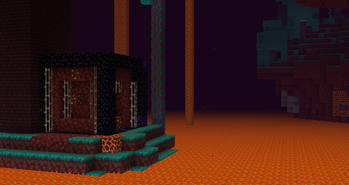
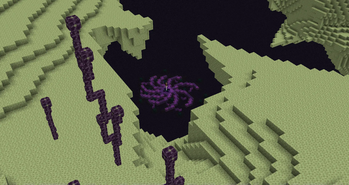
Each ornament can be found in a structure in it's respective dimension. All ornaments of dimensions you can't travel to by regular means, can also be found in the overworld.
Ornaments
Ornaments activate their effect when held in the offhand.
If you right click with an active ornament, you switch between it's dimension and the overworld.


Droughtstride
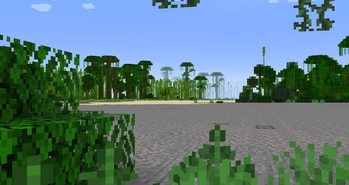
As you lose saturation, your speed increases but your jump height decreases.
Alpgrow
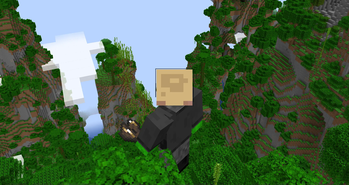
As you scale mountains, you grow to their size. As you dive into the depths, you shrink.
Quickscorch
Increase mining speed as you mine but your tool will start to burn your hands.
Voidfall
Falling into the void shatters all your gear but you reappear high up in the sky unharmed.
New Dimensions
Every ornament allows you to travel to it's dimension, for some ornaments, new dimensions are added.
Amplified
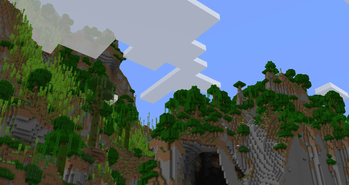
In this dimension the terrain is amplified, like the world generation type you can select when generating the world. All biomes and structures are in the same location as they are in the overworld.
Superflat
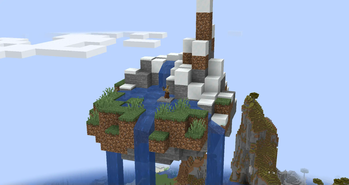
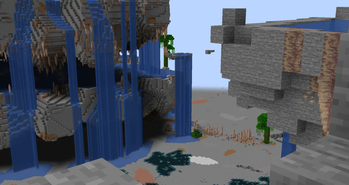
In this dimension, all surface blocks are at y=63 creating an almost perfectly flat dimension. This causes oceans to be dry land and mountains to be a stoney surface with floating aquifers. All biomes and structures are in the same location as they are in the overworld.
Technical Info
Read this section if you want to test the pack or modify things about it.
Locate a newly added Structure
To locate a structure near you, you can run the following command in chat:
locate structure psdpj11:<...>
Give yourself the Ornaments
To get one of the Ornaments, you can run the following command in chat:
loot give @s loot psdpj11:artifact/<...>
Modify what Biomes/Dimension the Structures Spawn in
You can simply add or remove biomes from the tags located at:
/data/psdpj11/tags/worldgen/biome/<...>.json
Modify how often the Structures Spawn
To make the structures more or less common, you can change the "spacing" and "separation" in the files located at:
/data/psdpj11/worldgen/structure_set/<...>.json
Higher values make the structure spawn less frequently.




- Edition: Minecraft Java
- File type: .jar
- Minecraft versions listed: 24w06a, 24w07a
- How to install: Install the matching mod loader (Forge, Fabric or NeoForge) for your Minecraft version. → Download the .jar. → Put it in the .minecraft/mods folder and launch that loader profile.
- Where to get it: Opens on Modrinth — not every file is mirrored on our own servers.
Install steps are the general flow for this file type — see the MC Java Mods guides for the full walkthrough.
- Downloads as OtherworldlyOrnaments-v1.0.0.zip
- Download size: 233 KB
- Download link checked 7 Sept 2026 — working
These come from our own check of the pack file, not from the source page.