
Digital Clocks
I don't know my version or loader
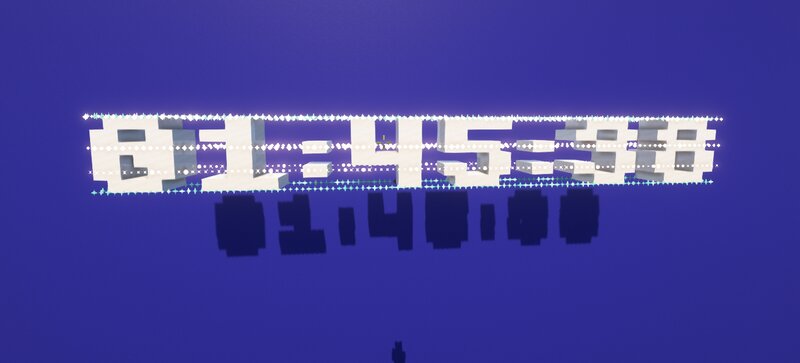
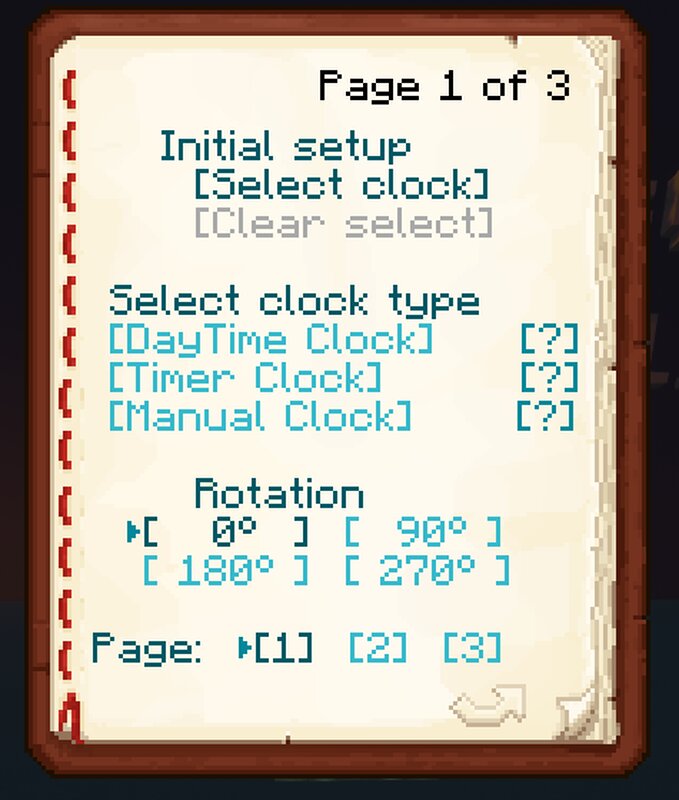
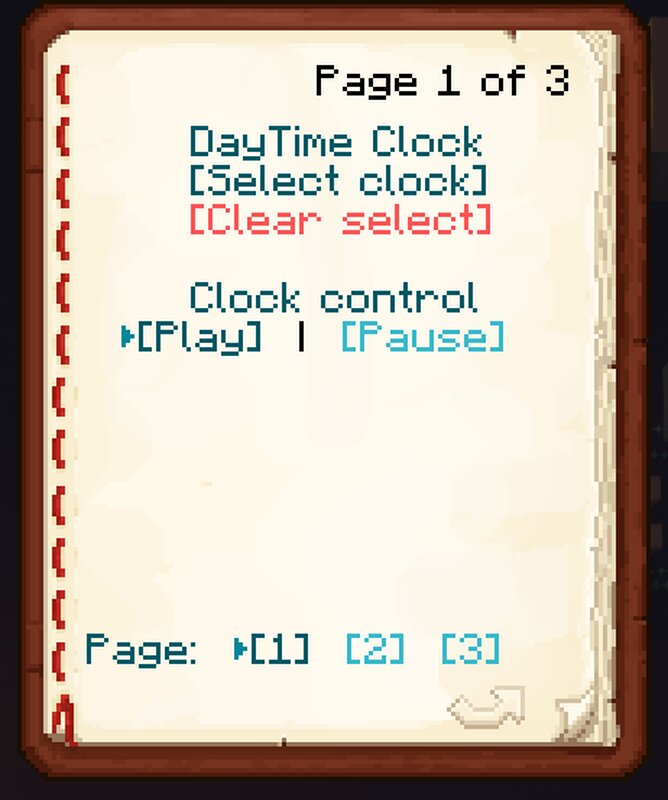
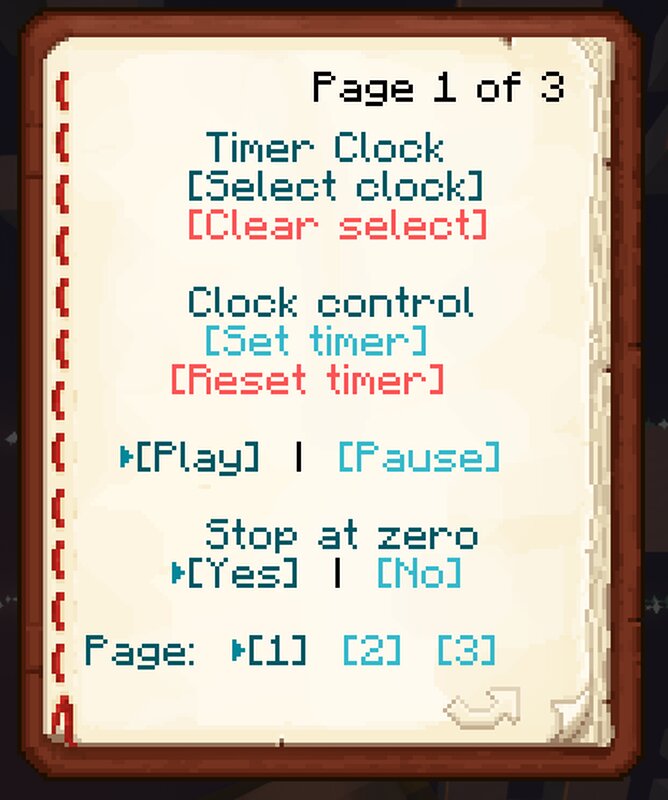
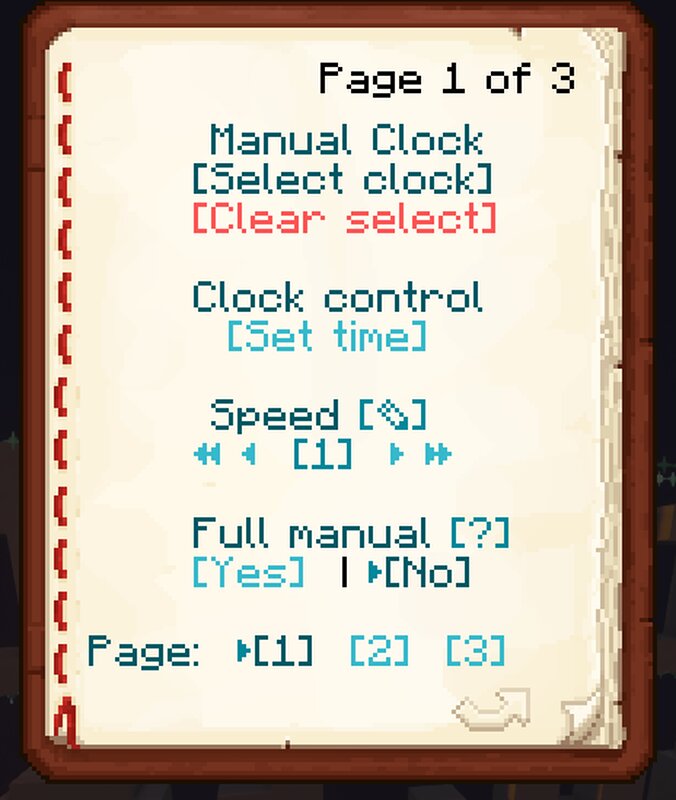
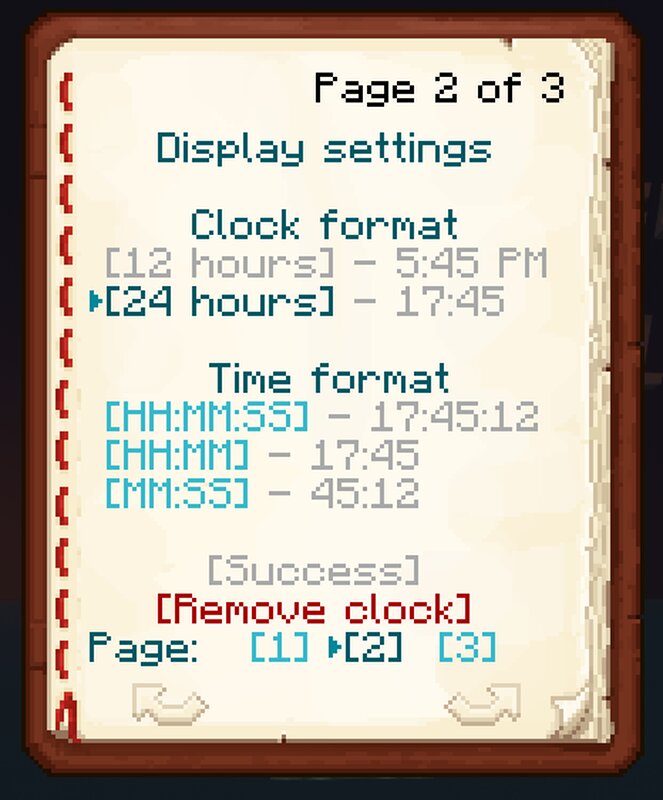
This datapack adds a digital clock to Minecraft.
There are several types of clocks:
- Clock of in-game time - displays the current time inside the game in a convenient 24-hour format
- Timer - can be used for any competitive games to conveniently display the remaining time
- Customizable manual clock - set the displayed time manually
Use this command to get the clock:
/loot give @s loot clocks:clock
The clock is managed using a dynamically changing book that displays all the current settings of the selected clock. Each clock works independently of each other.
The datapack also supports translation into other languages. To do this, you just need to place one function with its translation in the data\clocks\functions\translate folder of the datapack, and after reloading the datapack, it is enough to update the list of translations inside the dynamic book.
Let me know if you see any inaccuracies in the translation.
This datapack is not intended for survival mode.
- Edition: Minecraft Java
- File type: .jar
- Minecraft versions listed: 1.20, 1.20.1
- How to install: Install the matching mod loader (Forge, Fabric or NeoForge) for your Minecraft version. → Download the .jar. → Put it in the .minecraft/mods folder and launch that loader profile.
- Where to get it: Opens on Modrinth — not every file is mirrored on our own servers.
Install steps are the general flow for this file type — see the MC Java Mods guides for the full walkthrough.
- Downloads as Clocks v0.9.zip
- Download size: 526 KB
- Download link checked 7 Sept 2026 — working
These come from our own check of the pack file, not from the source page.