
TurtleCraft
A data pack that adds programmable turtles in vanilla Minecraft. Create your own programs with a chat menu and have them work for you!
I don't know my version or loader
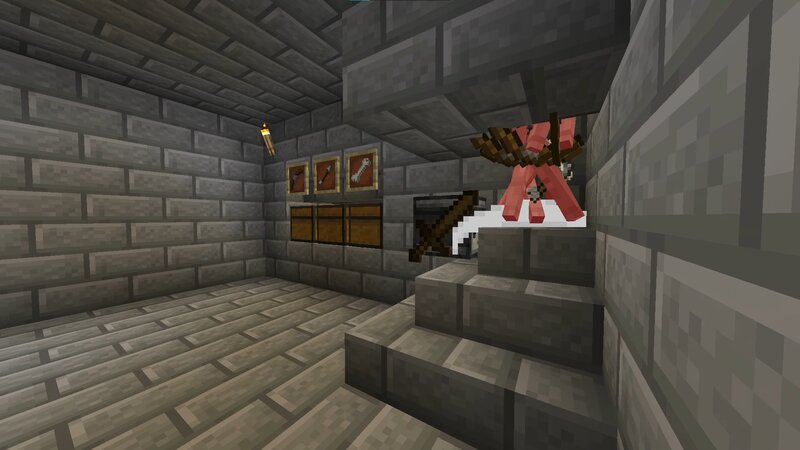
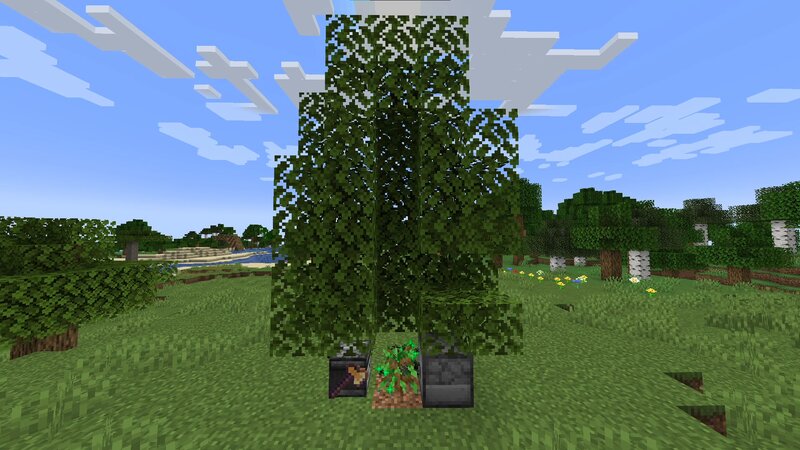
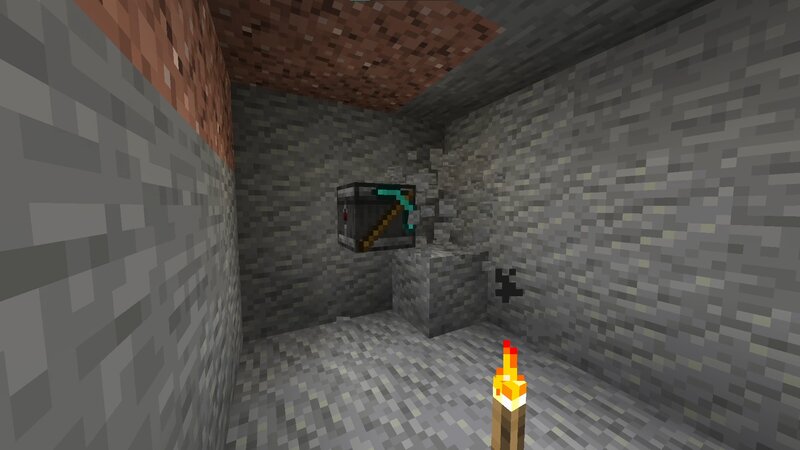
TurtleCraft
This Minecraft data pack adds turtles that can be programmed to automate tasks, inspired by the "ComputerCraft" mod. You can use a chat menu to create your own programs or load some of the examples!
TurtleCraft can be installed in servers and includes features designed for multiplayer interactions. It supports multiple turtles running simultaneously on a small server and, for larger scales, there are multiple performance options that can be adjusted in-game.
If you find an issue or have a suggestion, you can create an issue or join the Discord server. You can also use this server to share programs or just chat! You can contribute directly by creating a pull request on GitHub.
Features
- Turtles that can be programmed to automate tasks
- Support for multiple turtles working together
- In-game program editor using chat menus
- Basic instructions for mining, farming, building, etc.
- Advanced instructions for conditions, loops and variables
- Export and share your programs with others
- An inventory system, allowing turtles to interact with items and blocks
- Support for equipped tools, allowing turtles to use them in their tasks
- Customization options for the turtle's appearance and behavior
- Performance options to optimize the data pack for your use
- A detailed wiki with examples and tutorials
Getting Started
To start using the data pack, you'll need a turtle. You can craft an egg using the recipe below:
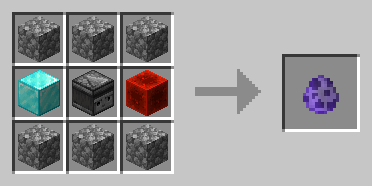
Hit the turtle (left-click) to open its menu, where you can create your own programs:
Turtle Menu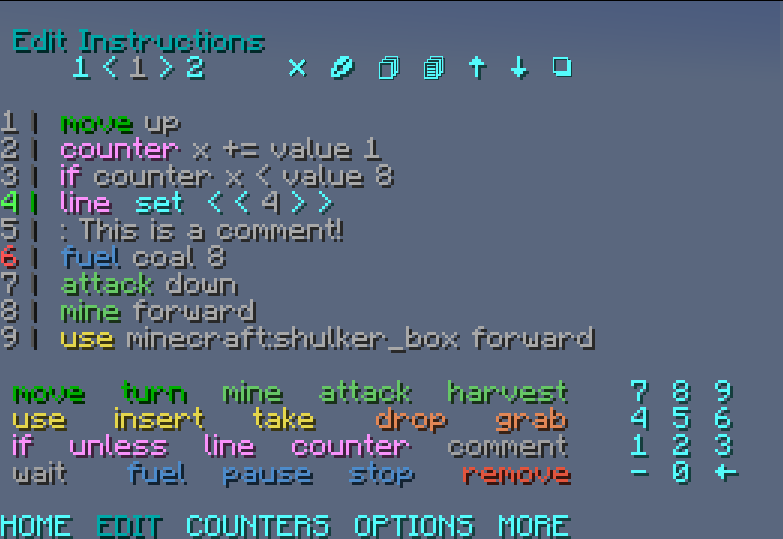
You can find examples and tutorials on the GitHub Wiki and this Introduction video.
Compatibility Notes
- Made for Minecraft Java Edition, from 1.19.4 to 1.21.8
- Every scoreboard objective, tag and data storage uses the
turtlecraftprefix - Blocks at
10028 0 10028and10028 1 10028in every vanilla dimension are replaced with bedrock when the data pack needs to use them. These chunks are force loaded - Not compatible with custom dimensions
- Edition: Minecraft Java
- File type: .jar
- Minecraft versions listed: 1.21.7, 1.21.8
- How to install: Install the matching mod loader (Forge, Fabric or NeoForge) for your Minecraft version. → Download the .jar. → Put it in the .minecraft/mods folder and launch that loader profile.
- Where to get it: Opens on Modrinth — not every file is mirrored on our own servers.
Install steps are the general flow for this file type — see the MC Java Mods guides for the full walkthrough.
- Downloads as TurtleCraft-1.2.2.zip
- Download size: 271 KB
- Download link checked 7 Sept 2026 — working
These come from our own check of the pack file, not from the source page.