

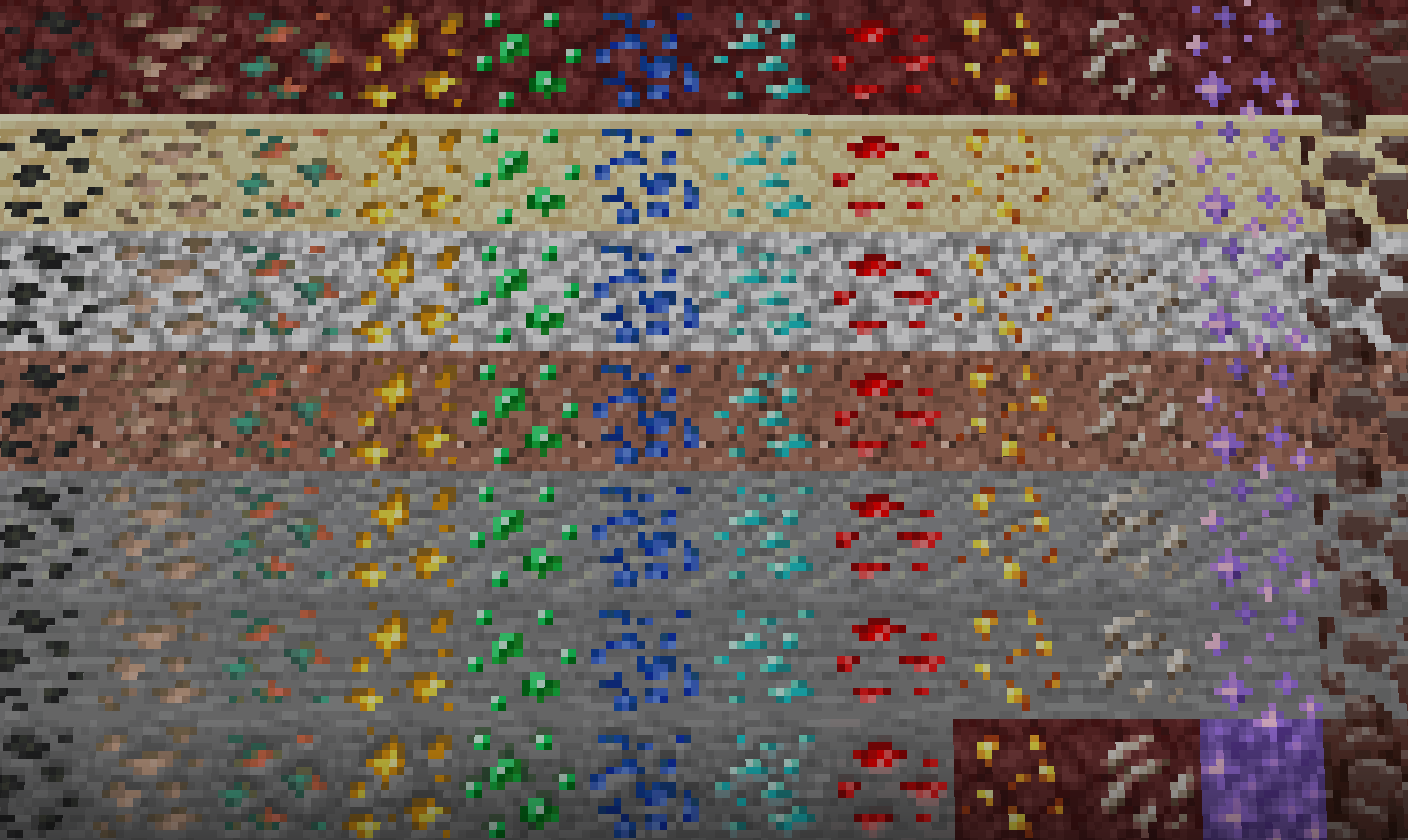
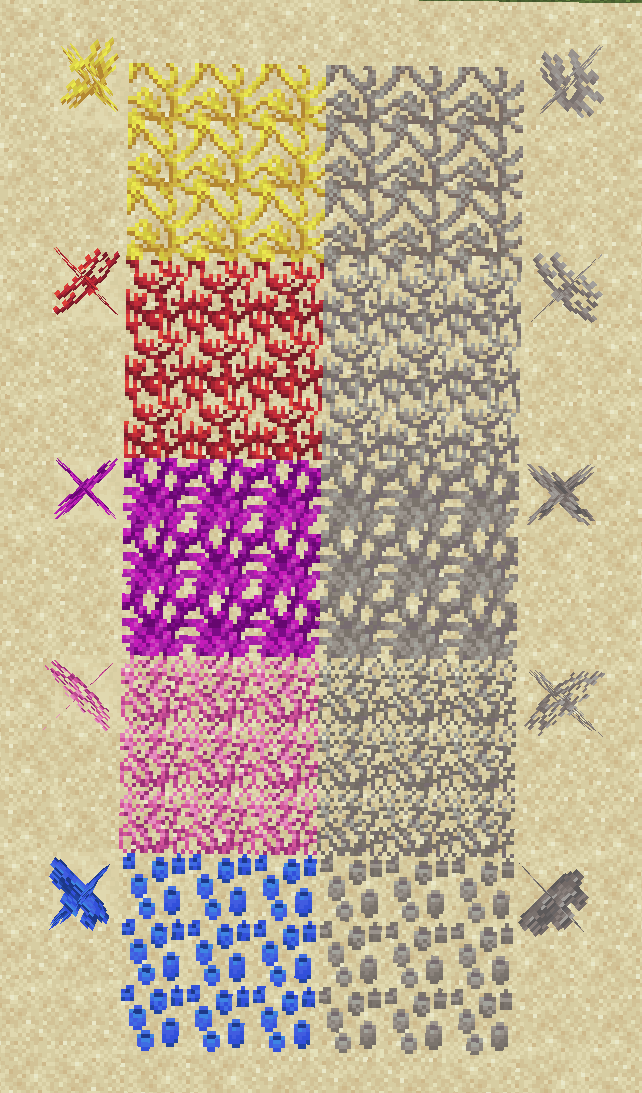
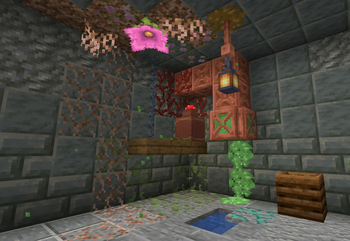
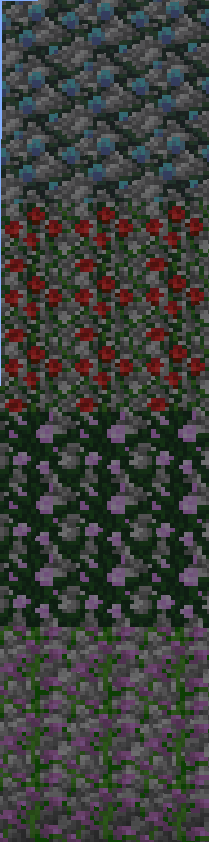
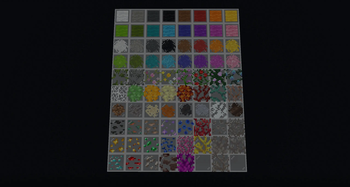
Textures++ adds over 20,000 combinations of textures to Minecraft in a survival-friendly, true-to-vanilla way. If you try adding multiple textures to a single block, the number of combinations reaches over one googol.

Description
Textures++ adds 76 new textures that work like resin clumps—placed on the sides of a block—to spruce up (or, more accurately, moss up) your builds. Using the pack couldn't be easier: just hold a valid item and right click the side of a block to apply a texture. Don't like the texture you placed? Just break the block the texture is sitting on or scrape the texture off with your sword.
The following textures can be added to any full block:
- Moss
- Pale moss
- Pink petals
- Wildflowers
- Lilac vines
- Rose bush vines
- Peony vines
- Weeping vines
- Twisting vines
- Pitcher plant vines
- Cobweb
- Slime ball
- Honey block
- Sulfur spike
- Magma cream
- Hanging roots
- Dirt
- Gravel
- Sand
- Red sand
- Mud
- Clay
- Snow
- Soul Sand
- Ancient debris
- Coal
- Raw iron
- Raw copper
- Raw gold
- Gold nugget
- Emerald
- Lapis lazuli
- Diamond
- Redstone dust
- Quartz
- Amethyst shard
- All corals/dead corals (x10)
- All concrete powders (x16)
- All wool variants (x16)
Notes
Placing Textures

Right clicking any face of a block should apply its texture to that face of the block.
- If the texture isn't placed where you expected, make sure you're facing exactly in the direction you'd like the texture to be placed. For example, look straight down to place a texture on the top side of the block.
- If the texture is being placed behind the block you expected, make sure the block you're targeting is a full block. Textures can't be placed on things like slabs or stairs.
- If the item in your hand is being placed as a block instead of a texture, get closer to the block. Some of the items already have place functionality, so you'll need to put yourself in a position where the block can't be placed.
Removing Textures
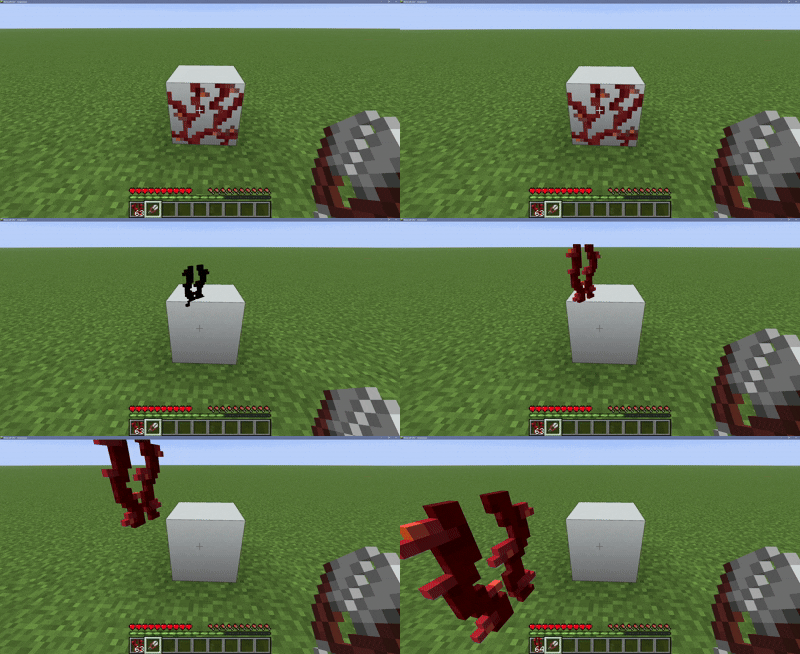
Breaking the block a texture is sitting on will remove all textures from that block. If you want to be more specific, right click any face of a block with shears to scrape only nearby textures off.
Offhand
As of version 1.1.0, you are no longer able to place/remove textures while holding a shield or any other tool with right-click functionality in your offhand. This is to prevent the player from being unable to shield while holding a sword.
Performance
Will adding this datapack to your world impact performance? Not really! Issues begin occuring when roughly 250,000 textures are being rendered at once, or at roughly 60,000 textures if every texture is the same. While this pack offers a lot of potential for decoration, it's hard to reach the limit! Having other datapacks installed will lower the texture limit.
- Edition: Minecraft Java
- File type: .jar
- Minecraft version listed: 26.2
- How to install: Install the matching mod loader (Forge, Fabric or NeoForge) for your Minecraft version. → Download the .jar. → Put it in the .minecraft/mods folder and launch that loader profile.
- Where to get it: Opens on Modrinth — not every file is mirrored on our own servers.
Install steps are the general flow for this file type — see the MC Java Mods guides for the full walkthrough.
- Downloads as Textures++ Datapack v26.2.zip
- Download size: 606 KB
- Download link checked 8 Sept 2026 — working
These come from our own check of the pack file, not from the source page.