DatapacksJava
Mannequin-Stand
Java data pack listed for Minecraft 26.x. Downloads from the MC Java Mods app on Android.
⬇ Download on Modrinth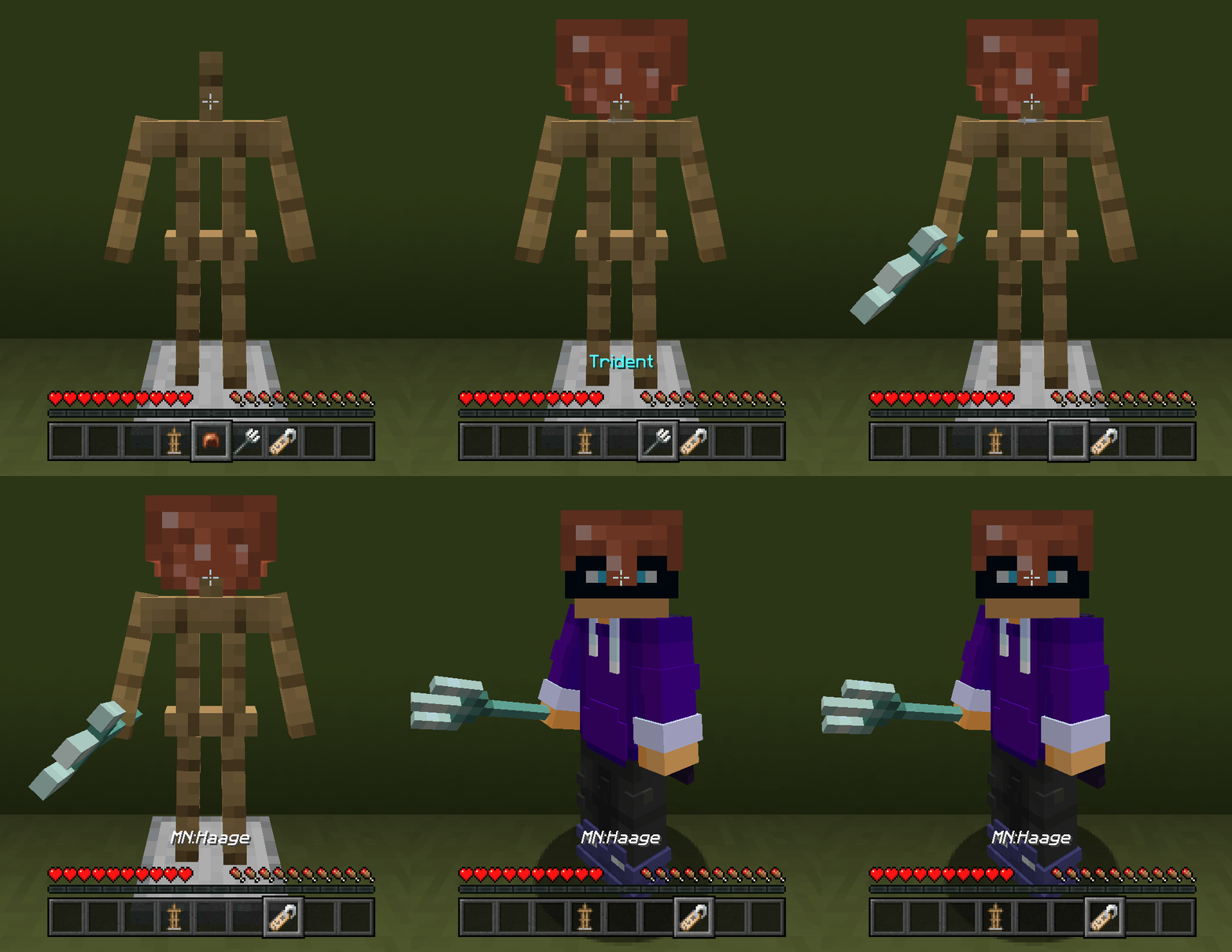

Mannequin Stand
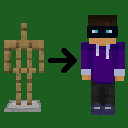
Summon a mannequin using a player's skin by naming an armor stand with a name tag.
How to Use
Rename an armor stand to:
MN:<playername>
Examples
- MN:Steve
- MN:Haage
- MN:Jeb_
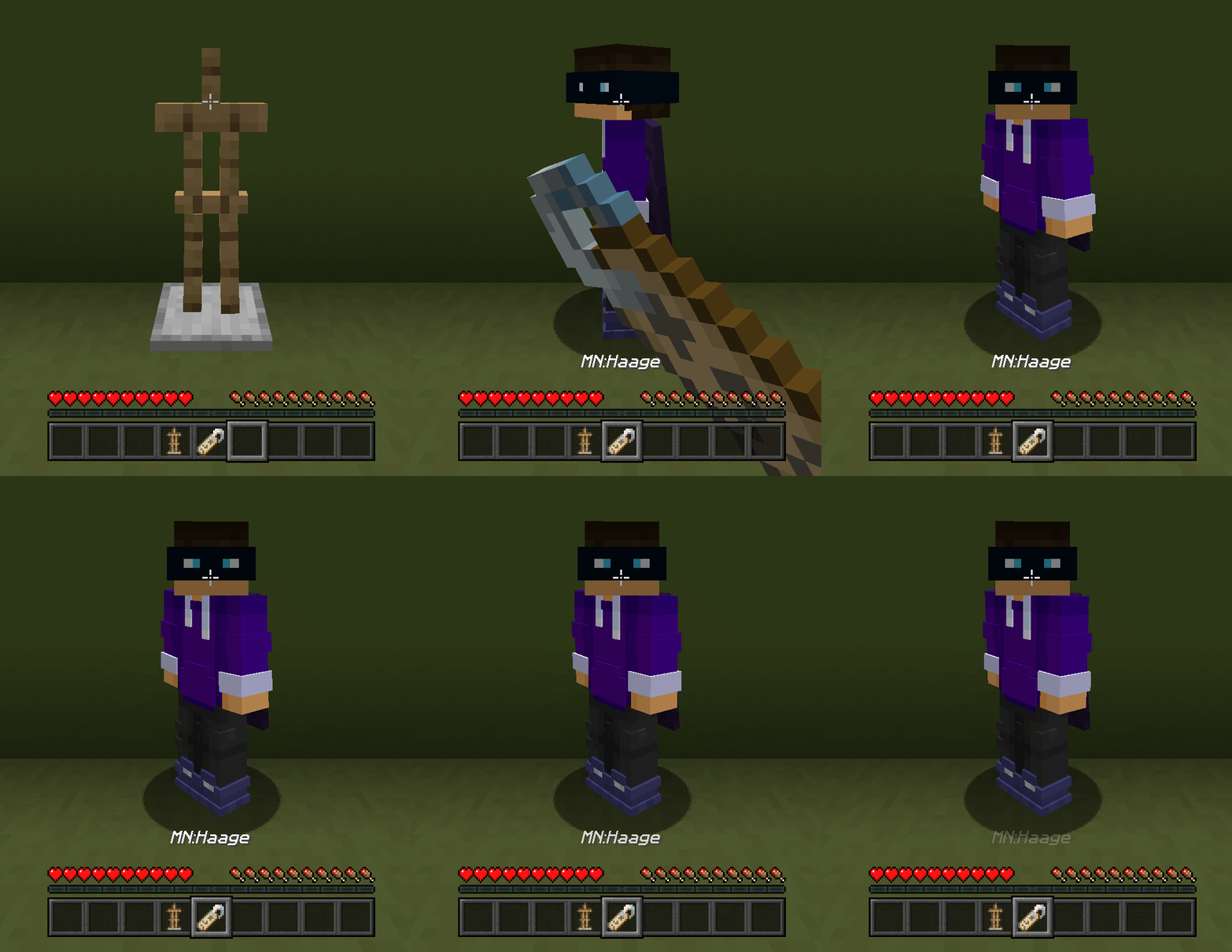
On the next tick, the datapack replaces that armor stand with a mannequin summoned using that player's profile.
Help
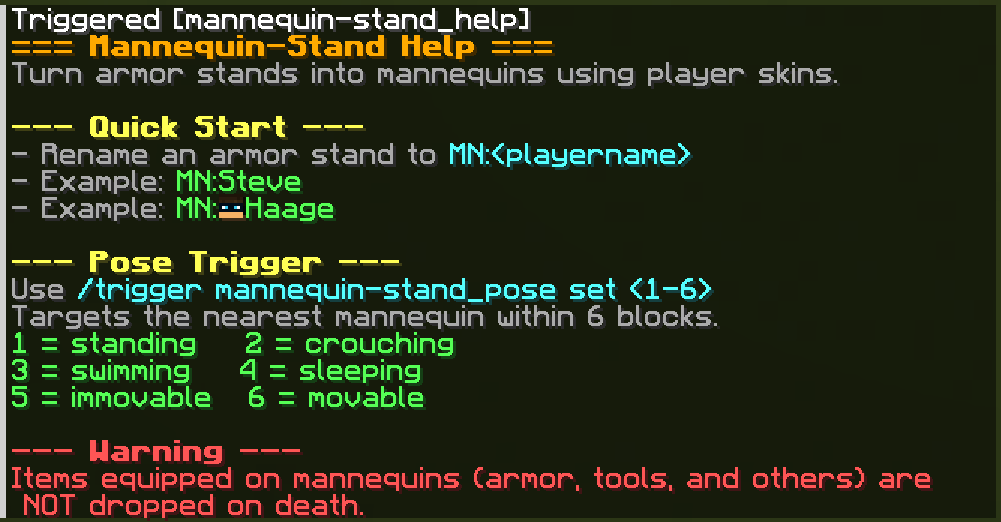
Use this command anytime for in-game help:
/trigger mannequin-stand_help
Features
- Summon mannequins with player skins
- Matches the direction the armor stand's facing
- Copies the armor stand's equipment
⚠️ Warning
Armor, tools, and other items equipped on mannequins are NOT dropped on death.
Screenshots
Quick facts
- Edition: Minecraft Java
- File type: .jar
- Minecraft versions listed: 26.1, 26.1.1, 26.1.2
- How to install: Install the matching mod loader (Forge, Fabric or NeoForge) for your Minecraft version. → Download the .jar. → Put it in the .minecraft/mods folder and launch that loader profile.
- Where to get it: Opens on Modrinth — not every file is mirrored on our own servers.
Install steps are the general flow for this file type — see the MC Java Mods guides for the full walkthrough.
File checked by MCModsHub
- Downloads as Mannequin-Stand.zip
- Download size: 10 KB
- Download link checked 24 Oct 2026 — working
These come from our own check of the pack file, not from the source page.