
auto0.5HP
I don't know my version or loader
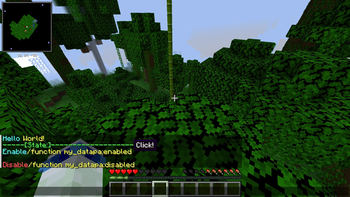
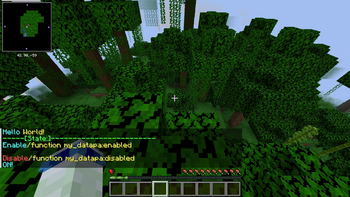
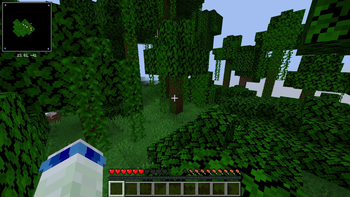
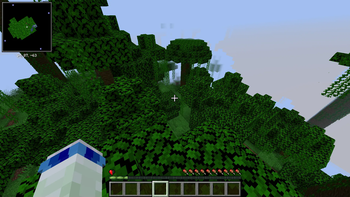
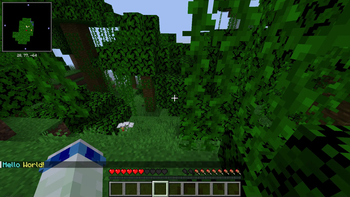
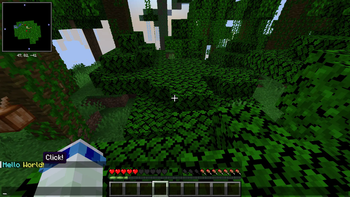
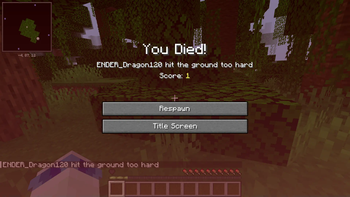
This data pack may be for advanced users.
ver-1.0
After adding the world you want to use, enter the /reload command, click the "world" section, and then click the yellow area. The system will then automatically modify the players in that world.
ver-1.1
After adding the world you want to use, load the world. The system will then automatically apply improvements to the players in that world.
notes From version 1.1 onwards, it will work simply by installing data packs/mods into the world, even without op privileges. This data pack may be for advanced users.
I would like to express my gratitude to Rusk for their cooperation in creating this datapack
- Edition: Minecraft Java
- File type: .jar
- Minecraft versions listed: 1.21, 1.21.1
- How to install: Install the matching mod loader (Forge, Fabric or NeoForge) for your Minecraft version. → Download the .jar. → Put it in the .minecraft/mods folder and launch that loader profile.
- Where to get it: Opens on Modrinth — not every file is mirrored on our own servers.
Install steps are the general flow for this file type — see the MC Java Mods guides for the full walkthrough.
- Downloads as auto0.5HP-Beta-1.1.zip
- Download size: 2.6 MB
- Download link checked 21 Aug 2026 — working
These come from our own check of the pack file, not from the source page.