
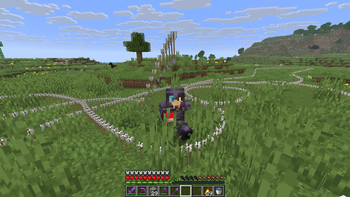
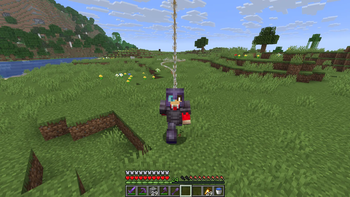
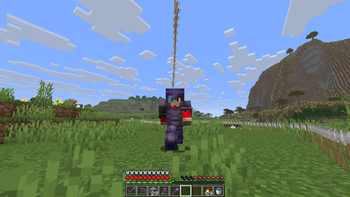
Arrows Dropping Datapack
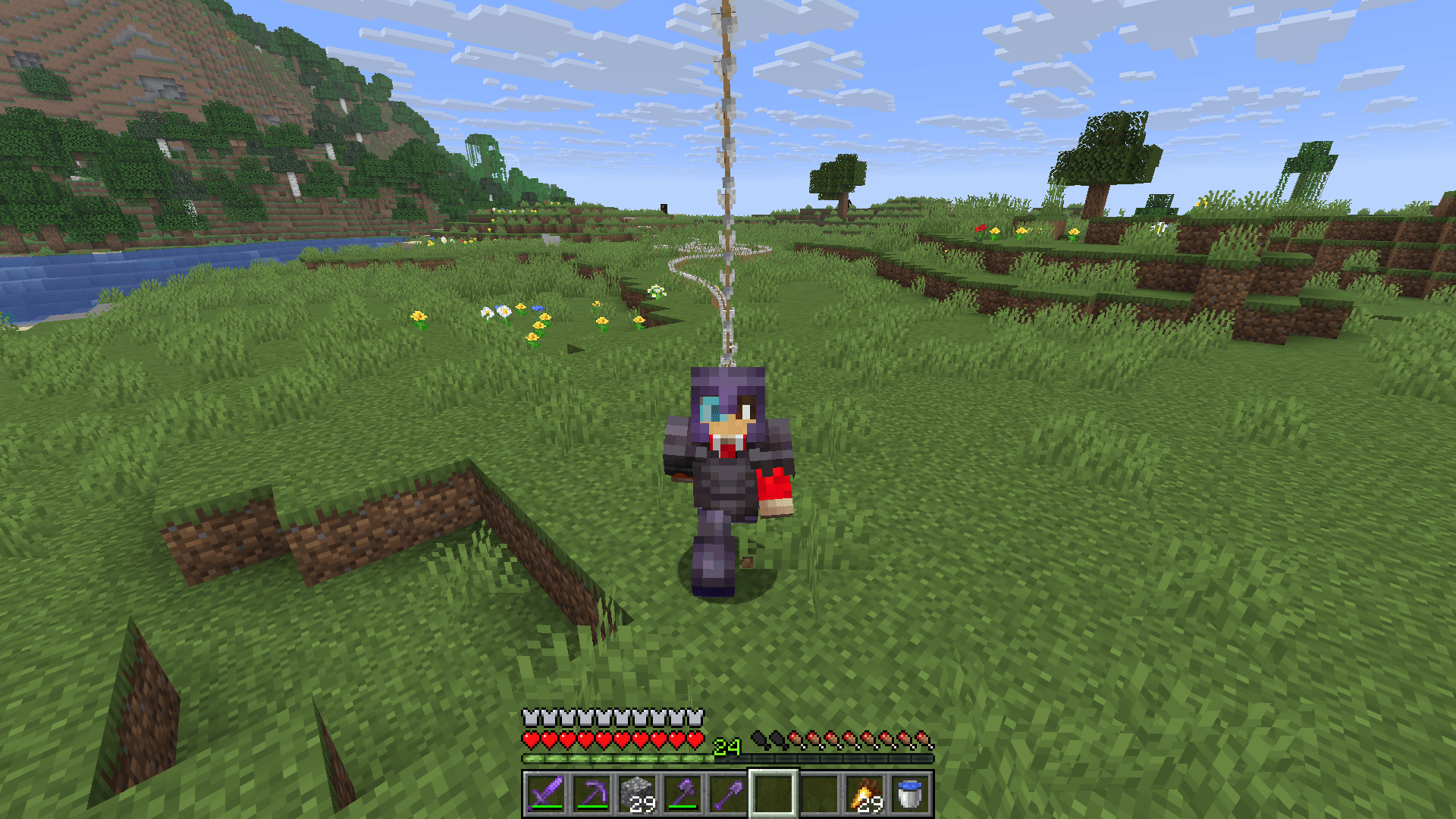
This small challenge datapack spawns arrows above your head, so watch out!
Don't know how to install a datapack?
Check out the wiki article: Minecraft Wiki | How to import a datapack
Installing:
When the datapack is installed and the world is reloaded, it initializes itself automatically:
Spoiler
Datapack commands:
This datapack uses the /function command to control it's behavior.
Start
/function start:arrowsdropping
Stop
/function stop:arrowsdropping
Open config
/function config:arrowsdropping
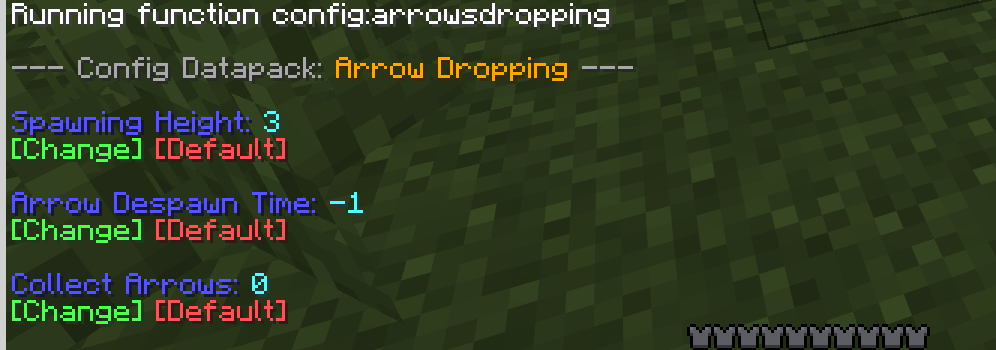
Help
/function help:arrowsdropping
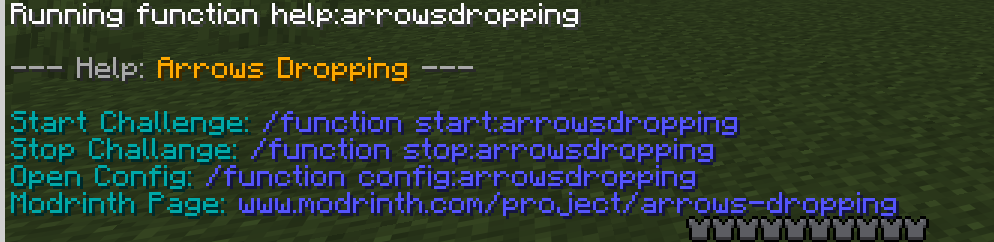
Uninstalling
The datapack automatically removes everything it needs to run and disables itself. Just run:
/function uninstall:arrows_dropping
Known Bugs:
- 1.21.6-1.21.8:
- When you put in the datapack while creating the world it doesn't show the message, but it did initialize!
Quick facts
- Edition: Minecraft Java
- File type: .jar
- Minecraft versions listed: 1.21.6, 1.21.7, 1.21.8
- How to install: Install the matching mod loader (Forge, Fabric or NeoForge) for your Minecraft version. → Download the .jar. → Put it in the .minecraft/mods folder and launch that loader profile.
- Where to get it: Opens on Modrinth — not every file is mirrored on our own servers.
Install steps are the general flow for this file type — see the MC Java Mods guides for the full walkthrough.
Verified by MCModsHub
- Downloads as ArrowsDropping_1.21.6-1.21.11.zip
- Download size: 8 KB
- Download link checked 24 Aug 2026 — working
These come from our own check of the pack file, not from the source page.